
Instagram Ads: A Complete Guide to Formats, Costs & Scaling in 2026
Take a Quick Look
Master Instagram advertising with this complete guide covering ad formats, real costs, audience targeting, and how to safely scale campaigns with multiple accounts.
🔥 Limited-Time Offer! Save extra 10% off on your first monthly plan with code: Anitdetect10
Sign upInstagram Ads: A Complete Guide to Formats, Costs & Scaling in 2026
Instagram advertising has evolved far beyond simple photo promotions. Today, it is a sophisticated ecosystem where brands can run video Reels, ephemeral Stories, and dynamic product catalogs—all from a single dashboard. Whether you are a solo entrepreneur boosting your first post or a performance agency managing dozens of client accounts, understanding the mechanics of the platform is essential to avoid wasted spend and account restrictions.
This guide breaks down every practical aspect of running Instagram ads in 2026. You will learn the distinct ad formats, how to navigate the Meta advertising infrastructure, what real-world costs look like, and how to scale securely when managing multiple ad accounts or client profiles.
Understanding the Instagram Ad Infrastructure
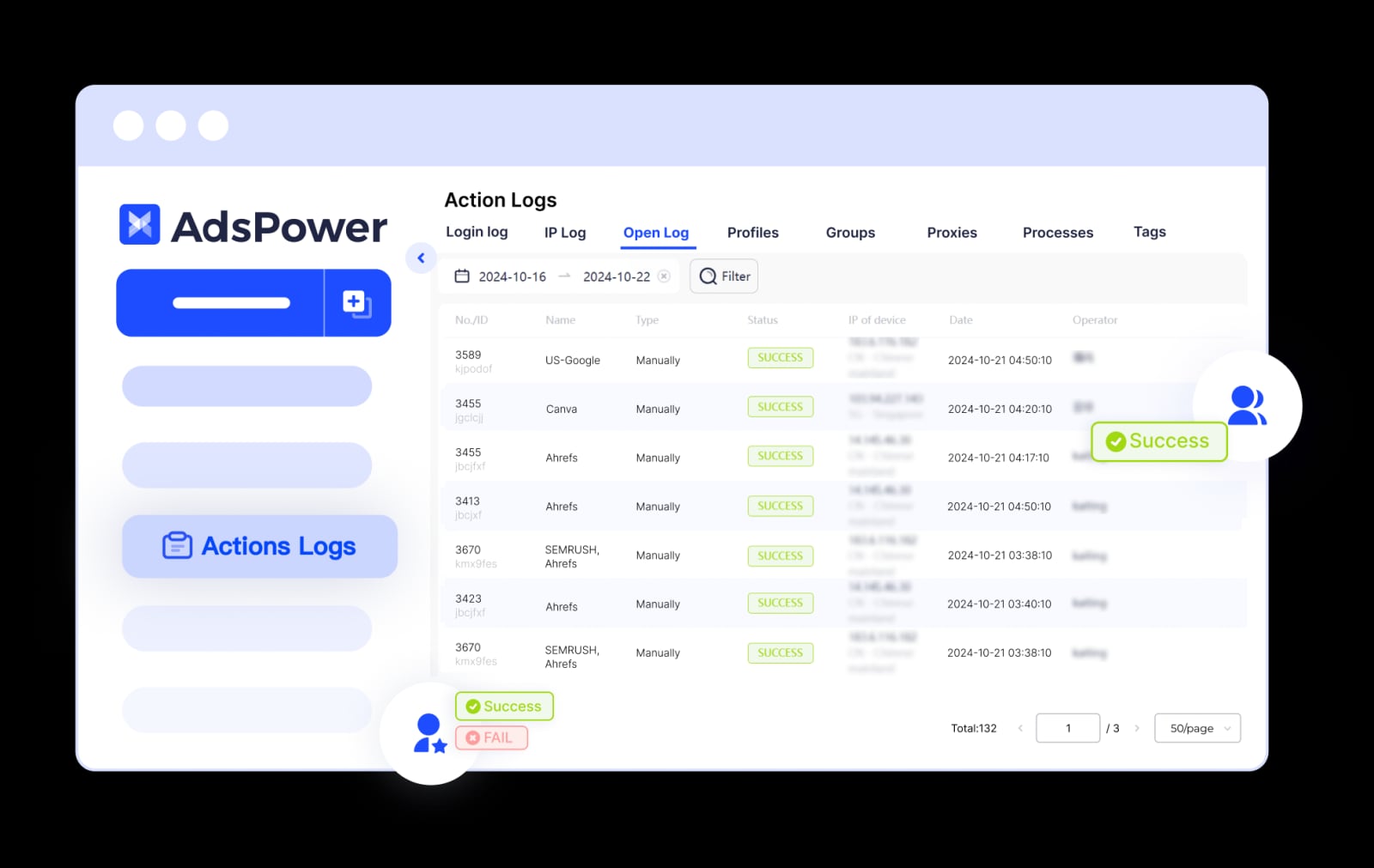
AdsPower product interface.
Before launching a campaign, you need to understand where ads are created and how the underlying systems connect. Instagram advertising is not a standalone tool—it is deeply integrated with Meta’s broader ecosystem.
The Meta Ads Manager Foundation
All sophisticated Instagram advertising runs through Meta Ads Manager. This is the command center where you define objectives, build audiences, set budgets, and measure performance across both Instagram and Facebook. While you can boost a post directly from the Instagram app, Ads Manager unlocks the full Advantage+ automation suite, detailed placement controls, and custom conversion tracking. For any campaign beyond a simple local promotion, Ads Manager is non-negotiable.
Professional Accounts and Business Suite
To access advertising features, you must switch your Instagram profile to a professional account. This connects your profile to Meta Business Suite, where you can schedule organic content, manage permissions, and view unified insights. Linking your Instagram professional account to a Facebook Page is a critical step—it enables cross-platform ad delivery and ensures your brand identity remains consistent. Business Suite also allows you to grant partial access to team members without sharing login credentials, a vital security practice for agencies.
Boosting vs. Ads Manager: When to Use Each
Boosting a post is the simplest entry point. From the Instagram app or instagram.com, you can promote an existing feed post, Reel, or Story with a few taps. The platform automatically optimizes audience and placement. However, boosting has significant limitations: you cannot select detailed custom audiences, access all placement options, or use full-funnel campaign objectives like catalog sales. Use boosting for quick social proof amplification. For performance-driven goals—lead generation, conversions, retargeting—always use Ads Manager.
Instagram Ad Formats and Where They Appear
AdsPower product interface.
Instagram offers a diverse range of placements, each suited to different creative strategies and user behaviors.
Feed Ads
These appear in the main scrolling feed and support single images, carousels, and video. Feed ads work best for storytelling, showcasing product details, and driving traffic to a website. Carousel ads, which let users swipe through up to 10 cards, are particularly effective for ecommerce brands displaying multiple products or a step-by-step narrative.
Stories Ads
Full-screen vertical ads that appear between organic Stories. They are ephemeral by nature, making them ideal for urgent offers, behind-the-scenes content, and swipe-up calls to action. Stories ads support interactive elements like polls and questions, which can boost engagement rates significantly.
Reels Ads
With the platform’s heavy push toward short-form video, Reels ads are now a dominant format. These looped, sound-on vertical videos appear in the Reels tab and feed. The key to Reels advertising is native-looking content—polished, commercial-style videos often underperform compared to authentic, trend-aligned clips.
Explore and Shop Ads
Explore ads place your content in the discovery grid where users browse interests. Shop ads integrate directly with Instagram’s commerce features, allowing users to purchase without leaving the app. For brands with product catalogs, Meta’s Advantage+ catalog ads dynamically show relevant items to users based on their browsing behavior, creating a personalized shopping experience.
Real Instagram Ad Costs and Budgeting
Instagram ad costs are not fixed. They fluctuate based on auction dynamics, audience targeting, and creative quality.
Cost Benchmarks by Objective
On average, cost-per-click (CPC) ranges from $0.50 to $3.00, while cost-per-thousand-impressions (CPM) typically falls between $6.00 and $12.00. However, these numbers shift dramatically by objective. Conversion campaigns tend to have higher CPCs but lower cost-per-acquisition. Awareness campaigns deliver cheaper impressions. A well-optimized retargeting campaign can achieve CPCs under $0.30, while broad cold-audience targeting in a competitive niche might exceed $4.00 per click.
Factors That Influence Your Spend
Your bid strategy, audience saturation, ad relevance diagnostics, and even the time of year all impact cost. Meta’s auction system rewards ads with high quality and engagement rankings. A low-quality ad will pay a penalty in higher costs. Seasonality matters too: advertising costs spike during Q4 holidays. To maintain efficiency, monitor your frequency metric—if the same user sees your ad too many times without converting, your relevance score drops and costs rise.
Scaling Instagram Campaigns with Multiple Accounts
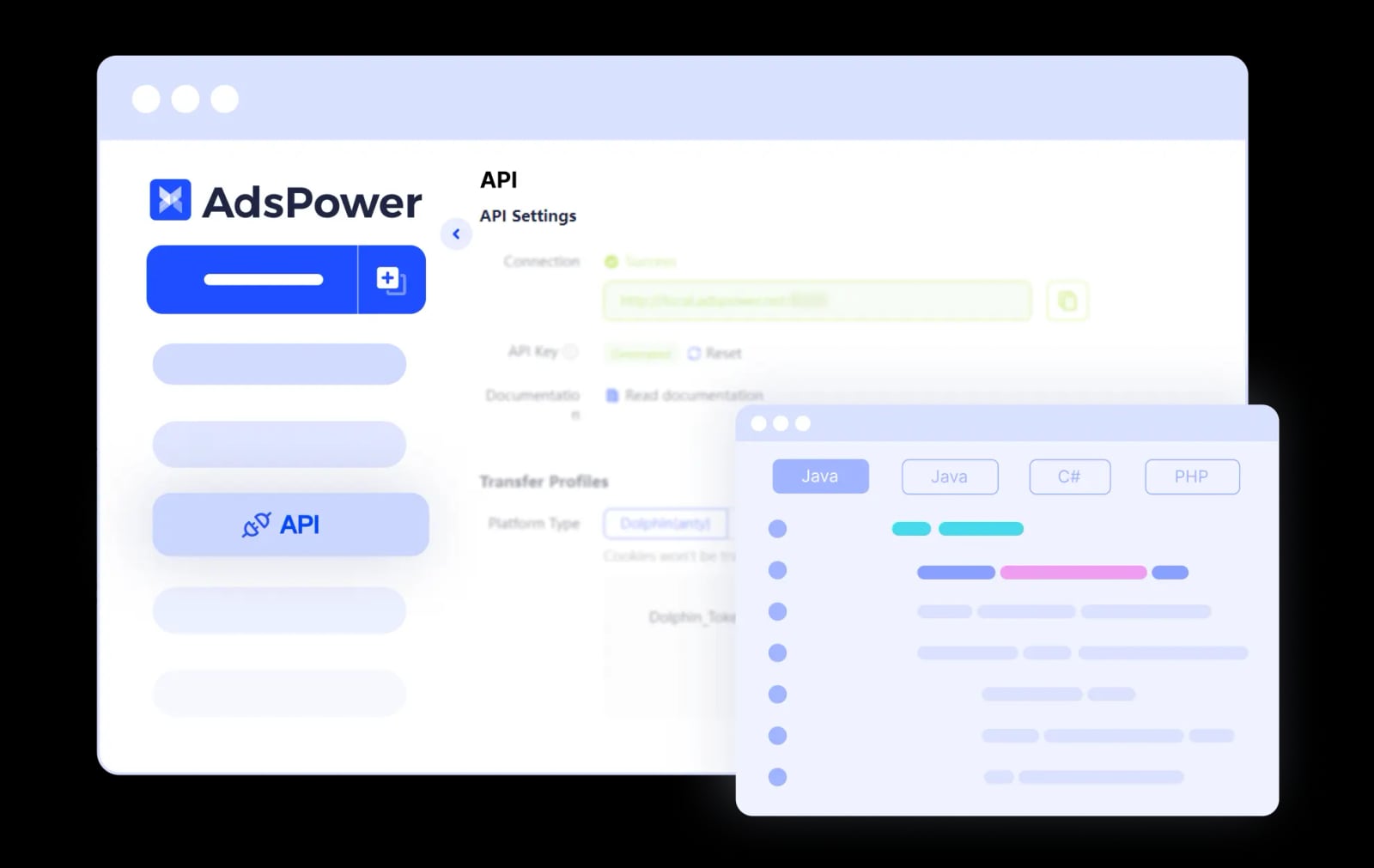
AdsPower product interface.
For agencies, affiliate marketers, and ecommerce operators running multiple brands, managing several Instagram ad accounts is a daily reality. This introduces a critical technical challenge: platform security.
The Risk of Account Linking
Meta actively monitors for suspicious login patterns and browser fingerprints to detect when a single person operates multiple accounts in ways that violate its policies. If accounts are linked, a policy violation on one can cascade into restrictions or bans across all associated profiles. This is catastrophic for businesses that rely on paid advertising as their primary acquisition channel.
Isolating Ad Account Environments
The solution is to ensure each Instagram ad account operates from a completely isolated browser environment with a unique digital fingerprint. This means separating cookies, local storage, IP addresses, and browser-level identifiers like Canvas and WebGL hashes. When Meta’s systems check these parameters, each account appears to belong to a distinct, legitimate user on a separate device.
Tools like AdsPower are built precisely for this scenario. As an anti-detect browser, AdsPower creates thousands of independent browser profiles, each with its own fingerprint configuration. You can assign a dedicated proxy IP to each profile, matching the account’s target geography. The result is that managing 50 client ad accounts from one computer looks, to Meta, like 50 different people logging in from 50 different locations. This architecture prevents cross-account contamination and protects your business from platform-level bans. For teams, AdsPower’s role-based permissions allow you to grant a media buyer access to specific ad accounts without ever exposing the underlying passwords.
Practical Workflow: Setting Up a Secure Multi-Account Ad Operation
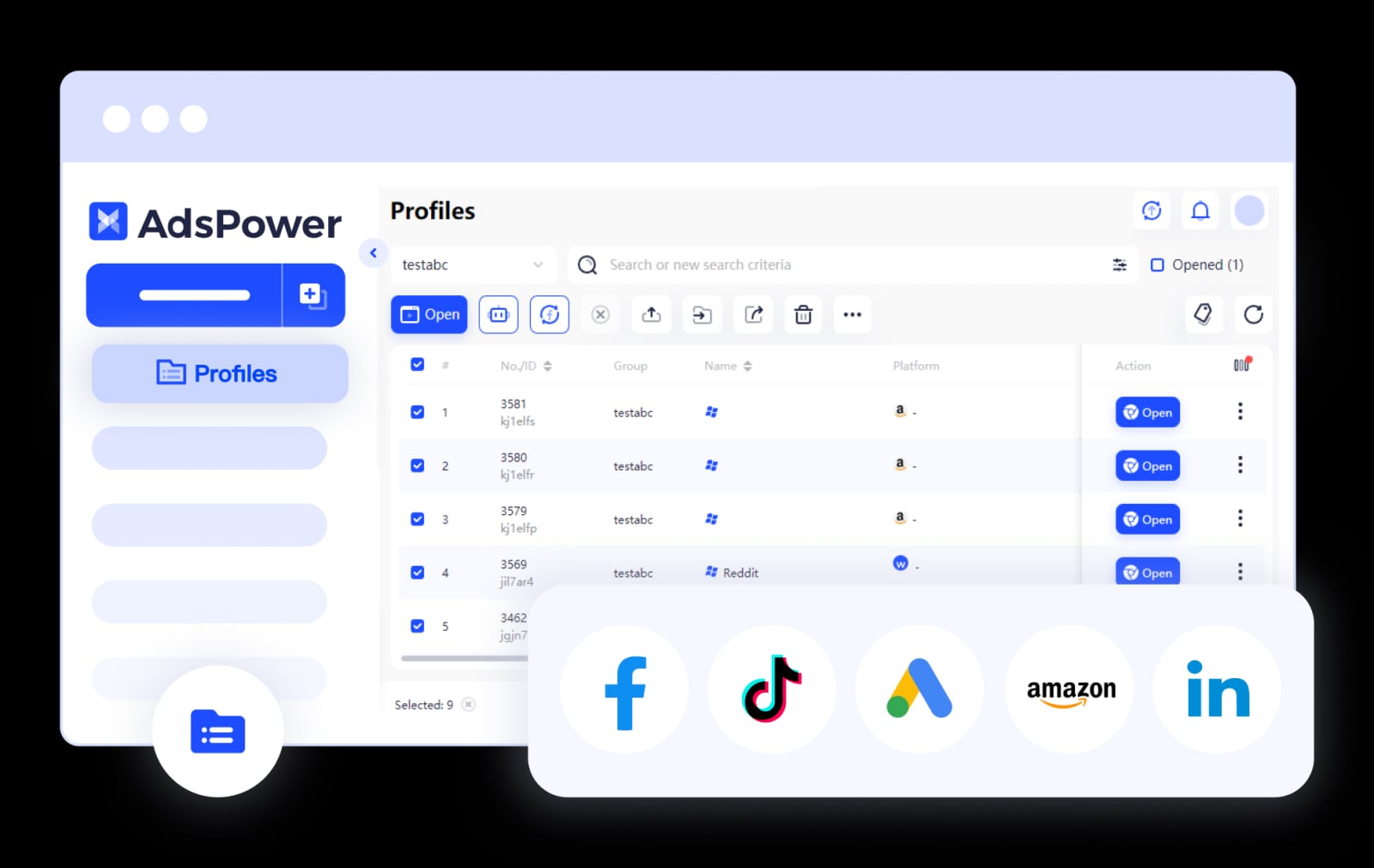
AdsPower product interface.
Here is a concrete workflow for an agency or performance marketer managing multiple Instagram ad accounts:
- Create Isolated Profiles: In AdsPower, create a separate browser profile for each Instagram ad account. Configure the profile’s operating system, browser kernel, language, and timezone to match the account’s target market.
- Assign Residential Proxies: For each profile, bind a high-quality residential or ISP proxy corresponding to the account’s geographic location. Avoid data center proxies, as Meta’s detection systems flag them more readily.
- Launch and Log In: Open each profile in its isolated environment. Log into the associated Instagram professional account and linked Facebook Page. The browser fingerprint is now unique and consistent for every future session.
- Operate in Ads Manager: Within each isolated profile, access Meta Ads Manager to build and manage campaigns. All activity—pixel events, session data, login tokens—stays sealed within that profile.
- Scale with Automation: For repetitive tasks like pulling performance reports or adjusting bids across accounts, AdsPower’s no-code RPA robots and Local API can automate workflows without manual profile switching, reducing human error and saving hours daily.
This setup transforms multi-account advertising from a high-risk activity into a stable, scalable operation. It is the operational backbone for countless cross-border ecommerce teams and social media marketing agencies that depend on uninterrupted ad delivery.
Related reading
- AdsPower vs Dolphin Anty vs BitBrowser: Which Wins in 2026? - Compare AdsPower, Dolphin Anty, and BitBrowser on fingerprinting, automation, team features, and pricing. Find the best anti-detect browser for your workflow.
- AdsPower vs Incogniton: Which Anti-Detect Browser Wins in 2026? - Compare AdsPower vs Incogniton on fingerprinting, automation, team features, and pricing. See why AdsPower’s 9M+ users and built-in RPA make it the better choice for scaling multi-account management.
- Ecwid Review 2026: A Fast, Flexible Ecommerce Widget—But Who Is It Really For? - In-depth Ecwid review covering pricing, setup, features, and real user feedback. Learn if this embeddable ecommerce platform is right for your existing site or social selling.
Sources and further reading
- Facebook - Explore the things you love.
Frequently Asked Questions
How much do Instagram ads cost in 2026?
Costs vary by objective, audience, and competition. Average CPM ranges from $6 to $12, while CPC typically falls between $0.50 and $3.00. Retargeting campaigns are cheaper; broad cold-audience campaigns in competitive verticals cost more. Always set a test budget and optimize based on your unique metrics.
What is the difference between boosting a post and using Ads Manager?
Boosting is a simplified promotion from the Instagram app with automatic optimization. Ads Manager provides full control over campaign objectives, detailed audience targeting, all placement options, and advanced analytics. For any performance-driven goal, Ads Manager is essential.
Can I run Instagram ads without a Facebook account?
You need a Facebook account to access Meta Ads Manager, which is required for most ad types. You can boost posts directly from a professional Instagram account, but linking to a Facebook Page unlocks the full advertising infrastructure.
How do I prevent my Instagram ad accounts from being banned?
Follow Meta’s advertising policies strictly. Avoid sudden spending spikes on new accounts. If managing multiple accounts, isolate each one in a separate browser environment with a unique fingerprint and dedicated proxy IP. Never log into multiple ad accounts from the same standard browser profile.
What are the best Instagram ad formats for ecommerce?
Advantage+ catalog ads (dynamic product ads) are the highest-performing format for ecommerce. They automatically show relevant products to users based on their browsing behavior. Carousel feed ads and shoppable Reels are also highly effective for showcasing product ranges.
How can an agency safely manage dozens of client ad accounts?
Agencies should use an anti-detect browser to create isolated, fingerprint-protected environments for each client. This prevents Meta from linking accounts and triggering mass restrictions. Team collaboration features with granular permissions ensure media buyers access only the accounts they need, without password sharing.
Conclusion: Building a Resilient Instagram Ad Strategy
Successful Instagram advertising in 2026 requires mastering three layers: creative strategy, media buying proficiency, and operational security. The first two determine your return on ad spend. The third determines whether you can continue advertising at all. By understanding the full spectrum of ad formats, leveraging Meta Ads Manager’s advanced capabilities, and architecting a secure infrastructure for multi-account management, you position your business to scale without interruption.
For deeper comparisons of tools that support this infrastructure, see our analysis of AdsPower vs Incogniton and the broader top 10 anti-detect browsers for multi-account management. If your advertising work intersects with data collection, you may also find value in our guide on using AdsPower with ScrapingBee for ban-free web scraping.
For official guidance, refer to Meta’s resources on ways to advertise on Instagram and the Meta for Business platform documentation.