
AdsPower vs Dolphin Anty vs BitBrowser: Which Wins in 2026?
Take a Quick Look
Compare AdsPower, Dolphin Anty, and BitBrowser on fingerprinting, automation, team features, and pricing. Find the best anti-detect browser for your workflow.
🔥 Limited-Time Offer! Save extra 10% off on your first monthly plan with code: Anitdetect10
Sign upAdsPower vs Dolphin Anty vs BitBrowser: Which Anti-Detect Browser Fits Your Workflow?
Choosing between AdsPower, Dolphin Anty, and BitBrowser isn’t just about picking the cheapest plan. It’s about matching a tool to how your team actually works—whether you’re scaling Facebook ad accounts, scraping e-commerce data, or managing a distributed affiliate team. Each browser takes a distinct approach to fingerprinting, automation, and collaboration. This comparison breaks down where each one excels, where they fall short, and which use cases they serve best.
Fingerprinting and Profile Integrity
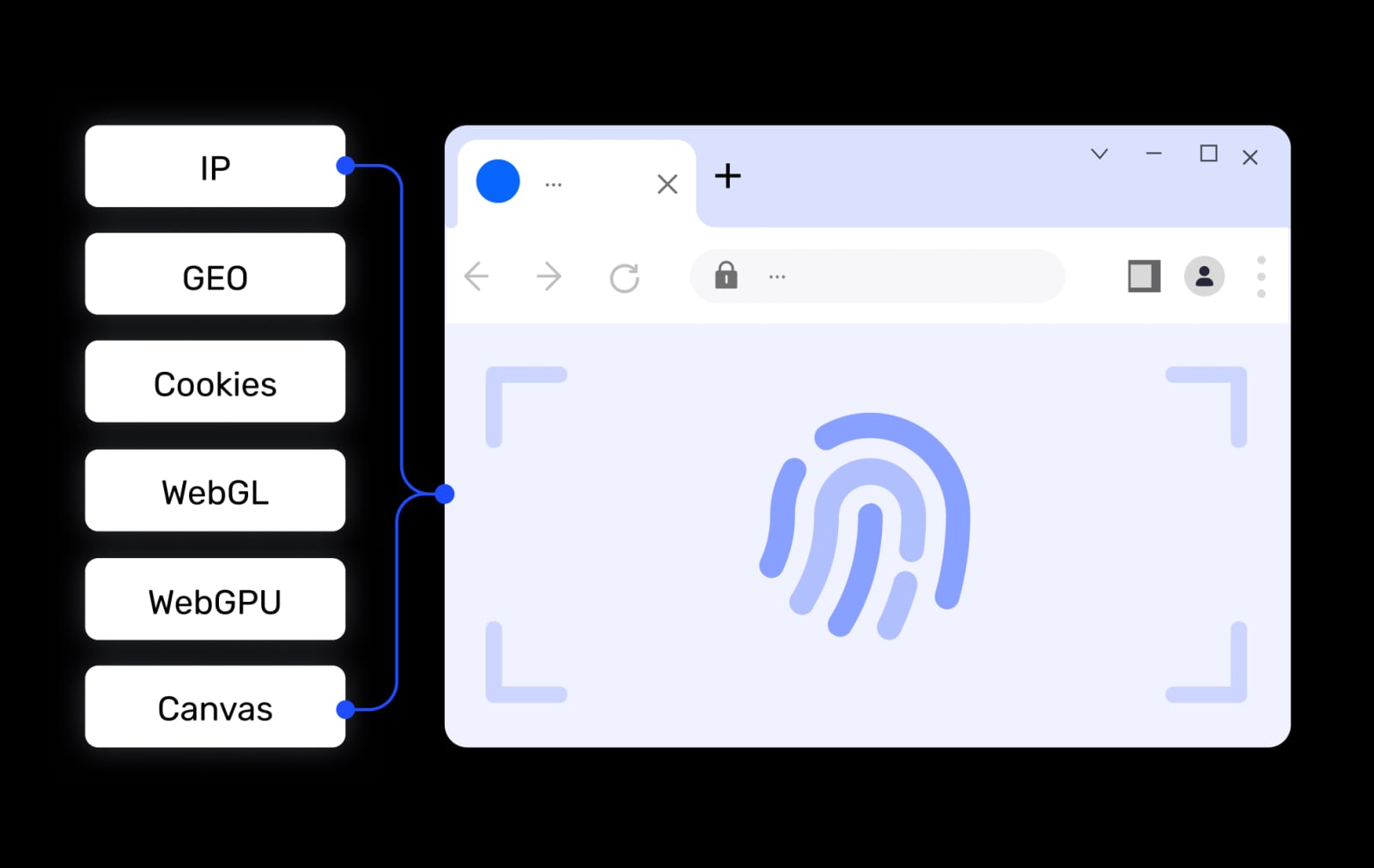
AdsPower product interface.
All three browsers create isolated environments by spoofing over 20 fingerprint parameters—Canvas, WebGL, Audio, WebRTC, timezone, and more. The difference lies in how consistently they maintain those fingerprints over time and how quickly they adopt new Chromium core updates.
Dolphin Anty updates its Chromium core more frequently than most competitors. As of April 2026, it runs on Chromium 147, while AdsPower is on version 146. That gap might seem small, but anti-fraud systems evolve fast. A browser that lags behind core updates can make profiles look slightly outdated, which increases the risk of flags on strict platforms like Facebook and Google. Dolphin Anty’s faster update cadence gives it a credible edge for media buyers who need long-term account stability.
BitBrowser also simulates a full set of fingerprint parameters and supports all common proxy protocols. It does not publicly emphasize core update frequency, which makes it harder to evaluate against the other two on this criterion. For users whose primary concern is basic multi-account isolation rather than cutting-edge stealth, BitBrowser’s fingerprinting is sufficient.
AdsPower’s fingerprint engine is battle-tested across millions of users. It supports dual Chrome and Firefox kernels and mobile OS emulation, which gives teams flexibility when platforms behave differently across browsers. For cross-border e-commerce sellers and agencies managing accounts on Amazon, TikTok, and LinkedIn simultaneously, that dual-kernel support can simplify workflows.
Profile Organization and Daily Workflow
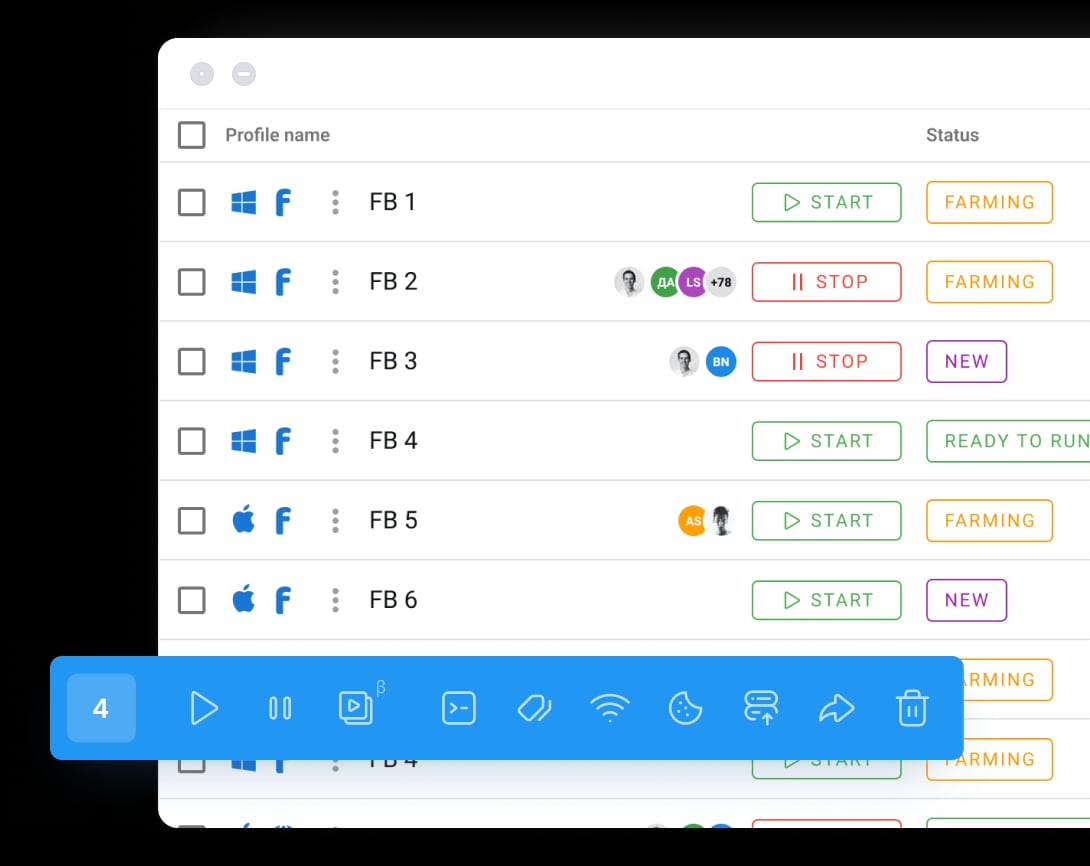
Dolphin Anty product interface.
How quickly you can find, edit, and act on a profile matters more than most buyers realize. A browser that slows down repetitive tasks adds friction across hundreds of accounts.
Dolphin Anty builds its profile management around visual clarity. Notes support color coding and icons. Tags are clickable directly from the profile list, so filtering takes one click instead of building a multi-parameter search query. Statuses add another visual layer—you can mark profiles as “warming,” “active,” or “paused” with custom colors. Proxy rotation is a single click from the profile row, and pop-up windows close when you click outside them. These small design decisions reduce the number of clicks per task, which compounds when you manage dozens or hundreds of profiles daily.
AdsPower offers a more advanced filtering engine with operators like “starts with,” “contains,” and “does not contain.” That power comes with complexity: adding multiple criteria requires repeating setup steps for each parameter. For teams that need granular, saved search logic, AdsPower’s system is more capable. For teams that value speed over query depth, Dolphin Anty’s approach feels faster. BitBrowser provides basic profile list management with team permission controls but lacks the visual tagging and status layers found in Dolphin Anty.
Automation Capabilities
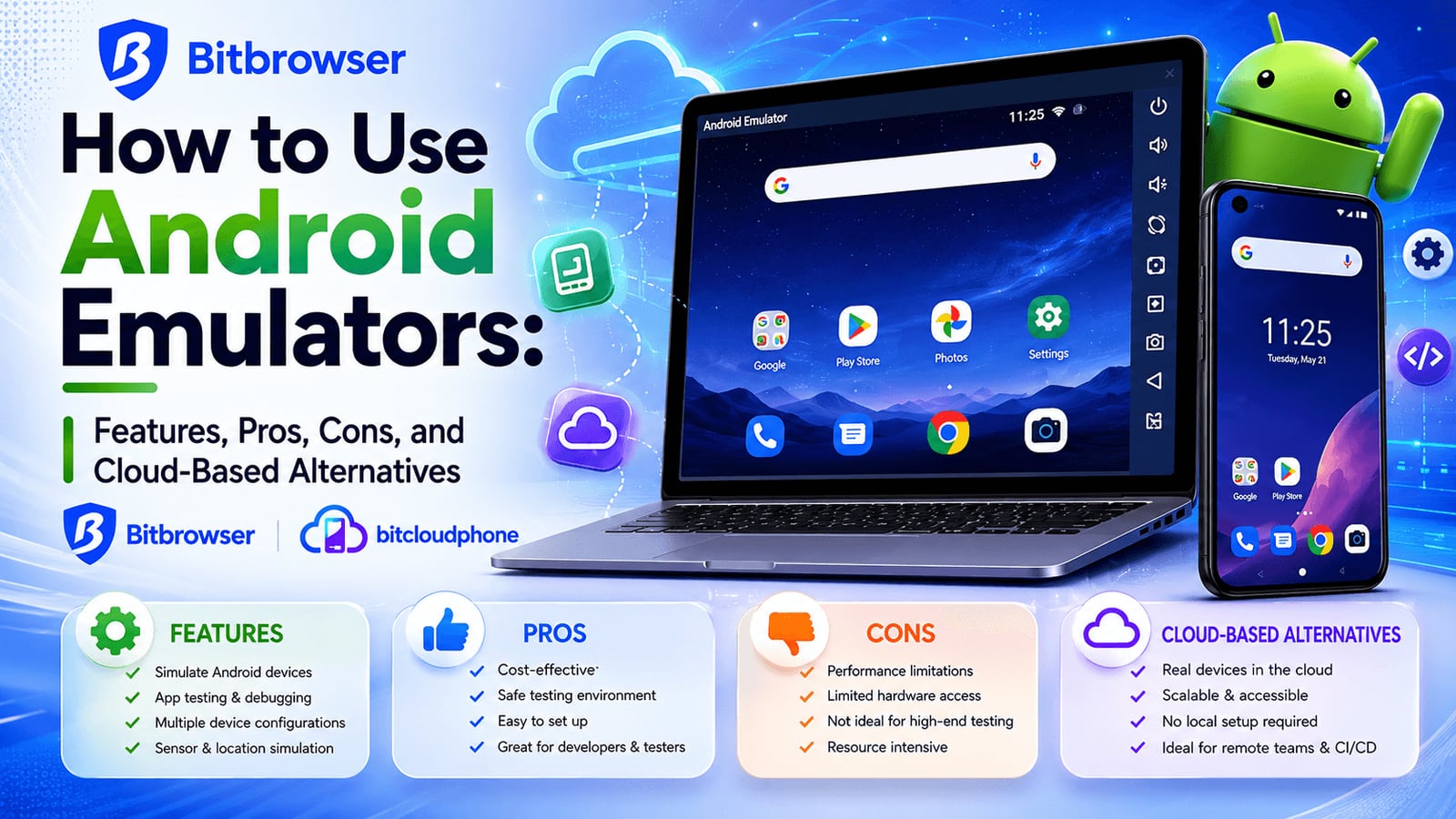
BitBrowser product interface.
Automation separates browsers that manage accounts from browsers that scale operations. Each tool takes a different approach.
AdsPower offers the most extensive built-in automation suite. Its window synchronization lets you mirror actions across multiple profiles in real time—useful for posting identical content across accounts. The no-code RPA robot lets you build automation workflows visually, and the Local API supports Selenium, Playwright, and Puppeteer integrations for custom scripting. However, the RPA interface splits into two menus (RPA and RPA Plus) without clear documentation on the difference, and the scenario builder feels cramped on smaller screens.
Dolphin Anty’s automation centers on the Profile Synchronizer and a cleaner visual flow builder. The Synchronizer replicates actions across selected profiles, similar to AdsPower’s window sync. Its automation scenario workspace uses a larger canvas with compact action blocks, making complex branching workflows easier to read at a glance. Right-clicking any action opens its settings, which eliminates the need for a separate properties panel. For teams that want automation without a steep learning curve, Dolphin Anty’s implementation is more approachable.
BitBrowser includes RPA automation and a marketplace for extensions and scripts. It covers the basics—bulk actions, scheduled tasks—but doesn’t match the depth of AdsPower’s dual RPA system or Dolphin Anty’s visual flow builder. For users who need lightweight automation on a free plan, BitBrowser’s RPA is a practical starting point.
Team Collaboration and Permissions
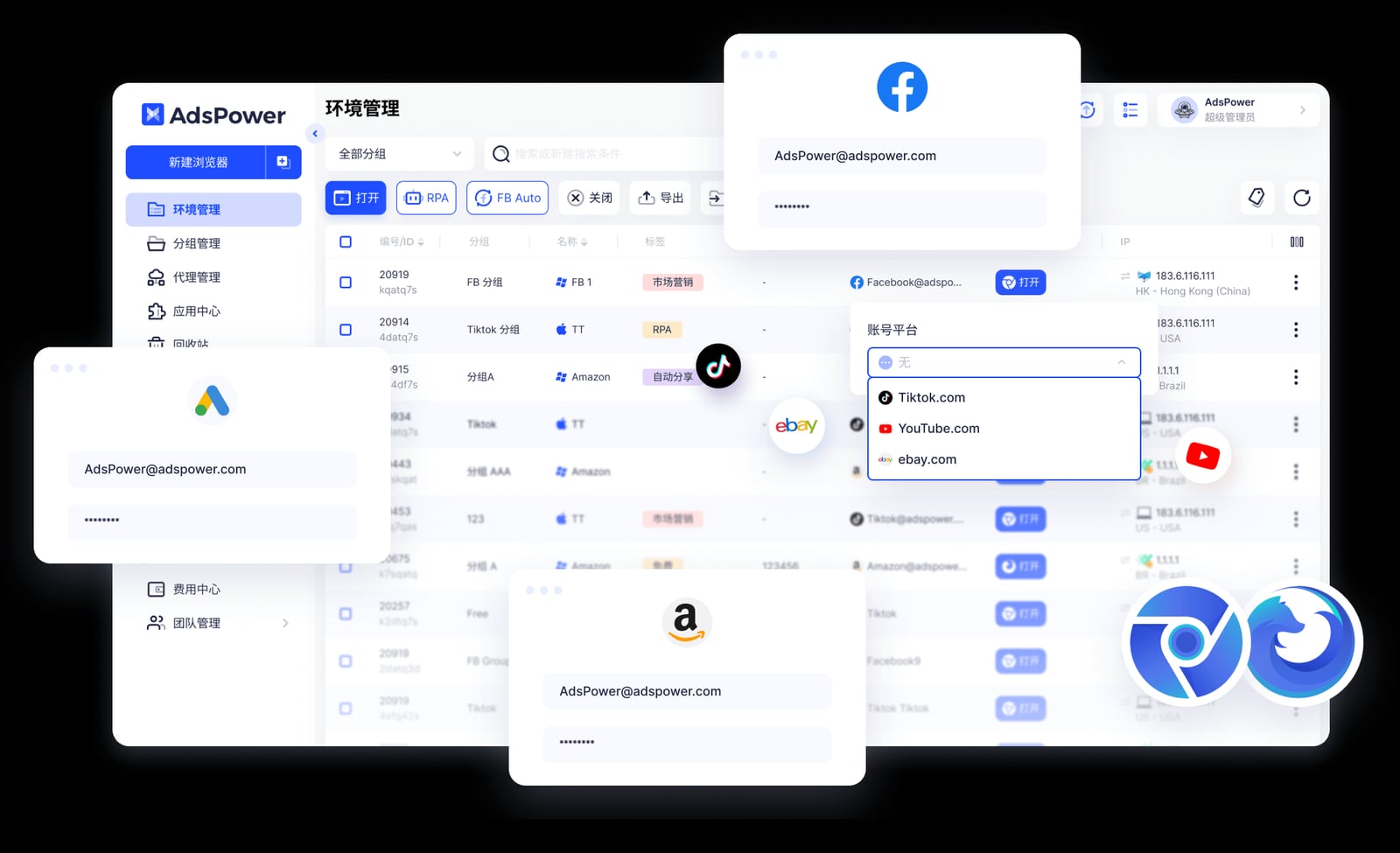
AdsPower product interface.
All three browsers support team features, but the granularity of control varies.
AdsPower provides role-based permissions, encrypted data storage, and cross-device sync. You can assign specific profiles to team members, restrict export capabilities, and audit actions through activity logs. For agencies handling client accounts or large e-commerce teams, this level of control is essential.
Dolphin Anty matches most of these capabilities—tags, statuses, notes, mass actions, and profile sharing with permission controls. It lacks some of the enterprise-oriented audit features AdsPower offers, but for affiliate teams and media buying groups, the collaboration tools are well-suited to daily workflows.
BitBrowser supports team collaboration with permission management and data synchronization. It’s functional for small teams but doesn’t offer the same depth of role customization or encrypted storage guarantees that AdsPower emphasizes.
Unique Features That Set Each Browser Apart
Dolphin Anty includes several workflow features that AdsPower and BitBrowser lack. Smart Paste simulates human typing by entering copied text character by character, which can help avoid detection on login forms. Default bookmarks come pre-loaded for each profile type—opening a Facebook profile shows relevant bookmarks without manual setup. The Cookie Robot and profile copying (with or without fingerprint randomization) are available on the free plan, whereas AdsPower gates these behind paid subscriptions.
BitBrowser’s standout is its free tier: 10 permanent browser profiles with no time limit. For freelancers, small-scale sellers, or anyone testing multi-account workflows, that’s a generous entry point. BitBrowser also offers BitCloudPhone, an integrated Android emulator and iOS cloud phone service for mobile account management. If your operations span both desktop and mobile platforms, that built-in mobile support reduces the need for separate tools.
AdsPower’s dual-kernel support (Chrome and Firefox) and mobile OS emulation give it the widest platform coverage. Its user base of over 9 million professionals also means more community resources, tutorials, and third-party integrations are available. For teams that need proven reliability at scale, that ecosystem matters.
Pricing and Free Tier Comparison
Cost structures differ significantly, and the right choice depends on how many profiles you actively manage.
- BitBrowser: 10 free permanent profiles. Paid plans scale from there, but the free tier alone covers many light use cases.
- Dolphin Anty: 5 free profiles. Paid plans start at $20/month for up to 60 profiles, with enterprise tiers for unlimited profiles.
- AdsPower: 2 free profiles. Paid plans start at $9/month, with enterprise tiers available. The lower entry price makes it accessible, but the free tier is the smallest of the three.
For beginners who want to test anti-detect browsers without commitment, BitBrowser’s 10 free profiles are the most generous. Dolphin Anty’s 5 free profiles provide a middle ground with access to more advanced workflow features on the free plan. AdsPower’s paid plans offer strong value for teams that need its automation depth, but the free tier is best treated as a trial rather than a long-term solution.
Security and Trust
Security incidents and data handling policies influence which browser teams trust with valuable accounts and cookies.
Dolphin Anty is based in Cyprus and emphasizes privacy with a clear policy. Its support team typically responds within 5–10 minutes, which matters when an account issue needs immediate attention.
AdsPower primarily serves the Chinese market, and support in other languages can experience delays. Some users have reported that live chat availability is inconsistent outside Chinese business hours. The platform encrypts data and offers secure storage, but response times for non-Chinese users can be a practical concern.
BitBrowser’s security posture is less publicly documented than the other two. It supports all major proxy protocols and provides data synchronization, but independent security audits or detailed encryption practices are not prominently published. For users managing high-value accounts, this lack of transparency may be a consideration.
Which Browser Fits Your Use Case?
Choose Dolphin Anty if: You’re a media buyer, affiliate marketer, or account farmer running Facebook, TikTok, or Google Ads accounts. The faster Chromium updates, visual profile management, Smart Paste, and free-tier access to Cookie Robot and profile copying align well with performance marketing workflows. The automation builder is easier to learn than AdsPower’s RPA, and the support responsiveness is a practical advantage when accounts need immediate attention.
Choose BitBrowser if: You need a free entry point with 10 permanent profiles and basic RPA automation. The integrated BitCloudPhone service makes it a strong candidate for teams managing both desktop and mobile accounts without purchasing separate mobile proxy tools. Small e-commerce sellers and social media managers with modest profile counts will find the free tier sufficient for daily operations.
Choose AdsPower if: You need dual-kernel support (Chrome and Firefox), the most extensive built-in automation suite, and granular team permission controls. Large agencies, cross-border e-commerce teams, and enterprises managing thousands of profiles across diverse platforms will benefit from AdsPower’s ecosystem maturity and Local API integrations. The window synchronization feature is particularly useful for teams that need to mirror actions across many profiles simultaneously.
Related reading
- AdsPower vs Incogniton: Which Anti-Detect Browser Wins in 2026? - Compare AdsPower vs Incogniton on fingerprinting, automation, team features, and pricing. See why AdsPower’s 9M+ users and built-in RPA make it the better choice for scaling multi-account management.
- Ecwid Review 2026: A Fast, Flexible Ecommerce Widget—But Who Is It Really For? - In-depth Ecwid review covering pricing, setup, features, and real user feedback. Learn if this embeddable ecommerce platform is right for your existing site or social selling.
- Playwright Pricing: Is It Really Free? A 2026 Cost Breakdown - Understand the true cost of Playwright in 2026. While the framework is free and open-source, discover hidden infrastructure, token, and scaling costs for testing and AI agents.
Sources and further reading
- Dolphin Anty or AdsPower - Best AdsPower Browser Alternatives. AdsPower Browser Reviews. Anti-detect browser AdsPower: Overview and Comparison. AdsPower pros and cons.
- Which Anti-Detect Browser Is Better for Facebook Ads and Affiliate Marketing? – iAmAttila - If you’re running Facebook ads, affiliate lead generation campaigns, e-commerce, crypto, sweepstakes, or pretty much any vertical where accounts can get banned for doing the wrong thing, or sometimes for doing absolutely nothing wrong, your browser setup matters more than you think.
- 10 Best AdsPower Alternatives in 2026 (That Really Work) - Multilogin, GoLogin, Dolphin Anty, Kameleo, and more—these AdsPower alternatives promise better fingerprinting, residential proxies, and...
FAQ
Which browser has the best free plan?
BitBrowser offers 10 free permanent profiles, the most generous free tier among the three. Dolphin Anty provides 5 free profiles with access to advanced features like Cookie Robot and profile copying. AdsPower offers 2 free profiles.
Does Dolphin Anty update its browser core faster than AdsPower?
Yes. As of April 2026, Dolphin Anty runs on Chromium 147, while AdsPower is on version 146. Faster core updates can reduce the risk of fingerprint detection on strict platforms.
Can I automate tasks without coding in these browsers?
All three offer no-code automation. AdsPower provides RPA and RPA Plus visual builders, Dolphin Anty uses a visual flow map with a larger workspace, and BitBrowser includes basic RPA with an extensions marketplace.
Which browser is better for Facebook ad accounts?
Dolphin Anty is often preferred by media buyers for Facebook ads due to faster core updates, Smart Paste for human-like input, and profile management features that simplify warming and organizing accounts.
Does BitBrowser support mobile account management?
Yes. BitBrowser offers BitCloudPhone, an integrated Android emulator and iOS cloud phone service, making it suitable for teams that manage both desktop and mobile accounts.
Is AdsPower suitable for large teams?
Yes. AdsPower provides role-based permissions, encrypted storage, cross-device sync, and activity logs. These enterprise-oriented features make it a strong choice for agencies and large e-commerce teams.
Final Verdict
Dolphin Anty leads for affiliate marketers and media buyers who prioritize account stability, fast workflows, and responsive support. BitBrowser wins on free-tier generosity and built-in mobile account management, making it ideal for budget-conscious users and mobile-first operations. AdsPower remains the most feature-dense platform for large teams that need dual-kernel support, advanced automation, and enterprise-grade permissions. The best choice depends on your profile volume, platform mix, and whether your priority is cost, automation depth, or long-term account safety.
For a broader look at the category, see our Top 10 Anti-Detect Browsers for Multi-Account Management in 2026. If you’re comparing AdsPower with other alternatives, our AdsPower vs Undetectable vs Indigo guide covers another set of competitors. For teams integrating scraping workflows, read How to Use AdsPower with ScrapingBee for Ban‑Free Web Scraping.