
How to Use AdsPower with TikTok for Business in 2026
Take a Quick Look
Learn how to combine AdsPower's anti-detect browser with TikTok for Business to manage multiple ad accounts, automate workflows, and prevent bans. Step-by-step setup and practical examples.
🔥 Limited-Time Offer! Save extra 10% off on your first monthly plan with code: Anitdetect10
Sign upHow to Use AdsPower with TikTok for Business: The Complete Multi-Account Workflow
Managing a single TikTok for Business account is straightforward. The challenge begins when you need to run multiple ad accounts for different clients, brands, or regions without triggering TikTok’s strict anti-fraud systems. Logging into several accounts from one device often leads to account linking, restrictions, or outright suspensions. This is where AdsPower, a leading anti-detect browser, becomes an essential part of your TikTok advertising stack. By creating isolated browser environments with unique fingerprints, AdsPower lets you operate numerous TikTok for Business accounts safely from a single computer, while TikTok for Business provides the advertising engine to reach over 1 billion users.
This guide walks through exactly how the two platforms work together, from initial setup to daily campaign management, and explains the specific problems this combination solves for media buyers, agencies, and e-commerce sellers.
Why Combine AdsPower and TikTok for Business?

TikTok for Business product interface.
TikTok for Business enforces platform integrity by monitoring device fingerprints, IP addresses, and behavioral patterns. When multiple ad accounts share the same browser fingerprint, the platform flags them as potentially fraudulent or operated by a single entity attempting to circumvent policy. This is a common pain point for agencies managing client accounts or e-commerce operators running multiple TikTok Shop storefronts.
AdsPower solves this by generating a completely isolated digital identity for each TikTok for Business account. Every browser profile has its own:
- Canvas and WebGL fingerprints – preventing graphic-rendering-based tracking
- Audio and WebRTC fingerprints – blocking real IP leaks and audio context identification
- Customizable user agents, screen resolutions, and time zones – matching the account’s target region
- Independent cookie jars and local storage – ensuring no data bleeds between accounts
When you launch TikTok Ads Manager inside an AdsPower profile, the platform sees a genuine, standalone device. This separation is the foundation for ban-free scaling.
Step-by-Step Setup: Linking AdsPower to TikTok for Business
AdsPower product interface.
1. Create a Dedicated Browser Profile for Each TikTok Ad Account
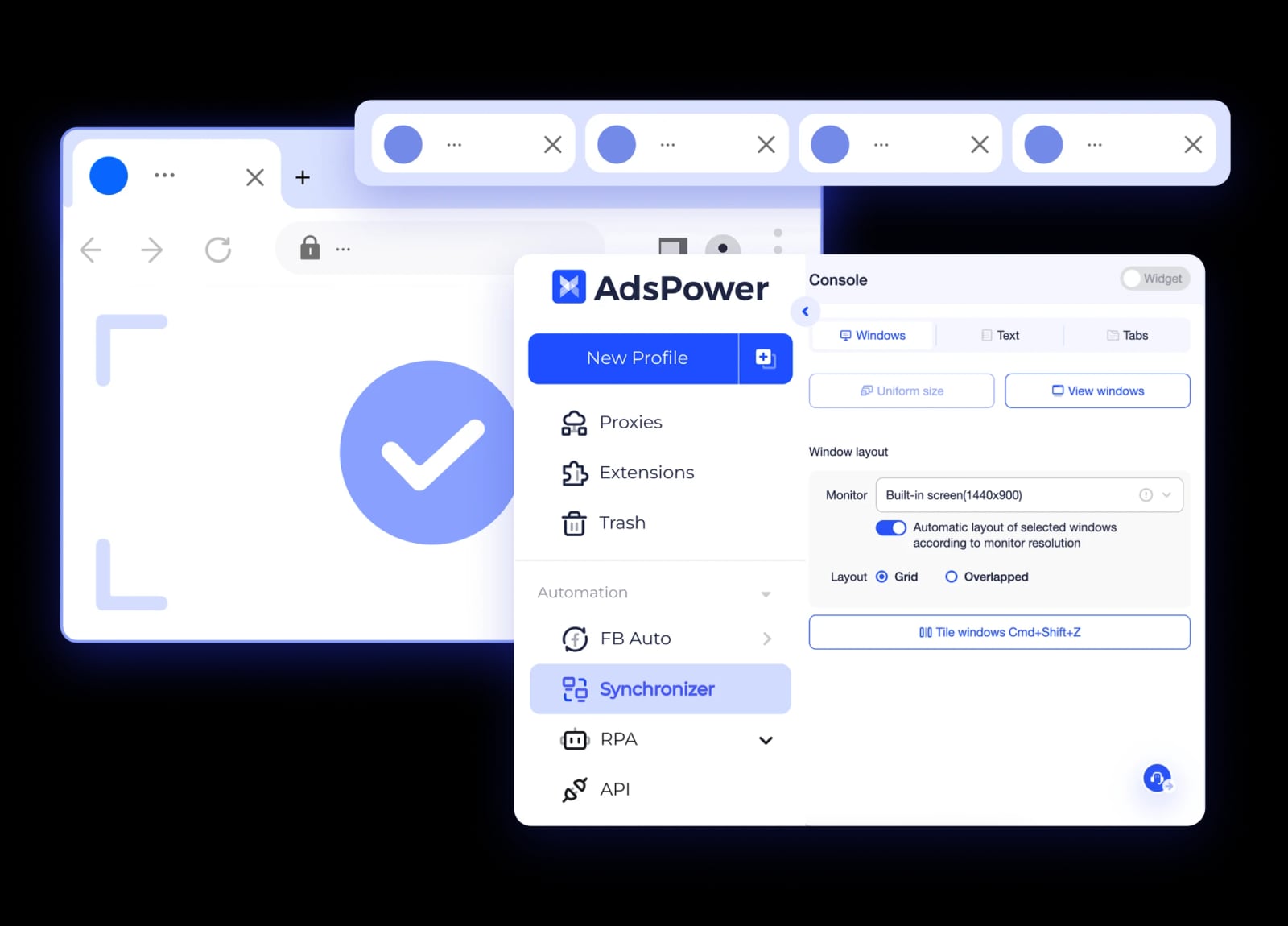
Download and open AdsPower. Click “New Profile” and configure the environment to match the account’s intended geography:
- Name the profile clearly (e.g., “Client A – US TikTok Ads”).
- Select the operating system (Windows, macOS, or mobile emulation if you primarily manage TikTok on mobile).
- Set the time zone, language, and screen resolution to align with the target market.
- Assign a stable proxy tied to the same country. Residential or ISP proxies work best for TikTok; avoid data-center IPs that are easily detected.
Repeat this process for every TikTok for Business account you manage. Each profile becomes a permanently isolated workspace.
2. Log Into TikTok for Business Inside the Isolated Profile
Launch the newly created profile. The browser environment opens like a standard Chrome or Firefox window. Navigate to the TikTok for Business login page and sign in with the credentials for that specific ad account. Because the fingerprint and IP are unique to this profile, TikTok registers the session as a new, legitimate device.
Enable two-factor authentication within TikTok for Business for additional security. AdsPower stores cookies and session data inside the encrypted profile, so you won’t need to re-authenticate every time.
3. Set Up TikTok Ads Manager and Pixel Integration
Once logged in, configure your ad account as you normally would:
- Install the TikTok Pixel on your website or e-commerce store.
- Set up product catalogs if you’re running TikTok Shop or dynamic product ads.
- Create custom audiences and lookalike audiences based on pixel events.
Because the pixel fires from your website—not from AdsPower—there’s no conflict. The browser profile simply provides the secure interface for managing the ad account where the pixel is registered.
4. Replicate the Workflow for Multiple Accounts
Create additional profiles following the same steps. AdsPower’s profile management dashboard gives you an overview of all your TikTok environments. You can launch several profiles simultaneously, each in its own window, and monitor campaigns side by side.
Practical Workflows: What You Can Achieve
AdsPower product interface.
Agency Media Buying at Scale
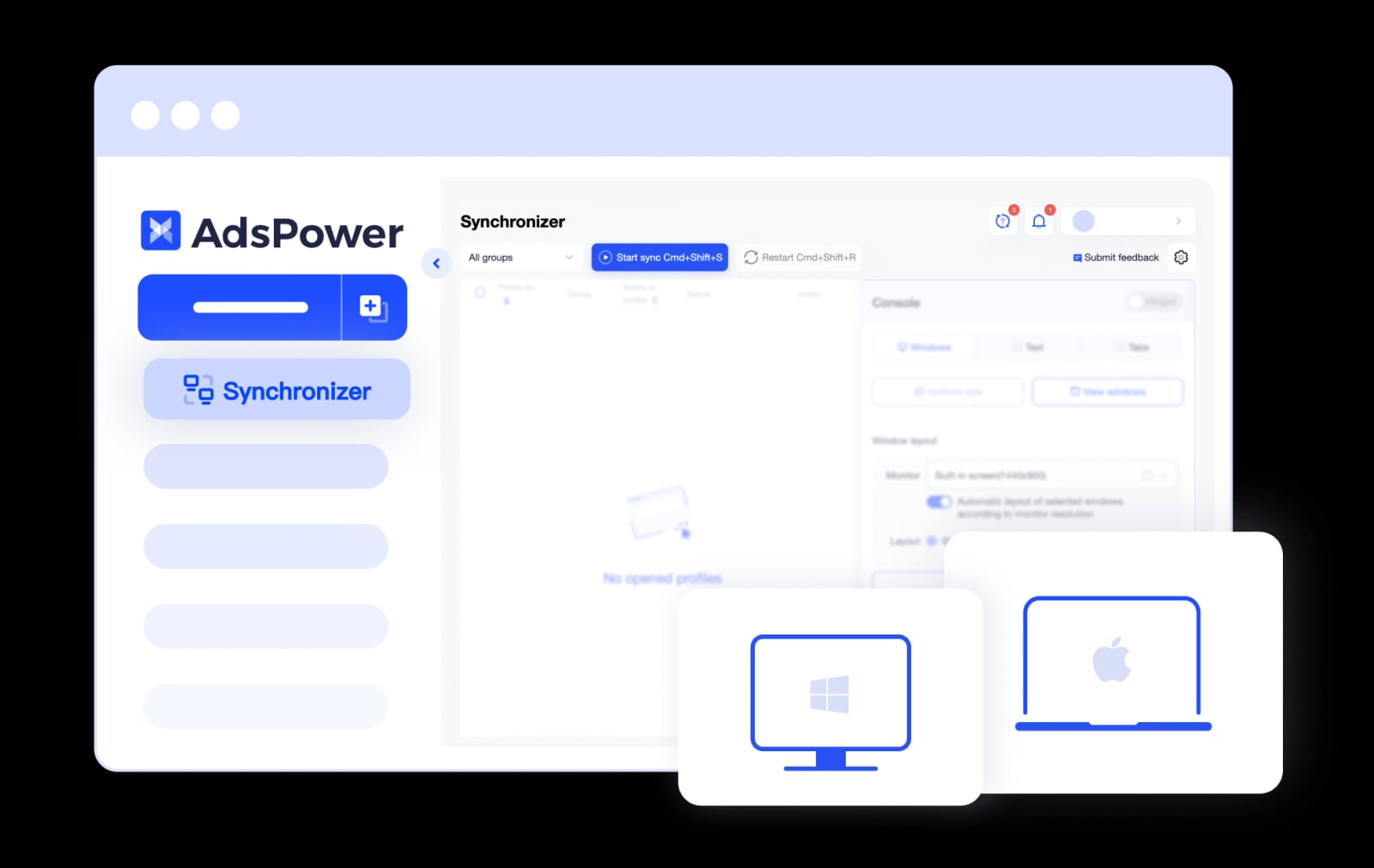
A digital agency running TikTok ads for 15 e-commerce clients faces a high risk of account association if all accounts are accessed from the same browser. With AdsPower, the agency creates 15 separate profiles, each with a proxy matching the client’s target country. Team members are granted role-based access to specific profiles, so a junior media buyer can only open the accounts assigned to them. The agency uses AdsPower’s window synchronization feature to replicate actions—such as duplicating a winning campaign structure—across multiple profiles at once, drastically reducing manual work.
TikTok Shop Multi-Store Management
An entrepreneur operating three TikTok Shop storefronts in the US, UK, and Southeast Asia needs to manage each shop’s ad account, product listings, and affiliate creator collaborations. Using AdsPower, they assign a UK residential proxy to the UK shop profile, a US proxy to the US profile, and so on. Each profile logs into the corresponding TikTok for Business account and TikTok Shop seller center. The environments remain completely separate, preventing TikTok from linking the stores and risking a network-wide ban.
Affiliate Marketers Running Multiple Creator Accounts
Affiliate marketers often manage several TikTok creator accounts to promote products through TikTok Shop’s affiliate program. Each creator account needs its own TikTok for Business ad account to boost high-performing organic videos via Spark Ads. AdsPower profiles keep each creator identity distinct. The built-in no-code RPA (Robotic Process Automation) can automate repetitive tasks like collecting performance data from TikTok Ads Manager or scheduling routine campaign adjustments.
Automation: Streamlining Repetitive TikTok for Business Tasks
AdsPower’s automation capabilities are particularly valuable for TikTok advertisers handling large volumes of campaigns.
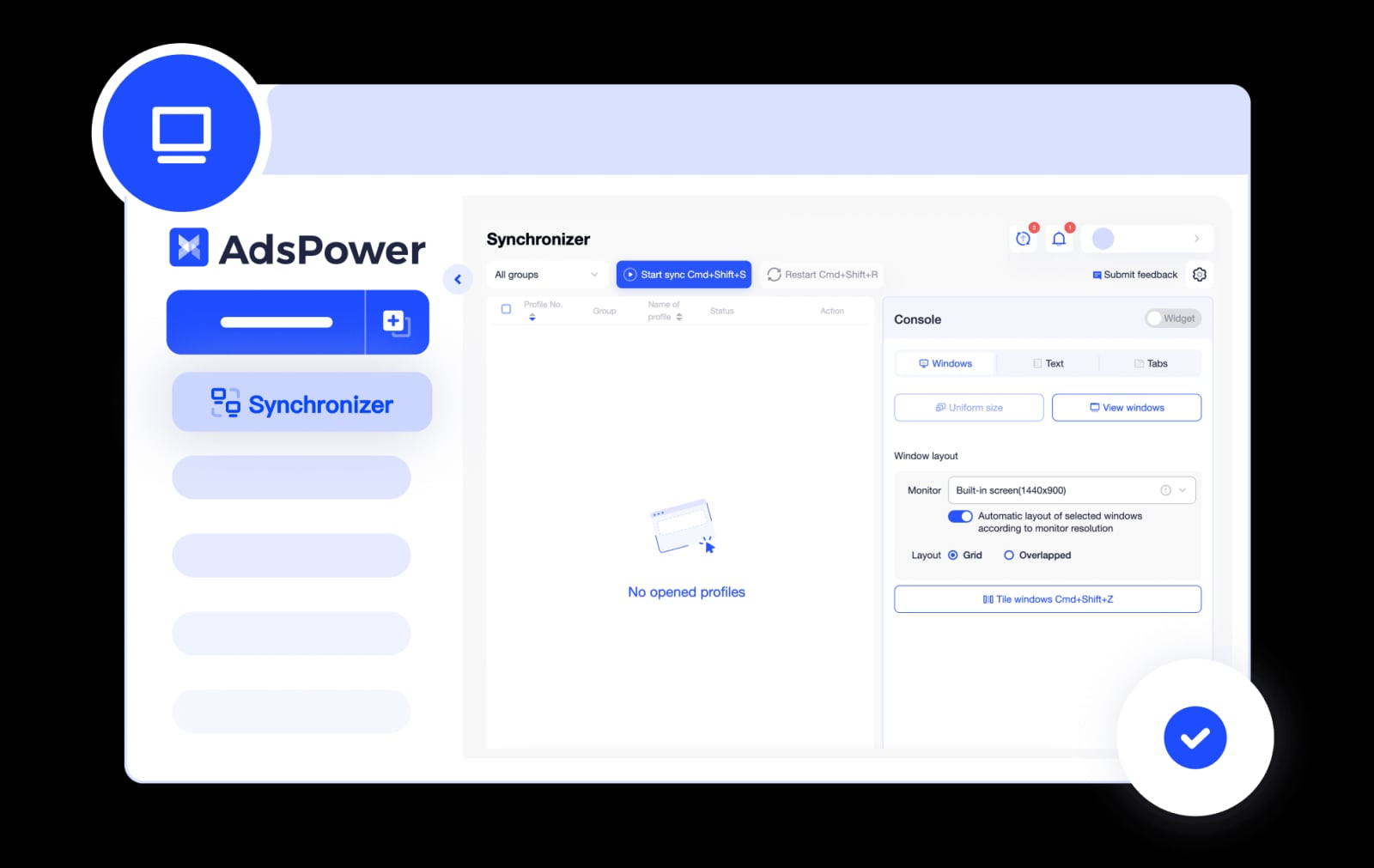
Synchronizer lets you replicate mouse clicks and keyboard inputs across multiple open profiles. If you need to update a budget or pause underperforming ad groups across ten accounts, you perform the action once, and it mirrors across all selected windows.
RPA Robots (no-code automation) can handle tasks like:
- Logging into TikTok for Business daily to check account health notifications.
- Exporting campaign performance reports on a schedule.
- Scraping public TikTok ad data for competitor research (within TikTok’s terms of service).
Local API enables developers to programmatically control browser profiles. For larger operations, you can integrate AdsPower with your internal dashboards to auto-launch profiles and execute predefined TikTok for Business workflows.
Solving the Proxy Question: One Proxy per Account
A common question is whether you can use the same proxy for a TikTok buyer account and a TikTok Shop sub-account inside AdsPower. The answer is nuanced. TikTok’s systems check for consistency between the IP, device fingerprint, and account behavior. If two distinct accounts—especially a buyer account and a seller account—consistently log in from the same IP and browser fingerprint, the platform may still associate them. Best practice is to assign a dedicated proxy to each unique identity. For a buyer account used for product research, use a separate AdsPower profile with its own proxy. For a TikTok Shop sub-account, use another profile with a different proxy. This maintains clean separation and reduces the risk of cross-account flags.
TikTok for Business Features That Shine with Multi-Account Setups
When your accounts are safely siloed in AdsPower, you can fully leverage TikTok for Business’s advanced tools:
- Smart+ Campaigns: AI-powered automation that optimizes targeting and bidding. Run Smart+ campaigns across multiple accounts to scale spend while keeping performance data isolated per brand.
- Symphony AI and Creative Center: Generate and test ad creatives. Use separate profiles to A/B test creative strategies for different audiences without cross-contaminating learning data.
- Audience Management: Build custom and lookalike audiences per account. AdsPower ensures the audience data stays locked to the correct browser environment.
- TikTok Shop Integration: Connect product catalogs and run Video Shopping Ads or LIVE Shopping Ads. Manage multiple shops without risking a single violation taking down your entire business.
Comparing AdsPower to Other Anti-Detect Browsers for TikTok
AdsPower product interface.
While several anti-detect browsers exist, AdsPower’s feature set is particularly well-suited for TikTok for Business workflows. If you’re evaluating options, consider how AdsPower stacks up against alternatives like Kameleo or Incogniton. Our detailed comparisons—AdsPower vs Kameleo and AdsPower vs Incogniton—break down fingerprinting depth, automation capabilities, and team collaboration features. For a broader view, see the top 10 anti-detect browsers for multi-account management. AdsPower’s combination of dual browser kernels, mobile OS emulation, and built-in RPA gives it an edge for TikTok-specific use cases where mobile fingerprint accuracy matters.
Related reading
- Scraping Fish Review 2026: Ethical Web Scraping API Tested - In-depth Scraping Fish review: pricing, features, setup, and ethical proxy quality. See how this $0.002/request API compares for developers and businesses.
- Instagram Ads: A Complete Guide to Formats, Costs & Scaling in 2026 - Master Instagram advertising with this complete guide covering ad formats, real costs, audience targeting, and how to safely scale campaigns with multiple accounts.
- AdsPower vs Dolphin Anty vs BitBrowser: Which Wins in 2026? - Compare AdsPower, Dolphin Anty, and BitBrowser on fingerprinting, automation, team features, and pricing. Find the best anti-detect browser for your workflow.
Sources and further reading
- How to Use AdsPower for Different Use Cases - AdsPower browser- Best guides and use cases for you apply AdsPower browser. Simplify managing multiple accounts for e-commerce, marketing, social media, crypto, and more.
- Grow Your TikTok Accounts and Business with Multi-Login Browser - Scale your TikTok presence & manage TikTok Shop with AdsPower's secure multi-login browser. Automate tasks, manage accounts, and boost engagement - all in one place.
- Enablers by Saqib Azhar | Can I add tiktok buyer account as well as second profile in adspower with same proxy i used to login sub account of tiktok shop | Facebook - Can I add tiktok buyer account as well as second profile in adspower with same proxy i used to login sub account of tiktok shop. Will the buyer account show TikTok shop for product hunting if i login...
Frequently Asked Questions
Can I use AdsPower’s free plan for TikTok for Business?
Yes. AdsPower’s free forever plan includes 2 browser profiles. This is enough to manage two separate TikTok for Business accounts safely. For agencies or sellers handling more accounts, paid plans start at $9 per month and scale to enterprise tiers.
Will TikTok detect that I’m using an anti-detect browser?
AdsPower emulates real browser environments using Chrome and Firefox kernels. When configured with a quality residential proxy and consistent regional settings, the profile appears as a standard device. There is no detectable “anti-detect” signature. The key is using reliable proxies and avoiding behavioral patterns that suggest automation.
How do I handle TikTok’s phone verification across multiple accounts?
Each TikTok for Business account should have its own unique phone number for verification. AdsPower does not provide phone numbers; you’ll need to source these separately. Once verified, the browser profile stores the session, so repeated verifications are rare unless you clear cookies or TikTok flags unusual activity.
Can I run TikTok Ads Manager and TikTok Shop in the same AdsPower profile?
Yes. If both the ad account and the shop belong to the same legal entity and are meant to be linked, you can manage them within a single AdsPower profile. The browser environment simply provides the secure access point. However, if you want to keep a shop account and a separate buyer or research account isolated, use distinct profiles with separate proxies.
Is it safe to use automation with TikTok for Business?
AdsPower’s synchronizer and RPA robots mimic human interaction at the browser level. They do not inject code into TikTok’s platform. Use automation for legitimate, repetitive tasks like reporting and campaign adjustments. Avoid aggressive scraping or actions that violate TikTok’s terms of service, as those can trigger account reviews regardless of the browser you use.
Conclusion
Combining AdsPower with TikTok for Business transforms how you scale advertising on one of the world’s fastest-growing platforms. Instead of juggling multiple devices or risking account bans through shared fingerprints, you create a dedicated, secure workspace for every ad account. Agencies can onboard clients without fear of cross-account contamination. E-commerce sellers can manage multiple TikTok Shop ad campaigns with regional precision. Affiliates can run parallel creator accounts while keeping each identity intact.
The setup is straightforward: create a unique AdsPower profile with a stable proxy for each TikTok for Business account, log in, and operate as if you were on a separate physical device. Layer in automation to reduce manual work, and you have a scalable, ban-resistant infrastructure. Start with the free plan to test the workflow, then expand as your TikTok advertising portfolio grows.