
Set Up AdsPower with SSL Proxies for Multi-Account Security
Take a Quick Look
Step-by-step guide to integrate SSL Proxies' free HTTPS proxy list into AdsPower anti-detect browser. Isolate fingerprints, swap IPs, and secure multi-account workflows.
🔥 Limited-Time Offer! Save extra 10% off on your first monthly plan with code: Anitdetect10
Sign upSet Up AdsPower with SSL Proxies for Multi-Account Security
Managing multiple online accounts from a single device—whether for e-commerce, social media marketing, or web scraping—demands two things: ironclad browser isolation and unique IP addresses that don’t raise red flags. AdsPower’s fingerprint browser gives you the first piece, creating independent environments that platforms like Amazon, Facebook, and Google see as separate devices. SSL Proxies fills the second by supplying a regularly refreshed list of free HTTPS proxies you can plug directly into those profiles. This guide walks you through combining the two, from importing your first batch of proxies to verifying your fingerprint, so you can operate multiple accounts safely without buying a fleet of devices or premium residential IPs.
Why Pair AdsPower with SSL Proxies?
Set Up AdsPower with SSL Proxies for Multi-Account Security product interface and feature overview.
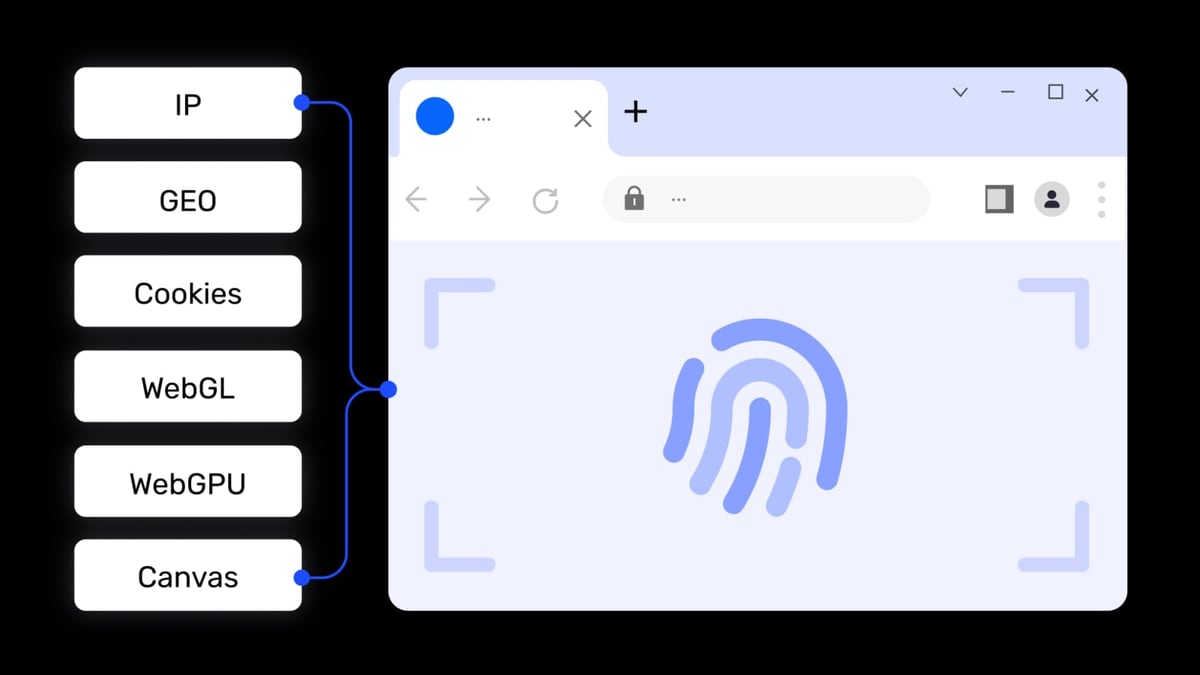
AdsPower generates unique digital fingerprints—Canvas, WebGL, audio, WebRTC, and more—for every browser profile, breaking the link that sites use to track account associations. But even the most random fingerprint won’t hide you if all your profiles share the same IP address. That’s where SSL Proxies comes in. Its free proxy list updates every 10 minutes, giving you access to thousands of HTTPS proxies across different countries and anonymity levels. Together, the combo:
- Masks your real IP behind a constantly changing pool of addresses
- Shields each account with a distinct browser environment and separate network identity
- Keeps costs near zero—AdsPower’s free tier covers two profiles, and SSL Proxies’ list is entirely free
- Cuts the need for multiple physical devices or virtual servers
This stack is especially useful for cross-border sellers verifying product listings from different regions, affiliate marketers managing multiple ad accounts, or data collectors who need to avoid rate limits.
Step-by-Step: Importing SSL Proxies into AdsPower
Set Up AdsPower with SSL Proxies for Multi-Account Security product interface and feature overview.
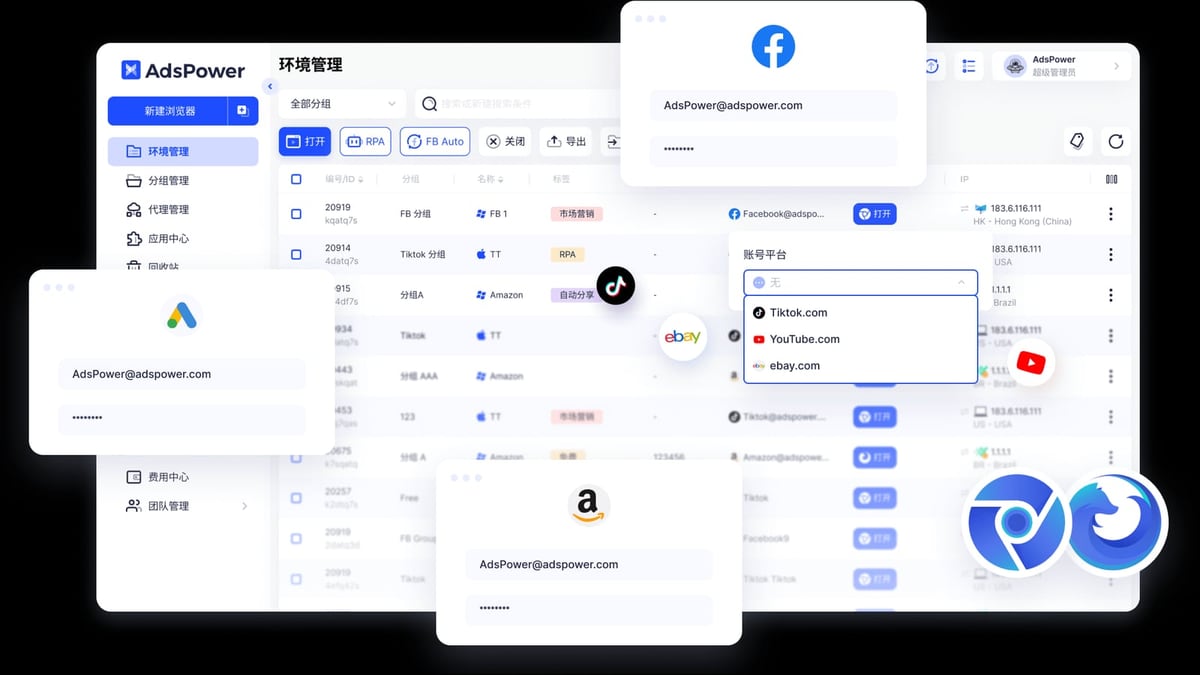
Before you can assign a proxy to a profile, you need to load the proxy list into AdsPower’s manager.
Get the latest SSL Proxies list
Visit SSL Proxies' website and download or copy the current HTTPS proxy list. The list includes IP address, port, country, and anonymity status. You can filter by country or port if you need, say, only German exit nodes. For testing, grab a handful of proxies that support Google and show "elite" anonymity.Open AdsPower’s proxy manager
In the AdsPower desktop app, click Proxies in the left sidebar, then hit Add Proxy.Paste your proxies
AdsPower accepts plain-text lists in several formats. The simplest for SSL Proxies’ open entries is onehost:portper line:192.168.1.101:3128 198.51.100.22:8080 203.0.113.4:8080If you need to tag a proxy—for example, to remember its country—append a remark in curly braces:
192.168.1.101:3128{US – fast}No username or password is required for open proxies, so leave those fields blank. For SSL Proxies’ paid Rotating Pro or Premium Proxy offerings, you would include credentials using
host:port:username:password.Test the batch
After pasting, click the Check Proxy button. AdsPower will ping each entry and flag those that pass or fail. Discard any that don’t connect; free proxies can be short-lived, but SSL Proxies’ 10-minute refresh cycle helps keep your pool fresh.Save the list
Click OK to store the working proxies. They now appear in your proxy library, ready to be assigned to any profile.
For a broader look at proxy integration options in anti-detect browsers, the AdsPower proxy types documentation details every supported protocol, while this step-by-step proxy guide walks through the full profile-creation flow.
Configuring a Profile to Use an SSL Proxy
Set Up AdsPower with SSL Proxies for Multi-Account Security product interface and feature overview.
With proxies loaded, link one to a fresh browser environment:
- Go to the Profiles tab and click + New Profile.
- Give the profile a descriptive name (e.g.,
FB – US Campaign). - Scroll to the Proxy section. Select HTTPS as the proxy type; SSL Proxies specializes in HTTPS, so this gives you encrypted traffic.
- From the dropdown, choose Select from proxy list. Pick a proxy you’ve imported. Alternatively, enter the host and port manually if you prefer not to store it.
- Leave Proxy username and Proxy password blank for open proxies.
- Click Check Proxy to confirm the connection. A success message will show the IP address and geolocation.
- Review your browser fingerprint settings. AdsPower automatically randomizes parameters, but you can tweak the user agent, timezone, language, and WebRTC behavior to match the proxy’s country. For the best disguise, ensure your browser timezone matches the proxy’s location.
- Click OK to save and launch the profile.
When the browser opens, a quick visit to a leak-test site will confirm that your IP matches the proxy and that WebRTC isn’t exposing your real address.
Testing Proxy Connectivity and Fingerprint Integrity
Set Up AdsPower with SSL Proxies for Multi-Account Security product interface and feature overview.
A passed proxy check inside AdsPower means the connection is alive, but you still need to verify that the browser’s fingerprint doesn’t leak your identity. Two simple tests:
- BrowserScan – Click the BrowserScan quick link in AdsPower or visit the site. It will report your apparent IP, timezone, language, and fingerprint hash. Confirm the IP matches the proxy and that all settings align.
- Whoer.net – Another comprehensive checker that grades your anonymity level. Aim for 100% to ensure sites can’t detect inconsistencies.
If the test reveals your real IP, go back to the profile’s proxy settings and check that HTTPS tunneling is correctly enabled. For SSL Proxies’ open proxies, you might occasionally need to try a different entry if the current one has been blacklisted by your target site.
Practical Use Cases for AdsPower + SSL Proxies
- Multi‑account social media management – Run ten TikTok or Instagram accounts without triggering device-or-IP association warnings. Each profile gets its own proxy and fingerprint.
- Geo‑targeted ad verification – Load a UK proxy to see exactly how your Google Ads look to customers in London, then switch to a German proxy to check localized landing pages.
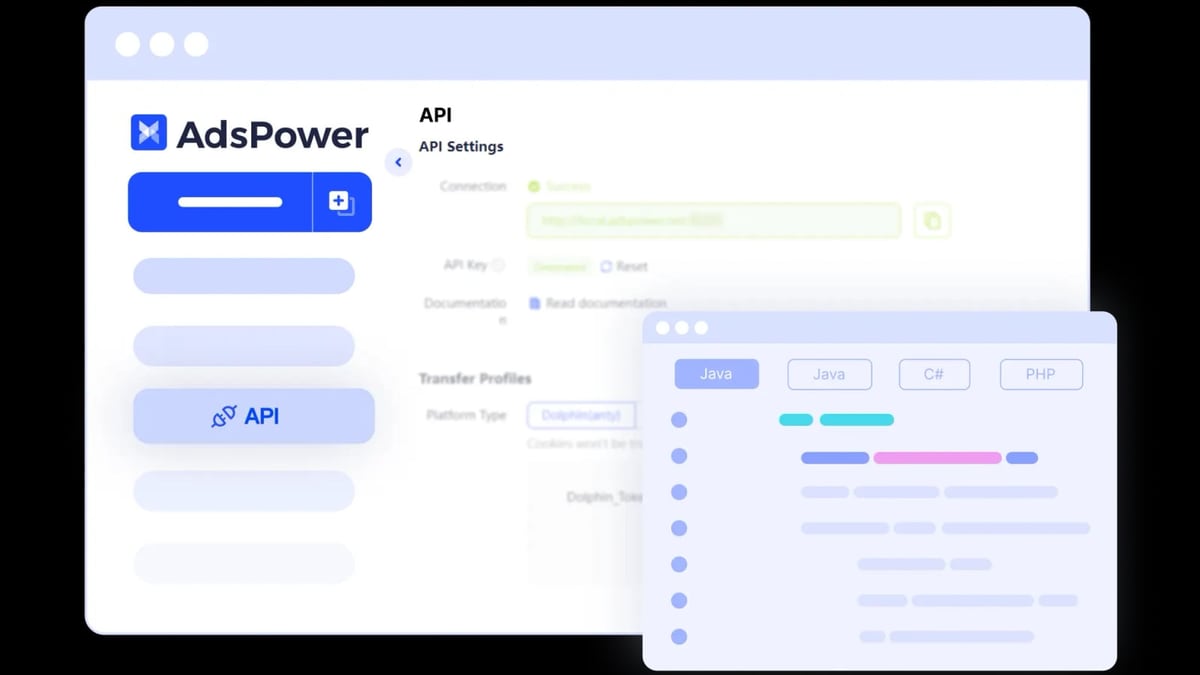
- Market research and price scraping – Use a rotating list of SSL Proxies to pull pricing from e‑commerce sites without getting blocked. AdsPower’s Local API lets you automate the scraping with Puppeteer or Playwright.
- Airdrop farming – Participate in multiple token airdrops that enforce one‑per‑user rules. Combine profiles with distinct proxies to stay eligible. For a detailed walkthrough, see our guide on using AdsPower with AirdropAlert for multi-account airdrops.
Managing Large Proxy Lists with Batch Import
When you’re handling dozens or hundreds of accounts, adding proxies one by one isn’t practical. AdsPower’s batch import tool is built for this:
- Paste hundreds of
host:portlines at once. - Add remarks in curly braces and, if needed, tags for easier filtering.
- Use the Batch Check function to weed out dead proxies in one go.
- Once saved, assign proxies to profiles in bulk by selecting multiple profiles and applying the same proxy or a sequential rotation.
For SSL Proxies’ free list, the batch import is a lifesaver because you can dump a fresh set of proxies every time you start a session, ensuring you’re never stuck with stale IPs.
Overcoming Common Challenges
Unreliable free proxies
Free HTTP(S) proxies, even from a curated list like SSL Proxies, can fail or become slow. Solution: download the latest list before each heavy session, and always run the proxy checker. For critical accounts, consider upgrading to SSL Proxies’ paid rotating residential proxies, which offer dedicated bandwidth and higher uptime.
Fingerprint mismatches
A US proxy paired with a Japanese timezone and Chinese user agent will look suspicious. AdsPower’s fingerprint template feature can auto-match OS, timezone, and language to your proxy’s country. Always double-check with BrowserScan.
IP blacklisting on high-value platforms
Mass‑free proxies occasionally appear on blacklists. If Amazon or PayPal suddenly asks for phone verification, rotate to a fresh IP. AdsPower’s “Change IP URL” field lets you add a link that refreshes the proxy IP without restarting the profile—handy for mobile proxies, but also works with some SSL Proxies services.
Large‑scale automation
Once you’re managing hundreds of profiles, scripting becomes essential. AdsPower’s Local API exposes endpoints to create profiles, assign proxies, and launch browsers programmatically. Combine that with an automated proxy list fetcher to stay ahead of bans.
Scaling Up: When to Switch from Free to Paid Proxies
SSL Proxies’ free list is perfect for testing, low‑stakes farming, or non‑critical tasks. But if you’re protecting a marketplace seller account worth thousands of dollars or running performance‑sensitive ad campaigns, free proxies can become a bottleneck. At that point, you’ll want residential or ISP proxies with guaranteed uptime and dedicated IPs. Services like Bright Data offer city‑level targeting, sticky sessions, and zero‑log networks that integrate seamlessly with AdsPower’s custom proxy fields. Our Bright Data review breaks down the trade‑offs between free and premium proxy infrastructure. For those still evaluating which anti‑detect browser fits their workflow, our AdsPower vs Octo Browser vs Kameleo comparison highlights proxy integration depth, automation capabilities, and team features.
Related reading
- Shopify Review 2026: Pricing, Pros & Cons – Is It Worth It? - In-depth Shopify review covering pricing, features, pros, cons, user feedback, and setup. Find out if Shopify is the right ecommerce platform for your business.
- Top 10 AI CAPTCHA Solving APIs of 2026 - Compare the top 10 AI CAPTCHA solving APIs of 2026, ranked by speed, accuracy, pricing, and supported CAPTCHA types. Find the best tool for web scraping and automation.
Sources and further reading
- Setting Up a Proxy in AdsPower Browser - Setting Up a Proxy in AdsPower BrowserReddit · r/ProxySellerOfficial4 comments · 6 months agoReddit · r/ProxySellerOfficial4 comments · 6 months ago1. Create a new profile and open Proxy settings. Open AdsPower and click: "New Profile". · 2. Choose proxy type. Pick HTTP / HTTPS / SOCKS5 ...Read more
FAQ
Do I need a proxy for every AdsPower profile?
Not strictly, but using one profile per IP prevents platforms from linking accounts. Even two accounts on the same home IP can get flagged. A proxy gives each profile a unique network identity, strengthening the isolation.
Can I use SSL Proxies for Amazon seller accounts?
Yes, but proceed with caution. Amazon scrutinizes login consistency. A free proxy that drops mid‑session can trigger a security hold. For seller central, a paid residential proxy that maintains a consistent IP for each account is safer.
How often should I change the proxy IP?
For persistent login sessions, a static proxy that doesn’t change mid‑session works best. If you’re scraping or doing one‑off checks, rotating through SSL Proxies’ list every 10 minutes keeps you below rate‑limit radars.
What if the proxy test fails in AdsPower?
Double‑check you’ve selected the correct protocol (HTTPS for SSL Proxies). Ensure no firewall or antivirus is blocking the port. If the proxy itself is dead, grab a fresh entry from SSL Proxies’ updated list and retry.
Does AdsPower support SOCKS5 from SSL Proxies?
Yes, if you have access to SSL Proxies’ SOCKS list or their paid SOCKS service. Choose SOCKS5 as the proxy type and follow the same import steps.
Conclusion
Combining AdsPower’s fingerprint isolation with SSL Proxies’ free HTTPS proxy list unlocks a powerful, low‑cost setup for multi‑account management. You get the browser diversity that defeats device fingerprinting and the IP diversity that hides your network trail, all without a complex tech stack. Start with the free tier of both tools to experiment on low‑risk profiles, then scale with batch imports, fingertip matching, and—when the stakes rise—premium proxies. With the right pairing, you can manage a dozen Amazon storefronts or a hundred social accounts from one desk, securely and efficiently. For more head‑to‑head browser comparisons and proxy strategies, explore the resources here on AdsPower.