
How to Use AdsPower with AirdropAlert for Multi-Account Airdrops
Take a Quick Look
Learn to combine AdsPower anti-detect browser with AirdropAlert for secure multi-account airdrop farming. Step-by-step proxy setup, profile isolation, and workflow examples.
🔥 Limited-Time Offer! Save extra 10% off on your first monthly plan with code: Anitdetect10
Sign upHow to Use AdsPower Fingerprint Browser with AirdropAlert for Safe Multi-Account Airdrops
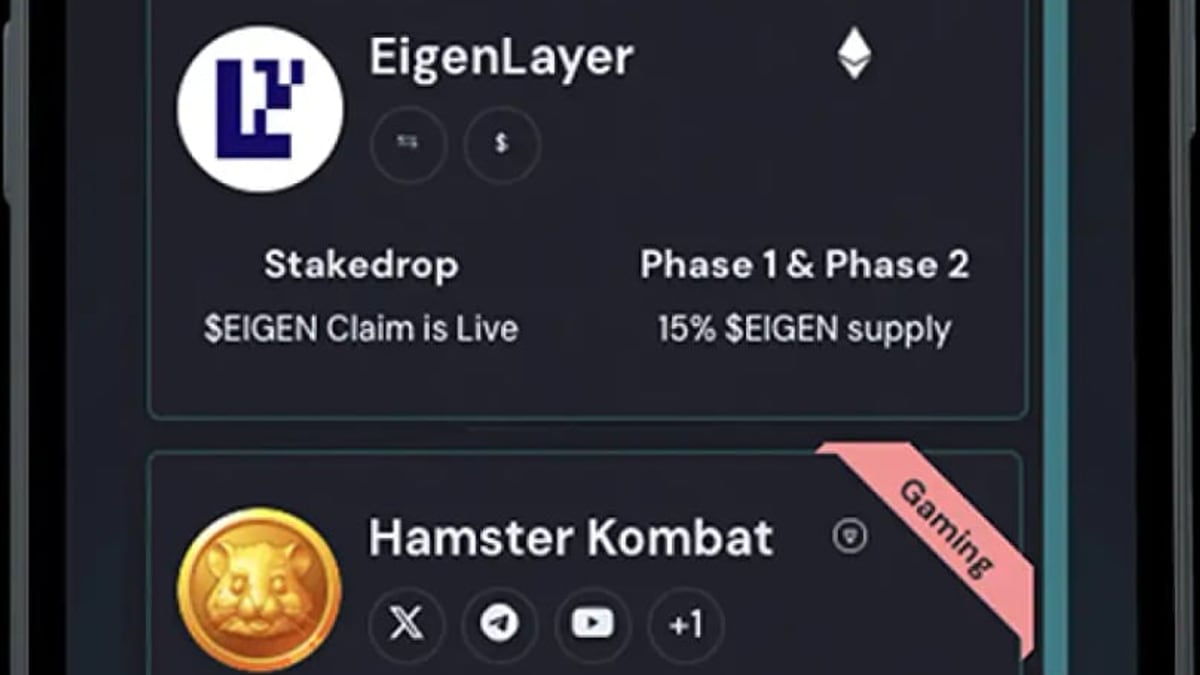
Airdrop hunters know the game: one person, one account. But what if you could operate multiple isolated identities without getting banned? That’s exactly where AdsPower and AirdropAlert team up. AdsPower provides bulletproof browser environments, each with its own digital fingerprint and IP, while AirdropAlert curates hundreds of vetted airdrops every day. Together they let you claim more rewards while keeping every profile separate and undetectable.
This guide walks you through the entire workflow—from setting up your first anti-detection profile to scaling across dozens of airdrops—so you can farm with confidence.
Why Use AdsPower with AirdropAlert?
How to Use AdsPower with AirdropAlert for Multi-Account Airdrops product interface and feature overview.
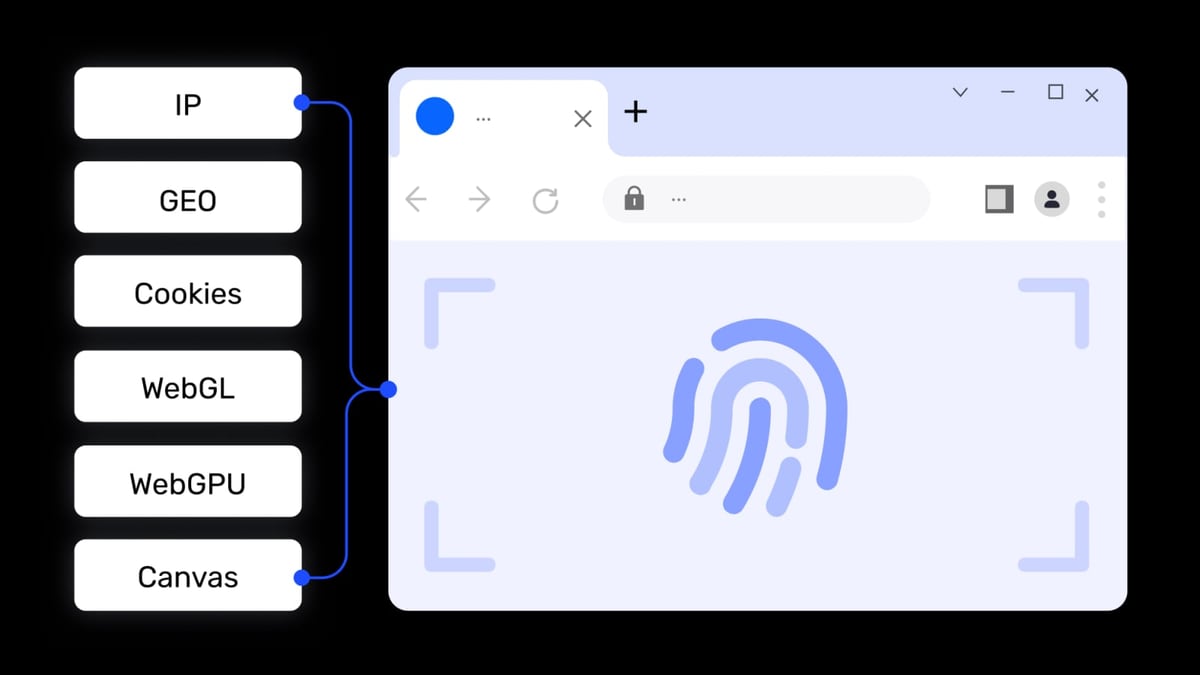
Most airdrops allow only one claim per user. Platforms enforce this through browser fingerprinting, IP tracking, and cookie storage. If you reuse the same device or connection, you risk mass disqualification or wallet blacklisting.
AdsPower solves this by creating independent browser profiles with unique Canvas, WebGL, WebRTC, Audio, and other fingerprints. Each environment behaves like a separate physical machine. AirdropAlert then becomes your intelligence hub: you find promising campaigns, read step-by-step instructions, and use your AdsPower profiles to claim them one after another—without the platforms ever linking the accounts.
Key benefits of the combination:
- Undetectable multi-accounting for airdrop eligibility
- Centralized discovery of legitimate airdrops through AirdropAlert’s filters
- Isolated wallet extensions so your crypto assets stay compartmentalized
- Bulk proxy management to match the geotargeting requirements of some airdrops
What You’ll Need Before You Start
How to Use AdsPower with AirdropAlert for Multi-Account Airdrops product interface and feature overview.
To get the most out of this setup, prepare the following:
- AdsPower account – the free tier includes 2 browser profiles; paid plans scale to thousands. Download AdsPower for Windows, macOS, or Linux.
- AirdropAlert access – the website is free to use; premium subscriptions unlock advanced filters and early notifications. Visit AirdropAlert.com.
- Residential or mobile proxies – avoid datacenter IPs; they are easily flagged. Residential rotating proxies mimic real user connections.
- Crypto wallets – browser extensions like MetaMask, Phantom, or Keplr will be installed inside each AdsPower profile.
At AdsPower, we recommend testing your first workflow with the free tiers of both tools—it’s enough to claim a couple of low-competition airdrops and validate the process.
Step 1: Creating Your First AdsPower Profile for Airdrops
How to Use AdsPower with AirdropAlert for Multi-Account Airdrops product interface and feature overview.
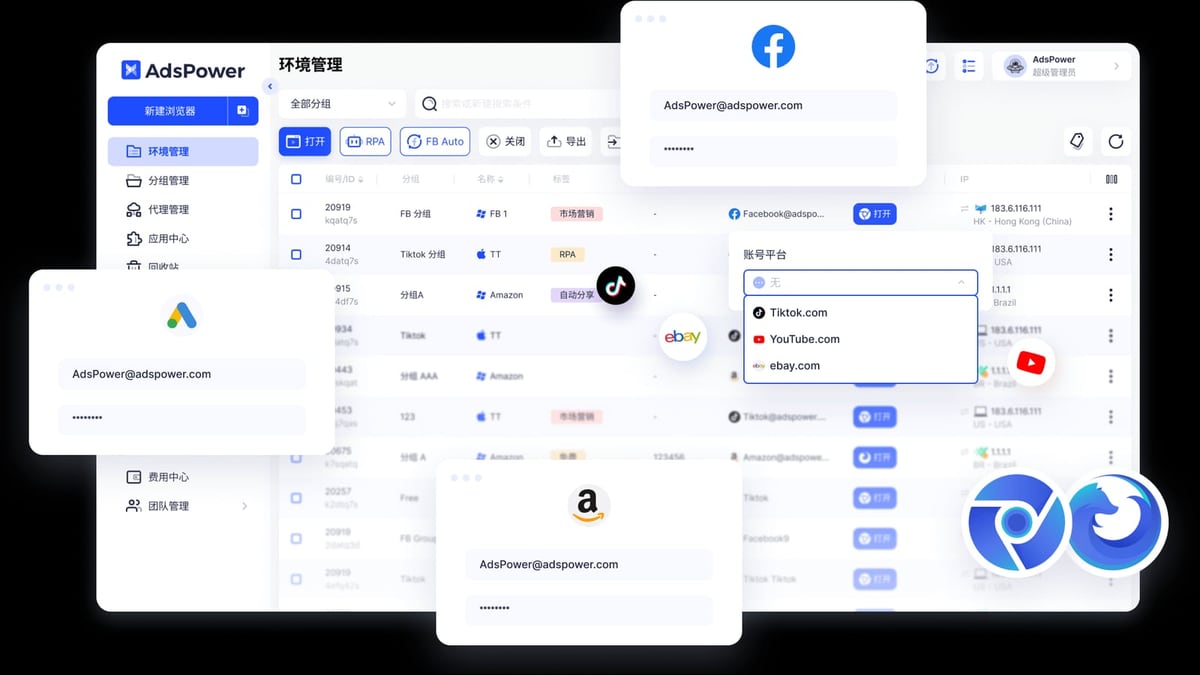
Once AdsPower is installed, launch the application and follow these steps to build a profile that passes fingerprint scans.
- Click “+ New profile”.
- Name your profile – for example, “Airdrop US 01” – so you can identify it later.
- Choose a browser kernel. SunBrowser (Chromium-based) is recommended for full wallet extension compatibility; FlowerBrowser (Firefox) works if a specific dApp requires it.
- Set the operating system and user agent. Match them to your real OS for a natural fingerprint. AdsPower can download an older browser version if needed.
- Review the fingerprint parameters under “Advanced.” Leave them on “Random” unless you need to mimic a specific device; AdsPower’s randomizer already varies 20+ attributes.
Adding a Proxy for Location Masking
Scroll to the proxy section and select “Custom”. Choose your protocol (SOCKS5 or HTTP) and fill in:
- Proxy host and port (e.g.,
gate.provider.com:12345) - Proxy username and password
Click “Check Proxy” – you’ll see the outbound IP, country, and city. A green confirmation means the connection is solid.
Save the profile. When you open it, AdsPower launches a fresh, isolated browser window. A quick visit to browserscan.net (AdsPower’s built-in scanner) confirms your new fingerprint matches the proxy location and doesn’t leak your real identity.
For a deeper dive into proxy integration, see our guide on using AdsPower with Webshare proxies.
Step 2: Bulk Proxy Setup for Multiple Airdrop Profiles
When you’re running several profiles, manually configuring proxies for each one is tedious. AdsPower’s proxy panel lets you import a batch in one go.
- Go to “Proxies” in the left menu and click “Add proxy.”
- Paste your proxy list using the format:
You can append a remark insidegate.provider.com:12345:username:password{}and specify a protocol prefix if needed, likesocks5://. - Click “Check proxy” to verify all entries, then save.
Back in the profile creation form, you can now assign pre-saved proxies from a dropdown instead of entering credentials each time. This speeds up scaling dramatically.
Step 3: Finding High-Value Airdrops with AirdropAlert
How to Use AdsPower with AirdropAlert for Multi-Account Airdrops product interface and feature overview.
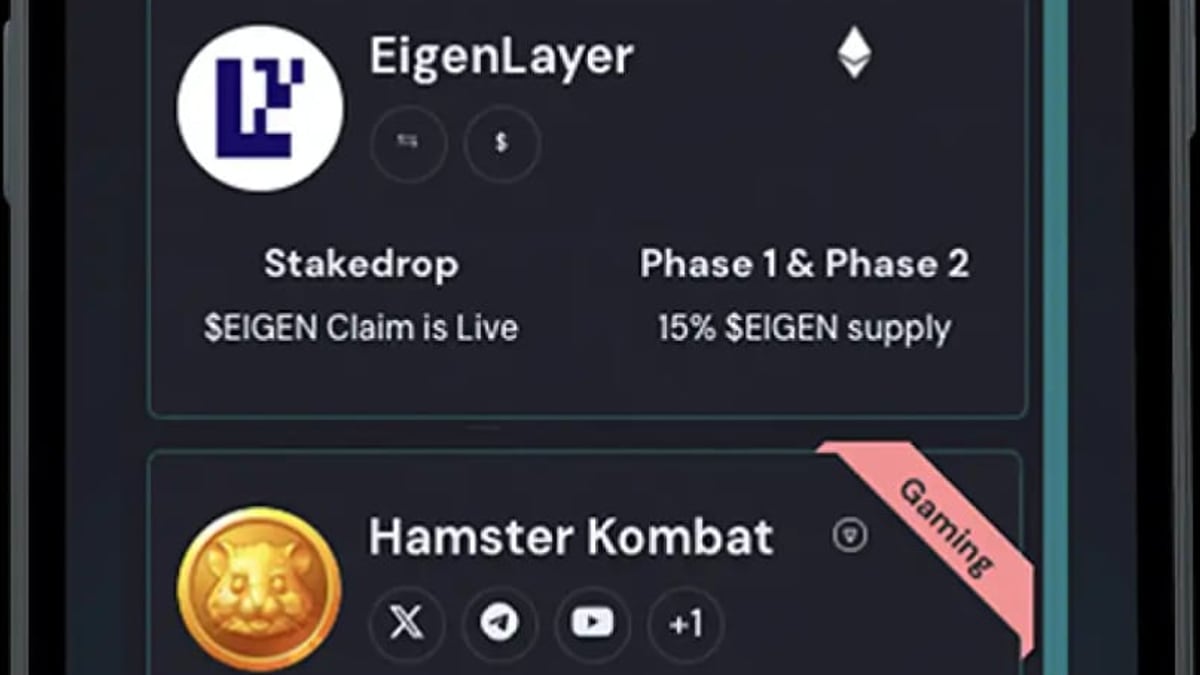
Open your regular browser and head to AirdropAlert. Use the homepage filters to surface campaigns by status (Active, Upcoming), network (Ethereum, Solana, BNB Chain), or potential value.
Each listing includes a detailed guide – what tasks to complete, which wallet to use, deadlines, and sometimes a direct claim link. For your first test, pick an airdrop with simple requirements: a testnet faucet request, a Discord join, or a single Twitter like. This way you can focus on the AdsPower workflow without getting stuck on technical steps.
Step 4: Claiming with Your AdsPower Profile – a Practical Example
Let’s walk through claiming a testnet airdrop listed on AirdropAlert under the name “NovaChain Faucet.”
- Open your AdsPower profile (the one with a US residential proxy). The browser launches with a clean slate – no existing wallet extensions, no cookies from previous sessions.
- Install the required wallet (MetaMask in this case) from the Chrome Web Store. Set it up with a new seed phrase only used inside this profile. Never reuse seeds across profiles.
- Navigate to the airdrop URL provided by AirdropAlert. Usually this is a dApp landing page.
- Connect your wallet and complete the listed tasks – for NovaChain, that might be requesting testnet tokens and making a single transfer.
- Submit any required proof (TX hash, screenshot). Close the profile when finished.
Now repeat the entire process with a second AdsPower profile, using a different proxy and wallet. The fingerprint isolation ensures the two submissions look like they come from two separate users on two different devices.
Scaling Up: Organizing a Portfolio of Airdrop Profiles
With dozens of airdrops running simultaneously, profile management becomes crucial. AdsPower provides tools to stay organized:
- Groups – create groups like “Ethereum Airdrops,” “Solana Testnets,” or “High Priority” and assign profiles accordingly.
- Tags – use color-coded tags for things like “VPN needed” or “Needs Discord join.”
- Remarks – each profile can store up to 2,000 characters of notes; log which airdrop it’s associated with and when you submitted.
The Window Synchronizer is a bonus: it replicates mouse clicks, keystrokes, and scrolling across selected open profiles. Use it sparingly to complete identical, repetitive steps – but remember that too many simultaneous identical actions from different IPs can still raise red flags. Manual variation is safer.
Automating Repetitive Farming with AdsPower RPA (Optional)
If you’re farming hundreds of profiles, manual clicking isn’t scalable. AdsPower’s built-in RPA (no-code automation) lets you record a sequence of actions and replay it across profiles. There are even pre-built templates for common airdrop tasks. For developers, the Local API and MCP protocol bridge AdsPower with Selenium, Playwright, and AI agents, enabling full scripted claiming pipelines.
Start with one profile’s manual flow, record it, then run it on a handful to validate. Extend only after you confirm the automation doesn’t trigger any anti‑bot mechanisms.
Common Mistakes to Avoid
- Using the same proxy on multiple profiles that interact with the same airdrop. If the platform sees the same IP applying twice, both accounts get flagged.
- Skipping fingerprint consistency. Make sure the timezone, language, screen resolution, and WebRTC local IP align with the proxy location; AdsPower auto‑matches most of these, but it’s worth checking.
- Relying on datacenter IPs. They are widely blacklisted by anti‑fraud systems. Residential proxies cost more but deliver vastly higher success rates.
- Reusing wallet seed phrases. Each profile must have its own unique wallet; linking funds later is fine, but never let two profiles share the same address.
- Zero profile warming. Before claiming, spend a few minutes browsing neutral sites (e.g., news, weather) to build a benign browsing history.
Related reading
- AdsPower vs RoxyBrowser vs Indigo: Which Anti-Detect Browser Wins? - A detailed comparison of AdsPower, RoxyBrowser, and Indigo anti-detect browsers. Discover which excels in fingerprinting, automation, proxy integration, and team workflows.
- FastestVPN Review 2026: Is This Budget VPN Safe & Fast? - We tested FastestVPN's speed, streaming, security, and privacy. Find out if this cheap VPN is trustworthy or if its low price hides serious flaws.
- Octo Browser Review 2026: Anti-Detect Multi-Accounting Tested - In-depth Octo Browser review covering features, fingerprinting, pricing, setup, and real-world use cases. Find out if this anti-detect browser fits your multi-account workflow in 2026.
Sources and further reading
- Download AdsPower Antidetect Browser on Your PC/Mac/Linux - Download AdsPower browser to start your multi-accounting in any platform. Available for Windows, macOS (including Apple Silicon).
- Setting Up Proxies on AdsPower: A Complete Guide - Master AdsPower proxy integration with our comprehensive guide. Learn to set up and manage your proxies efficiently.
FAQ
Can I use the free AdsPower plan with AirdropAlert?
Yes. The free tier provides two browser environments—perfect for testing the workflow. Upgrade only when you need more profiles.
Do I absolutely need proxies?
If you plan to run more than one account for the same airdrop, residential proxies are essential. They prevent the platform from seeing the same public IP and associating your submissions.
Is it legal to claim airdrops with multiple accounts?
This depends on the project’s terms of service. Many airdrops explicitly forbid multiple entries; others are silent. Always read the rules and weigh the risk. This guide purely explains the technical setup.
Which wallet extensions work best inside AdsPower?
MetaMask, Phantom, Keplr, Trust Wallet, and Coinbase Wallet all install and function normally within SunBrowser profiles. Always download them from the official Chrome Web Store.
What proxy type should I choose for airdrops?
Rotating residential proxies are the gold standard. Each time you open a profile, the IP changes (or rotates according to a set link), mimicking a real ISP user. Static residential proxies also work if you match them to a single identity’s long-term location.
How do I prevent browser fingerprint leaks between profiles?
AdsPower isolates each profile’s data directory and fingerprint parameters. To verify, use the “BrowserScan” link inside the profile and confirm the canvas, WebGL, and audio fingerprints are unique. Avoid manually copying extension data folders between profiles.
Conclusion
Combining AdsPower’s fingerprint isolation with AirdropAlert’s curated airdrop list gives you a competitive edge in crypto airdrop farming. You can safely operate multiple identities, keep wallets compartmentalized, and automatically scale your efforts—all from a single laptop.
If you’re still evaluating anti-detect browsers, check out our detailed comparison of AdsPower vs RoxyBrowser vs Indigo to see how AdsPower stacks up. And once you’re comfortable with the basics, dive into advanced proxy strategies with our Webshare integration walkthrough.
At AdsPower, we believe that the right tool combination turns tedious airdrop chasing into a streamlined, low‑risk operation. Start with a single profile, perfect your workflow, then scale – those tokens won’t farm themselves.