
AdsPower + IPVanish VPN: Setup Guide for Secure Multi-Accounts
Take a Quick Look
Step-by-step guide to combine AdsPower fingerprint browser with IPVanish VPN. Isolate fingerprints, mask IPs, and manage multiple accounts safely.
🔥 Limited-Time Offer! Save extra 10% off on your first monthly plan with code: Anitdetect10
Sign upHow to Use AdsPower Fingerprint Browser with IPVanish VPN
Managing multiple online accounts — whether for e-commerce, social media, or advertising — demands more than just separate logins. Platforms like Amazon, Facebook, and TikTok use sophisticated fingerprinting and IP tracking to detect account associations. A single shared IP address or a matching browser fingerprint can trigger an instant ban.
AdsPower fingerprint browser creates isolated browser environments with unique digital fingerprints for each account. IPVanish VPN adds an extra layer by masking your real IP address and encrypting your connection. When used together, they form a powerful defense against account linking.
This guide walks you through exactly how to set up AdsPower with IPVanish VPN, configure proxy settings, and avoid common pitfalls.
Why Combine AdsPower with IPVanish VPN?
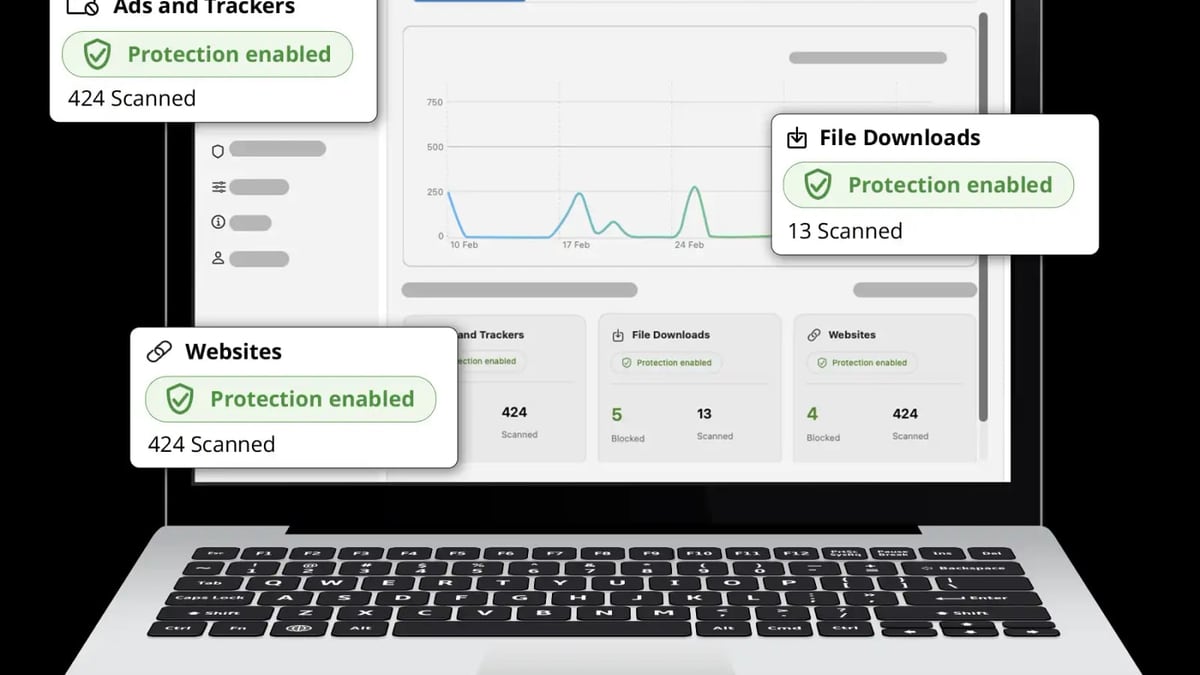
AdsPower + IPVanish VPN: Setup Guide for Secure Multi-Accounts product interface and feature overview.
AdsPower alone handles browser fingerprint isolation — Canvas, WebGL, Audio, WebRTC, and over 20 other parameters. But your IP address remains a visible link between accounts if you don’t change it. That’s where IPVanish comes in.
| Problem | AdsPower Solution | IPVanish Solution |
|---|---|---|
| Browser fingerprint detection | Generates unique fingerprints per environment | — |
| IP-based account linking | — | Provides dedicated IPs via VPN or proxy |
| Data interception on public Wi-Fi | — | Encrypts all traffic |
| Geo-restrictions on target platforms | — | Unblocks region-locked content |
By pairing AdsPower’s fingerprint isolation with IPVanish’s IP masking, you achieve true device + network isolation — the gold standard for multi-account security.
What You Need Before Starting
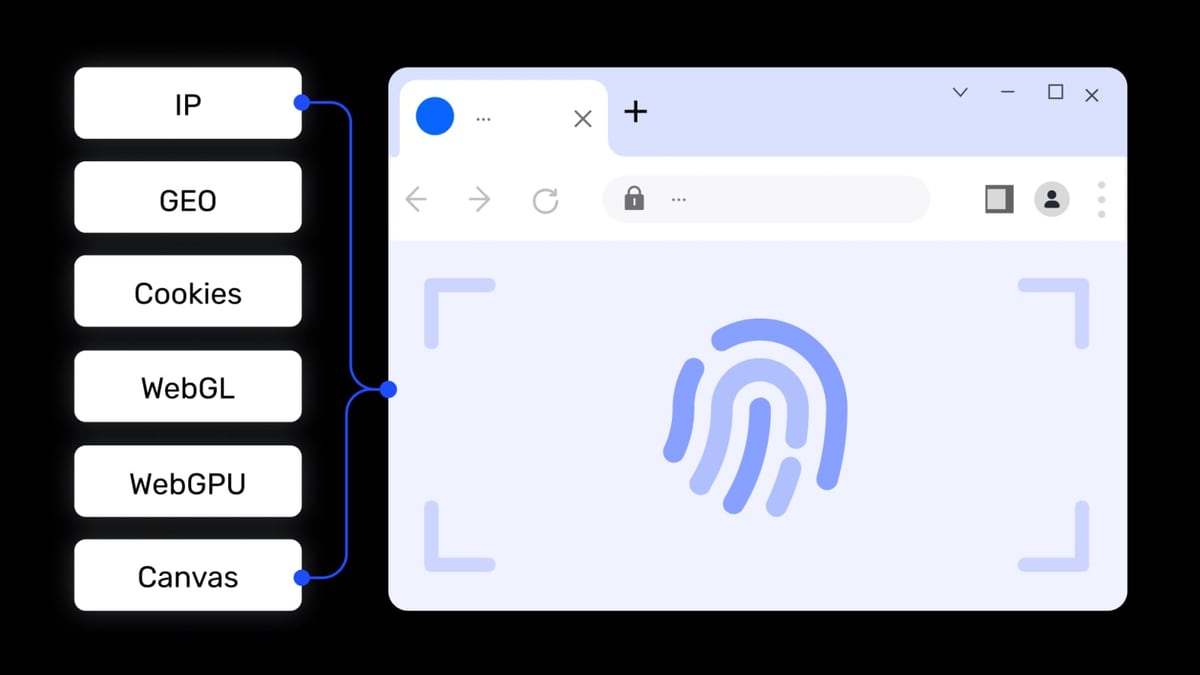
AdsPower + IPVanish VPN: Setup Guide for Secure Multi-Accounts product interface and feature overview.
- An AdsPower account (free tier includes 2 browser environments)
- An IPVanish subscription (supports VPN and SOCKS5 proxy)
- Access to your IPVanish dashboard to generate proxy credentials
Step-by-Step Setup: AdsPower + IPVanish
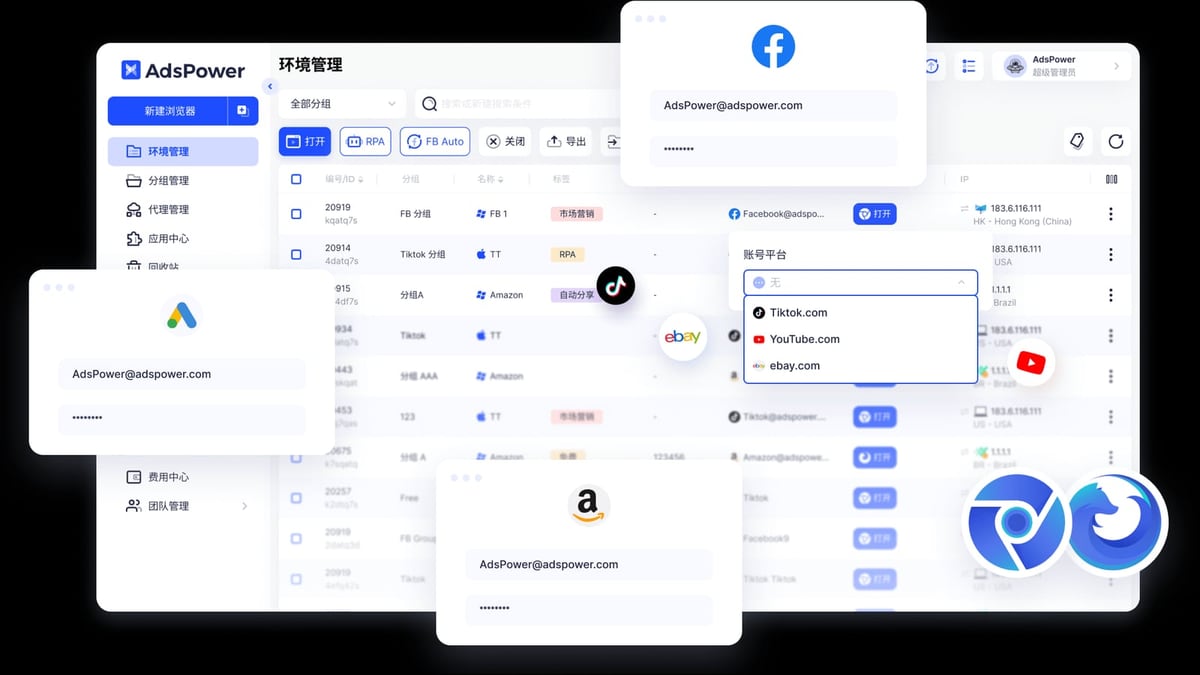
AdsPower + IPVanish VPN: Setup Guide for Secure Multi-Accounts product interface and feature overview.
1. Get Your IPVanish Proxy Credentials
IPVanish offers both a full VPN client and SOCKS5 proxy. For AdsPower, you’ll use the SOCKS5 proxy — it integrates directly into the browser environment without requiring the VPN app.
- Log in to your IPVanish account.
- Navigate to the Proxy section in the dashboard.
- Note the following details:
- Proxy host:
socks5.ipvanish.com - Proxy port:
1080 - Username: Your IPVanish username
- Password: Your IPVanish password
- Proxy host:
Tip: Keep this information handy. You’ll enter it into AdsPower shortly.
2. Create a New Browser Environment in AdsPower
- Open the AdsPower desktop client and log in.
- Click New Browser.
- Fill in the basic details:
- Name: Use a descriptive name (e.g., "Amazon US - Store A")
- Group/Tag: Organize by platform or purpose
- Browser kernel: Choose SunBrowser (Chrome) or FlowerBrowser (Firefox). For variety, alternate kernels across accounts.
- Leave other fingerprint settings at default unless you have specific requirements.
3. Configure the IPVanish Proxy
This is the critical step. Without a proxy, all environments share your real IP.
- In the same browser creation window, scroll to Proxy Settings.
- Set Proxy Type to
SOCKS5. - Enter the IPVanish details:
- Proxy Host:
socks5.ipvanish.com - Proxy Port:
1080 - Proxy Account: Your IPVanish username
- Proxy Password: Your IPVanish password
- Proxy Host:
- Click Check Proxy. AdsPower will test the connection. You should see a success message.
Caption: Entering IPVanish SOCKS5 proxy details in AdsPower’s browser environment setup.
4. Verify the Setup
Before using the environment, confirm everything works:
- Open the newly created environment.
- Visit a site like
whatismyipaddress.comorbrowserscan.net. - Check that the displayed IP matches the IPVanish proxy IP (not your home IP).
- Verify that your browser fingerprint is unique — tools like
amiunique.orgcan help.
If the IP still shows your real address, double-check the proxy credentials and ensure the proxy type is SOCKS5.
Practical Examples
Example 1: Managing Three Amazon Seller Accounts
You run three Amazon stores from one computer. Without AdsPower and IPVanish, Amazon would see the same IP and fingerprint — instant ban risk.
- Create three separate browser environments in AdsPower.
- Assign each environment a unique IPVanish proxy (you can use different proxy servers by changing the port or using multiple IPVanish accounts).
- Log in to each Amazon account from its dedicated environment.
- Amazon sees three different devices in three different locations — no association detected.
Example 2: Running Facebook Ad Campaigns for Multiple Clients
You manage ad accounts for five clients. Facebook’s strict policies flag accounts sharing IPs or fingerprints.
- Create five environments in AdsPower, each with a distinct name and group.
- Configure each with a separate IPVanish proxy.
- Use AdsPower’s Window Sync feature to duplicate ad creatives across accounts — but keep each account’s IP and fingerprint isolated.
- Facebook treats each account as an independent entity.
Common Mistakes to Avoid
AdsPower + IPVanish VPN: Setup Guide for Secure Multi-Accounts product interface and feature overview.
- Using the same proxy for all environments: Even with different fingerprints, a shared IP raises red flags. Use a unique IP per account if possible.
- Skipping the proxy check: Always test the proxy connection inside AdsPower before launching the environment.
- Mixing VPN and proxy: You don’t need to run the IPVanish VPN app simultaneously. The SOCKS5 proxy built into AdsPower is sufficient and avoids IP conflicts.
- Ignoring fingerprint consistency: Don’t change fingerprint parameters for an active account mid-session — platforms may detect the sudden change.
Troubleshooting IPVanish Proxy Issues
| Problem | Likely Cause | Solution |
|---|---|---|
| Proxy check fails | Incorrect credentials | Re-enter username/password from IPVanish dashboard |
| IP still shows real address | Proxy not applied | Ensure proxy type is SOCKS5 and host/port are correct |
| Connection timeout | Firewall blocking port 1080 | Allow outbound connections on port 1080 in your firewall settings |
| Slow browsing | High latency proxy server | Try a different IPVanish server location |
Related reading
- AdsPower vs MoreLogin vs Incogniton: 2026 Anti-Detect Browser Comparison - Compare AdsPower, MoreLogin, and Incogniton anti-detect browsers. Features, pricing, automation, and which fits your multi-account workflow.
- AdsPower vs Octo Browser: 2026 Anti-Detect Browser Comparison - Compare AdsPower vs Octo Browser for multi-account management. See features, pricing, automation, and which anti-detect browser wins in 2026.
- PayPal Review 2026: Pros, Cons & Is It Right for You? - An evidence-based PayPal review covering ideal users, fees, security, and business tools. See if this payment platform fits your needs in 2026.
Frequently Asked Questions
Can I use IPVanish VPN instead of SOCKS5 proxy with AdsPower?
Yes, but it’s less efficient. Running the VPN app encrypts all your device traffic, which can interfere with AdsPower’s fingerprint isolation. The SOCKS5 proxy integrates directly into each browser environment, keeping your main IP unchanged while only the browser traffic routes through the VPN.
How many IPVanish proxies do I need?
One IPVanish account provides one SOCKS5 proxy at a time. For multiple accounts requiring different IPs, you’ll need additional IPVanish subscriptions or a proxy provider that offers rotating residential IPs.
Does IPVanish keep logs?
IPVanish has a verified no-logs policy, meaning it doesn’t record your browsing activity or connection metadata. This aligns with AdsPower’s privacy-first approach.
Can I use IPVanish with AdsPower’s RPA automation?
Absolutely. AdsPower’s built-in RPA (robotic process automation) works seamlessly with IPVanish proxies. Each automated task runs in its own isolated environment with a unique IP, reducing the risk of detection during bulk operations.
Conclusion
Combining AdsPower fingerprint browser with IPVanish VPN gives you a robust, cost-effective solution for managing multiple accounts securely. AdsPower handles fingerprint isolation, while IPVanish masks your IP address and encrypts your connection. Together, they eliminate the need for multiple physical devices and drastically reduce the risk of account bans.
For a deeper comparison of anti-detect browsers, check out our AdsPower vs MoreLogin vs Incogniton comparison and AdsPower vs Octo Browser analysis. If you’re also automating CAPTCHA solving, our AdsPower + 2Captcha setup guide covers that integration.
Start with AdsPower’s free tier and a single IPVanish proxy — test the workflow with two accounts, then scale up as your needs grow.