
AdsPower vs Octo Browser: 2026 Anti-Detect Browser Comparison
Take a Quick Look
Compare AdsPower vs Octo Browser for multi-account management. See features, pricing, automation, and which anti-detect browser wins in 2026.
🔥 Limited-Time Offer! Save extra 10% off on your first monthly plan with code: Anitdetect10
Sign upAdsPower vs Octo Browser: Which Anti-Detect Browser Wins in 2026?
Managing multiple accounts on platforms like Amazon, Facebook, Google, and TikTok without getting banned is a growing challenge. Anti-detect browsers like AdsPower and Octo Browser solve this by creating isolated browser environments with unique digital fingerprints. But which one is right for your workflow?
This comparison covers fingerprint customization, automation, team tools, pricing, and real-world use cases to help you decide between AdsPower and Octo Browser in 2026.
Quick Overview: AdsPower vs Octo Browser
AdsPower vs Octo Browser: 2026 Anti-Detect Browser Comparison product interface and feature overview.
| Feature | AdsPower | Octo Browser |
|---|---|---|
| Release Year | ~2019 | ~2020 |
| Browser Engines | Chromium & Firefox | Chromium only |
| Free Plan | Yes (2 environments) | No |
| Starting Price | Free | €21/month |
| Mobile Fingerprint | iOS & Android | No |
| Built-in RPA | Yes (free) | No |
| Team Permissions | Role-based | Basic |
| Best For | Agencies, beginners, teams | Technical solo operators |
Fingerprint Customization: Depth vs Speed

AdsPower vs Octo Browser: 2026 Anti-Detect Browser Comparison product interface and feature overview.
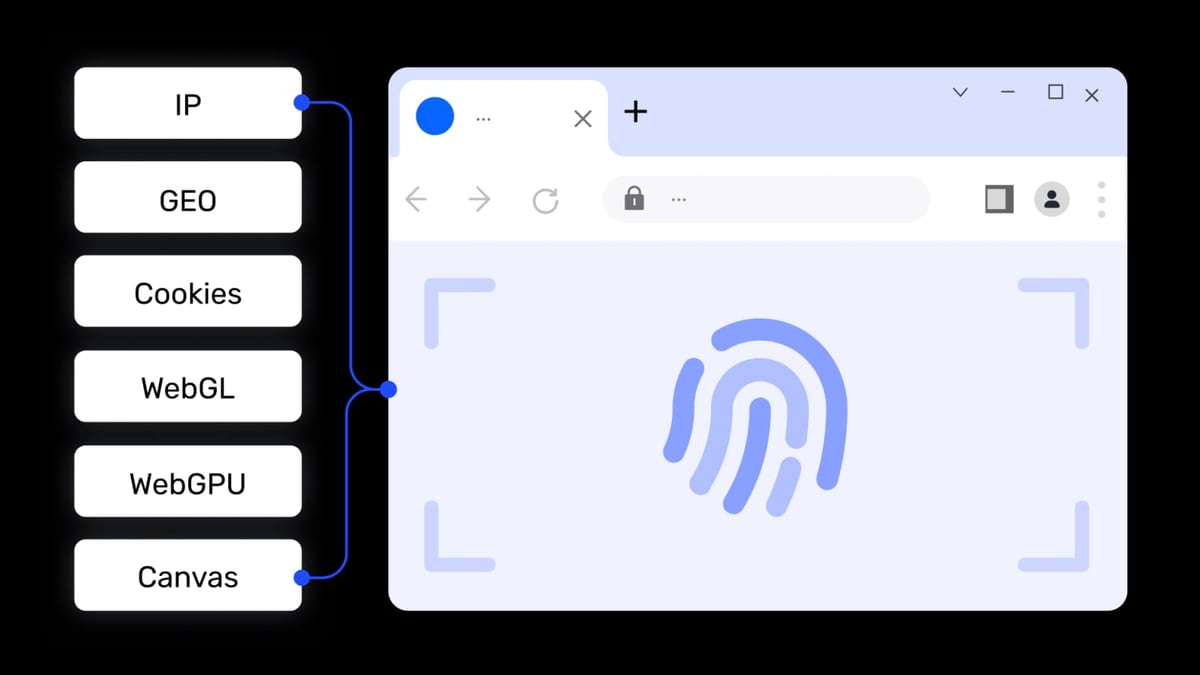
Both browsers let you spoof Canvas, WebGL, Audio, WebRTC, and other fingerprint parameters. The difference is in control and ease of use.
Octo Browser: Precision for Experts
Octo Browser offers deep manual control over hardware metrics like CPU cores, memory, and audio fingerprints. You can clone or randomize a specific device setup. This is useful for high-risk niches like crypto arbitrage or scraping. However, the extensive options can overwhelm beginners, and mismatched settings may trigger detection.
AdsPower: Fast Setup with Presets
AdsPower uses high-quality presets to simplify fingerprint creation. You can bulk-generate profiles quickly without tweaking every parameter. For most e-commerce sellers and social media managers, this speed is more valuable than granular control. AdsPower also supports mobile fingerprint emulation for iOS and Android, which Octo Browser lacks.
Verdict: Choose Octo for precision, AdsPower for speed and mobile support.
Automation: No-Code vs Developer Tools
AdsPower vs Octo Browser: 2026 Anti-Detect Browser Comparison product interface and feature overview.
Automation is critical when managing hundreds of accounts. The two browsers take different approaches.
Octo Browser: Developer-Friendly API
Octo Browser supports Puppeteer and Playwright for scripting custom actions. It’s ideal if you have coding skills and need tailored automation. However, API access requires a paid subscription, and official documentation can feel limited.
AdsPower: Built-in RPA for Everyone
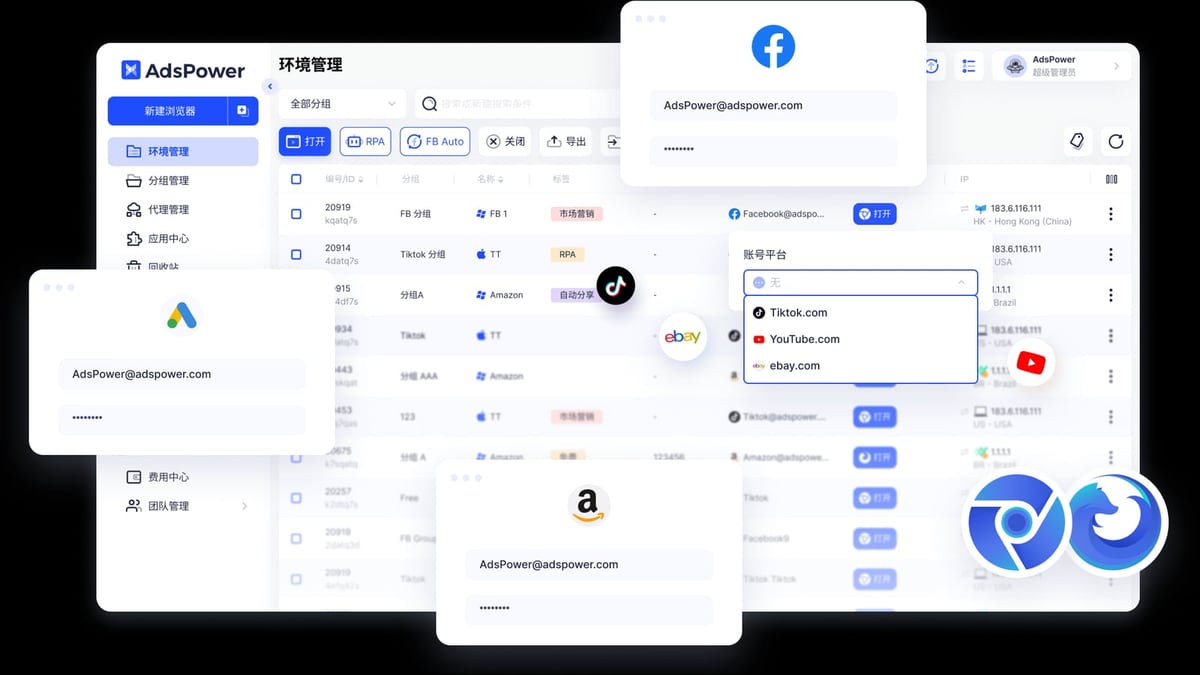
AdsPower includes a free, built-in RPA (Robotic Process Automation) tool. You can create workflows using pre-built templates or a drag-and-drop interface — no coding required. This makes it easy to automate repetitive tasks like liking, watching, or form filling. For advanced users, AdsPower also offers a local API compatible with Selenium, Puppeteer, Playwright, and the MCP protocol for AI agent integration.
Verdict: Octo for custom scripting; AdsPower for no-code automation and broader API compatibility.
Team Collaboration: Built for Scale
AdsPower vs Octo Browser: 2026 Anti-Detect Browser Comparison product interface and feature overview.
If you work with a team, collaboration features matter.
Octo Browser: Solo-Focused
Octo Browser offers basic team features like cloud sync and profile sharing, but lacks role-based permissions and detailed activity logs. Larger teams may find the limited seats restrictive unless they choose expensive tiers.
AdsPower: Enterprise-Ready
AdsPower provides flexible role-based permissions, action logs, and environment sharing. You can assign different access levels to team members and track changes. This makes it suitable for agencies and businesses managing multiple clients.
Verdict: AdsPower wins for team collaboration.
Proxy Integration: Bulk Management Matters
Both browsers support HTTP, HTTPS, SOCKS5, and SSH proxies. The difference is in how you manage them at scale.
- Octo Browser: Smooth UI for assigning proxies during profile creation. Supports a proxy store with integrated providers.
- AdsPower: Bulk proxy assignment, automatic proxy matching, and bulk updates with tagging. This is a huge time-saver for agencies handling hundreds of profiles.
Verdict: Tie for basic use; AdsPower for bulk operations.
Pricing: Free Tier vs Paid-Only
| Plan | AdsPower | Octo Browser |
|---|---|---|
| Free | 2 environments | None |
| Starter | ~$5.40/month (10 profiles) | €21/month (10 profiles) |
| Professional | ~$36/month (100 profiles) | €79/month (100 profiles) |
| Custom | Available | Available |
AdsPower’s free plan lets you test the tool before committing. Octo Browser requires payment from day one, which may deter budget-conscious beginners.
Platform Support: Mobile and Firefox
- Mobile Fingerprint: AdsPower supports iOS and Android fingerprint emulation. Octo Browser does not.
- Browser Engines: AdsPower offers both Chromium (SunBrowser) and Firefox (FlowerBrowser) stealth browsers. Octo Browser is Chromium-only.
If you need to run mobile-specific campaigns or prefer Firefox, AdsPower is the clear choice.
Use Cases: Which Browser Fits Your Workflow?
E-Commerce Sellers
Managing multiple Amazon or eBay stores requires bulk profile creation and proxy management. AdsPower’s batch operations and free RPA make it ideal for scaling.
Affiliate Marketers
Both browsers work well, but AdsPower’s no-code automation and team features give it an edge for agencies.
Crypto & Airdrop Hunters
Octo Browser’s deep fingerprint control helps simulate unique devices for high-risk platforms. However, AdsPower’s mobile support and free tier are attractive for testing.
Social Media Managers
AdsPower’s window synchronizer lets you perform batch actions across multiple profiles — useful for managing Facebook or TikTok accounts simultaneously.
Related reading
- PayPal Review 2026: Pros, Cons & Is It Right for You? - An evidence-based PayPal review covering ideal users, fees, security, and business tools. See if this payment platform fits your needs in 2026.
- Top 10 Web Scraping API & Proxy Services 2026 - Compare the 10 best web scraping APIs and proxy services for 2026. Expert-ranked list with benchmark data, pricing, and use cases for every product.
- AdsPower vs VMLogin vs Indigo: Anti-Detect Browser Comparison - Compare AdsPower, VMLogin, and Indigo anti-detect browsers. Features, pricing, automation, and which fits your multi-account workflow.
Frequently Asked Questions
Does Octo Browser have a free plan?
No. Octo Browser is paid-only, starting at €21/month. AdsPower offers a free plan with 2 browser environments.
Which browser is better for beginners?
AdsPower. Its preset-based fingerprinting, built-in RPA, and extensive tutorials make it more accessible for non-technical users.
Can I use these browsers on mobile?
AdsPower supports mobile fingerprint emulation for iOS and Android. Octo Browser does not offer mobile OS emulation.
Which browser has better automation?
AdsPower wins for no-code automation with its free RPA tool. Octo Browser is better for developers who want to script with Puppeteer or Playwright.
Are both browsers secure?
Yes. AdsPower holds SOC 2 Type II, ISO 27001, and ISO 27701 certifications. Octo Browser uses strong encryption for profile data.
Conclusion
Both AdsPower and Octo Browser are powerful anti-detect tools, but they serve different audiences.
- Choose Octo Browser if you’re a technical solo operator who needs deep fingerprint control and lightweight performance.
- Choose AdsPower if you value a free plan, no-code automation, team collaboration, mobile support, and bulk management features.
For most agencies, e-commerce sellers, and social media teams, AdsPower’s balance of accessibility and scale makes it the better choice in 2026.
If you’re exploring automation workflows, check out our guide on using AdsPower with 2Captcha for automated CAPTCHA solving. For a broader comparison, see our AdsPower vs Multilogin 2026 analysis.
Sources: AdsPower Octo Browser Review, Multilogin Comparison, Octo Browser Official Site.