
AdsPower + 2Captcha: Setup Guide for Automated CAPTCHA Solving
Take a Quick Look
Learn how to integrate 2Captcha with AdsPower fingerprint browser to automate CAPTCHA solving, reduce manual work, and run multi-account workflows smoothly.
🔥 Limited-Time Offer! Save extra 10% off on your first monthly plan with code: Anitdetect10
Sign upAdsPower + 2Captcha: Setup Guide for Automated CAPTCHA Solving
Managing multiple accounts on platforms like Amazon, Facebook, or TikTok often means facing CAPTCHA challenges that interrupt your workflow. If you're using AdsPower to create isolated browser environments, pairing it with 2Captcha can automate CAPTCHA solving and keep your operations running without manual intervention. This guide walks you through the integration, setup steps, and practical use cases.
Why Combine AdsPower with 2Captcha?
AdsPower + 2Captcha: Setup Guide for Automated CAPTCHA Solving product interface and feature overview.
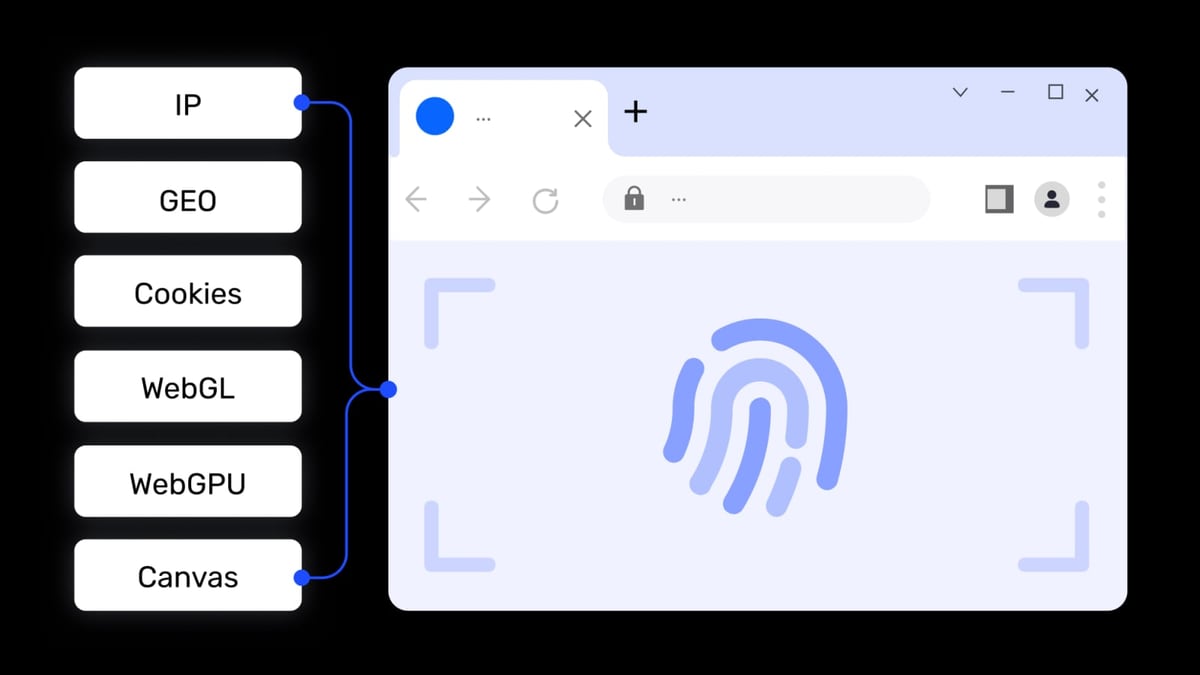
AdsPower gives you unique browser fingerprints for each account, preventing platforms from linking your profiles. But even with perfect fingerprints, CAPTCHAs can still appear during login, registration, or form submissions. 2Captcha solves those CAPTCHAs automatically using a mix of AI and human workers, so your automation scripts or manual workflows don't get stuck.
| Problem | Solution |
|---|---|
| CAPTCHA blocks during automated login | 2Captcha solves reCAPTCHA, hCaptcha, Turnstile, and more |
| Manual CAPTCHA solving slows down multi-account management | AdsPower RPA triggers 2Captcha automatically |
| Repetitive CAPTCHA tasks waste time | Full automation reduces human effort |
How AdsPower and 2Captcha Work Together
AdsPower + 2Captcha: Setup Guide for Automated CAPTCHA Solving product interface and feature overview.
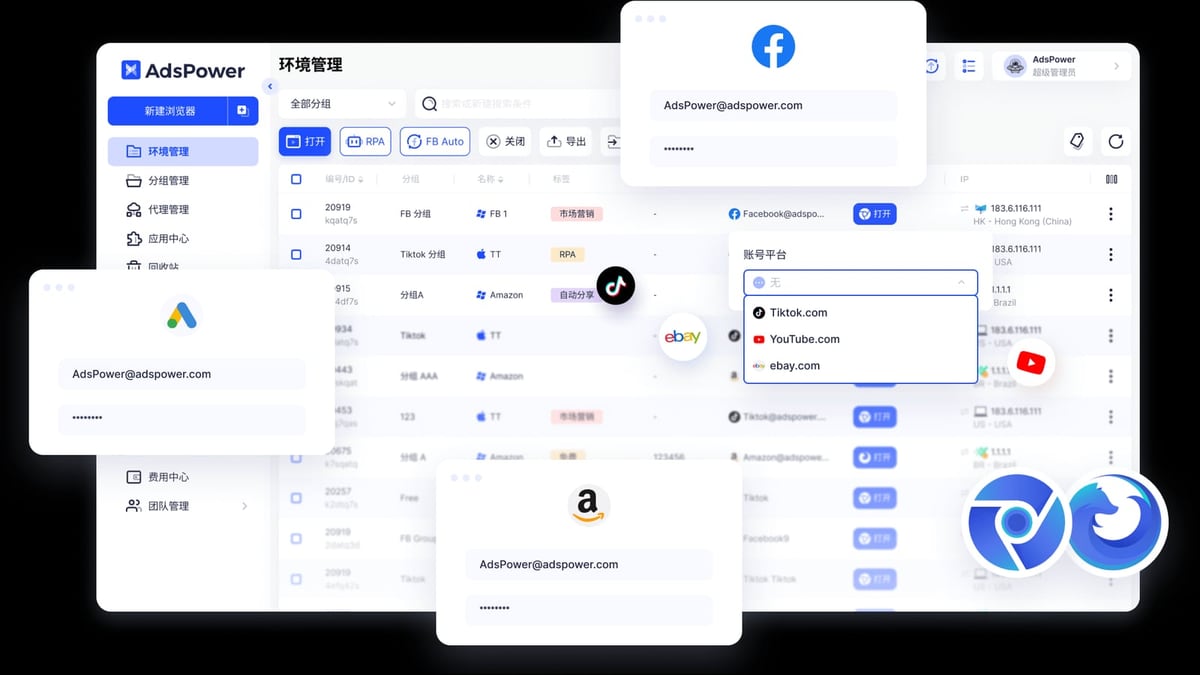
The integration happens through AdsPower's built-in RPA (Robotic Process Automation) module. You create a process that includes a 2Captcha step, configure your API key, and the system handles CAPTCHAs as they appear. No coding required for basic use, but advanced users can also leverage the Local API for custom scripts.
Step-by-Step Setup Guide

AdsPower + 2Captcha: Setup Guide for Automated CAPTCHA Solving product interface and feature overview.
1. Get Your 2Captcha API Key
- Go to 2Captcha.com and create an account.
- Navigate to your dashboard and copy your API key.
- Fund your account (pricing starts at $0.50 per 1,000 image CAPTCHAs).
2. Open AdsPower RPA Process Builder
- Launch AdsPower and go to the Processes section from the left sidebar.
- Click the "+" icon in the top left corner to create a new process.
- Scroll down to Third-Party Tools and select 2Captcha.
3. Configure the 2Captcha Step
- Paste your 2Captcha API key into the designated field.
- Optionally, save the verification result to a boolean variable (e.g.,
captcha_success) to check if the CAPTCHA was solved. - Save the process.
4. Apply the Process to a Browser Environment
- Go to Process Management in the RPA section.
- Click Apply Created Process and select your 2Captcha-enabled process.
- Choose the browser environment(s) where you want automation to run.
Now, whenever a CAPTCHA appears in that environment, AdsPower will automatically send it to 2Captcha and wait for the solution before proceeding.
Practical Examples
AdsPower + 2Captcha: Setup Guide for Automated CAPTCHA Solving product interface and feature overview.
Example 1: Automating Facebook Account Creation
When creating multiple Facebook profiles, reCAPTCHA often appears after filling in the registration form. With AdsPower RPA + 2Captcha:
- The RPA fills in the form fields.
- When a CAPTCHA is detected, it triggers the 2Captcha step.
- 2Captcha returns the solution token.
- The RPA submits the form automatically.
Example 2: Bulk Amazon Seller Account Login
Amazon may present CAPTCHAs after several login attempts from different profiles. Using AdsPower's window synchronization and RPA:
- Open multiple profiles simultaneously.
- Run the same RPA process across all windows.
- Each CAPTCHA is solved independently by 2Captcha.
- All accounts log in without manual intervention.
Advanced Automation with AdsPower Local API
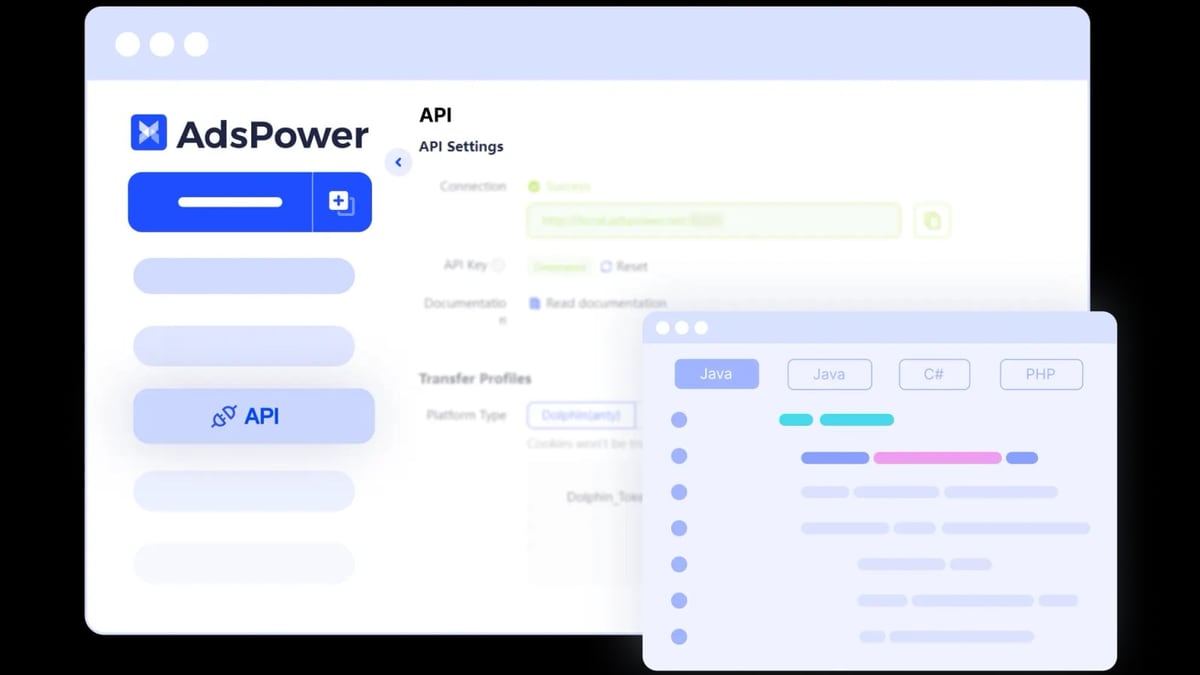
If you need more control, you can combine 2Captcha with AdsPower's Local API. This allows you to write custom scripts in Python, JavaScript, or other languages to manage profiles and trigger CAPTCHA solving.
Sample Workflow (Python)
- Use the Local API to start a browser profile.
- Navigate to a target URL with Selenium or Playwright.
- When a CAPTCHA appears, call the 2Captcha API to solve it.
- Inject the solution token into the page.
- Continue with your automation.
For detailed API documentation, visit the AdsPower Local API Guide.
Supported CAPTCHA Types
2Captcha supports a wide range of CAPTCHA types that work seamlessly with AdsPower:
- reCAPTCHA v2, v3, Enterprise
- hCaptcha
- Cloudflare Turnstile
- FunCaptcha
- Image CAPTCHAs
- Amazon CAPTCHA
- ALTCHA
Troubleshooting Common Issues
| Issue | Solution |
|---|---|
| CAPTCHA not detected | Ensure your RPA process includes a wait step before the 2Captcha block |
| API key invalid | Double-check the key in your 2Captcha dashboard and paste it again |
| 2Captcha returns error | Check your account balance; low funds may cause failures |
| Process doesn't apply | Update AdsPower to the latest version (v3.3.2+) |
Related reading
- AdsPower vs VMLogin vs Indigo: Anti-Detect Browser Comparison - Compare AdsPower, VMLogin, and Indigo anti-detect browsers. Features, pricing, automation, and which fits your multi-account workflow.
- Decodo Review 2026: Is This Proxy Platform Worth It? - Honest Decodo review covering proxy types, pricing, setup, and real use cases. See if this AI-ready data collection platform fits your needs.
Sources and further reading
- Supports Automated 2Captcha Verification - AdsPower RPA update help you master captcha verification and bypass captcha challenges. Learn how to use the new 2Captcha verification tools for solving captchas, and discover efficient solutions for seamless automation.
FAQ
Q: Do I need coding skills to use 2Captcha with AdsPower? A: No. The built-in RPA module lets you add 2Captcha with a few clicks. Coding is optional for advanced automation.
Q: Can I use 2Captcha with AdsPower's free plan? A: Yes. The free plan includes 2 browser environments and full access to RPA features.
Q: Does 2Captcha work with all websites? A: It supports most major CAPTCHA types. Check the 2Captcha documentation for the full list.
Q: How much does 2Captcha cost? A: Pricing starts at $0.50 per 1,000 image CAPTCHAs and goes up to $50 for complex types like reCAPTCHA Enterprise.
Q: Can I use 2Captcha with other anti-detect browsers? A: The integration is native to AdsPower. For other browsers, you'd need to implement the 2Captcha API manually.
Conclusion
Combining AdsPower's fingerprint isolation with 2Captcha's automated CAPTCHA solving creates a powerful stack for managing multiple accounts at scale. Whether you're in affiliate marketing, e-commerce, or social media management, this integration saves hours of manual work and keeps your automation running smoothly.
To explore how AdsPower compares to other anti-detect browsers, check out our AdsPower vs Multilogin comparison or the AdsPower vs Kameleo comparison. For proxy integration tips, see our AdsPower + IPBurger setup guide.
Get started today by signing up for AdsPower and 2Captcha to automate your CAPTCHA challenges.