
Genlogin Anti-Detect Browser Review: Automation & Limits
Take a Quick Look
Honest Genlogin anti-detect browser review: fingerprinting, no-code automation, pricing signals, setup, and who should choose it in 2026.
Genlogin Anti-Detect Browser Review: Automation Power Meets Rough Edges
Genlogin is an anti-detect browser that pairs isolated browser profiles with a no-code automation builder. It targets people who need to run many accounts and repeat the same tasks across them — affiliate marketers, e-commerce sellers, ad verification specialists, and small agencies. The pitch is simple: stop account bans and automate everything. The reality, based on verified user reviews and hands-on reports, is more mixed. This review breaks down what Genlogin does well, where it falls short, and how to decide whether it belongs in your 2026 toolkit.
What Genlogin actually is
First viewport screenshot of Genlogin - Automation Browser - Anti-detect Browser.
Genlogin combines two products in one desktop application:
- An anti-detect browser that creates isolated profiles, each with its own cookies, local storage, and fingerprint parameters such as Canvas, WebGL, timezone, language, screen resolution, and user-agent.
- A no-code automation builder that lets you record or script repetitive actions — logging in, posting, scraping, clicking — and run them across multiple profiles.
Profiles sync through an encrypted cloud dashboard, so you can open the same environment from different devices. The browser runs on Windows 10/11 and macOS. Linux is not supported.
Who Genlogin is built for
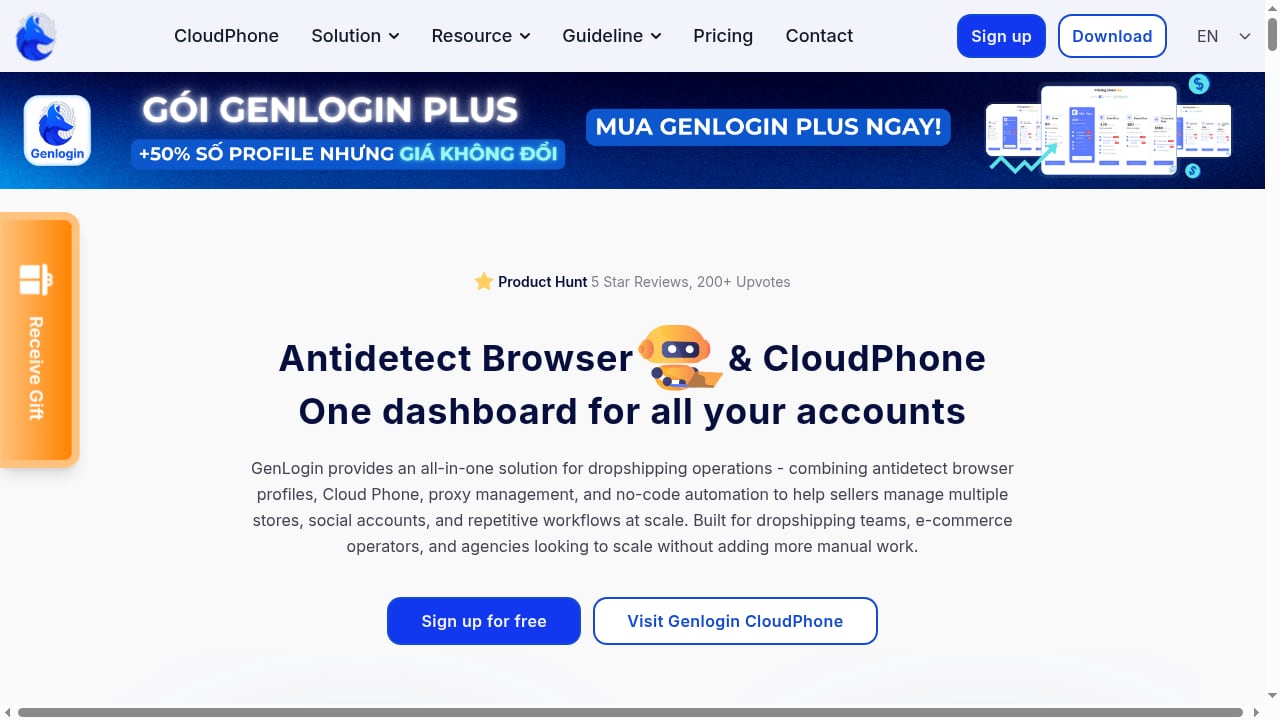
First viewport screenshot of Genlogin - Anti-detect Browser.
The product context says it plainly: stop account bans and fully automate all platforms. That promise fits a specific set of users better than others.
Good fit:
- Affiliate marketers running dozens of low- to medium-risk accounts
- E-commerce sellers managing multiple storefronts or marketplace accounts
- Ad verification and web scraping freelancers who need repeatable, scripted browsing
- Solo operators or very small teams on a tight budget
Poor fit:
- Agencies that need granular team roles, audit logs, and shared proxy libraries
- Anyone managing financial, payment, or high-value ad accounts where detection risk is severe
- Teams standardized on Linux
- Users who want a plug-and-play tool with zero manual configuration
Core features and how they perform
Multi-account browser profiles
Each profile behaves like a separate browser instance with its own cookie jar, cache, and history. This is the baseline for any anti-detect tool, and Genlogin delivers it. Launching profiles is reasonably fast, and basic fingerprint switching works for low- to medium-risk tasks like social media management or ad spying.
Fingerprint spoofing
Genlogin lets you customize Canvas and WebGL noise, audio context, user-agent strings, fonts, timezone, geolocation, language, and screen resolution. That covers the common fields.
What it lacks matters more: there is no deep OS-level emulation, no advanced API behavior randomization, and no font fingerprint spoofing at the level enterprise tools offer. Independent reviews note that fingerprint accuracy does not always hold up under aggressive platform scrutiny. For simple use cases this is fine; for high-security environments it is a real limitation.
Proxy support
Proxy setup is fully manual. You can attach HTTP, HTTPS, or SOCKS5 proxies to each profile, but there is no built-in proxy marketplace, no rotation engine, and no compatibility validation layer. You buy proxies elsewhere, enter credentials by hand, and troubleshoot connection failures yourself. Poor proxy hygiene is one of the fastest routes to bans, so this hands-off approach shifts real risk onto the user.
No-code automation
This is Genlogin's differentiator. The automation builder lets you create bots that perform repetitive tasks across profiles without writing code. For affiliate marketers posting to dozens of accounts or scraper operators collecting data at scale, this can save serious time.
The catch is maintenance. Any bot that automates a website depends on that website's structure. When the site changes its HTML, CSS, or flow, the bot breaks. Experienced users of similar tools know this pattern well — you are not building a one-time script, you are building an app that needs ongoing care. Budget for that.
Cloud sync
Profiles sync through an encrypted cloud dashboard, which is convenient for solo users moving between machines. It is not a collaboration platform. There are no advanced team controls, no shared proxy tagging, and no role-based permissions. If your workflow involves multiple people touching the same profiles, this will frustrate you.
Setup and first-run experience

Genlogin Anti-Detect Browser Review: Automation & Limits - Setup and first-run experience.
Getting started follows a standard path:
- Register on the official site with an email and confirm your account.
- Choose a plan — there is a free trial plus paid tiers based on profile count.
- Download the desktop app for Windows or macOS.
- Create your first profile and assign a proxy.
- Configure fingerprint parameters and install any extensions you need.
- Build or record your first automation.
The friction shows up in steps 4 through 6. The interface is lightweight but not always intuitive, and onboarding documentation is thin. There is no setup wizard or smart tips. You assign proxies, manage fingerprints, and organize extensions manually for every profile. Users coming from mature platforms will notice the difference immediately.
Pricing signals
Genlogin positions itself as a low-cost entry point. Verified reviews and third-party coverage consistently describe:
- A free trial to test the browser and automation builder
- Paid plans priced by the number of profiles you need
- A desktop-only model — the cloud version is not included in some tiers, which means you depend on the company to push updates rather than getting instant cloud-side changes
For freelancers and small operations, the entry cost is attractive. For anyone comparing against premium tools, the real cost includes the proxies you buy separately, the time spent on manual configuration, and the maintenance burden of keeping automations alive. Check the official pricing page before committing, because tiers and limits change.
Strengths
- Affordable entry-level pricing for small-scale operations
- Cloud-based profile storage accessible from supported devices
- Basic fingerprint spoofing sufficient for simple e-commerce and social automation
- No-code automation that removes the need for programming skills
- Free trial to validate fit before paying
Limitations
- Manual proxy setup with no marketplace, rotation, or validation
- Limited fingerprint depth that may not survive high-security scrutiny
- Weak automation durability — bots break when target sites change
- Basic UI/UX that confuses new users
- No team management features for agency-scale collaboration
- No Linux support
- Support gaps — verified reviews describe slow responses, language barriers, and support channels concentrated in Vietnamese Facebook and Telegram groups
Genlogin vs alternatives
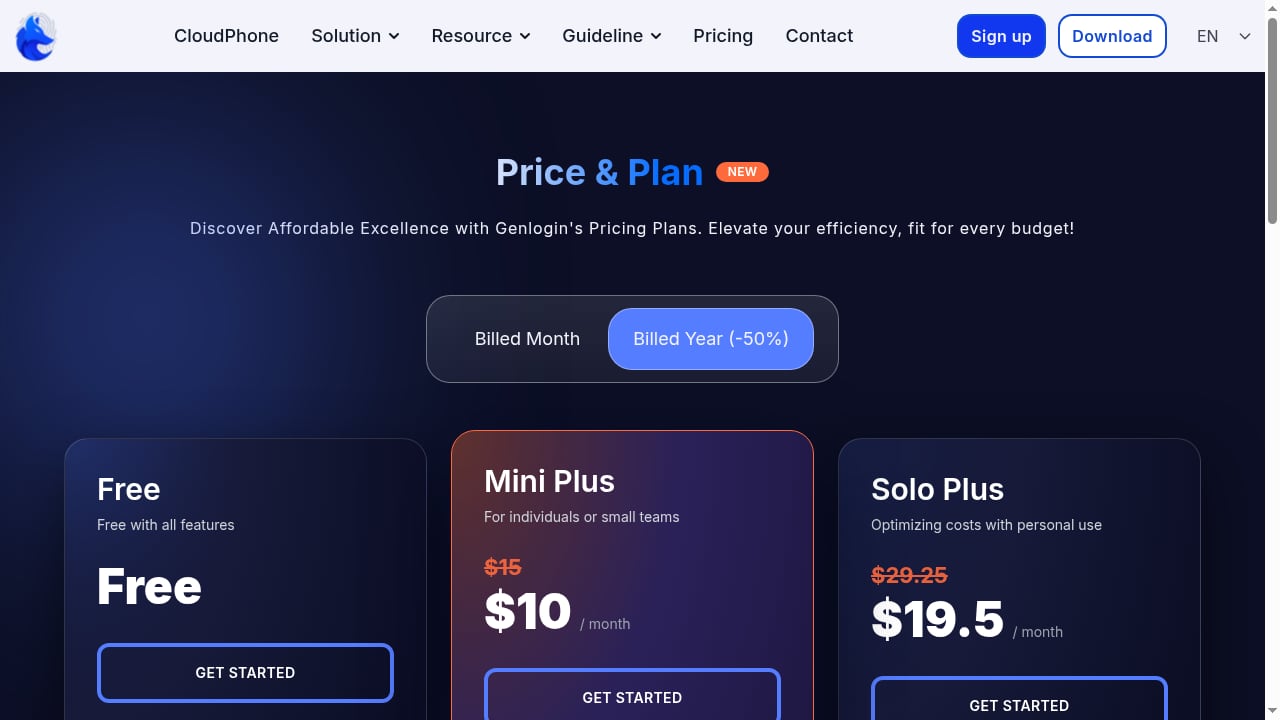
First viewport screenshot of Genlogin - Automation Browser - Anti-detect Browser.
The anti-detect browser market is crowded, and the right choice depends on your risk level and team size.
- If you are a solo affiliate marketer or scraper on a budget and willing to handle manual setup, Genlogin's automation builder is a genuine advantage over browsers that lack one.
- If you run high-value ad or financial accounts, you need deeper fingerprint control and OS-level isolation. Tools like Multilogin are built for that tier, at a higher price.
- If you need team collaboration, shared proxies, and role-based access, Genlogin is not the right fit. Compare options in our AdsPower vs Incogniton vs Dolphin Anty multi-accounting guide to see what team-ready platforms offer.
- If you want a broader market view, our 2026 ranking of the top 10 antidetect browsers scores platforms on fingerprint consistency, automation, pricing, and free plans.
For sellers specifically, multi-account operations intersect with fulfillment workflows. If you are managing multiple Amazon storefronts, see our FBA fulfillment guide for how inventory, costs, and multi-account safety fit together.
Decision criteria: should you use Genlogin?
Run through these questions before you commit:
- What is your risk level? Low- to medium-risk tasks like ad spying or basic social management are within Genlogin's range. High-risk accounts are not.
- Do you need automation? If yes, Genlogin's no-code builder is a real differentiator. If you only need isolated profiles, simpler tools may suffice.
- Can you manage proxies yourself? If not, the manual setup will hurt you.
- Do you work alone or in a team? Solo users get the most value. Teams will hit missing collaboration features fast.
- What is your OS? Windows and macOS only.
- How much support do you need? If you require fast, English-language support, factor that into your evaluation.
Related reading
- How to Use AdsPower with Playwright for Reliable E2E Testing - Learn how to connect AdsPower anti-detect profiles with Playwright for stable, isolated end-to-end testing of multi-account and geo-sensitive web apps.
Sources and further reading
- Genlogin Reviews 2026: Verified Ratings, Pros & Cons | AppSumo - Genlogin is rated 3.67 out of 5 based on reviews from 3 verified users. Explore helpful comments, compare pros and cons, and find out how Genlogin works for a business like yours.
- Genlogin Antidetect Browser Review 2026: Pros and Cons - Discover our full GenLogin review: the good, the bad, key features, and real performance. Try Multilogin now with 50% off your first month! 🔥
- Read Customer Service Reviews of genlogin.com - Trustpilot - Aug 27, 2024 ... Genlogin is a powerful platform that combines no-code automation and Antidetect browser technology to streamline repetitive tasks while ensuring ...
FAQ
Is Genlogin safe to use?
Genlogin is a legitimate anti-detect browser with cloud profile sync and standard fingerprint spoofing. "Safe" depends on your use case. It is generally adequate for low- to medium-risk multi-accounting, but it lacks the deep isolation needed for high-security environments like financial or major ad accounts.
Does Genlogin have a free trial?
Yes. Genlogin offers a free trial alongside paid plans based on profile count. Check the official pricing page for current terms, since tiers change.
Can Genlogin automate tasks without coding?
Yes. The no-code automation builder is its main differentiator. You can record or script repetitive actions and run them across profiles. Be aware that automations require ongoing maintenance when target websites change.
Does Genlogin work on Linux?
No. Genlogin supports Windows 10/11 and macOS only.
How does Genlogin compare to Multilogin?
Multilogin offers deeper fingerprint customization, built-in proxy management, and team collaboration tools. Genlogin is cheaper and adds a no-code automation builder, but it is less suited to high-risk workflows and lacks team features. The right choice depends on your risk level and whether you need collaboration.
What are the main complaints about Genlogin?
Verified user reviews cite buggy software, a confusing interface, limited English-language support, slow response times, and support channels concentrated in Vietnamese Facebook and Telegram groups. Some users also report issues with the bundled Titan browser loading or corrupting.
Conclusion
Genlogin is a budget-friendly anti-detect browser with a genuinely useful no-code automation builder. For solo affiliate marketers, scraper operators, and small e-commerce sellers running low- to medium-risk accounts, it can deliver real value at a low entry price. The trade-offs are manual proxy setup, limited fingerprint depth, weak team features, no Linux support, and support that verified reviewers describe as slow and hard to reach.
If your workflow is simple, your risk tolerance is moderate, and you value automation over polish, Genlogin is worth trialing. If you manage high-value accounts, need team collaboration, or want plug-and-play reliability, look at more mature platforms before you commit. Test the free trial against your actual use case — that is the only way to know whether the automation savings outweigh the setup and maintenance costs.
For a broader comparison before deciding, see our Top 10 Antidetect Browser & Cloud Phone Software 2026 ranking.


