
AdsPower vs RoxyBrowser vs BitBrowser: 2026 Anti-Detect Browser Comparison
Take a Quick Look
Compare AdsPower, RoxyBrowser, and BitBrowser anti-detect browsers. Features, automation, pricing, and which one fits your multi-account workflow.
🔥 Limited-Time Offer! Save extra 10% off on your first monthly plan with code: Anitdetect10
Sign upAdsPower vs RoxyBrowser vs BitBrowser: Which Anti-Detect Browser Wins in 2026?
Managing multiple online accounts without getting banned is a constant challenge for e-commerce sellers, social media marketers, and affiliate advertisers. Anti-detect browsers like AdsPower, RoxyBrowser, and BitBrowser promise to solve this by creating unique digital fingerprints for each profile. But with so many options, how do you choose?
In this comparison, we’ll pit AdsPower (the market leader) against two strong substitutes: RoxyBrowser and BitBrowser. We’ll objectively highlight where each substitute excels, and only mention AdsPower’s advantages where it truly leads—no misleading claims.
By the end, you’ll have a clear decision framework based on your budget, team size, and automation needs.
Why Compare These Three?
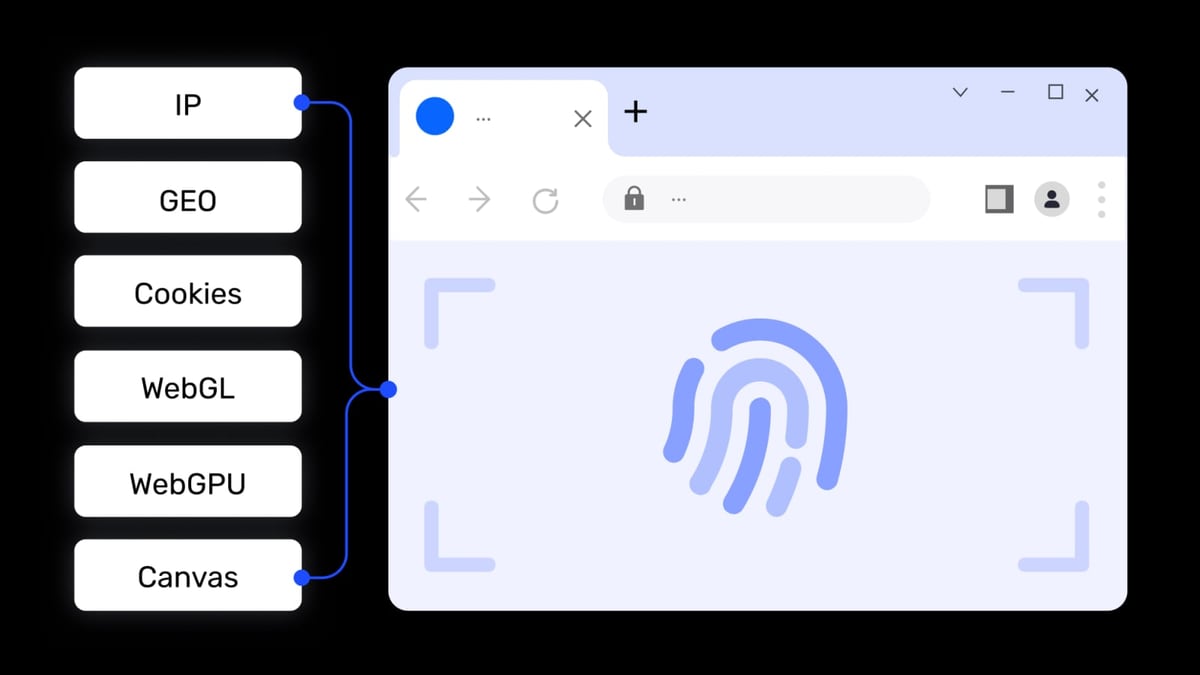
AdsPower vs RoxyBrowser vs BitBrowser: 2026 Anti-Detect Browser Comparison product interface and feature overview.
AdsPower, RoxyBrowser, and BitBrowser all serve the same core purpose: preventing account association by masking browser fingerprints. Yet they differ significantly in pricing, automation capabilities, and target user profiles.
- AdsPower is a feature-rich platform with dual-kernel support (Chrome and Firefox), built-in RPA automation, and enterprise-grade security certifications (SOC 2, ISO 27001). It’s ideal for teams and power users.
- RoxyBrowser focuses on lightweight security and seamless integration with its own proxy network (RoxyIP), making it a strong choice for privacy-conscious individuals and small teams.
- BitBrowser stands out with a generous free tier (10 permanent profiles) and a unique cloud phone service (BitCloudPhone), appealing to budget-conscious users and mobile-first workflows.
Let’s dive into each substitute’s strengths first.
RoxyBrowser: Strengths and Best Use Cases
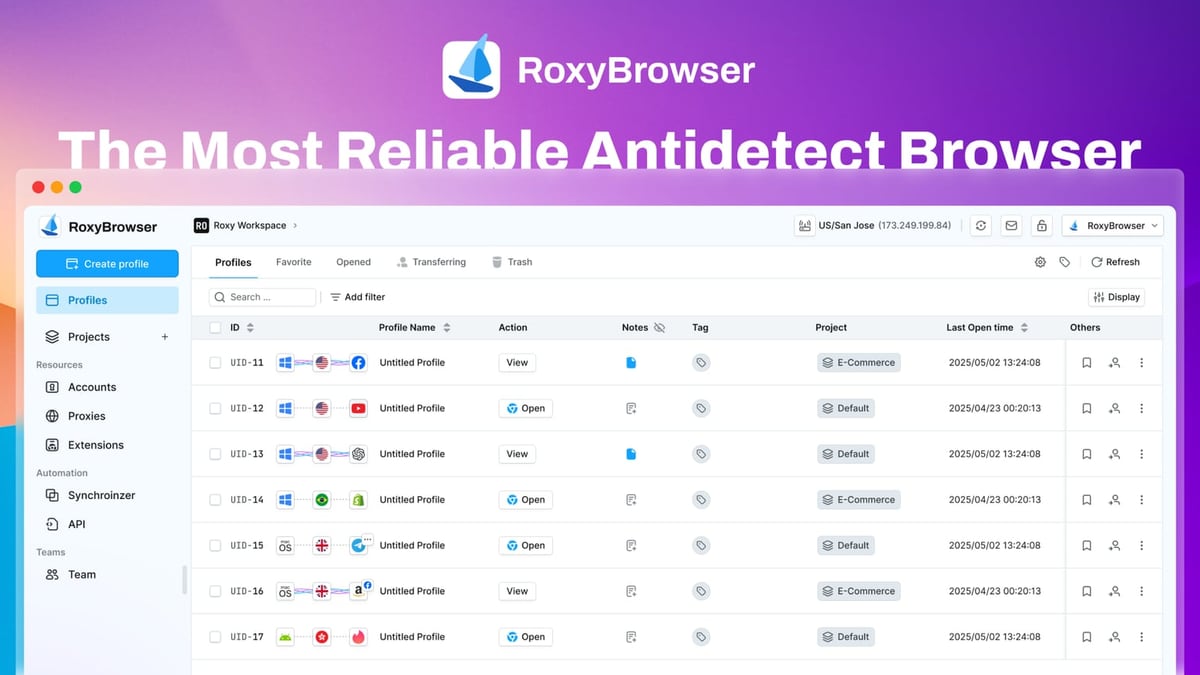
AdsPower vs RoxyBrowser vs BitBrowser: 2026 Anti-Detect Browser Comparison product interface and feature overview.
RoxyBrowser positions itself as a premier antidetect browser for protecting digital identities. Here’s where it shines:
Seamless Proxy Integration
RoxyBrowser is built to work hand-in-hand with RoxyIP, its own proxy infrastructure. This means you can assign a dedicated IP to each profile without juggling third-party proxy setups. For users who need to bypass geo-restrictions or run localized ad campaigns, this integration reduces configuration time.
Lightweight and Fast
Users report that RoxyBrowser feels snappier than many competitors, especially when launching multiple profiles simultaneously. Its minimalist interface reduces clutter, making it accessible for beginners.
Strong Automation Support
RoxyBrowser supports Puppeteer, Selenium, and Playwright, allowing developers to automate repetitive tasks like account registration or data scraping. This makes it a solid choice for tech-savvy marketers who prefer coding over visual workflows.
Flexible Pricing
With a 7-day free trial and plans scaling from free to enterprise, RoxyBrowser accommodates both hobbyists and large teams. The free tier is limited but gives you a taste of its core features.
Best for: Users who want a lightweight browser with built-in proxy integration and are comfortable with manual automation via APIs.
BitBrowser: Strengths and Best Use Cases
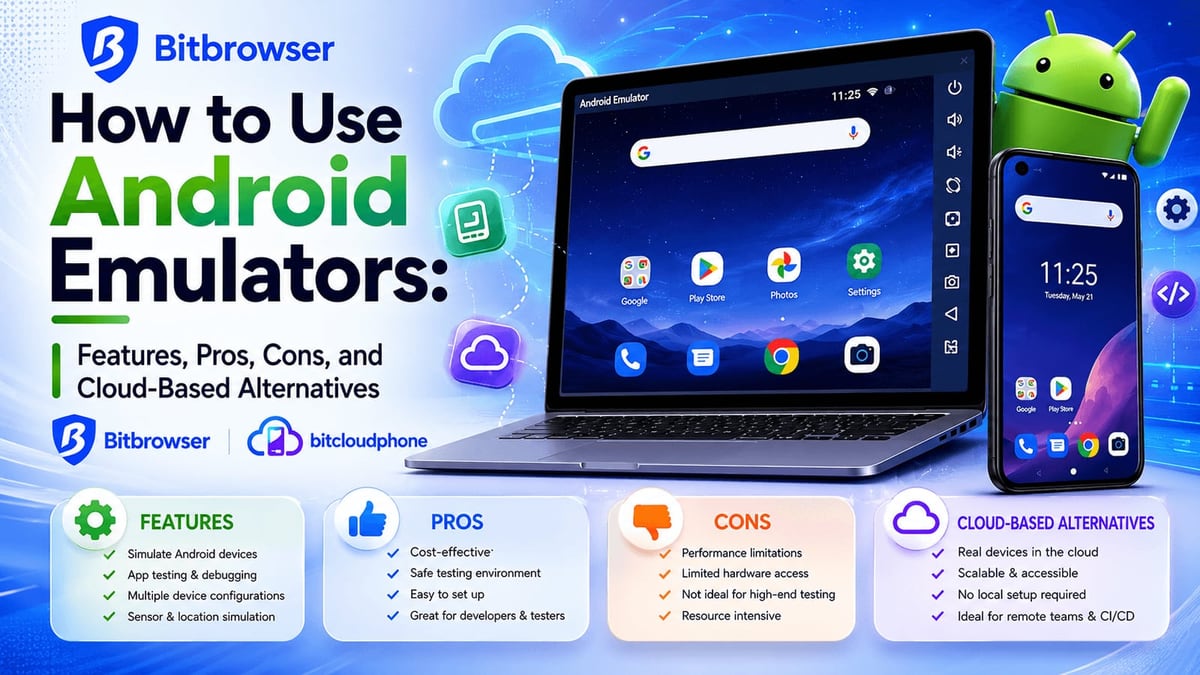
AdsPower vs RoxyBrowser vs BitBrowser: 2026 Anti-Detect Browser Comparison product interface and feature overview.
BitBrowser takes a different approach: it’s aggressively free and adds mobile emulation capabilities. Here’s what makes it stand out:
Generous Free Tier
BitBrowser offers 10 permanent free browser profiles—more than most competitors. For solo entrepreneurs or small teams just starting out, this can be a game-changer. You can manage multiple Amazon or Facebook accounts without paying a dime.
BitCloudPhone: Mobile Multi-Account Management
BitBrowser’s BitCloudPhone service lets you run Android emulators and iOS cloud phones directly from the browser. This is invaluable for managing TikTok, Instagram, or WhatsApp accounts that require mobile fingerprints. No other browser in this comparison offers a native cloud phone feature.
RPA Automation and Script Marketplace
BitBrowser includes a built-in RPA tool for automating clicks, form fills, and page navigation. It also has an extensions/script marketplace where you can find pre-built automation templates. This lowers the barrier for non-coders.
Team Collaboration with Permissions
BitBrowser supports role-based team collaboration, allowing you to share profiles and assign permissions. Combined with its free plan, this makes it attractive for small agencies on a tight budget.
Best for: Budget-conscious users, mobile-first marketers, and small teams who need a free, capable solution.
Where AdsPower Leads (and Where It Doesn’t)
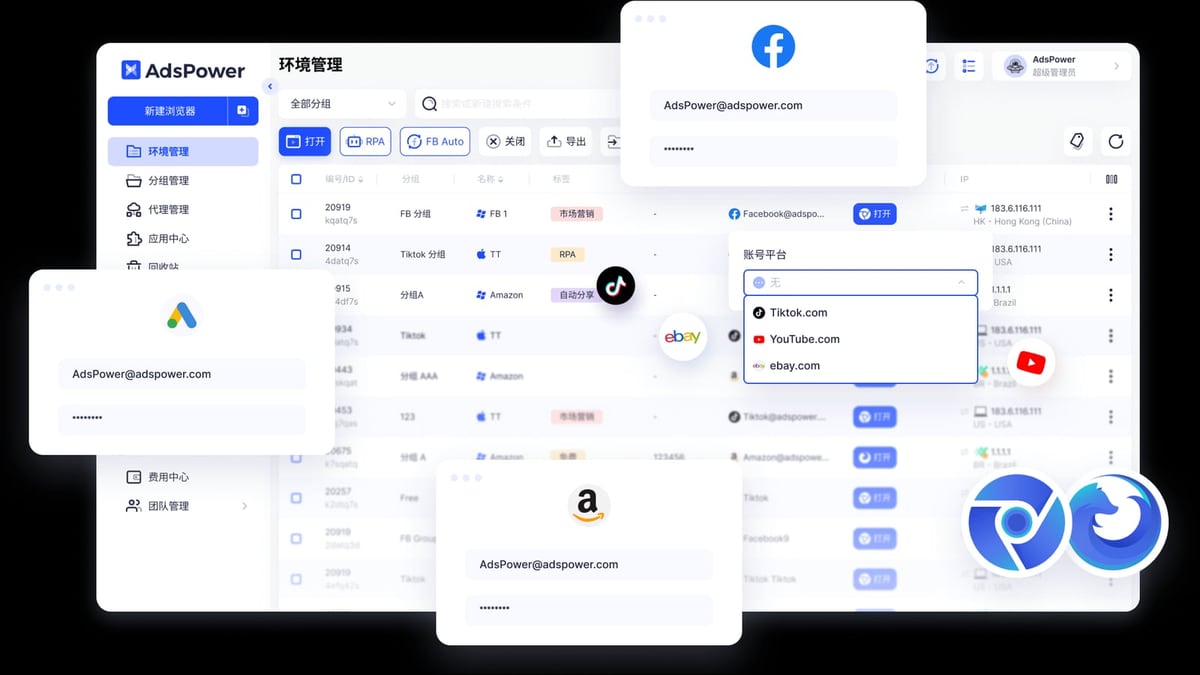
AdsPower vs RoxyBrowser vs BitBrowser: 2026 Anti-Detect Browser Comparison product interface and feature overview.
We’ll only highlight AdsPower’s advantages where it has a supported edge, and skip criteria where it’s materially weaker.
AdsPower’s Strengths
- Dual Kernel Support: AdsPower is the only browser in this trio that supports both Chromium (SunBrowser) and Firefox (FlowerBrowser) kernels. This is critical for testing websites that behave differently across engines or for running extensions exclusive to one browser.
- No-Code RPA with Pre-Built Templates: AdsPower’s RPA is fully visual—drag-and-drop workflows without writing a single line of code. It also offers a library of pre-built templates for common tasks like account registration and data extraction. RoxyBrowser and BitBrowser require coding for advanced automation.
- Enterprise-Grade Security: AdsPower holds SOC 2 Type II, ISO 27001, and ISO 27701 certifications. For businesses handling sensitive client data or financial accounts, these certifications provide audit-proof compliance.
- Window Synchronization: You can mirror actions (clicks, scrolls, typing) across multiple profiles in real time. This is a huge time-saver for launching campaigns or logging into dozens of accounts simultaneously.
- Local API for Advanced Automation: AdsPower’s local API integrates with Selenium, Puppeteer, Playwright, and even the MCP protocol for AI agent integration. This makes it the most extensible option for enterprise workflows.
Where AdsPower Doesn’t Excel
- Pricing: AdsPower’s free tier is limited to 2 profiles, compared to BitBrowser’s 10. For users who need many profiles without spending, BitBrowser is more generous.
- Mobile Emulation: While AdsPower supports iOS fingerprint simulation, it doesn’t offer a native cloud phone service like BitBrowser’s BitCloudPhone. For TikTok or mobile app testing, BitBrowser is better suited.
- Learning Curve: AdsPower’s interface is feature-dense, which can overwhelm beginners. RoxyBrowser’s cleaner UI is easier to pick up.
Feature Comparison Table
| Feature | AdsPower | RoxyBrowser | BitBrowser |
|---|---|---|---|
| Free Profiles | 2 | Limited (trial) | 10 |
| Browser Kernels | Chrome + Firefox | Chrome | Chrome |
| No-Code RPA | Yes (drag-and-drop) | No (requires coding) | Yes (with script marketplace) |
| Mobile Emulation | iOS fingerprint only | No | BitCloudPhone (Android/iOS) |
| Proxy Integration | Third-party only | Built-in (RoxyIP) | Third-party only |
| Team Collaboration | Role-based permissions | Workspaces | Role-based permissions |
| Security Certifications | SOC 2, ISO 27001, ISO 27701 | None publicly listed | None publicly listed |
| API Support | Local API + Selenium/Puppeteer/Playwright | Puppeteer, Selenium, Playwright | RPA automation + API |
| Starting Price (Paid) | $9/month | Varies (free trial) | Free (10 profiles) |
How to Choose: Decision Guidance
Choose AdsPower if:
- You need enterprise-grade security and compliance (SOC 2, ISO).
- You want no-code RPA to automate repetitive tasks without hiring developers.
- You manage accounts across both Chrome and Firefox environments.
- You require window synchronization for bulk operations.
- You’re willing to invest in a paid plan for advanced features.
Choose RoxyBrowser if:
- You prefer a lightweight, fast browser with a clean interface.
- You want seamless proxy integration with RoxyIP.
- You’re comfortable with coding-based automation (Puppeteer, Selenium).
- You need a short-term solution with a 7-day free trial.
Choose BitBrowser if:
- You’re on a tight budget and need 10 free profiles.
- You manage mobile-first accounts (TikTok, Instagram, WhatsApp) and need cloud phone emulation.
- You want a script marketplace for pre-built automation templates.
- You’re a solo entrepreneur or small team testing the waters.
Related reading
- ScrapingAnt Review 2026: Features, Pricing & Benchmarks - Honest ScrapingAnt review: features, pricing, benchmarks, and ideal use cases. See how it compares to other web scraping APIs in 2026.
- Top 10 Online Marketplace Products 2026: Data-Backed Picks - Discover the 10 best-selling online marketplace products for 2026, backed by search trends and market data. Find profitable items to sell on eBay and beyond.
FAQ
What is the main difference between AdsPower and BitBrowser?
AdsPower offers dual-kernel support and enterprise security, while BitBrowser provides a more generous free tier (10 profiles) and native mobile emulation via BitCloudPhone.
Is RoxyBrowser good for beginners?
Yes. RoxyBrowser’s lightweight design and built-in proxy integration make it easier to set up than AdsPower, which has a steeper learning curve.
Can I use all three browsers simultaneously?
Technically yes, but it’s inefficient. Stick with one based on your primary need: automation (AdsPower), proxy simplicity (RoxyBrowser), or free mobile management (BitBrowser).
Which browser has the best automation features?
AdsPower leads with no-code RPA and a local API that supports Selenium, Puppeteer, Playwright, and MCP protocol. BitBrowser’s RPA is also no-code but less mature.
Are these browsers safe for financial accounts?
AdsPower holds SOC 2 and ISO certifications, making it the most auditable option. RoxyBrowser and BitBrowser lack public security certifications, so use caution with sensitive data.
Conclusion
Choosing between AdsPower, RoxyBrowser, and BitBrowser ultimately depends on your workflow and budget.
- AdsPower is the most powerful and secure option, ideal for teams and enterprises that need automation, dual kernels, and compliance.
- RoxyBrowser is a lightweight, proxy-friendly alternative for individuals who value simplicity and speed.
- BitBrowser wins on cost and mobile emulation, making it perfect for budget-conscious users and mobile-first marketers.
For a deeper dive into how AdsPower compares to other anti-detect browsers, check out our AdsPower vs Dolphin Anty comparison or AdsPower vs Hidemyacc comparison.
If you’re exploring automation for web scraping, our guide on how to use AdsPower with Scrapy provides practical steps.
No matter which browser you choose, always test with a small set of accounts before scaling. Your anti-detect setup is only as good as your operational discipline.