
How to Use AdsPower Fingerprint Browser with Scrapy
Take a Quick Look
Learn to integrate AdsPower anti-detect browser with Scrapy for stealthy web scraping. Step-by-step setup, code examples, and workflow tips.
🔥 Limited-Time Offer! Save extra 10% off on your first monthly plan with code: Anitdetect10
Sign upHow to Use AdsPower Fingerprint Browser with Scrapy
Web scraping at scale often triggers anti-bot measures that block or fingerprint your scraper. Combining AdsPower fingerprint browser with Scrapy gives you a powerful, stealthy scraping pipeline. AdsPower provides isolated browser environments with unique digital fingerprints, while Scrapy handles the crawling and data extraction. Together, they solve account association, IP blocking, and browser fingerprint detection.
This guide walks through the integration workflow, setup steps, practical code examples, and the specific problems this combination solves.
Why Combine AdsPower with Scrapy?

How to Use AdsPower Fingerprint Browser with Scrapy product interface and feature overview.
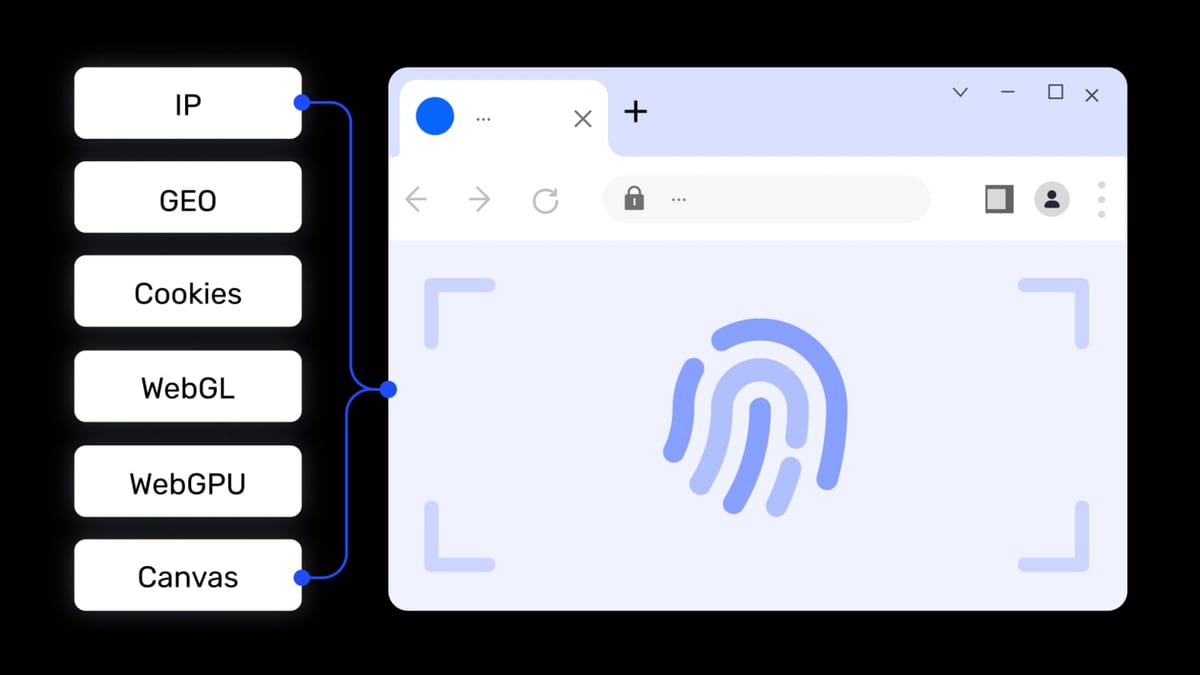
Scrapy is a fast, asynchronous Python framework for extracting data from websites. However, it uses raw HTTP requests by default, which makes it easy for sites to detect and block scrapers. AdsPower creates real browser environments with customizable fingerprints (Canvas, WebGL, Audio, WebRTC, etc.), making each session appear as a unique user on a different device.
Problems solved by this combination:
- Browser fingerprint detection – AdsPower spoofs 20+ fingerprint parameters so each Scrapy spider looks like a fresh browser.
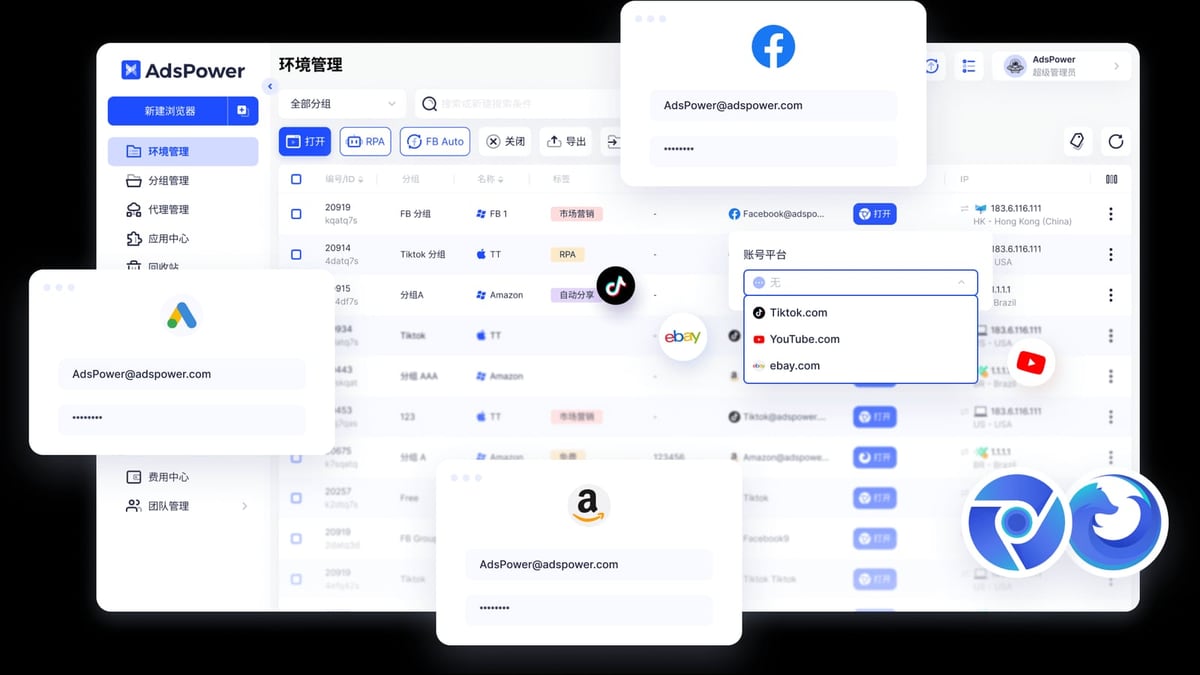
- Account association – Manage multiple accounts on platforms like Amazon, Facebook, or TikTok without linking them.
- IP blocking – Pair AdsPower with rotating proxies to distribute requests across IPs.
- JavaScript rendering – Scrapy can use AdsPower’s browser to render dynamic content that raw HTTP requests miss.
How the Integration Works
How to Use AdsPower Fingerprint Browser with Scrapy product interface and feature overview.
The workflow has three main components:
- AdsPower Local API – Starts and controls browser environments programmatically.
- Scrapy spider – Uses the browser environment to send requests and parse responses.
- Proxy management – Each AdsPower profile can be assigned a unique proxy.
Here’s the high-level flow:
- Your Scrapy spider calls the AdsPower Local API to start a specific browser profile.
- AdsPower launches a browser instance with a unique fingerprint and proxy.
- The spider uses that browser (via Selenium, Playwright, or direct HTTP) to scrape data.
- After scraping, the spider closes the browser via the API.
Prerequisites
How to Use AdsPower Fingerprint Browser with Scrapy product interface and feature overview.
Before you start, ensure you have:
- AdsPower installed and running (v3.3.2+ recommended). Download AdsPower
- Python 3.7+ installed.
- Scrapy installed:
pip install scrapy - Requests library:
pip install requests - Optional: Selenium or Playwright if you need full browser automation.
Step-by-Step Setup Guide
How to Use AdsPower Fingerprint Browser with Scrapy product interface and feature overview.
1. Enable AdsPower Local API
Open AdsPower, go to Settings > API, and note the API port (default is 50325). Keep the AdsPower client running in the background.
2. Create a Browser Profile
In AdsPower, create a new browser profile. Assign a proxy (HTTP, HTTPS, SOCKS5) if needed. Note the user_id of the profile – you’ll use it in API calls.
3. Install Scrapy and Create a Project
pip install scrapy
scrapy startproject adspower_scraper
cd adspower_scraper
4. Write the AdsPower API Helper
Create a file adspower_api.py in your project folder:
import requests

API_BASE = "http://127.0.0.1:50325"

def start_browser(user_id):
    url = f"{API_BASE}/api/v1/browser/start"
    params = {"user_id": user_id}
    response = requests.get(url, params=params)
    data = response.json()
    if data["code"] != 0:
        raise Exception(f"Failed to start browser: {data['msg']}")
    return data["data"]["debug_port"]

def close_browser(user_id):
    url = f"{API_BASE}/api/v1/browser/stop"
    params = {"user_id": user_id}
    requests.get(url, params=params)
5. Create a Scrapy Spider That Uses AdsPower
Here’s a spider that scrapes a target URL using a browser environment started by AdsPower:
import scrapy
from scrapy.http import HtmlResponse
from selenium import webdriver
from selenium.webdriver.chrome.options import Options
from .adspower_api import start_browser, close_browser

class AdspowerSpider(scrapy.Spider):
    name = "adspower_spider"
    allowed_domains = ["example.com"]
    start_urls = ["http://example.com"]

    def __init__(self, user_id=None, *args, **kwargs):
        super().__init__(*args, **kwargs)
        self.user_id = user_id or "your_user_id_here"

    def start_requests(self):
        # Start the AdsPower browser profile
        debug_port = start_browser(self.user_id)
        self.logger.info(f"Browser started on debug port {debug_port}")

        # Connect Selenium to the existing browser
        chrome_options = Options()
        chrome_options.add_experimental_option("debuggerAddress", f"127.0.0.1:{debug_port}")
        driver = webdriver.Chrome(options=chrome_options)

        for url in self.start_urls:
            driver.get(url)
            body = driver.page_source
            response = HtmlResponse(url=url, body=body, encoding='utf-8')
            yield response

        driver.quit()
        close_browser(self.user_id)

    def parse(self, response):
        # Extract data using Scrapy selectors
        title = response.css('title::text').get()
        yield {"title": title}
6. Run the Spider
scrapy crawl adspower_spider -a user_id=YOUR_USER_ID
Practical Example: Scraping an E-Commerce Product Page
Let’s scrape product prices from an e-commerce site that uses fingerprinting.
- Create an AdsPower profile with a proxy from a residential IP.
- Use the spider above, but replace
start_urlswith the product URL. - In
parse(), extract price, name, and availability.
def parse(self, response):
    product_name = response.css('h1.product-title::text').get()
    price = response.css('span.price::text').get()
    yield {
        "name": product_name,
        "price": price,
        "url": response.url
    }
Each spider run uses a fresh browser fingerprint, making the request appear as a new visitor.
Advanced: Using Playwright with AdsPower and Scrapy
For sites with heavy JavaScript, use Playwright instead of Selenium:
from playwright.sync_api import sync_playwright

def fetch_page(url, debug_port):
    with sync_playwright() as p:
        browser = p.chromium.connect_over_cdp(f"http://127.0.0.1:{debug_port}")
        page = browser.new_page()
        page.goto(url)
        content = page.content()
        browser.close()
        return content
Then call this from your spider’s start_requests.
Common Problems and Solutions
| Problem | Solution |
|---|---|
| API returns error code | Ensure AdsPower client is running and API port is correct |
| Browser doesn’t close | Call close_browser() in spider’s closed() method |
| Fingerprint still detected | Update AdsPower to latest version; check fingerprint spoofing settings |
| Proxy not working | Verify proxy format in AdsPower profile (HTTP/SOCKS5) |
Related reading
- AdsPower vs Linken Sphere vs VMLogin: 2026 Anti-Detect Browser Comparison - Compare AdsPower, Linken Sphere, and VMLogin anti-detect browsers. Features, automation, security, pricing, and which one fits your multi-account workflow.
- AdsPower vs Hidemyacc: 2026 Anti-Detect Browser Comparison - Compare AdsPower vs Hidemyacc anti-detect browsers. Features, automation, pricing, security, and which one fits your multi-account workflow.
- Google Analytics Review 2026: Honest Pros, Cons & Verdict - An evidence-based Google Analytics review covering ideal users, setup, strengths, limitations, pricing, and decision criteria for marketers and business owners.
FAQ
Can I run multiple AdsPower profiles simultaneously with Scrapy?
Yes. Start each profile with a unique user_id and manage them in parallel using Scrapy’s CONCURRENT_REQUESTS setting.
Do I need a paid AdsPower plan for this integration?
The free tier includes 2 browser environments, which is enough for testing. For production scraping with many profiles, consider a paid plan.
How do I rotate fingerprints between requests?
Create multiple AdsPower profiles with different fingerprints. In your spider, cycle through user_id values for each request.
Is this method detectable?
AdsPower’s fingerprint spoofing significantly reduces detection risk, but no method is 100% undetectable. Always respect robots.txt and terms of service.
Conclusion
Integrating AdsPower fingerprint browser with Scrapy creates a robust scraping setup that bypasses browser fingerprinting and account association detection. By using AdsPower’s Local API to launch isolated browser environments, your Scrapy spiders can scrape data stealthily at scale.
For more on anti-detect browsers, check our AdsPower vs Undetectable comparison. If you’re new to AdsPower automation, our guide on using AdsPower with Python covers the basics.
Start with a free AdsPower account and a simple Scrapy spider. Test on a low-risk site, then scale up as you gain confidence.