
AdsPower vs RoxyBrowser: Which Anti-Detect Browser Wins in 2026?
Take a Quick Look
Compare AdsPower vs RoxyBrowser for multi-account management. See fingerprinting, automation, pricing, security, and which tool fits your workflow.
🔥 Limited-Time Offer! Save extra 10% off on your first monthly plan with code: Anitdetect10
Sign upAdsPower vs RoxyBrowser: Which Anti-Detect Browser Wins in 2026?
Managing multiple online accounts without getting banned is a constant battle. Platforms like Facebook, TikTok, and Amazon have tightened their detection systems, making anti-detect browsers essential for marketers, e-commerce sellers, and agencies. Two popular options are AdsPower and RoxyBrowser. Both claim to protect your digital identity, but they differ significantly in security, usability, and scalability.
This comparison digs into the strengths and weaknesses of each tool, helping you decide which one fits your workflow. We’ll cover fingerprinting, automation, pricing, team collaboration, and the critical security incident that has shaken trust in AdsPower.
AdsPower Overview
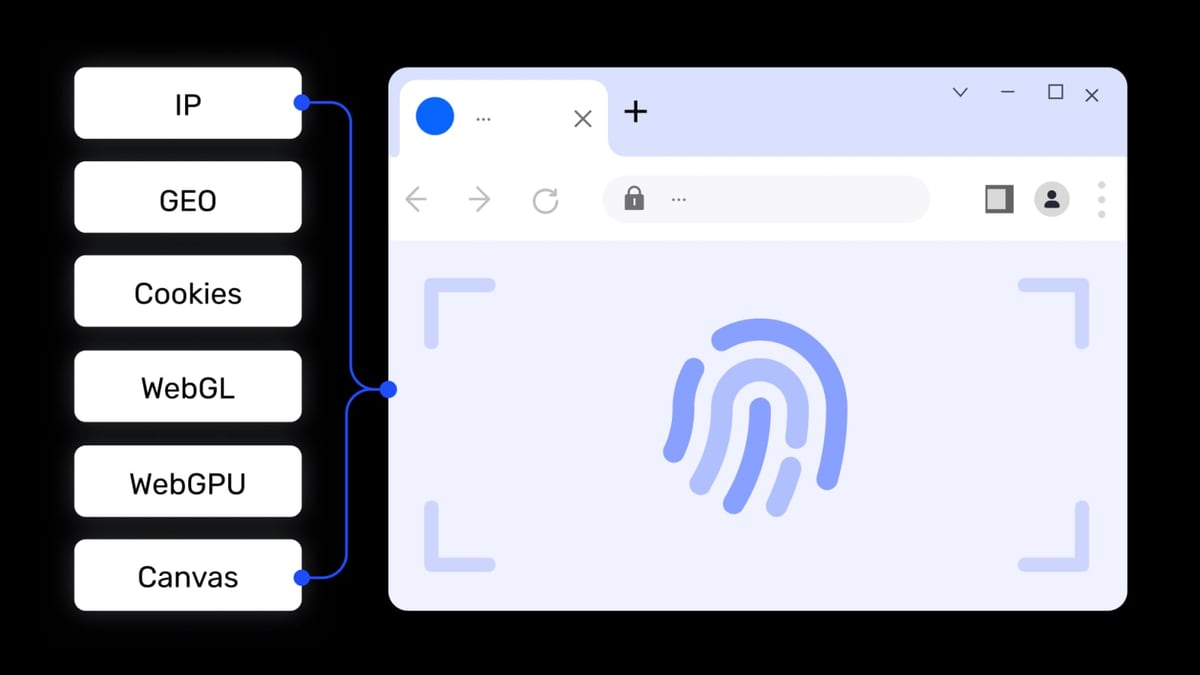
AdsPower product interface and feature overview.
AdsPower launched in 2019 and quickly became a go-to anti-detect browser for multi-account management. It supports Chromium and Firefox cores, offers no-code RPA automation, and provides team collaboration features. AdsPower is used by over 9 million users across industries like affiliate marketing, e-commerce, crypto trading, and social media management.
Key Strengths of AdsPower
- Advanced Fingerprinting: AdsPower offers 55+ customizable fingerprint parameters, including WebRTC, time zone, user agent, and canvas. This allows users to create unique browser environments for each profile.
- No-Code RPA Automation: The built-in RPA (Robotic Process Automation) tool records user actions like clicks and typing, enabling repetitive tasks to be automated without coding.
- Multi-Window Synchronizer: This feature lets users control multiple profiles simultaneously, useful for testing ads or managing accounts across platforms.
- Team Collaboration: Role-based permissions and profile sharing make it suitable for agencies. However, each additional team member costs $5/month.
- iOS Fingerprint Support: Unique capability to simulate iOS devices, valuable for mobile-first platforms like TikTok and Pinterest.
- Low Resource Usage: Requires only 2GB RAM, making it accessible for older hardware.
- Cross-Platform Availability: Works on Windows, macOS, and Linux.
Supported Weaknesses of AdsPower
- Major Security Breach: In 2025, AdsPower suffered a data breach that resulted in over $4.7 million in stolen cryptocurrency from user accounts, as reported by Binance News and Risky Business News. This catastrophic failure undermines trust in the platform’s security.
- Clunky User Interface: The dashboard is cluttered with technical options, making simple tasks like creating a profile or adding a proxy require multiple clicks through pop-ups and banners. Users describe it as overwhelming.
- No Built-in Proxies: AdsPower requires users to source, purchase, and manually configure third-party proxies. This adds hidden costs and increases the risk of IP leaks due to misconfiguration.
- Manual Extension Management: Extensions must be downloaded from the Chrome Web Store and uploaded to each profile individually—no one-click install.
- No Bookmark Import: You cannot import bookmarks into profiles, which slows down setup.
- Limited Fingerprint Templates: Only one profile template can be saved, making bulk profile creation less efficient.
- Detection Reports: Despite its features, users report bans on Facebook and TikTok even when settings appear correct.
RoxyBrowser Overview
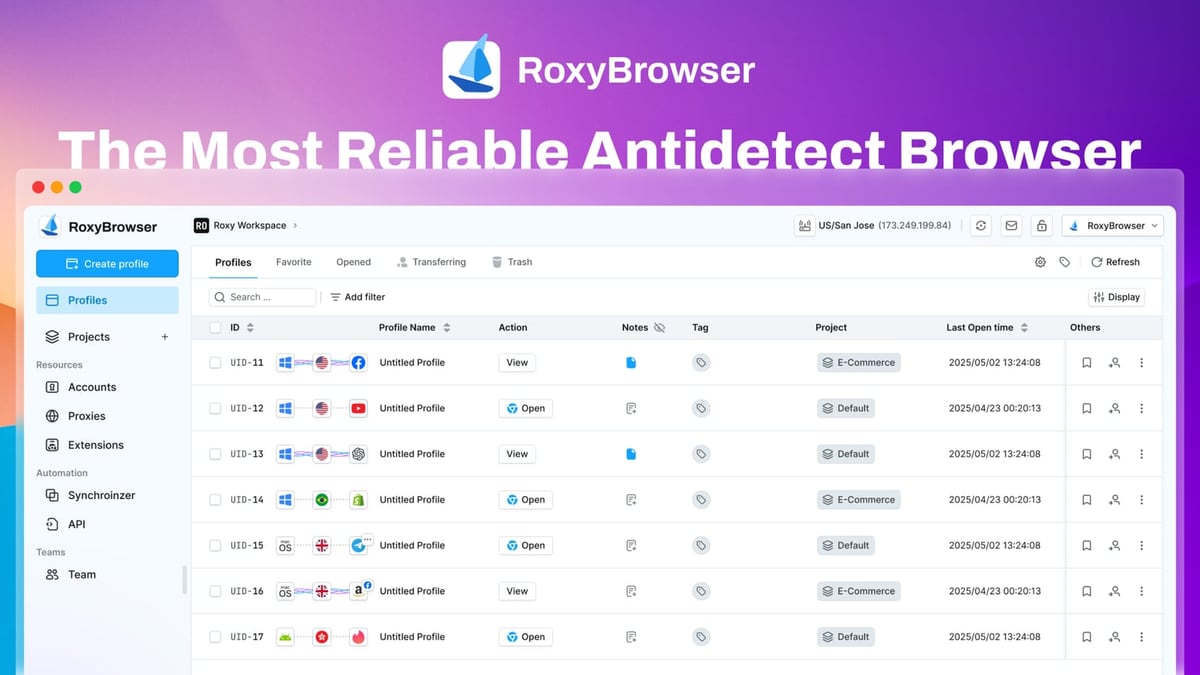
RoxyBrowser product interface and feature overview.
RoxyBrowser positions itself as a lightweight, secure anti-detect browser for both individual users and corporate teams. It emphasizes a clean interface, built-in proxies, and next-generation AI automation via the MCP protocol. RoxyBrowser offers a 7-day free trial and supports Windows and macOS.
Key Strengths of RoxyBrowser
- Enterprise-Grade Security: RoxyBrowser uses AES-256, RSA, and SHA-512 encryption protocols. It has zero reported breaches, contrasting sharply with AdsPower’s $4.7M incident.
- Built-In Premium Proxies: Direct access to residential IPs from 195+ countries eliminates the hassle of sourcing external proxies. Users can choose residential, mobile, or datacenter proxies with city/ISP matching.
- Intuitive Interface: Clean, uncluttered design with one-click profile creation. Both beginners and experts can navigate it without frustration.
- Advanced Fingerprinting: Auto-generates unique, proxy-matched fingerprints with dynamically randomized GPU, fonts, OS, WebGL, and Canvas parameters. This synchronization reduces detection patterns.
- Next-Gen AI Automation (MCP Protocol): RoxyBrowser is the first anti-detect browser to fully integrate the MCP protocol and AI Agents, allowing AI to automate browser tasks—a step ahead of traditional RPA scripts.
- One-Click Extension Management: Extensions can be installed with a single click, saving time during profile setup.
- Bookmark Import: Users can import bookmarks into profiles, streamlining workflow.
- Generous Free Tier: Offers 5 free profiles compared to AdsPower’s 2.
- Lower Starting Price: Plans start at $4.8/month, making it more affordable for small teams.
Supported Weaknesses of RoxyBrowser
- Limited OS Support: Currently available only on Windows and macOS. Linux users must use workarounds or alternative tools.
- Smaller Community: RoxyBrowser has a smaller user base and fewer tutorials compared to AdsPower, which may slow down troubleshooting for niche issues.
- Scaling Limitations: While suitable for small to mid-size operations, some users report that managing 50+ profiles can become less smooth compared to enterprise-focused solutions.
- Proxy Dependency for Advanced Use: Although built-in proxies are included, users who need custom proxy configurations may find the options less flexible than dedicated proxy management tools.
Head-to-Head Comparison
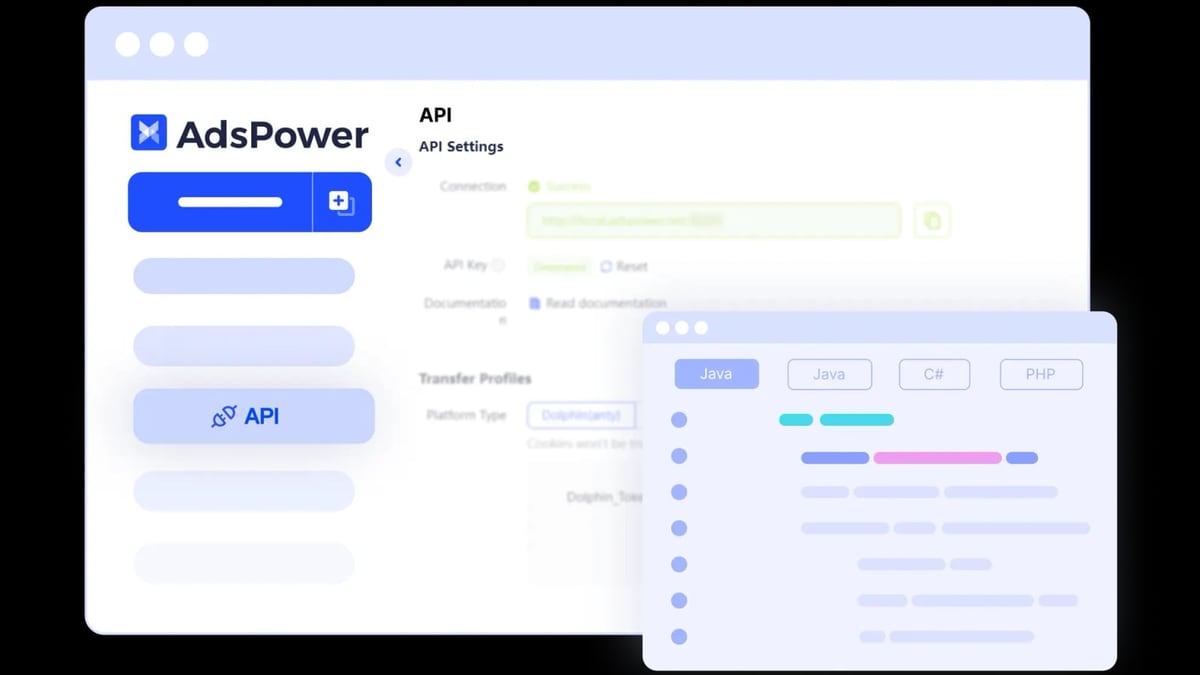
AdsPower product interface and feature overview.
| Feature | AdsPower | RoxyBrowser |
|---|---|---|
| Fingerprinting Parameters | 55+ customizable | Auto-generated, proxy-matched |
| Built-in Proxies | No | Yes (195+ countries) |
| Security Breach History | $4.7M loss (2025) | Zero breaches |
| Encryption | Standard | AES-256, RSA, SHA-512 |
| Automation | No-code RPA | MCP protocol + AI Agents |
| Extension Management | Manual upload | One-click |
| Bookmark Import | No | Yes |
| Free Profiles | 2 | 5 |
| Starting Price | $7.2/month | $4.8/month |
| OS Support | Windows, macOS, Linux | Windows, macOS |
| Team Collaboration | Role-based ($5/member) | Workspaces (pricing varies) |
Which Tool Should You Choose?

RoxyBrowser product interface and feature overview.
Your choice depends on your priorities:
Choose AdsPower if: You need Linux support, require low RAM usage for older machines, or rely heavily on its multi-window synchronizer for simultaneous profile control. However, be aware of the security risks and the need to manage your own proxies.
Choose RoxyBrowser if: Security is your top concern, you want built-in proxies to simplify setup, or you value a clean interface and AI-powered automation. RoxyBrowser is a strong choice for small to mid-size teams that prioritize ease of use.
For a deeper look at how anti-detect browsers compare with other tools, check out our AdsPower vs MoreLogin vs Octo Browser comparison.
Related reading
- Fingerprint Review 2026: Is It the Best Device Intelligence Platform? - Evidence-based Fingerprint review covering ideal users, use cases, strengths, limitations, pricing, setup, and decision criteria. Compare with alternatives and see real-world examples.
- AdsPower + PacketStream: Setup, Workflow & Real Examples - Learn how to integrate PacketStream residential proxies with AdsPower antidetect browser. Step-by-step setup, workflow tips, and real use cases for marketers.
- AdsPower vs MoreLogin vs Octo Browser: Which Anti-Detect Tool Wins? - Compare AdsPower vs MoreLogin vs Octo Browser for multi-account management. See fingerprinting, automation, pricing, and team features side-by-side.
Sources and further reading
- RoxyBrowser vs AdsPower: Which Antidetect Browser Wins in 2026? - RoxyBrowser vs AdsPower — which anti detect browser is safer for multiaccount management? Compare features and see why Multilogin is better.
- AdsPower Browser vs. RoxyBrowser Comparison 2026 - AdsPower Browser vs. RoxyBrowser Comparison 2026G2https://www.g2.com › ... › RoxyBrowserG2https://www.g2.com › ... › RoxyBrowserUsers report that both products are free, but AdsPower Browser has a larger share of small-business users, while RoxyBrowser is favored by mid-market companies.Read more
- AdsPower Review 2026: Is it Worth it? Pros, Cons & Better Alternatives - AdsPower Anti-Detect Browser Review 2026: A detailed analysis of features, pricing, and more. Discover why RoxyBrowser is the better alternative.
Frequently Asked Questions
Is AdsPower safe to use after the 2025 breach?
The $4.7 million crypto theft has raised serious concerns. While AdsPower has implemented security updates, the incident highlights vulnerabilities. Users handling sensitive financial accounts should consider alternatives with stronger security records.
Does RoxyBrowser support automation?
Yes. RoxyBrowser integrates with Selenium, Puppeteer, and Playwright, plus it offers the MCP protocol for AI-driven automation. This is more advanced than AdsPower’s no-code RPA, which can break with platform updates.
Can I use RoxyBrowser on Linux?
Currently, RoxyBrowser only supports Windows and macOS. Linux users may need to use compatibility layers or choose AdsPower, which offers native Linux support.
Which tool is better for large teams?
AdsPower offers role-based permissions and profile sharing, but each additional member costs $5/month. RoxyBrowser uses Workspaces with scalable pricing. For teams of 10+, evaluate the total cost including proxy expenses.
Do both tools offer free trials?
AdsPower has a free plan with 2 profiles. RoxyBrowser offers 5 free profiles plus a 7-day free trial of premium features, allowing more thorough testing.
Conclusion
Both AdsPower and RoxyBrowser can help you manage multiple accounts, but they cater to different needs. AdsPower’s extensive feature set is undermined by a security breach and a cluttered interface. RoxyBrowser offers a more secure, user-friendly experience with built-in proxies and AI automation, though it lacks Linux support.
If security and simplicity are your priorities, RoxyBrowser is the stronger choice. For those who need Linux compatibility or the multi-window synchronizer, AdsPower remains an option—but proceed with caution regarding its security history.
For more insights on anti-detect browsers, read our AdsPower vs MuLogin comparison or explore top online privacy diagnostics tools to verify your setup.
Disclosure: This article contains references to third-party tools. Always conduct your own due diligence before choosing a solution for your business.