
AdsPower Fingerprint Browser vs GoLogin: 2026 Detailed Comparison Review
Take a Quick Look
Comprehensive comparison of AdsPower vs GoLogin: features, pricing, security, and automation capabilities. Combined with real user feedback to help you choose the best anti-detection browser for multi-account management.
🔥 Limited-Time Offer! Save extra 10% off on your first monthly plan with code: Anitdetect10
Sign upAdsPower Fingerprint Browser vs GoLogin: 2026 Detailed Comparison Review
Managing multiple online accounts has become a daily necessity in fields such as cross-border e-commerce, social media marketing, advertising, and affiliate marketing. However, as platforms increasingly monitor browser fingerprints, device signals, and behavioral patterns, traditional multi-account methods easily trigger account bans. Anti-detection browsers have emerged as a solution, with AdsPower Fingerprint Browser and GoLogin being two highly regarded products. This article provides an in-depth comparison across multiple dimensions including features, pricing, security, and automation capabilities, helping you make an informed decision based on your actual needs.
I. Product Overview
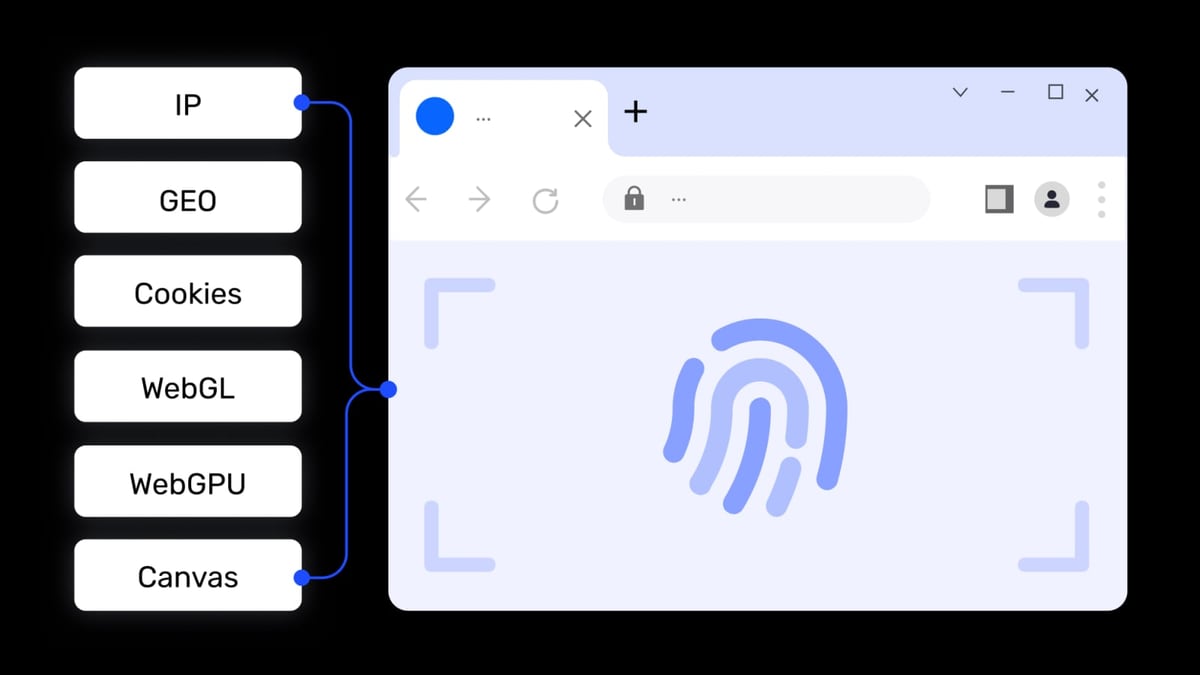
AdsPower Fingerprint Browser product interface and feature overview.
AdsPower Fingerprint Browser
AdsPower is a professional anti-detection fingerprint browser designed for cross-border e-commerce sellers, social media operators, affiliate marketers, and digital advertising professionals who need to securely manage multiple accounts on a single device. It creates isolated browser environments, assigning unique digital fingerprints (including 20+ parameters such as Canvas, WebGL, Audio, WebRTC) to each environment, preventing platforms like Amazon, Facebook, Google, TikTok, and eBay from detecting account associations, thereby reducing the risk of bans. Core features include:
- Browser fingerprint isolation with 20+ customizable parameters
- Dual kernel support: Chrome (SunBrowser) and Firefox (FlowerBrowser)
- Multi-platform account management: e-commerce, social media, advertising, data scraping
- Window sync: batch operations across multiple environments
- Built-in RPA automation: pre-set templates and drag-and-drop workflow creation
- Local API: compatible with Selenium, Puppeteer, Playwright, and MCP protocol (AI agent integration)
- Team collaboration: role-based permission management and environment sharing
- Proxy support: HTTP, HTTPS, SOCKS5, SSH, global network coverage
AdsPower has over 9 million global users and holds SOC 2 Type II, ISO 27001, and ISO 27701 certifications, offering a free plan with 2 browser environments.
GoLogin
GoLogin is also an anti-detection browser aimed at professionals who need to manage multiple online accounts without being blocked or banned. It creates unique digital fingerprints for each browser profile, allowing users to operate dozens or even hundreds of accounts on platforms like LinkedIn, Amazon, Facebook, and Google as if they were different individuals. Service areas include e-commerce (dropshipping, retail price scanning), digital marketing (ad review, traffic arbitrage), social media management, SEO (SERP tracking), web scraping, affiliate marketing, and cryptocurrency airdrops. Core features include proxy rotation, fingerprint randomization, automation tools, team collaboration (with access permissions), and a cloud browser option. GoLogin offers a 7-day free trial and features a blog, case studies, and curated VPN, proxy, and affiliate network resources.
II. Core Feature Comparison
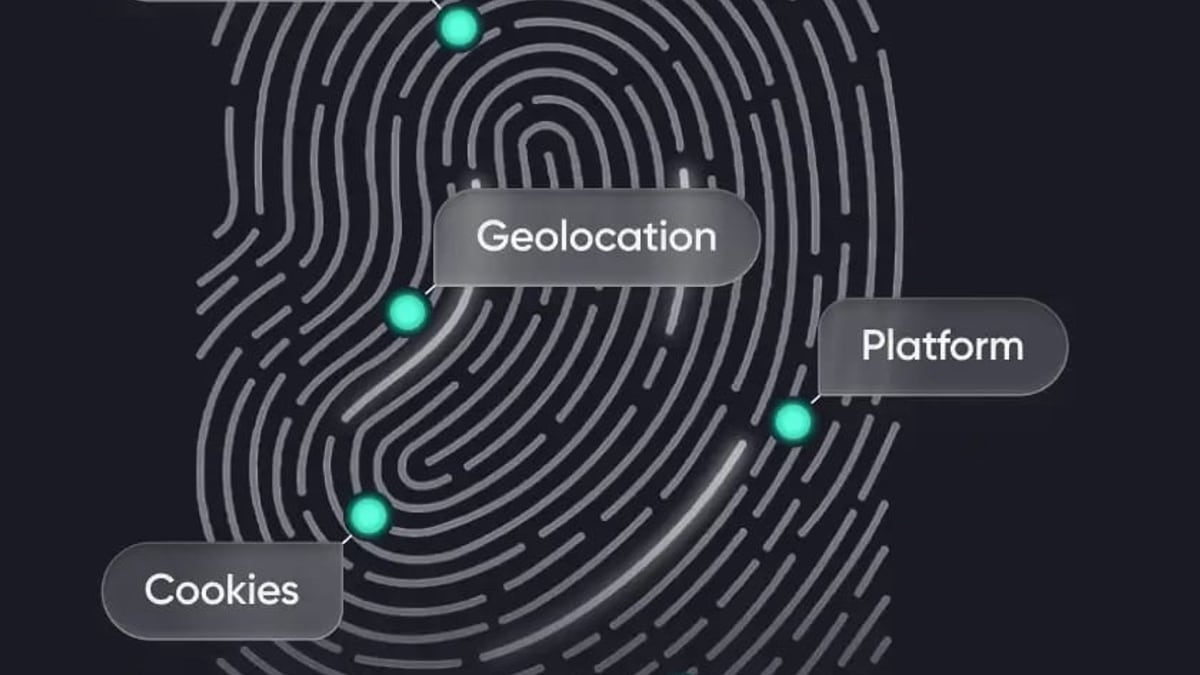
GoLogin product interface and feature overview.
1. Fingerprint Customization and Profile Authenticity
Both browsers allow users to customize browser fingerprints, including user agent, browser version, screen resolution, fonts, timezone, language, WebRTC, Canvas, and WebGL parameters. For basic account isolation, combined with quality proxies and real user behavior, both perform reliably.
AdsPower offers deeper fingerprint control, especially when managing large numbers of profiles. Users can create reusable templates to apply consistent fingerprint logic across batches, which is particularly useful for teams and agencies. Additionally, AdsPower supports mobile device fingerprint simulation, including iOS devices (iPhone/iPad). This feature is critical because many platforms treat mobile and desktop traffic differently, with mobile detection thresholds often varying, and iOS fingerprints being harder to replicate convincingly. For mobile-centric workflows (e.g., TikTok operations, mobile ad campaigns), AdsPower has an advantage.
GoLogin does not support iOS device fingerprint simulation; profiles are desktop-only, limiting scenarios that require masquerading as mobile users.
Conclusion: AdsPower leads in fingerprint customization depth and mobile support.
2. Window Sync: Large-Scale Operations
When managing dozens of accounts, manually repeating operations is inefficient. Window sync allows users to control multiple browser profiles simultaneously, performing the same actions.
AdsPower's multi-window synchronizer performs stably, allowing users to log in, navigate dashboards, or perform routine operations simultaneously, significantly reducing repetitive work. This feature remains reliable in large-scale or long-duration sessions.
GoLogin also offers window sync, but its implementation is less stable, especially in large-scale or long-running sessions. Many users still need to operate profiles individually or rely on external automation tools for consistency. This limitation may not be noticeable in small setups or light use, but as the number of active profiles increases, unstable sync reduces efficiency.
Conclusion: AdsPower's window sync is more stable, suitable for large-scale operations.
3. Automation and RPA Capabilities
Automation is key for routine team workflows.
AdsPower includes built-in RPA (Robotic Process Automation) and RPA Plus features, allowing users to choose pre-set templates for managing daily operations, automating repetitive tasks without extensive coding, running workflows across multiple profiles simultaneously, and scheduling tasks freely. Users can also create custom workflows as needed. This native automation reduces reliance on third-party tools and lowers the technical barrier for large-scale operations.
GoLogin does not include free RPA functionality. Automation typically requires external scripting tools, additional integrations, and more technical setup and maintenance. This is less convenient for non-technical users.
Conclusion: AdsPower's built-in RPA is a clear advantage, especially for non-technical users.
4. Team Collaboration and Permission Management
For agencies and organizations, controlling who can access what is crucial.
AdsPower offers granular team permission controls, including role-based access levels, profile-specific permissions, activity logs and accountability tracking, and secure profile sharing. This makes AdsPower ideal for structured teams with diverse roles.
GoLogin supports team access and profile sharing but with limited permission flexibility. It may be sufficient for small teams but lacks control for complex organizational structures.
Conclusion: AdsPower excels in team collaboration and permission management.
5. Data Security and Privacy
Both tools prioritize security, using encryption, firewalls, and secure servers, and support two-factor authentication (2FA).
AdsPower supports 2FA via authenticator, email, or SMS, and also offers remote login alerts, failed login attempt warnings, and login IP whitelisting, allowing users to control which IPs can access their accounts. AdsPower emphasizes that it does not actively collect user data and provides data sync and cloud storage options for team access and sharing.
GoLogin supports two-step verification but lacks additional security level settings. Storage settings can be changed manually in the app, but the official guarantee cannot ensure 100% safety and no data leakage.
Conclusion: AdsPower offers more comprehensive security features.
III. Pricing and Long-Term Value
AdsPower Fingerprint Browser product interface and feature overview.
AdsPower Pricing
- Free Forever: $0 (2 profiles)
- Professional: $9/month ($5.40/month billed annually)
- Business: $36/month ($2.60/month billed annually)
GoLogin Pricing
- Free Trial: 7 days
- Professional: $49/month ($24/month billed annually)
- Business: $99/month ($49/month billed annually)
- Enterprise: $199/month ($99/month billed annually)
- Custom: $299/month ($149/month billed annually)
Analysis: AdsPower's pricing is significantly more affordable, especially the permanent free plan which is friendly to individual users and small teams. GoLogin's paid plans are more expensive but offer more profiles. However, AdsPower bundles advanced features like automation, sync, mobile simulation, and team control into its ecosystem, often eliminating the need for additional tools, saving costs in the long run.
Conclusion: AdsPower wins in cost-effectiveness.
IV. Platform Compatibility and System Requirements
| Dimension | AdsPower | GoLogin |
|---|---|---|
| Desktop OS | Windows, macOS (x86_64 and M-series), Linux | Windows, macOS (x86_64 and M-series), Linux |
| Mobile | Not supported | Android app, cloud browser |
| System Requirements | RAM 2GB, Disk 2GB | RAM 4GB, Disk 1GB (lower with cloud use) |
GoLogin offers broader platform compatibility, supporting Android and direct cloud operation, while AdsPower is currently desktop-only. However, AdsPower has lower system requirements, making it more friendly to older devices.
Conclusion: GoLogin has wider compatibility, but AdsPower requires fewer local resources.
V. Frequently Asked Questions
1. Which is better for cross-border e-commerce, AdsPower or GoLogin?
Both can be used for multi-account management in e-commerce, but AdsPower has advantages in fingerprint customization depth, window sync stability, and built-in RPA automation, along with more affordable pricing, making it more suitable for sellers needing large-scale operations.
2. Is GoLogin's cloud browser feature practical?
GoLogin's cloud browser and Android app do increase usage flexibility, especially for users needing mobile operations or those who prefer not to use local resources. However, cloud browser fingerprint consistency and speed may be less stable than local operation.
3. Which tool is more secure?
AdsPower offers more comprehensive security features, including multiple 2FA methods, login IP whitelisting, and abnormal login alerts, along with SOC 2 and ISO certifications. GoLogin's security features are relatively basic.
4. Which free plan is better?
AdsPower offers a permanent free plan (2 profiles), while GoLogin offers a 7-day free trial. For long-term light use, AdsPower's free plan is more practical.
5. Which tool is better for team collaboration?
AdsPower's team permission management is more granular, supporting role levels, profile-specific permissions, and activity logs, suitable for structured teams. GoLogin's team features are more basic.
VI. How to Choose?
Choose AdsPower if you:
- Need deep fingerprint customization and iOS device simulation
- Rely on window sync for large-scale batch operations
- Want built-in RPA automation to reduce coding work
- Have a limited budget and seek high cost-effectiveness
- Need granular team permission management
Choose GoLogin if you:
- Need cross-platform compatibility, especially Android and cloud use
- Prioritize mobile operation flexibility
- Have a sufficient budget and need more profiles
- Have a small team with simple permission management needs
VII. Conclusion
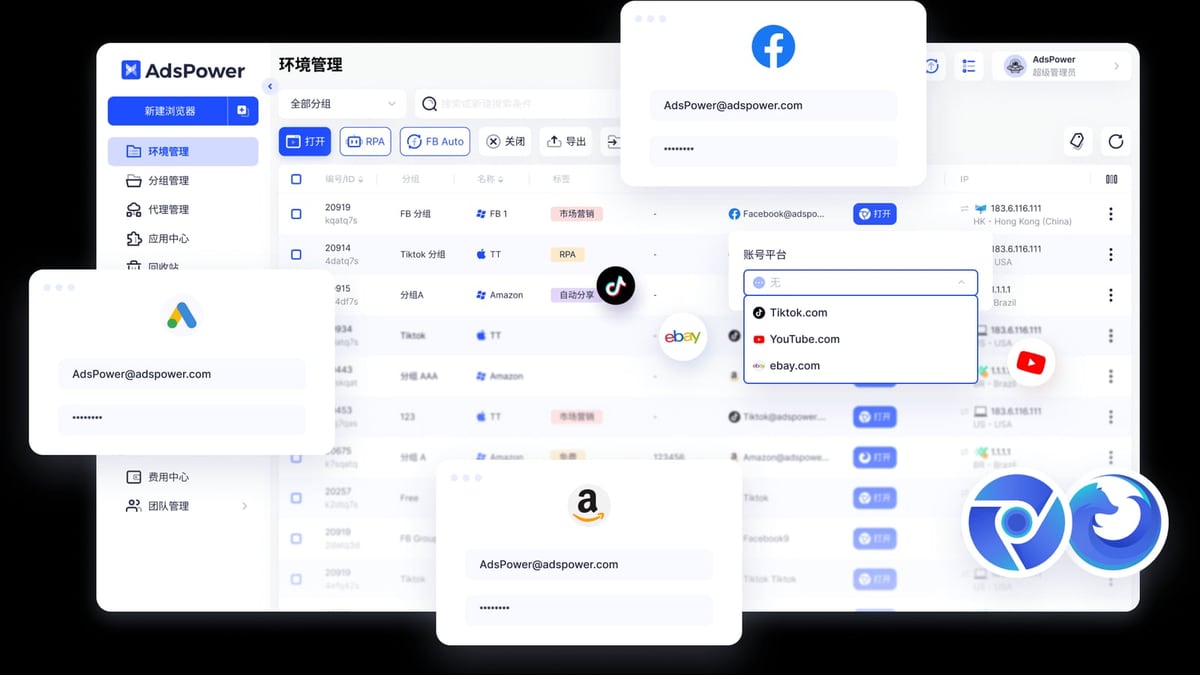
AdsPower Fingerprint Browser product interface and feature overview.
AdsPower Fingerprint Browser and GoLogin are both excellent anti-detection browsers, but they have different positioning. AdsPower stands out in fingerprint customization depth, automation capabilities, window sync stability, team collaboration, and cost-effectiveness, especially for e-commerce and marketing teams needing large-scale, automated operations. GoLogin has an advantage in platform compatibility (Android, cloud), suitable for users needing mobile operations or those who prefer not to be tied to local devices.
If you are looking for a feature-rich, secure, and long-term cost-effective anti-detection browser, AdsPower Fingerprint Browser is worth prioritizing. For more specific automation needs, refer to AdsPower Fingerprint Browser + Puppeteer: Automation Setup and Practice for a practical guide. Additionally, if you are still undecided among other tools, read AdsPower vs Undetectable vs Multilogin: 2026 Comparison for a broader perspective.
The final choice depends on your specific business scenario, budget, and technical capabilities. It is recommended to use the free plan or trial period to experience it firsthand before making a decision.
References: Bright Data Comparison Article, AdsPower Official Comparison, GoLogin Blog
Related reading
- Top 10 Private Proxy Services 2026: Ranked & Reviewed - In-depth 2026 review of the top 10 private proxy services. Transparent criteria, evidence-based rankings, and decision guidance for buyers.
- AdsPower Fingerprint Browser vs Incogniton: 2026 Detailed Comparison Review - Comprehensive comparison of AdsPower vs Incogniton: features, pricing, security, and automation capabilities. Combined with real user feedback to help you choose the best anti-detection browser for multi-account management.
- BigCommerce Review 2026: Features, Pricing & Verdict - Evidence-based BigCommerce review covering ideal users, pricing, strengths, limitations, and decision criteria. Compare with Shopify and WooCommerce.