
AdsPower Fingerprint Browser vs Incogniton: 2026 Detailed Comparison Review
Take a Quick Look
Comprehensive comparison of AdsPower vs Incogniton: features, pricing, security, and automation capabilities. Combined with real user feedback to help you choose the best anti-detect browser for multi-account management.
🔥 Limited-Time Offer! Save extra 10% off on your first monthly plan with code: Anitdetect10
Sign upAdsPower Fingerprint Browser vs Incogniton: 2026 Detailed Comparison Review
Managing multiple accounts without being banned by platforms has become a daily necessity for cross-border sellers, social media operators, and ad buyers. AdsPower Fingerprint Browser and Incogniton are both popular tools in this field, but their positioning, features, and applicable scenarios differ significantly. This article will conduct an in-depth comparison from dimensions such as fingerprint technology, automation capabilities, team collaboration, pricing transparency, and security, helping you determine which one is more suitable for your business.
Fingerprint Spoofing Technology: Flexibility and Consistency

Incogniton product interface and feature overview.
AdsPower: Dual Kernel + Real Fingerprint Generation
AdsPower supports both Chrome (SunBrowser) and Firefox (FlowerBrowser) dual kernels, which is rare among anti-detect browsers. Its "real fingerprint" generation system automatically matches reasonable fingerprint combinations based on the operating system and hardware configuration, reducing the risk of being flagged by platforms due to statistical anomalies. You can manually adjust over 20 fingerprint parameters, including Canvas, WebGL, Audio, WebRTC, font lists, and more. For advanced users who need fine-grained control over fingerprint details, AdsPower offers sufficient freedom.
Incogniton: Localized Fingerprint Modeling
Incogniton's fingerprint generation strategy leans towards "simulating real browser configurations." Each new profile receives a set of fingerprints based on real device data, including user agent, time zone, language, hardware specifications, etc. Its advantage lies in the "humanization" of fingerprints—no logically contradictory combinations. However, according to some user feedback, Incogniton occasionally experiences fluctuations in fingerprint consistency, especially in long-term, high-frequency usage scenarios.
Summary: If you need to manage a large number of accounts simultaneously and require extremely high fingerprint stability, AdsPower's dual kernel and customizable parameters have an advantage. Incogniton is more suitable for individual users who do not have extreme requirements for fingerprint consistency but want an out-of-the-box experience.
Automation Capabilities: No-Code RPA vs Development Framework Integration
Incogniton product interface and feature overview.
AdsPower: Built-in RPA, No Coding Required
A major highlight of AdsPower is its built-in RPA (Robotic Process Automation) module. You can create automation workflows by recording actions or dragging and dropping components, such as automatic login, form filling, ad uploads, product listings, etc. This is very user-friendly for operations personnel who are not familiar with programming. At the same time, AdsPower also provides a local API compatible with Selenium, Puppeteer, Playwright, and the MCP protocol, facilitating deep integration for development teams.
Incogniton: GUI Synchronizer + Framework Support
Incogniton's automation is mainly achieved through its "Synchronizer" tool—you can perform actions on one profile and then synchronize clicks, scrolls, inputs, etc., to multiple other profiles. Additionally, it supports mainstream automation frameworks like Selenium, Playwright, and Puppeteer, suitable for users with programming skills. However, for non-technical users, Incogniton does not offer a visual RPA editor like AdsPower.
Summary: AdsPower's no-code automation lowers the barrier to entry, especially suitable for marketing teams that need to batch execute repetitive tasks. Incogniton is more suitable for developers who can write more complex scripts using frameworks.
Team Collaboration: Enterprise-Level Features vs Basic Sharing
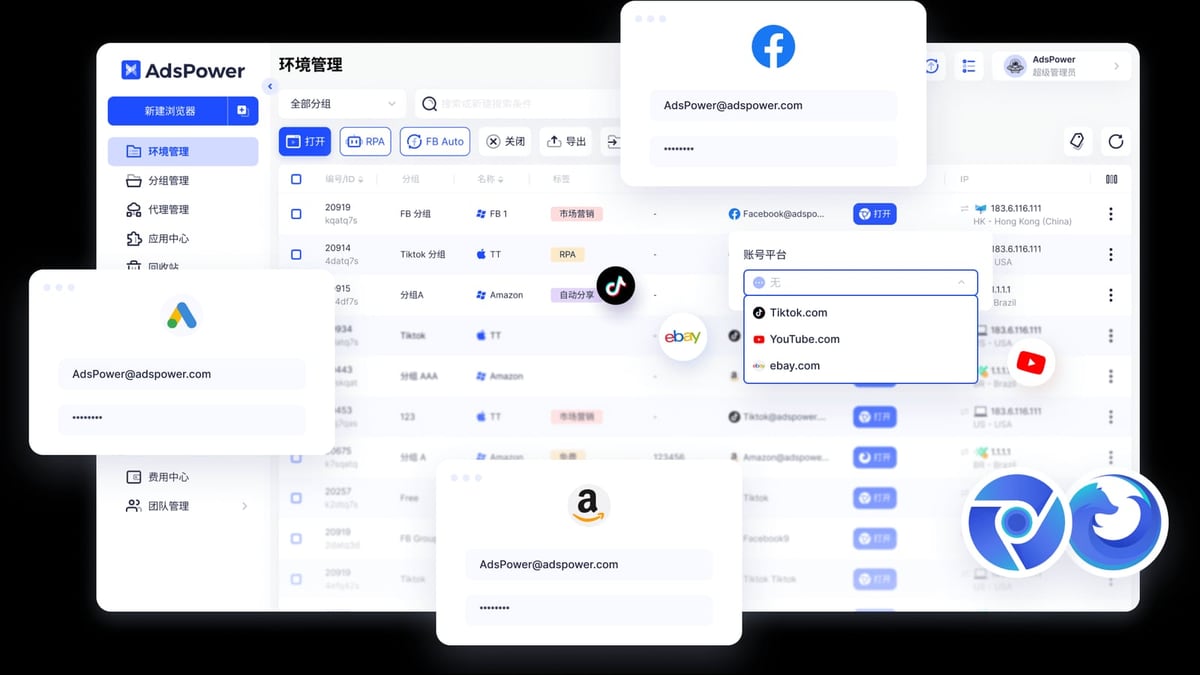
AdsPower Fingerprint Browser product interface and feature overview.
AdsPower: Permission Hierarchy + Cloud Sync
AdsPower has done quite in-depth work in team collaboration. It supports multi-level permission management (Admin, Operator, Observer, etc.), allowing precise control over which profiles and functional modules each member can see. Environment data (fingerprints, cookies, proxies, etc.) supports cloud synchronization, ensuring consistent configurations for team members on different devices. Additionally, operation logs record every login, modification, and launch behavior for auditing.
Incogniton: Role Permissions + Local Sync
Incogniton also offers role-based permission management and profile sharing features, but the synchronization mechanism relies more on the local network. For small teams (3-5 people), its collaboration features are basically sufficient. However, when the team expands or requires cross-region collaboration, AdsPower's cloud sync and more granular permission control are more reliable.
Summary: If your team has more than 5 people or needs cross-timezone, cross-device collaboration, AdsPower's collaboration system is more mature. Incogniton is more suitable for localized small teams.
Proxy Integration: Resource Center vs Manual Configuration
AdsPower: Built-in Proxy Resource Center
AdsPower has a built-in proxy resource center where you can directly purchase and manage HTTP, HTTPS, SOCKS5, and SSH proxies, and automatically match proxies to profiles. This means you don't need to find an additional proxy service provider; you can complete proxy procurement, allocation, and monitoring within the same interface.
Incogniton: Proxy Integration but No Built-in Purchase
Incogniton also supports multiple proxy protocols, but users need to prepare proxy resources themselves. For users who already have a stable proxy channel, this is not a problem. But for beginners, AdsPower's one-stop solution is clearly more convenient.
Pricing and Transparency: Free Plans and Hidden Costs
AdsPower: Free 2 Environments, Clear Paid Plans
AdsPower offers a permanent free plan that includes 2 browser environments, suitable for personal testing or very light use. Paid plans start from $9 per month (billed annually), with transparent pricing and clear features.
Incogniton: Free 10 Profiles, but Price Excludes VAT
Incogniton's free plan includes 10 profiles, which is quite generous for individual users. However, it is important to note that its listed price does not include VAT, so the final payment amount will be higher than the listed price. This is noted in small print on the pricing page, which can cause user dissatisfaction. Additionally, some users report that Incogniton's free plan needs to be "purchased" through the shopping cart process, which is slightly cumbersome.
Summary: AdsPower's free plan has fewer profiles, but the pricing is transparent with no hidden fees. Incogniton's free plan is more generous, but the VAT issue may make budget-sensitive users hesitate.
Security: Certification and Data Protection
AdsPower holds three international security certifications: SOC 2 Type II, ISO 27001, and ISO 27701, indicating that its data security management system has undergone independent audits. However, we also note that in 2024, there were reports of a user data breach at AdsPower involving cryptocurrency wallet theft. If you store sensitive financial information in AdsPower, you need to take additional security measures.
Incogniton has less publicly available information on security certifications, but its website emphasizes WebRTC leak protection and privacy protection. There are currently no publicly reported major security incidents.
Comprehensive Comparison Table
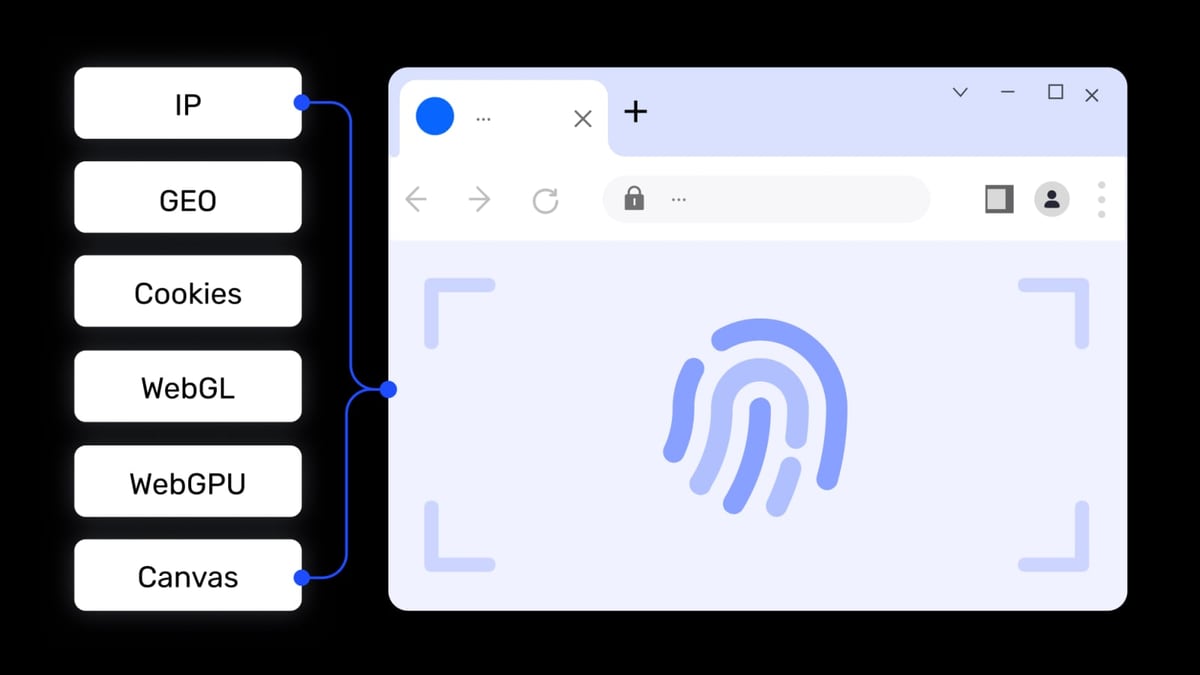
AdsPower Fingerprint Browser product interface and feature overview.
| Comparison Dimension | AdsPower Fingerprint Browser | Incogniton |
|---|---|---|
| Fingerprint Technology | Dual kernel (Chrome+Firefox), 20+ adjustable parameters | Based on real device modeling, good consistency |
| Automation | Built-in RPA no-code automation + API | GUI Synchronizer + Framework integration |
| Team Collaboration | Multi-level permissions, cloud sync, operation logs | Role permissions, local sync |
| Proxy Integration | Built-in proxy resource center | Requires own proxy |
| Free Plan | 2 environments | 10 profiles |
| Price Transparency | Listed price includes tax, no hidden fees | Listed price excludes VAT |
| Security Certifications | SOC 2, ISO 27001, ISO 27701 | Limited information |
How to Choose?
- If you are a non-technical operations person who needs to get started quickly, batch manage accounts, and has a larger team, AdsPower's built-in RPA and cloud collaboration features will be more convenient.
- If you are a developer or small team with programming skills, do not have extremely strict requirements for fingerprint consistency, and want a free plan that covers more profiles, Incogniton may be more suitable.
- If you are sensitive to price transparency and do not want additional expenses like VAT, AdsPower's pricing is clearer.
- If you have strict compliance requirements for security (e.g., financial business), AdsPower's security certifications are more comprehensive, but be aware of the historical data breach incident.
Frequently Asked Questions
Which is better for cross-border e-commerce multi-account management, AdsPower or Incogniton?
AdsPower is more popular in e-commerce scenarios because it supports dual kernels to simulate different device environments, built-in RPA can automate repetitive operations like product listing and inventory updates, and its team collaboration features are more suitable for multi-person operated store matrices.
Is Incogniton's free plan really free?
Yes, Incogniton offers a free plan with 10 profiles, but it needs to be "purchased" through the shopping cart process. Additionally, its paid plan prices do not include VAT, so the final cost will be higher.
Does AdsPower's RPA automation require programming?
No. AdsPower's RPA module provides a visual drag-and-drop interface. You can create automation workflows by recording actions or combining preset templates without writing code.
What operating systems do both browsers support?
AdsPower supports Windows and macOS. Incogniton also supports Windows and macOS, but neither supports the Linux desktop version.
If I am already using Incogniton and want to migrate to AdsPower, is the process complicated?
No. AdsPower supports batch import of cookies and proxies. You can export profile information from Incogniton and then quickly rebuild environments using AdsPower's batch creation feature. For detailed steps, refer to the AdsPower official migration guide.
Conclusion
Both AdsPower and Incogniton are excellent anti-detect browsers, but their core strengths differ. AdsPower excels in automation, team collaboration, proxy integration, and price transparency, making it especially suitable for teams that need to operate at scale. Incogniton's free plan is more generous, and its fingerprint modeling is humanized, but the hidden VAT and relatively weak collaboration features make it more suitable for individuals or small teams.
If you are still undecided, start by trying the free plans of both. For most users who need to efficiently manage multiple accounts, AdsPower's comprehensive capabilities are more worthy of long-term investment.
Further reading: If you want to learn about comparisons between AdsPower and other anti-detect browsers, you can check AdsPower vs Undetectable vs Multilogin: 2026 Detailed Comparison and AdsPower vs MoreLogin: 2026 Detailed Comparison Review.
Related reading
- BigCommerce Review 2026: Features, Pricing & Verdict - Evidence-based BigCommerce review covering ideal users, pricing, strengths, limitations, and decision criteria. Compare with Shopify and WooCommerce.
- Undetectable Review 2026: Features, Pricing & Real Use Cases - Evidence-based Undetectable anti-detect browser review. Compare fingerprint spoofing, proxy manager, automation API, pricing signals, and ideal user profiles.
Sources and further reading
- Incogniton vs AdsPower: Which Anti-Detect Browser Is Right for You? - Incogniton vs AdsPower. Find out which anti-detect browser best fits your privacy needs. We compare pricing, performance, and more.
- 2025 Top 10 Fingerprint Browsers: How to Choose - Here is a guide on how to choose the best anti-detect browser for your business. Bonus: our biased scoring table!