
AdsPower Fingerprint Browser + 5SIM: Multi-Account Registration and Anti-Association Tutorial
Take a Quick Look
Learn how to combine AdsPower fingerprint browser with 5SIM virtual numbers for secure multi-account registration on Amazon, Facebook, and TikTok. Step-by-step setup and real examples.
🔥 Limited-Time Offer! Save extra 10% off on your first monthly plan with code: Anitdetect10
Sign upAdsPower Fingerprint Browser + 5SIM: Multi-Account Registration and Anti-Association Tutorial
Managing multiple accounts on platforms like Amazon, Facebook, or TikTok often hits a wall at registration: each account needs a unique phone number for SMS verification. Without a reliable system, you risk association bans or wasted time hunting for temporary numbers. This tutorial shows you how to pair AdsPower Fingerprint Browser with 5SIM virtual phone numbers to create isolated, verifiable accounts at scale—without buying extra SIMs or risking your main accounts.
Why AdsPower and 5SIM Work Together
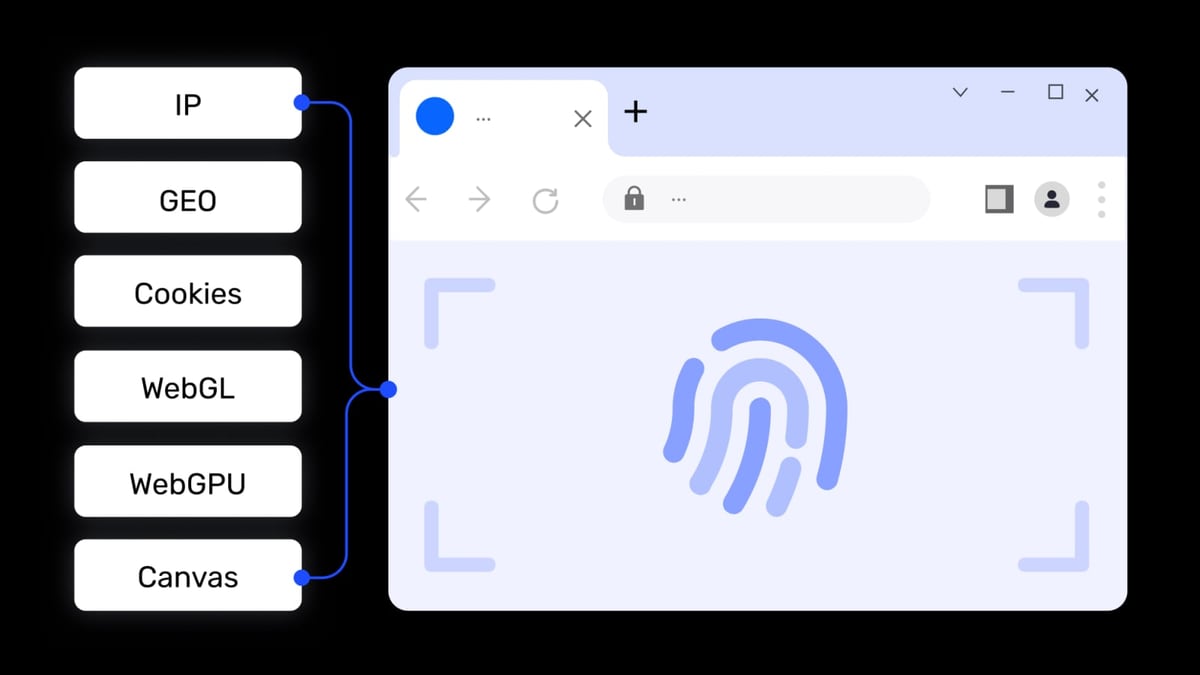
AdsPower Fingerprint Browser product interface and feature overview.
AdsPower Fingerprint Browser gives each browser environment a unique digital fingerprint (Canvas, WebGL, Audio, WebRTC, etc.), so platforms see every account as a separate user on a different device. But a unique fingerprint alone isn’t enough—most registration flows also demand a phone number. That’s where 5SIM comes in. 5SIM provides disposable virtual numbers from 180+ countries, costing as little as $0.008 each, and delivers SMS codes directly to your dashboard or via API. Together, they solve two core problems:
- Association risk: AdsPower isolates browser fingerprints; 5SIM provides a fresh phone number per account.
- Verification friction: 5SIM’s instant SMS delivery lets you complete registrations in seconds, not hours.
Step-by-Step Setup: Creating a Verified Account

AdsPower Fingerprint Browser product interface and feature overview.
Follow these steps to register a new Facebook ad account (or any platform) using AdsPower and 5SIM.
1. Install AdsPower and Create a New Browser Environment
- Download AdsPower from the official website and install it on your computer.
- Open the app, click New Browser, and give your environment a name (e.g., "FB Ad Account 01").
- Choose a kernel: SunBrowser (Chrome) for most platforms, or FlowerBrowser (Firefox) if you need extra isolation.
- Leave fingerprint settings at default for now—AdsPower automatically randomizes key parameters.
2. Configure a Proxy for the Environment
A proxy ensures the IP address matches the country of your 5SIM number. For example, if you’re registering a US Facebook account, use a US-based proxy.
- In the same creation window, scroll to Proxy Settings.
- Select Custom and enter your proxy details (host, port, username, password). You can use HTTP, HTTPS, SOCKS5, or SSH.
- Click Check Proxy to confirm the connection works.
- Save the environment.
For a list of reliable proxy providers, see our Top 10 Private Proxy Services 2026 review.
3. Buy a Virtual Number on 5SIM
- Go to 5SIM and log in or create an account.
- Top up your balance (minimum deposit varies by payment method).
- Use the search bar to find a number for your target platform and country. For instance, select Facebook → USA → Any operator.
- Click Buy and copy the number displayed.
4. Open the Environment and Start Registration
- Back in AdsPower, click Open on the environment you just created. A new browser window launches with the fingerprint and proxy applied.
- Navigate to the platform’s sign-up page (e.g., facebook.com/ads/manager).
- Fill in the registration form with a new email, name, and other details. When asked for a phone number, paste the 5SIM number you bought.
5. Receive and Enter the SMS Code
- Switch to the 5SIM dashboard (or use their API). Within a few seconds, the SMS with the verification code appears under History for that number.
- Copy the code and paste it into the AdsPower browser window.
- Complete the registration. The account is now tied to that unique fingerprint, proxy, and phone number.
6. Repeat for More Accounts
- For each new account, create a fresh AdsPower environment, assign a different proxy (or at least a different IP), and buy a new 5SIM number. Never reuse a number—5SIM numbers are single-use by design.
- Use AdsPower’s Batch Create feature to set up multiple environments at once if you’re scaling.
Practical Example: Registering 10 Amazon Seller Accounts
AdsPower Fingerprint Browser product interface and feature overview.
Amazon’s strict “one account per seller” policy means any detected link can lead to suspension. Here’s how the AdsPower + 5SIM combo keeps you compliant:
- Create 10 environments in AdsPower, each with a unique fingerprint and a US proxy from a different subnet.
- Buy 10 US Amazon numbers on 5SIM (cost: ~$0.50 total at typical rates).
- Open each environment one by one and register an Amazon seller account using a distinct email, business name, and the corresponding 5SIM number.
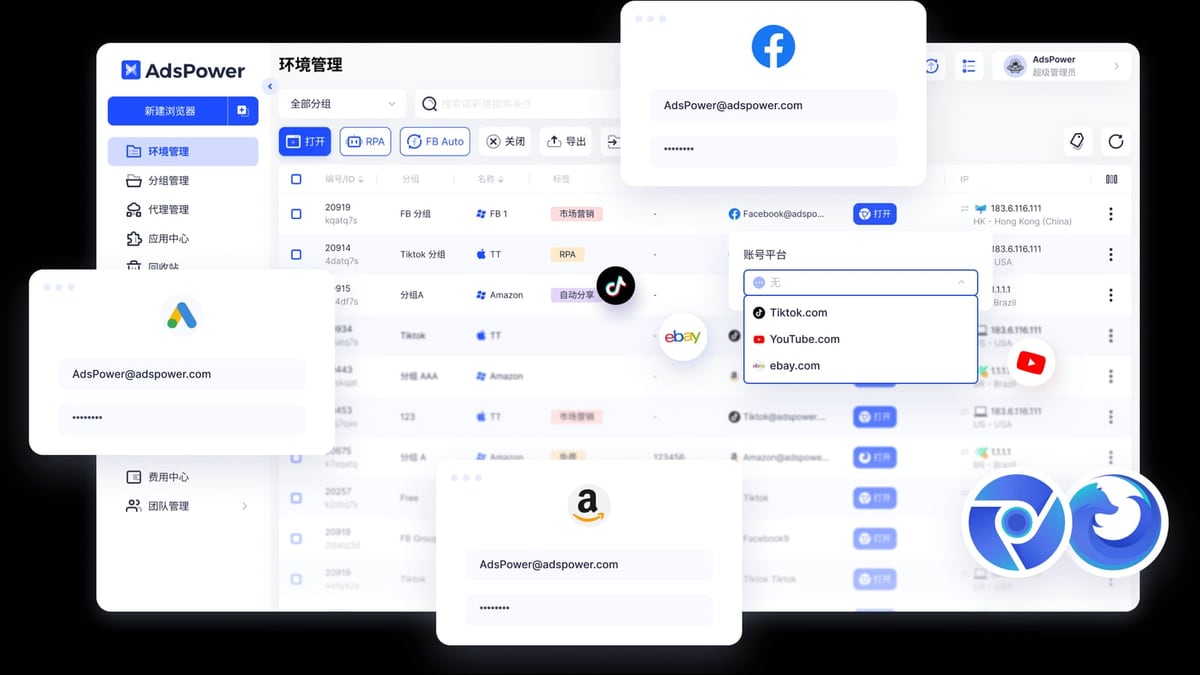
- Store credentials in AdsPower’s built-in password manager or a secure vault.
After registration, you can manage all 10 accounts from a single PC without switching devices. AdsPower’s Window Sync feature even lets you perform bulk actions (like updating product listings) across multiple environments simultaneously.
Problems This Combination Solves
- No more SIM card juggling: You don’t need physical SIMs or dual-SIM phones. 5SIM provides numbers on demand.
- Reduced ban risk: Each account has a unique fingerprint + IP + phone number, making association nearly impossible for platform algorithms.
- Faster registration: Buying a number and receiving SMS takes under 30 seconds, compared to waiting for a physical SIM delivery.
- Global reach: Need a UK number for TikTok or a German number for Google Ads? 5SIM covers 180+ countries; AdsPower supports proxies from any region.
Choosing the Right Tools for Your Scale
AdsPower Fingerprint Browser product interface and feature overview.
| Scenario | Recommended Setup |
|---|---|
| 1–5 accounts | AdsPower free tier (2 environments) + pay-as-you-go 5SIM numbers |
| 5–50 accounts | AdsPower paid plan (unlimited environments) + 5SIM API for automation |
| 50+ accounts | AdsPower + Puppeteer/Selenium integration + 5SIM API + proxy pool |
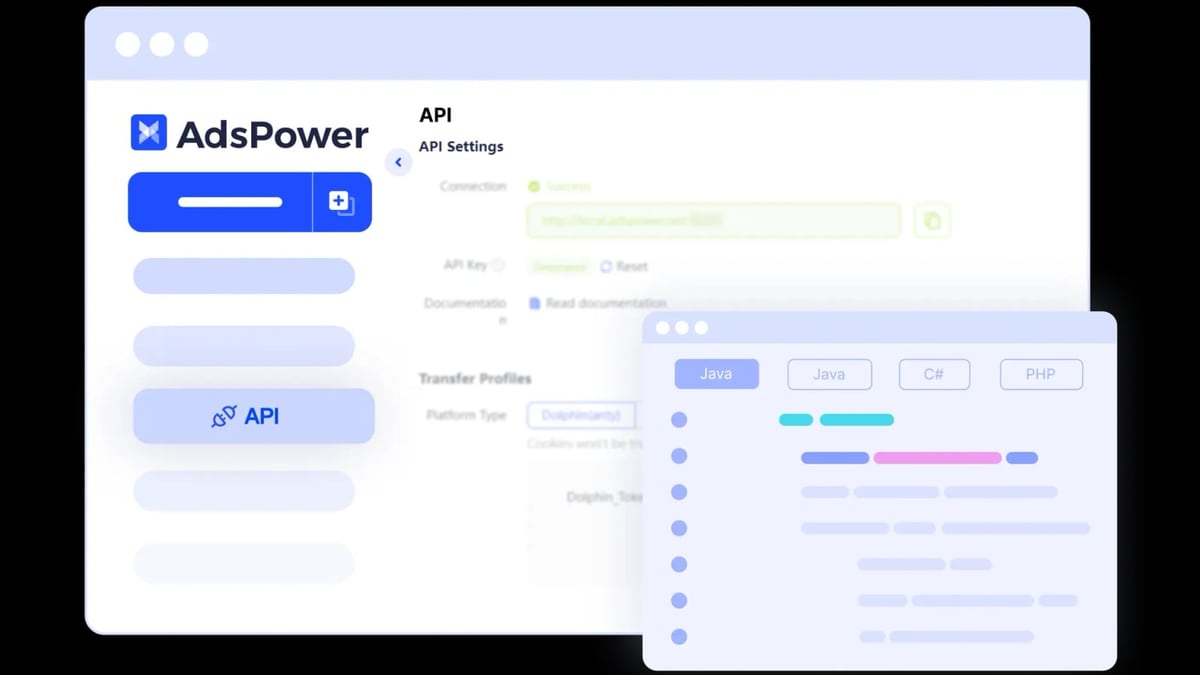
For high-volume automation, you can script the entire flow: AdsPower’s Local API creates environments, configures proxies, and launches browsers, while 5SIM’s API buys numbers and retrieves SMS codes. See our guide on AdsPower Fingerprint Browser + Puppeteer for code examples.
Related reading
- AdsPower Fingerprint Browser vs Kameleo vs BitBrowser: 2026 Detailed Comparison - A comprehensive 2026 comparison of AdsPower Fingerprint Browser with Kameleo and BitBrowser. Analyzes core differences in fingerprint spoofing, automation, team collaboration, pricing, and more to help you choose the best anti-detection browser for multi-account management.
- AdsPower Fingerprint Browser vs GoLogin: 2026 Detailed Comparison Review - A comprehensive comparison of AdsPower vs GoLogin: features, pricing, security, and automation capabilities. Combined with real user feedback, it helps you choose the best anti-detection browser for multi-account management.
Sources and further reading
- AdsPower Fingerprint Browser Proxy IP Usage Tutorial (2025) - AdsPower Fingerprint Browser Proxy IP Usage Tutorial (2025) Zhihu Column https://zhuanlan.zhihu.com › ... Zhihu Column https://zhuanlan.zhihu.com › ... · Translate this page Aug 19, 2025 — First, visit the AdsPower official website to register an account, enter a valid email address and set a password of 6 or more characters; after registration, you need to log in to your email and click the verification link to activate the account. Install the client. After successful registration, you will be automatically redirected to...
- Getting Started with AdsPower - When you download the AdsPower Fingerprint Browser but don't know how to create a browser environment? Just three steps to easily create a browser environment and freely use AdsPower for secure management of various overseas accounts. 1. Click [New Browser] 2. Configure proxy information. Select Custom, fill in the proxy information provided by the proxy provider (Proxy Host: Proxy Port: Proxy Username: Proxy Password, if the proxy is in this format, you can copy the information and paste it into the [Proxy Host] field for auto-fill), and finally click "Check Proxy" to check if the network connection is working. Click "Confirm". 3. Create
FAQ
Can I reuse a 5SIM number for multiple accounts?
No. Each number is single-use. If you try to register a second account with the same number, the platform will detect it and likely block the registration. Always buy a fresh number per account.
Does AdsPower support 5SIM directly?
AdsPower does not have a built-in 5SIM integration, but you can use 5SIM’s API alongside AdsPower’s Local API to automate the full workflow. For manual use, simply copy the number from 5SIM and paste it into the browser.
What if the SMS doesn’t arrive?
5SIM offers automatic refunds if the SMS is not delivered within a set time (usually 10 minutes). In that case, buy a new number and try again. Also ensure your proxy IP matches the number’s country—some platforms only send SMS to numbers from the same region.
Is this legal?
Using anti-detect browsers and virtual numbers is legal in most jurisdictions, as long as you comply with each platform’s terms of service. Many businesses legitimately need multiple accounts for market research, ad testing, or managing separate brands. Always review the platform’s policy before scaling.
Conclusion
AdsPower Fingerprint Browser and 5SIM form a powerful duo for anyone who needs to register and manage multiple accounts securely. AdsPower eliminates fingerprint-based association, while 5SIM provides instant, cheap phone verification. Together, they let you create verified accounts on Amazon, Facebook, TikTok, and more—from one machine, without the usual headaches. Start with a few accounts, test the workflow, and scale up as your business grows.
For a deeper comparison of anti-detect browsers, check our AdsPower vs Undetectable vs Multilogin 2026 Comparison.