
Top 10 Online Privacy & Security Testing Tools 2026
Take a Quick Look
Discover the 10 best online privacy and security testing tools for 2026. Test VPN leaks, browser fingerprints, and network vulnerabilities with these expert-ranked platforms.
🔥 Limited-Time Offer! Save extra 10% off on your first monthly plan with code: Anitdetect10
Sign upThe 10 Best Online Privacy and Security Testing Tools in 2026
Your digital footprint is under constant scrutiny. Whether you are a remote worker connecting through a VPN, a developer hardening a web application, or simply a privacy-conscious individual, knowing your actual exposure is the first step toward closing security gaps. This is where online privacy and security testing tools become indispensable. They provide immediate, browser-based diagnostics without installing bulky software suites. In 2026, the landscape has matured beyond simple IP checks into comprehensive platforms that analyze browser fingerprints, detect complex leaks, and map network vulnerabilities.
This article ranks the top 10 online privacy and security testing tools for 2026. We evaluated each platform based on diagnostic depth, accuracy, ease of use, and the uniqueness of its feature set. We prioritized tools that deliver actionable, evidence-backed insights rather than just raw data. While many tools overlap, each entry excels in a specific area of digital safety assessment.
How We Evaluated These Tools
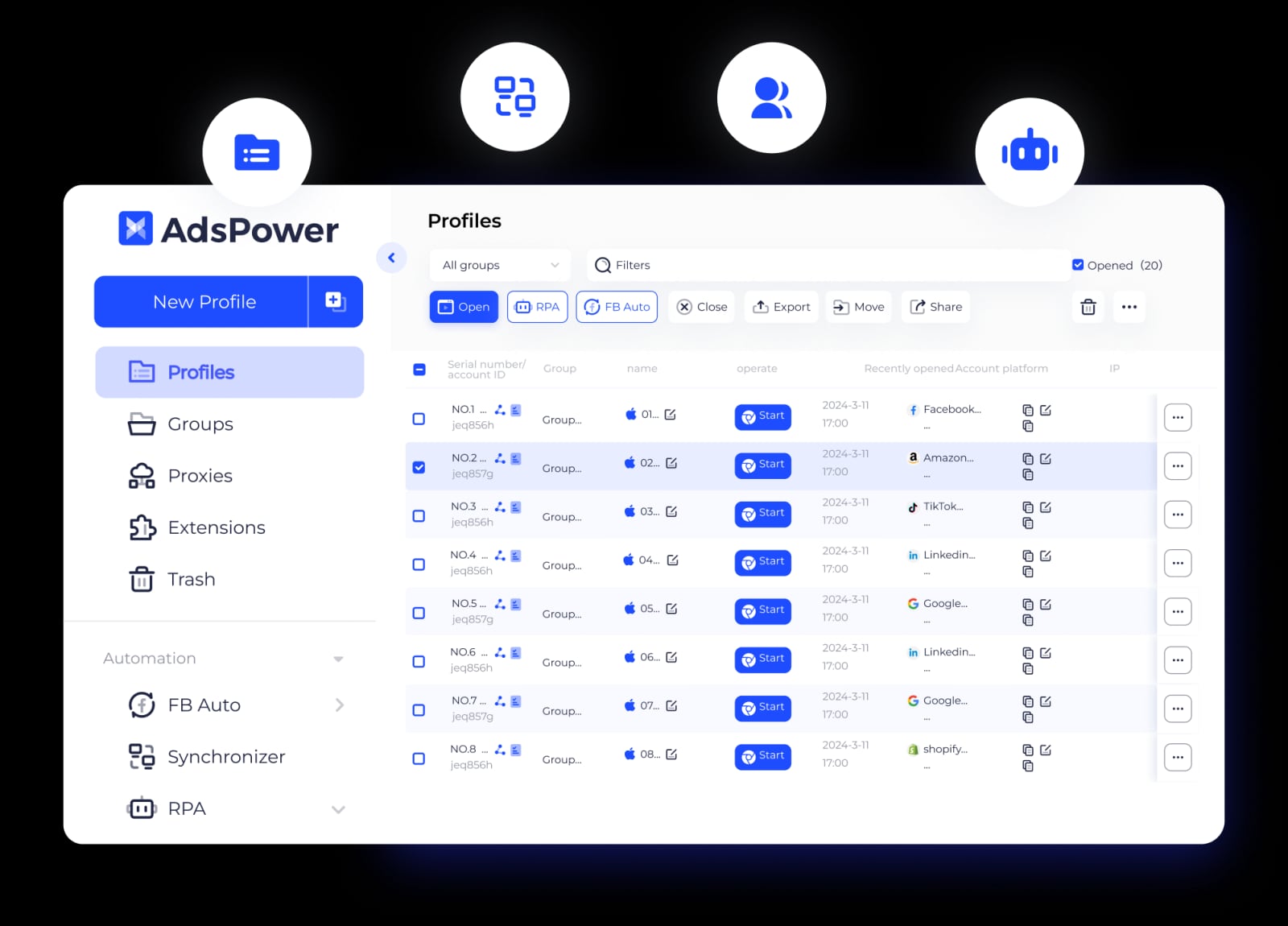
AdsPower product interface.
Our ranking is based on transparent, user-centric criteria:
- Diagnostic Accuracy: Does the tool reliably detect DNS, WebRTC, and IP leaks? Can it correctly identify proxy or VPN usage?
- Feature Depth: Does it go beyond basic lookups to offer advanced fingerprint analysis, port scanning, or header debugging?
- Usability and Accessibility: Is the tool truly browser-based with no installation required? Is the interface clear for both novices and experts?
- Actionable Insights: Does the tool explain what a finding means and how to fix a detected vulnerability?
- Privacy of the Tool Itself: Does the tool’s privacy policy respect user data? We favored tools that do not log sensitive queries.
1. BrowserScan
AdsPower product interface.
BrowserScan has rapidly become the gold standard for holistic, no-installation privacy diagnostics. It is not just a single utility but a unified platform bundling a powerful suite of tests. Its core strength lies in its browser fingerprint analysis, which goes far beyond a simple user agent check. It dissects Canvas, WebGL, AudioContext, and Client Hints to verify if your browser profile appears authentic or is being masked by an anti-detect browser.
For VPN users, the integrated DNS and WebRTC leak tests are critical. A VPN can encrypt your traffic, but a WebRTC leak can still broadcast your true local IP address to websites. BrowserScan’s tool instantly identifies these leaks. The platform also includes an Nmap-powered port scanner to check your network for open, vulnerable ports, an IP address lookup with proxy and hosting detection, and a user agent parser for debugging bot or crawler strings. The value proposition is clear: a single destination for advanced, evidence-based privacy validation.
Best for: Privacy-conscious users, VPN users, and developers who need to verify browser environment authenticity and network configuration in real-time.
2. IPLeak.net
AdsPower product interface.
IPLeak.net remains a trusted, no-frills resource for rapid leak detection. Its minimalist interface loads a dashboard that immediately runs a battery of tests. It checks your visible IP address, detects DNS servers, and hunts for WebRTC leaks, Flash IP leaks (for legacy systems), and even torrent IP leaks by providing a magnet link to test your torrent client’s anonymity. The tool’s speed and clarity make it an excellent first stop for anyone troubleshooting a new VPN connection. It does not offer the broader fingerprinting or scanning features of BrowserScan, but for pure leak testing, it is remarkably efficient.
Best for: A quick, reliable second opinion on VPN and proxy leaks without any distracting extras.
3. Blacklight by The Markup
Blacklight takes a unique, inverted approach to privacy testing. Instead of scanning your device, it scans the websites you visit. You enter a URL, and Blacklight loads the page in a headless browser, cataloging every tracker, ad network, key-logging script, and session recorder that fires. It identifies specific surveillance technologies like Facebook Pixel, Google Analytics, and canvas fingerprinting scripts. The tool then generates a detailed report on who is watching you on that specific site. This shifts the focus from your device’s configuration to the real-world privacy threats embedded in the websites you trust.
Best for: Investigative journalists, researchers, and anyone who wants to audit the invisible tracking machinery behind popular websites.
4. Cover Your Tracks (EFF)
Formerly known as Panopticlick, the Electronic Frontier Foundation’s Cover Your Tracks is the definitive educational tool for understanding browser fingerprinting. The test measures your browser’s uniqueness by analyzing a wide array of characteristics, from system fonts and screen resolution to HTTP_ACCEPT headers and WebGL hash. It then tells you how many other visitors in its extensive database share your exact fingerprint. A result showing “your browser fingerprint appears to be unique” is a powerful wake-up call. The tool also provides clear, actionable advice on how to blend in with the crowd, often recommending privacy-focused browser extensions.
Best for: Educational purposes and for users who need a stark, quantitative measure of their browser’s trackability.
5. Hardenize
Hardenize is a comprehensive security and privacy testing platform for network and website administrators, but its public-facing tools are invaluable for power users. You can enter a domain name or email address, and Hardenize will map out the full security configuration of the associated servers. It checks for proper TLS/SSL certificate deployment, DNSSEC validation, MTA-STS for email security, and HTTPS configuration strength. For an individual, testing your email provider’s domain can reveal whether your messages are vulnerable to interception in transit. The depth of its technical reporting is unmatched for infrastructure-level privacy analysis.
Best for: IT professionals, sysadmins, and technically inclined users who want to assess the security posture of their service providers.
6. DNS Leak Test
A focused, single-purpose tool that excels at its one job. DNS Leak Test offers both a standard and an extended test. The extended test queries a series of random subdomains to identify every DNS server in the resolution chain. This is crucial for detecting transparent DNS proxies or misconfigured VPN clients that might leak queries to your ISP’s default servers. The interface is spartan, but the results are detailed, listing the IP address, hostname, ISP, and country of each detected DNS server. For a deep dive into your DNS resolution path, this tool is a top choice.
Best for: VPN power users who need to verify that their encrypted DNS settings are functioning correctly and no queries are leaking.
7. GRC ShieldsUP!
Gibson Research Corporation’s ShieldsUP! is a venerable, highly respected port scanner that has been testing network perimeters for decades. It probes the most commonly exploited service ports on your public IP address. The test result is presented in a clear, color-coded grid: green for stealth (no response), blue for closed, and red for open. An open port is a direct invitation to attackers. ShieldsUP! also includes a file-sharing test and a messenger spam test. Its straightforward, no-nonsense approach to firewall testing remains an essential part of any privacy toolkit.
Best for: Home users and small businesses who want a simple, trusted way to check their router’s firewall for obvious external vulnerabilities.
8. WhatIsMyIPAddress.com
This site is a popular starting point for basic IP lookups, but its toolset goes much deeper. Its IP address lookup provides geolocation, ISP details, and a proxy/tor detection check. The standout feature for privacy testing is its “IP Address Blacklist Check.” This tool checks your current public IP against over 100 major DNS-based blacklists (DNSBLs) used to block spam and malicious traffic. If your IP appears on a blacklist, it could explain email deliverability issues or access blocks on certain forums, and it may indicate that your network has been compromised or is being used for abusive activity without your knowledge.
Best for: Diagnosing connectivity and reputation issues linked to a specific IP address, particularly for email server administrators.
9. Pentest-Tools.com (Online Scanner Suite)
While Pentest-Tools.com is a full-fledged penetration testing platform, its collection of free, lightweight online scanners makes it accessible for privacy testing. The Website Scanner module can check a target URL for a range of vulnerabilities, including outdated software, insecure headers, and mixed content issues. For personal privacy, its URL Fuzzer and HTTP Header Scanner can reveal information your browser or a target site is leaking. The platform’s strength is the breadth of its scanning modules, which bring a professional-grade offensive security perspective to a user-friendly web interface.
Best for: Developers and security enthusiasts who want a taste of professional-grade web vulnerability scanning without setting up a full pentesting lab.
10. PrivacyTests.org
PrivacyTests.org is an open-source project that provides a unique, comparative view of web browser privacy. Instead of testing your specific configuration, it runs a standardized battery of tests against nearly every major browser—desktop and mobile—and publishes the results. The tests cover state partitioning, fingerprinting resistance, tracker blocking, and navigation tracking. The clear, color-coded matrix allows you to instantly see which browsers protect you from specific tracking vectors out of the box. It is an invaluable resource for making an informed decision about which browser to choose as your primary privacy tool.
Best for: Users comparing the baseline privacy protections of different browsers before making a switch.
Complementary Workflows: When Privacy Testing Meets Account Management
AdsPower product interface.
A rigorous privacy test suite is essential for verifying your digital safety. However, for professionals managing multiple online identities—such as social media marketers, affiliate marketers, or e-commerce sellers—privacy is only half the battle. The other half is preventing platforms from linking these separate identities together through browser fingerprinting. A standard privacy test might confirm your VPN is working, but it won't tell you if your browser profiles are truly isolated from each other.
This is where a dedicated anti-detect browser becomes a critical part of the workflow. AdsPower is a leading anti-detect browser designed to create unique, isolated browser fingerprints for each of your online accounts. It does not compete with testing tools like BrowserScan; instead, they work in tandem. You can use BrowserScan to analyze the fingerprint generated by an AdsPower browser profile. This lets you verify that the profile’s Canvas, WebGL, and WebRTC parameters are distinct and not linked to your real device. For anyone scaling operations on strict platforms like Facebook or Amazon, this verification loop—create a profile in AdsPower, then test its authenticity with a privacy scanner—is the foundation of a ban-free, multi-account management strategy. If you are managing multiple Instagram accounts, for example, you can learn more about secure setup in our guide on how to use AdsPower with Instagram.
Related reading
- AdsPower vs Undetectable vs Linken Sphere: 2026 Face-Off - Compare Undetectable and Linken Sphere against AdsPower: fingerprinting, automation, team features, and pricing. Find the best antidetect browser for multi-account management.
- eBay Review 2025: Pros, Cons & Feedback System - A thorough review of eBay: marketplace strengths, user complaints, feedback ratings explained, and who benefits most. Evidence-based insights for buyers and sellers.
Sources and further reading
- 16 Best Web Application Security Testing Tools of 2026 - Web results16 Best Web Application Security Testing Tools of 2026Noveehttps://novee.security › BlogNoveehttps://novee.security › BlogMay 8, 2026 — Explore the top 16 web application security testing tools of 2026, including SAST, DAST, SCA, and AI-powered pentesting platforms built for ...Read more
- 9 Best Application Security Tools for 2026 - 9 Best Application Security Tools for 2026Cycodehttps://cycode.com › blog › top-application-security-toolsCycodehttps://cycode.com › blog › top-application-security-toolsNov 24, 2025 — Explore the top app security tools, with guidance on enterprise solutions, key types, and best practices to prevent
- 10 best continuous penetration testing vendors of 2026 - The 10 best continuous penetration testing vendors of 2026, ranked across PTaaS and autonomous AI testing, with three honorable mentions.
Frequently Asked Questions
What is the difference between a VPN leak test and a browser fingerprint test?
A VPN leak test checks if your encrypted tunnel is failing and exposing your real IP address via DNS queries, WebRTC, or IPv6 traffic. A browser fingerprint test analyzes the unique combination of your browser’s settings, fonts, and hardware attributes to see if you can be identified and tracked across different sites, even with a perfectly functioning VPN.
Are these online testing tools safe to use?
Yes, the tools listed here are operated by reputable organizations and security researchers. Always check a tool’s privacy policy, but the legitimate ones are designed to help you, not to log your data. They typically process the test in your browser or discard results after generating your report.
How often should I run a privacy and security test?
Run a leak test every time you connect to a new VPN server or change your network configuration. Run a browser fingerprint test after installing new extensions or updating your browser, as these changes can alter your fingerprint. A monthly port scan of your home network is a good security habit.
Can these tools detect if I am using an anti-detect browser?
A sophisticated fingerprint analysis tool like BrowserScan can detect inconsistencies in a browser fingerprint. It can identify if parameters like Canvas, WebGL, and user agent are mismatched or artificially modified. This is exactly why professionals use these scanners to test their anti-detect browser profiles, ensuring they appear as genuine, unmodified devices.
What should I do if a tool finds a DNS leak?
First, enable the “kill switch” feature in your VPN application. Then, configure your VPN to use its own private DNS servers rather than your ISP’s or a public one. Finally, disable WebRTC in your browser or use an extension to control it, and run the leak test again to confirm the fix.
Conclusion
Online privacy in 2026 is not a static state; it is a continuous process of verification. The tools in this list empower you to move from blind trust to evidence-based confidence. Whether you are using BrowserScan for a full-system diagnostic, Blacklight to audit the websites you visit, or ShieldsUP! to lock down your network perimeter, the key is to integrate these checks into your regular digital routine. For those whose work depends on managing multiple digital identities, combining these privacy diagnostics with a robust anti-detect solution creates a complete, verifiable shield against both tracking and platform bans.