
How to Use AdsPower with Instagram: The Ultimate No-Ban Guide
Take a Quick Look
Learn how to use AdsPower's anti-detect browser to safely manage multiple Instagram accounts. Step-by-step setup, proxy tips, and automation workflows without bans.
🔥 Limited-Time Offer! Save extra 10% off on your first monthly plan with code: Anitdetect10
Sign upHow to Use AdsPower with Instagram: The Ultimate No-Ban Guide
Managing several Instagram accounts used to mean juggling devices, risking platform bans, and wasting hours on manual logouts. Whether you run multiple brand pages, handle client accounts, or operate affiliate marketing networks, Instagram’s strict linking detection can crush your workflow. AdsPower, a leading anti-detect browser, creates an isolated environment for each profile, giving every account a unique digital identity—just like it’s running on a completely different device. This guide shows you exactly how to use AdsPower with Instagram, from setup to safe daily management, so you can scale without fear of bans.
Why You Need an Anti-Detect Browser for Instagram
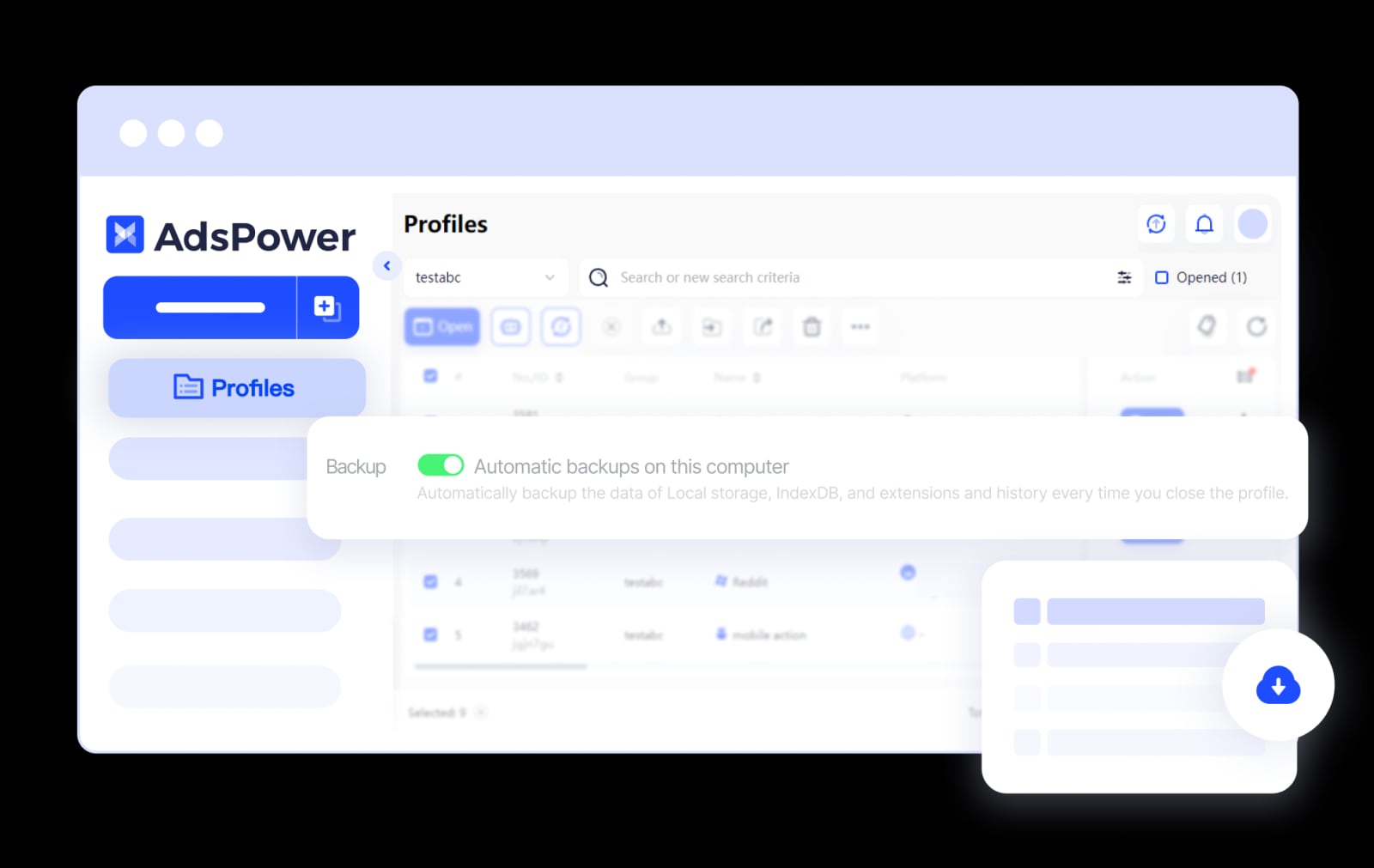
AdsPower product interface.
Instagram monitors account connections through digital fingerprints—parameters like Canvas hash, WebGL, audio contexts, and IP addresses. When two accounts share too many fingerprint characteristics, Instagram flags them as controlled by one user, often leading to shadowbans, verify-code loops, or outright deactivation.
AdsPower solves this by simulating over 20 fingerprint parameters independently for each browser profile. You get:
- Unique browser fingerprints for every Instagram account, preventing cross-account linkage.
- Isolated environments that run simultaneously without sharing local storage or cookies.
- Residential or mobile proxy integration so each profile shows a genuine, geo-targeted IP.
- Mobile user-agent emulation that mimics iOS or Android browsers for mobile-only activities.
The formula for safety is simple: 1 account + 1 fresh proxy + 1 AdsPower profile = near-bulletproof isolation.
For a deeper look into how AdsPower compares to other fingerprint browsers, check our AdsPower vs Multilogin comparison.
Step-by-Step Guide: Setting Up AdsPower for Instagram
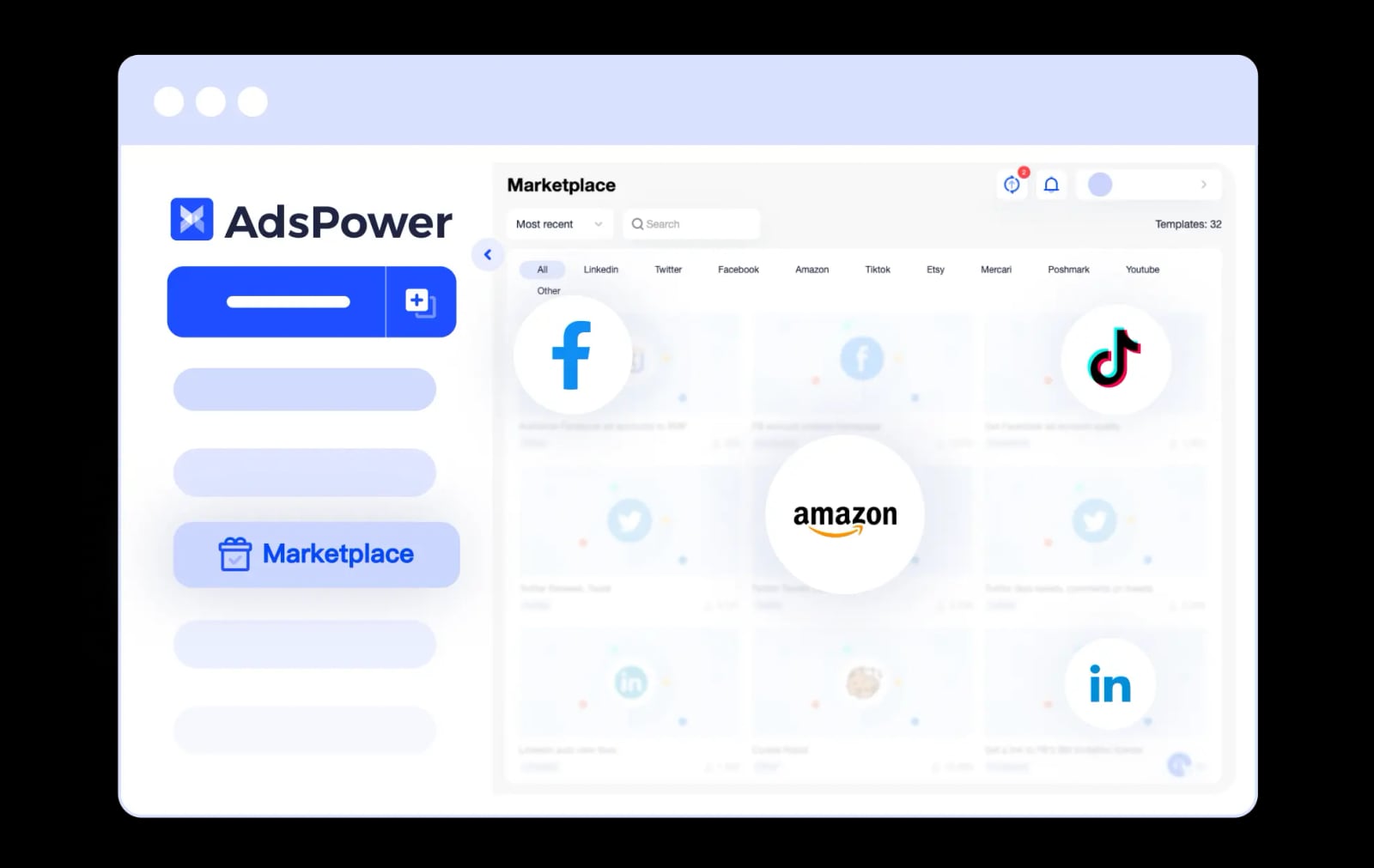
AdsPower product interface.
You can create profiles one by one for high-value accounts or bulk-import dozens at once. Below, we walk through both methods.
Method 1: Configure a Single Instagram Profile
Ideal for client accounts or branded pages that need individual attention.
- Create a new profile – Click
New Profilein AdsPower, name it (e.g., "IG – BeautyBrand"), and choose either SunBrowser (Chromium-based) or FlowerBrowser (Firefox-based). - Set the operating system – For Instagram, select
AndroidoriOSto emulate a mobile browser. This gives you full access to mobile features like Stories and Reels without a phone. - Bind a dedicated proxy – Use a residential or mobile proxy from a trusted provider. Paste the proxy details under the
Proxytab. AdsPower supports HTTP, HTTPS, SOCKS5, and SSH protocols. - Platform and auto-login – Set the platform to
Instagramand enter the account username and password. AdsPower will auto‑fill the login form when the profile opens, saving you time. - Fingerprint configuration – Adjust WebRTC to match proxy IP, sync timezone and geolocation with the proxy, and randomize other parameters. Click
OKto save. - Launch and verify – Open the profile, sign in manually if you didn’t auto-fill, and check that Instagram sees a clean, untraceable browser.
Pro tip: Use the
TagandGroupfeatures to organize profiles by client, region, or campaign for easier bulk operations later.
Method 2: Bulk Import Multiple Instagram Profiles
When you’re scaling to 50, 100, or more accounts, manual creation isn’t feasible. AdsPower’s bulk import saves hours.
- Click
Bulk Createand selectInstagramas the platform. - Choose
Mass Importand download the Excel or TXT template. The template includes sample columns for username, password, proxy info, and cookies. - Fill the template – each row is one account. Provide the account credentials and a unique proxy line. Remove the sample row before importing.
- Import the file – Drag and drop, upload, or paste from Excel. AdsPower processes up to 1,000 profiles per batch.
- Select browser and OS – Choose your kernel and Android/iOS emulation. Leave fingerprints at default if you don’t need custom tweaking; AdsPower randomizes them automatically.
- Click
OK– AdsPower generates separate browser profiles in seconds, all tagged with Instagram and ready to launch.
If you need bulk profiles without pre-existing accounts, use Quick Create to generate empty profiles with randomized fingerprints. Just set the quantity and proxy settings, and AdsPower handles the rest.
For a detailed walkthrough, see AdsPower’s full guide to managing multiple Instagram accounts.
Practical Examples: How Marketers and Agencies Use AdsPower + Instagram
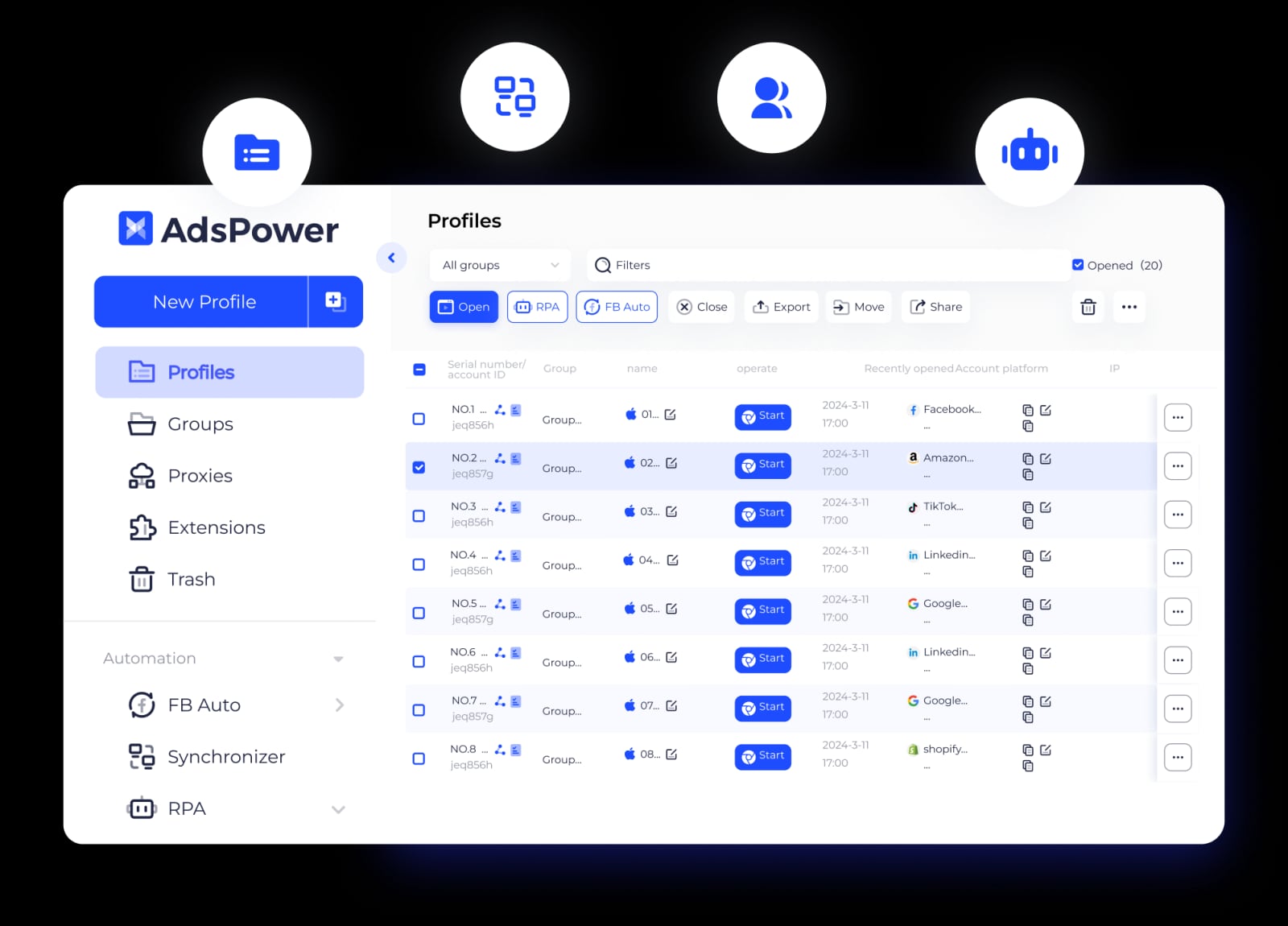
AdsPower product interface.
Social Media Manager Handling 20 Client Accounts
An agency owner can create a separate AdsPower profile for each client’s Instagram business account. With profiles labeled by client name and brand color, the manager opens all 20 simultaneously, posts Stories and Reels via the mobile emulator, replies to DMs, and never risks cross‑linking because each profile runs behind a unique residential proxy. The built-in password manager ensures no one on the team sees raw login details.
Affiliate Marketer Running Multiple Niche Pages
An affiliate promoting fitness, cooking, and fashion products needs five distinct Instagram pages. Using AdsPower, they set five profiles with different mobile proxies (e.g., US, UK, Germany) and timezone settings. The RPA (no-code robot) can warm up each account by automatically liking, commenting, and following 10-15 targeted users per day with randomized delays. This human-like behavior helps the accounts grow organically without manual grinding, all while staying under Instagram’s radar.
Influencer Network Operator Scaling Hundreds of Accounts
Large operations use bulk import and profile groups to manage hundreds of themed pages. The team lead assigns each member granular permissions via AdsPower’s role-based access control. Members can open only the profiles assigned to them, preventing unauthorized changes. With the Local API, the operator integrates AdsPower with third-party automation scripts, scheduling posts and scraping competitor insights across all accounts without triggering spot bans. Explore how AdsPower handles scale in our Adspower vs Undetectable vs Linken Sphere comparison.
Best Practices to Keep Your Instagram Accounts Safe
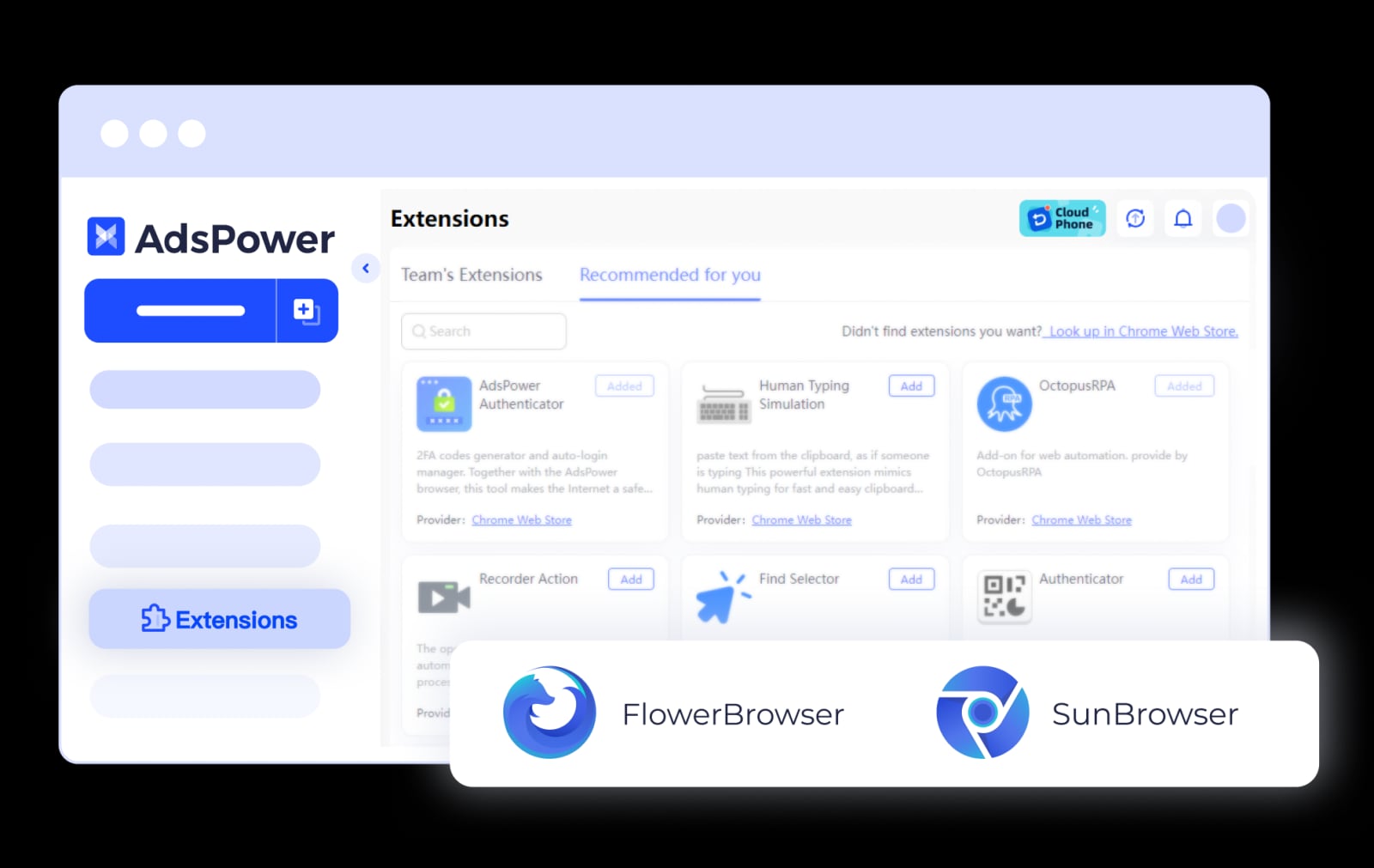
AdsPower product interface.
Even with perfect fingerprint isolation, proper behavior is critical. Follow these rules:
- Warm up new accounts gradually – Don’t post, follow, or DM heavily in the first week. Use AdsPower’s RPA to simulate organic activity: 5-10 story views, a few likes, and one follow per day initially.
- Stick to one proxy per account – Never share the same IP across profiles; residential and mobile proxies are best because they come from real ISPs.
- Maintain consistent login patterns – Avoid hopping between IPs or devices. Keep each AdsPower profile dedicated to its account and log in from the same proxy location consistently.
- Leverage cookie farming – Import pre-farmed cookies to make accounts look mature and trustworthy from day one.
- Use the right device emulation – If Instagram expects an iPhone user, emulate iOS with a matching user agent and screen resolution. AdsPower’s mobile presets handle this automatically.
For a complete overview of Instagram-specific features AdsPower offers, visit the AdsPower Instagram solutions page.
Related reading
- eBay Review 2025: Pros, Cons & Feedback System - A thorough review of eBay: marketplace strengths, user complaints, feedback ratings explained, and who benefits most. Evidence-based insights for buyers and sellers.
- What Is 2Captcha? A Complete Guide to the CAPTCHA Solving Service - Learn what 2Captcha is, how it works, pricing, supported captchas, legitimate uses, and why it’s used in automation and multi-account management.
Sources and further reading
- Ways to advertise on Instagram - Instagram Help Center - Ways to advertise on Instagram - Instagram Help CenterInstagram Help Centerhttps://help.instagram.com › ...Instagram Help Centerhttps://help.instagram.com › ...
FAQ
Is AdsPower safe to use for managing multiple Instagram accounts?
Absolutely. AdsPower isolates each account in its own environment with a distinct fingerprint and IP, which dramatically reduces the risk of bans when you follow the warm-up and proxy best practices.
Why was my Instagram account disabled after using multiple accounts?
Disablements usually happen because accounts share fingerprints or IP addresses. With AdsPower, always assign a unique residential/mobile proxy to each profile and avoid using the same browser footprint across accounts.
Can I log in to all my Instagram accounts at the same time?
Yes. Each account opens in a separate AdsPower profile, so you can run dozens of Instagram sessions simultaneously without interference.
Does AdsPower work on macOS and Windows for Instagram management?
Yes. AdsPower runs natively on both Windows and macOS, and the profiles can emulate any operating system independently.
How many Instagram accounts can I manage with AdsPower?
There is no hard limit. The Free plan gives you 2 profiles, and paid plans start at $9/month with more. Enterprise tiers support thousands of profiles with team collaboration features.
Conclusion
Using AdsPower with Instagram transforms high-risk multi-account management into a structured, secure operation. By isolating each profile behind a unique fingerprint and dedicated proxy, you eliminate the #1 cause of bans: account linking. Whether you’re a solo marketer handling a handful of niche pages or an agency scaling to hundreds of client accounts, the setup workflow is intuitive, the automation tools save hours, and the security is built into every layer. Start with the Free plan, apply the steps in this guide, and watch your Instagram presence grow—without limits.