
Scraping Automation: Tools, Workflows & Best Practices
Take a Quick Look
Learn how scraping automation works, compare browser-based and API-based tools, and build resilient data pipelines that avoid blocks and scale reliably.
🔥 Limited-Time Offer! Save extra 10% off on your first monthly plan with code: Anitdetect10
Sign upScraping Automation: Tools, Workflows, and Best Practices for Reliable Data Extraction
Scraping automation turns manual data collection into a repeatable, scheduled process. Instead of copying product prices, search rankings, or lead lists by hand, you configure a script or tool to visit pages, extract structured data, and store it automatically. The challenge is doing this at scale without getting blocked, serving stale data, or spending every week fixing brittle selectors.
This guide breaks down the two main automation approaches, the tools that fit each one, and a practical workflow you can adapt whether you are monitoring a handful of pages or millions of records.
What Is Scraping Automation?
Scraping Automation: Tools, Workflows & Best Practices - What Is Scraping Automation?.
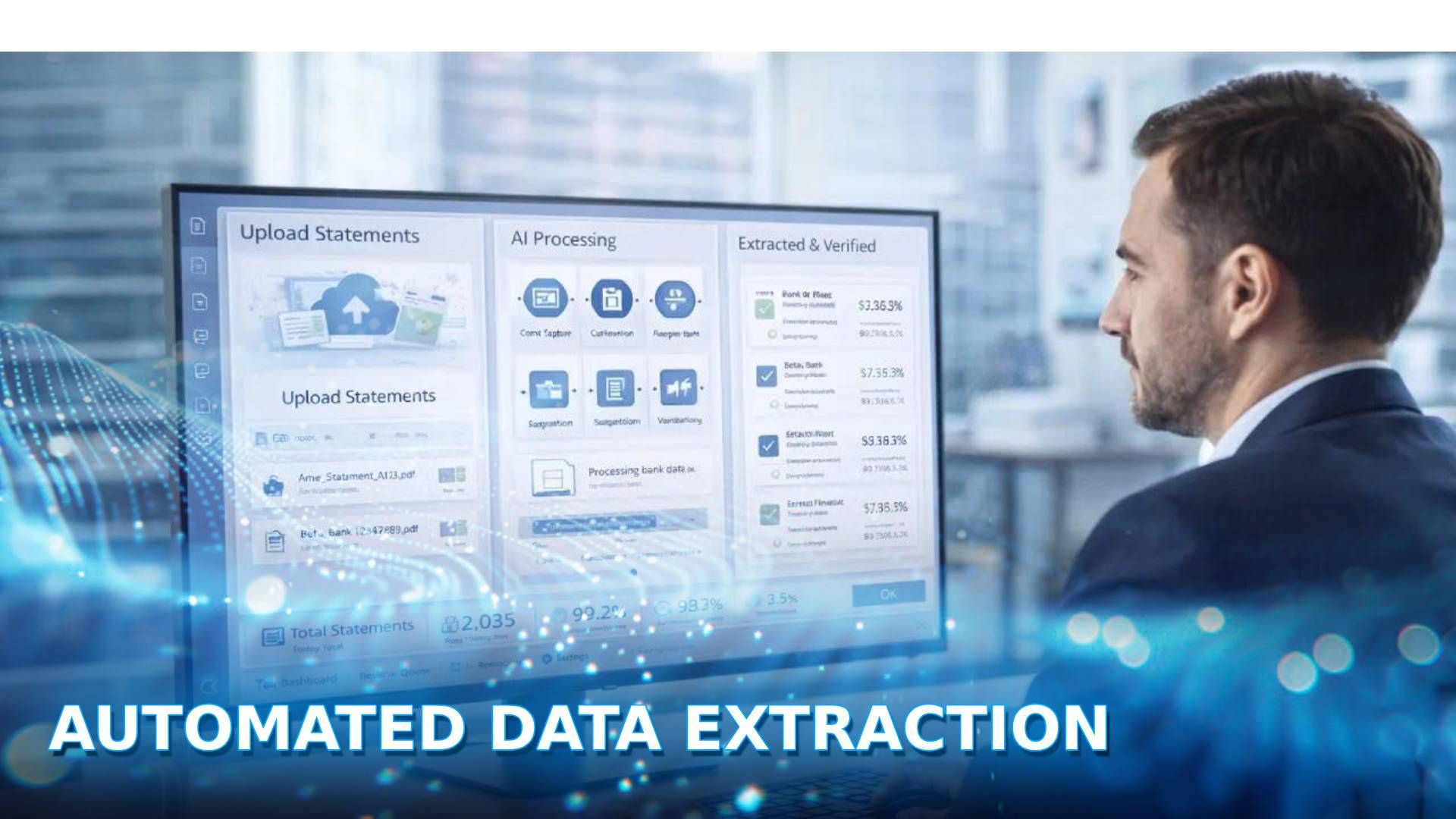
Scraping automation is the practice of using software to visit web pages, extract specific data points, and transform them into structured formats such as JSON, CSV, or database records on a schedule or in response to events. A basic automated scraper performs four steps:
- Request a page or set of pages.
- Render JavaScript-heavy content if needed.
- Extract targeted elements such as prices, titles, or links.
- Store the output in a database, spreadsheet, or data warehouse.
What separates automation from one-off scraping is the orchestration layer: retries, scheduling, error alerts, proxy rotation, and data validation all run without human intervention.
Two Core Approaches to Scraping Automation
Most scraping automation stacks fall into one of two categories, and many production systems combine both.
1. Browser-Based Automation
Browser automation drives a real or headless browser to load pages exactly as a human visitor would. Tools such as Playwright, Selenium, and Puppeteer control the browser programmatically: clicking buttons, scrolling, filling forms, and waiting for dynamic content to render.
Best for:
- JavaScript-heavy single-page applications
- Sites that require login sessions or multi-step navigation
- Cases where you need to interact with a page before extracting data
Trade-offs:
- Higher resource usage per page
- Slower than raw HTTP requests
- More likely to trigger bot detection unless you manage fingerprints and IP reputation carefully
2. API-Based Scraping
API-based tools such as ScraperAPI and Firecrawl abstract away the infrastructure. You send a URL or query through a single API call, and the service handles proxy rotation, CAPTCHAs, JavaScript rendering, and returns clean JSON or Markdown.
Best for:
- High-volume crawling where speed and reliability matter more than custom interaction
- Teams that want to avoid maintaining proxy pools and headless browser clusters
- AI workflows that need clean, token-efficient data
Trade-offs:
- Less control over the exact request lifecycle
- Per-request costs at scale
- May not support highly custom interaction sequences
Choosing the Right Tool for Your Workflow
Scraping Automation: Tools, Workflows & Best Practices - Choosing the Right Tool for Your Workflow.
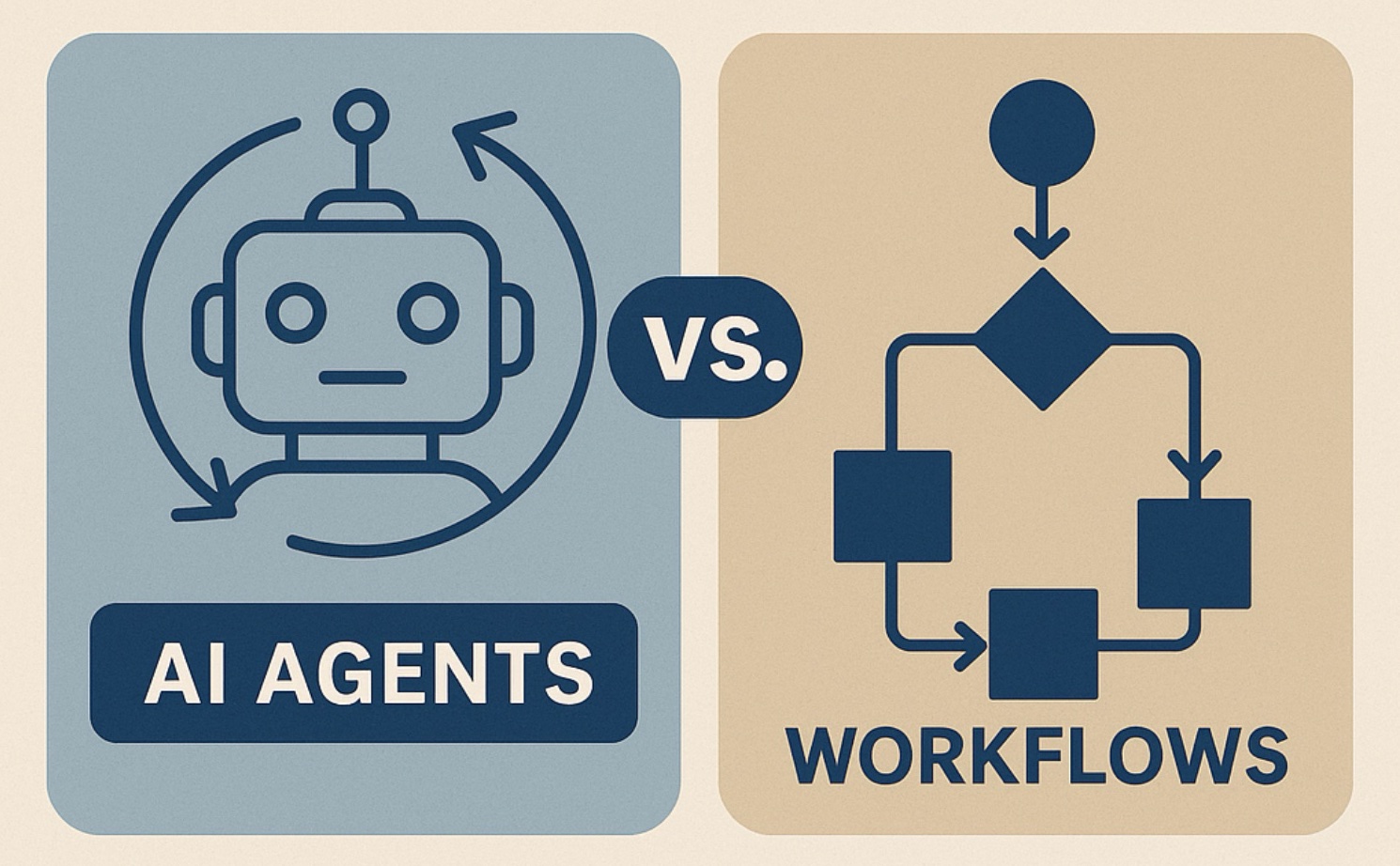
The right choice depends on how much control you need versus how much infrastructure you want to manage.
| Requirement | Recommended approach | Example tools |
|---|---|---|
| High-volume, low-complexity scraping | Scraping API | ScraperAPI, Firecrawl |
| Complex multi-step interactions | Browser automation | Playwright, Selenium |
| Login-protected or fingerprint-sensitive sites | Anti-detect browser + automation | AdsPower with Selenium or Puppeteer |
| AI agents that need live web context | Context API | Firecrawl |
| Scheduled, large-scale crawls | Async scraper or pipeline tool | ScraperAPI Async Scraper, DataPipeline |
When an Anti-Detect Browser Belongs in the Stack
API-based scrapers handle most public-page use cases well. But when you need to maintain authenticated sessions on platforms that aggressively fingerprint visitors, a standard headless browser often gets flagged. This is where an anti-detect browser such as AdsPower fits into scraping automation.
AdsPower creates isolated browser profiles, each with a unique digital fingerprint covering Canvas, WebGL, user agent, and other parameters. When paired with automation tools like Selenium or Puppeteer through its Local API, you can run multiple scraping sessions in parallel without sharing fingerprints across accounts or targets. This is especially useful for:
- Monitoring marketplace listings while logged into seller accounts
- Collecting region-specific pricing data through geo-targeted proxy configurations
- Running affiliate or social media data workflows that require persistent sessions
For a step-by-step integration example, see How to Use AdsPower with Scrapingdog: Full Setup Guide, which shows how to combine isolated browser profiles with a scraping API for stable, high-volume extraction.
Building a Resilient Scraping Automation Pipeline
Scraping Automation: Tools, Workflows & Best Practices - Building a Resilient Scraping Automation Pipeline.
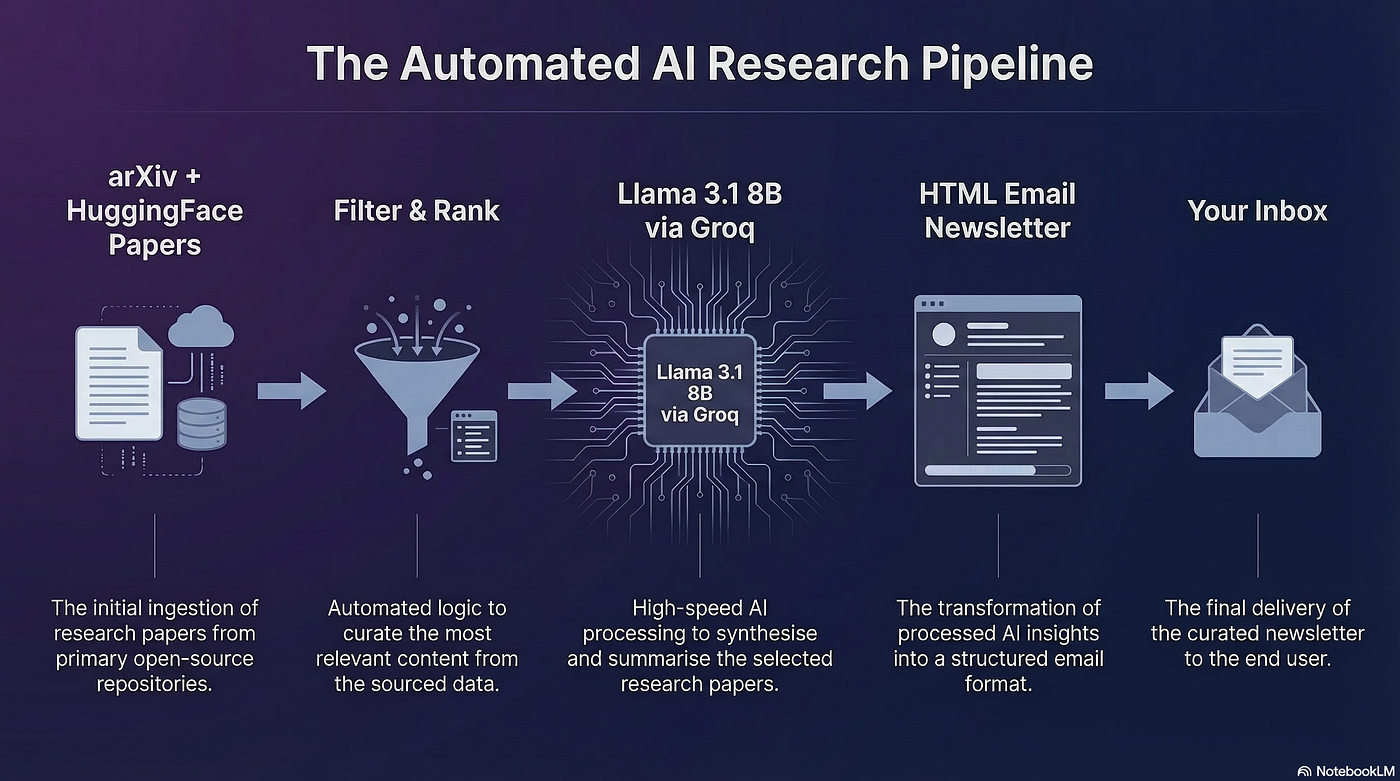
A scraper that works once is easy. One that runs for months without breaking requires deliberate design.
1. Separate Extraction from Storage
Keep your scraper focused on fetching and parsing. Write raw or lightly processed results to a queue, then let a separate worker validate, clean, and load data into your database. This makes it easier to rerun failed jobs without re-scraping everything.
2. Rotate Proxies and Manage Fingerprints
IP reputation is the most common cause of blocks. Use residential or datacenter proxies with rotation, and avoid sending all requests from a single IP. If you are using browser automation, pair proxy rotation with distinct browser fingerprints so sessions do not look identical. AdsPower supports proxy configuration per profile, which helps you tie each scraping session to a specific IP and fingerprint combination.
3. Handle JavaScript Rendering Explicitly
Do not assume every page returns full HTML on the first request. For SPA-heavy sites, use Playwright or an API tool with built-in rendering. Firecrawl, for example, renders JavaScript automatically and returns clean Markdown, which reduces the parsing work on your side.
4. Add Retries with Exponential Backoff
Network timeouts and temporary blocks happen. Implement retry logic that waits longer between attempts, and set a maximum retry count so failed jobs surface for review instead of looping forever.
5. Schedule and Monitor
Use a scheduler such as cron, Apache Airflow, or a cloud function trigger to run jobs on a fixed cadence. Add alerting for sudden drops in row counts, unexpected response codes, or parsing errors. A scraper that silently returns empty results is worse than one that fails loudly.
Common Use Cases for Scraping Automation
Automated scraping powers a wide range of business workflows:
- Price monitoring: Track competitor pricing across marketplaces and adjust your own prices dynamically.
- Search rank tracking: Monitor keyword positions and ad placements on Google or Amazon.
- Lead enrichment: Pull company details, contact information, and firmographic data from directories.
- Market research: Aggregate product reviews, ratings, and inventory levels to spot trends.
- AI and RAG pipelines: Feed clean, structured web data into language models for research agents and retrieval systems.
For teams operating across multiple regions, localized data collection matters. ScraperAPI offers geotargeting through a global proxy pool spanning over 50 countries, while an anti-detect browser can help you maintain region-specific sessions. If your use case involves multi-market operations, the guide on Cross-Border E-Commerce: A Complete 2026 Guide covers relevant data and tooling considerations.
Practical Example: Automating a Price Monitoring Workflow
Here is a minimal Playwright example that logs into a site, waits for dynamic pricing to load, and extracts product data:
from playwright.sync_api import sync_playwright
import json

with sync_playwright() as p:
    browser = p.chromium.launch(headless=True)
    page = browser.new_page()
    page.goto("https://example-shop.com/products")
    page.wait_for_selector(".price-tag")

    products = page.eval_on_selector_all(
        ".product-card",
        """cards => cards.map(card => ({
            name: card.querySelector('.product-name').innerText,
            price: card.querySelector('.price-tag').innerText
        }))"""
    )

    with open("prices.json", "w") as f:
        json.dump(products, f)

    browser.close()
In production, you would wrap this in a scheduler, add retry logic, and route traffic through rotating proxies. If the target site uses aggressive fingerprinting, you could instead drive an AdsPower browser profile through its Local API, giving each run a stable but unique identity.
Avoiding Common Automation Pitfalls
Over-scraping without rate limits. Even with proxies, sending thousands of requests per minute to a small site can trigger defensive measures or harm the target. Respect robots.txt where applicable and throttle requests to a reasonable rate.
Brittle selectors. CSS classes and DOM structures change. Prefer stable attributes such as data-testid or semantic elements, and add validation that alerts you when expected elements are missing.
Ignoring legal and ethical boundaries. Scrape only data you are authorized to access. Public data is not automatically fair game for every use, especially when personal information is involved. Review each target's terms and applicable regulations such as GDPR or CCPA before scaling.
Treating anti-detect tools as a license to bypass. Anti-detect browsers and proxy services exist to help legitimate multi-account and data-collection workflows run reliably, not to circumvent access controls or violate platform terms.
Related reading
- AdsPower vs VMLogin vs Maskfog Antidetect Browsers: How to Choose in 2026? - Compare AdsPower, VMLogin, and Maskfog antidetect browsers across fingerprint isolation, proxy integration, automation, team collaboration, and pricing to find the best anti-detection browser for multi-account operations.
- How to Use AdsPower with PROXYS.IO: Full Setup Guide - Learn how to configure PROXYS.IO proxies inside AdsPower, verify IP anonymity, avoid account bans, and run stable multi-account workflows step by step.
Sources and further reading
- Best tools for long running automatic web browsing + data scraping? - Jan 29, 2026 ... Playwright (Python/JS) – Great for automated, scriptable browser control; can handle logins, filters, pagination, and export data. Selenium – ...
- Firecrawl - The context API to search, scrape, and interact with the web at scale. 🔥 - Firecrawl is the context API to search, scrape, and interact with the web at scale. Turn any source into clean Markdown or structured data your agents can ship with.
- ScraperAPI - Scale Data Collection with a Simple API - ScraperAPI handles proxy rotation, browsers, and CAPTCHAs so developers can scrape any page with a single API call. Web scraping with 5,000 free API calls!
FAQ
What is the difference between scraping automation and manual scraping?
Manual scraping involves copying data by hand, which is slow and error-prone. Scraping automation uses scripts or APIs to fetch, extract, and store data on a schedule, making it repeatable and scalable.
Do I need to know how to code to automate scraping?
Not necessarily. Low-code tools like ScraperAPI's DataPipeline let you automate collection without writing code. However, custom browser automation with Playwright or Selenium typically requires programming knowledge.
How do I avoid getting blocked when automating scrapes?
Use rotating proxies, manage browser fingerprints, throttle request rates, and respect robots.txt. For fingerprint-sensitive sites, an anti-detect browser such as AdsPower helps each session look like a distinct, legitimate visitor.
Can I use Playwright or Selenium with an anti-detect browser?
Yes. AdsPower provides a Local API that integrates with Selenium and Puppeteer, letting you drive isolated browser profiles programmatically while keeping unique fingerprints for each session.
What is the best tool for large-scale scraping?
For high-volume public-page scraping, API-based services like ScraperAPI or Firecrawl are usually the most efficient. For complex interactions or authenticated sessions, browser automation with an anti-detect browser is more appropriate.
How often should I run automated scraping jobs?
It depends on the data. Price monitoring might run hourly, search rank tracking daily, and lead enrichment weekly. Match the schedule to how frequently the underlying data changes.
Conclusion
Scraping automation is less about picking a single tool and more about assembling the right pipeline for your data needs. API-based scrapers deliver speed and simplicity for high-volume public data. Browser automation gives you control for complex, interactive, or authenticated workflows. Anti-detect browsers like AdsPower fill the gap when fingerprint isolation and persistent sessions determine whether your automation survives contact with real-world bot defenses.
Start small: automate one data source, add monitoring and retries, then scale outward. The most reliable scraping systems are built incrementally, with each layer solving a specific failure mode rather than trying to do everything at once.