
How to Use AdsPower with SOAX: Setup, Workflow & Examples
Take a Quick Look
Learn how to combine AdsPower fingerprint browser with SOAX proxies for secure multi-account management. Step-by-step setup, workflow, and practical examples.
🔥 Limited-Time Offer! Save extra 10% off on your first monthly plan with code: Anitdetect10
Sign upHow to Use AdsPower Fingerprint Browser with SOAX: Complete Setup & Workflow Guide
Managing multiple accounts on platforms like Amazon, Facebook, Google, or TikTok without getting banned is a constant challenge. The solution lies in combining an anti-detect browser with a reliable proxy network. In this guide, you’ll learn exactly how to use AdsPower fingerprint browser with SOAX – from initial setup to real-world workflows – so you can operate dozens of accounts safely from a single machine.
Why Combine AdsPower with SOAX?
How to Use AdsPower with SOAX: Setup, Workflow & Examples product interface and feature overview.
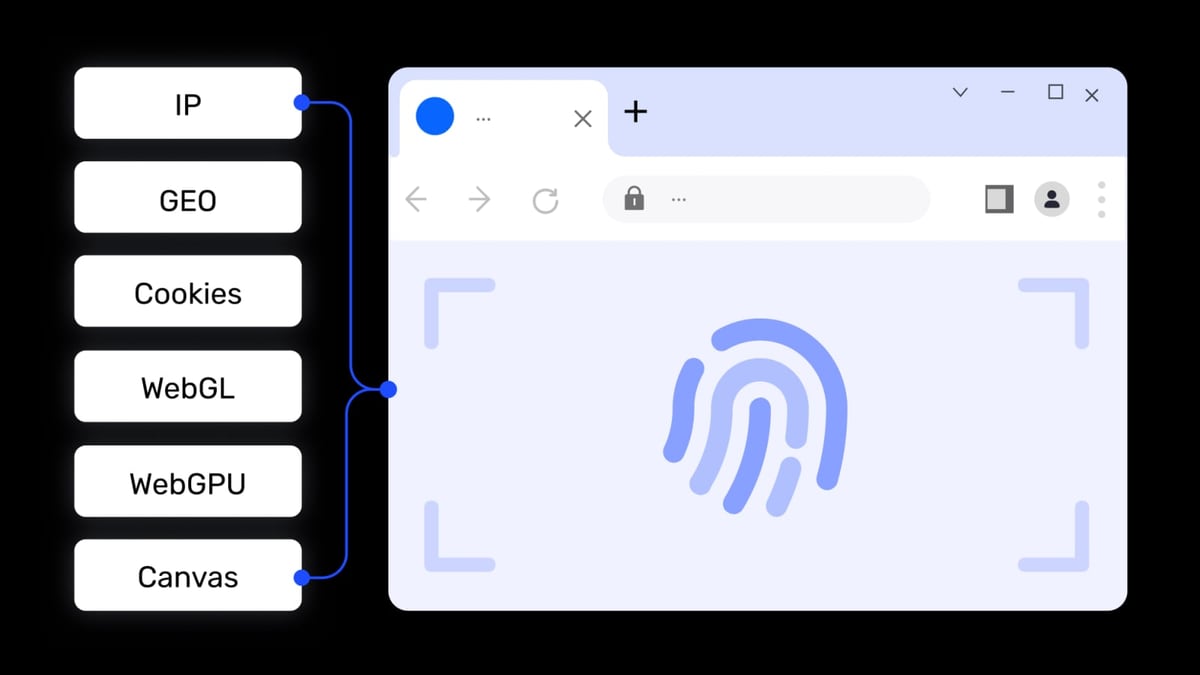
AdsPower creates isolated browser environments, each with a unique digital fingerprint. But a fingerprint alone isn’t enough – every environment also needs a clean, unique IP address. That’s where SOAX comes in. SOAX provides a massive proxy network spanning 195+ locations, offering residential, mobile, ISP, and datacenter proxies with sticky sessions and 99.95% uptime.
Together, they solve three critical problems:
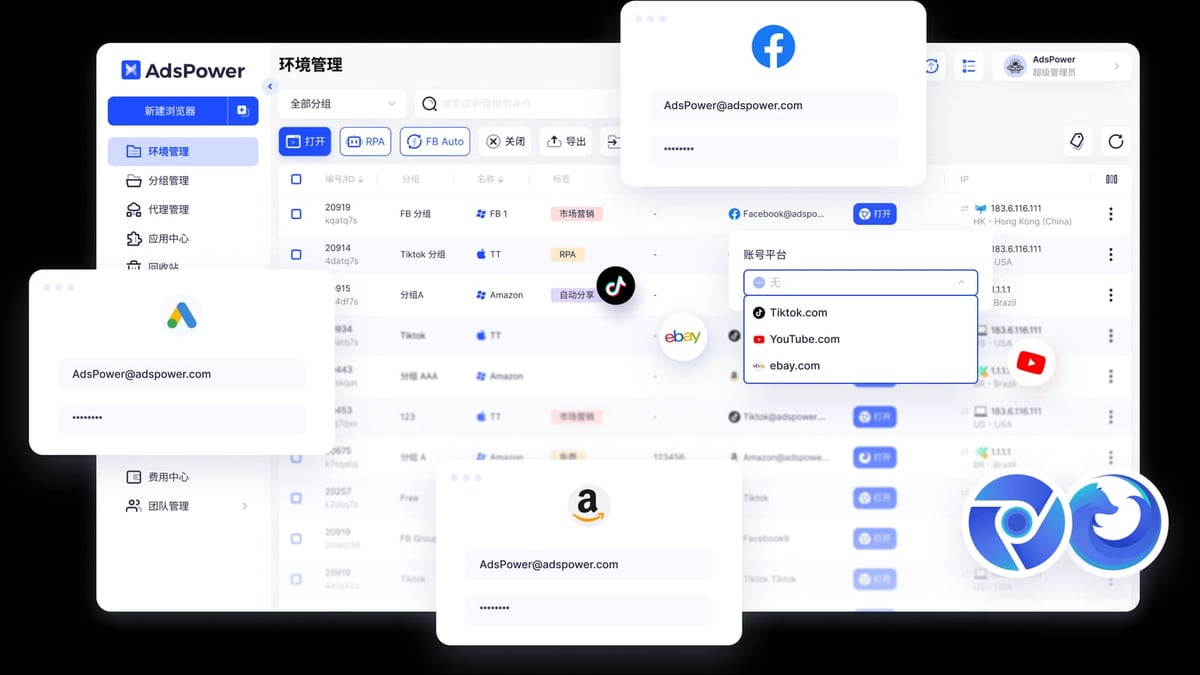
- Account association detection – Each browser profile gets its own fingerprint and a different IP, making it nearly impossible for platforms to link accounts.
- Geo-restrictions – SOAX lets you choose country, region, city, or even ISP, so you can appear exactly where your target audience is.
- Automation stability – Reliable proxies reduce captchas and blocks during automated tasks like scraping or bulk account management.
Prerequisites
How to Use AdsPower with SOAX: Setup, Workflow & Examples product interface and feature overview.
Before you begin, make sure you have:
- An AdsPower account (free tier includes 2 browser environments)
- A SOAX subscription (choose a proxy type that matches your use case)
- Your device’s public IP whitelisted in the SOAX dashboard (optional but recommended for IP authorization)
Step-by-Step Setup: AdsPower + SOAX
How to Use AdsPower with SOAX: Setup, Workflow & Examples product interface and feature overview.
Step 1: Install AdsPower and Create an Account
Download the latest version of AdsPower from the official website. Install it, then sign up or log in. You’ll land on the environment management dashboard.
Step 2: Create a New Browser Profile
Click the "New Browser" button (or "Single Import" in older versions). A configuration window opens where you’ll set up the proxy.
Step 3: Configure Your SOAX Proxy
First, go to your SOAX dashboard and generate a proxy endpoint. Choose:
- Proxy type – Residential, mobile, ISP, or datacenter (see comparison below)
- Target location – Country, region, city, or random
- Session type – Sticky (same IP for a set time) or rotating
Copy the proxy details: host, port, username, and password.
Step 4: Add Proxy Details to AdsPower
In the AdsPower profile creation window:
- Under "Proxy", select "Custom Proxy".
- Paste the SOAX proxy host, port, username, and password into the corresponding fields.
- Click "Check Proxy" to verify the connection. AdsPower will show the detected IP and location.
- If everything looks correct, click "OK" to save the profile.
Step 5: Launch the Browser Environment
Back on the dashboard, click the "Open" button next to your new profile. A browser window will open with the SOAX proxy already active. You can verify the IP by visiting any IP-checking website.
Step 6 (Optional): Whitelist Your IP
If you prefer IP-based authorization instead of username/password, go to the "Whitelisted IPs" section in your SOAX dashboard, add your device’s public IP, and save. Then in AdsPower, use the proxy format proxy.soax.com:port without credentials.
Choosing the Right SOAX Proxy for AdsPower
How to Use AdsPower with SOAX: Setup, Workflow & Examples product interface and feature overview.
| Proxy Type | Best For | Example Use Case |
|---|---|---|
| Residential | High anonymity, e-commerce accounts | Managing Amazon seller accounts in different countries |
| Mobile | Social media, ad verification | Running multiple TikTok or Instagram accounts |
| ISP | Speed + legitimacy | Facebook ad account management |
| Datacenter | Speed, low cost | Web scraping, bulk account creation |
Tip: For most multi-account management scenarios, residential or mobile proxies give the best balance of trust and performance.
Practical Workflow Examples
Example 1: Managing Multiple Amazon Seller Accounts
You have three Amazon seller accounts – one for the US, one for the UK, and one for Germany. Create three AdsPower profiles, each with a SOAX residential proxy targeting the respective country. Log into each account from its dedicated environment. AdsPower’s fingerprint isolation ensures Amazon sees three completely different users, while SOAX provides the local IP.
Example 2: Social Media Marketing Across Regions
A marketing agency runs 20 Facebook pages for clients in different cities. Use AdsPower’s bulk import feature to create 20 profiles. Assign each a SOAX proxy with city-level targeting (e.g., New York, London, Tokyo). The agency team can open all profiles simultaneously using AdsPower’s window sync to post content in one go.
Example 3: Automated Data Scraping
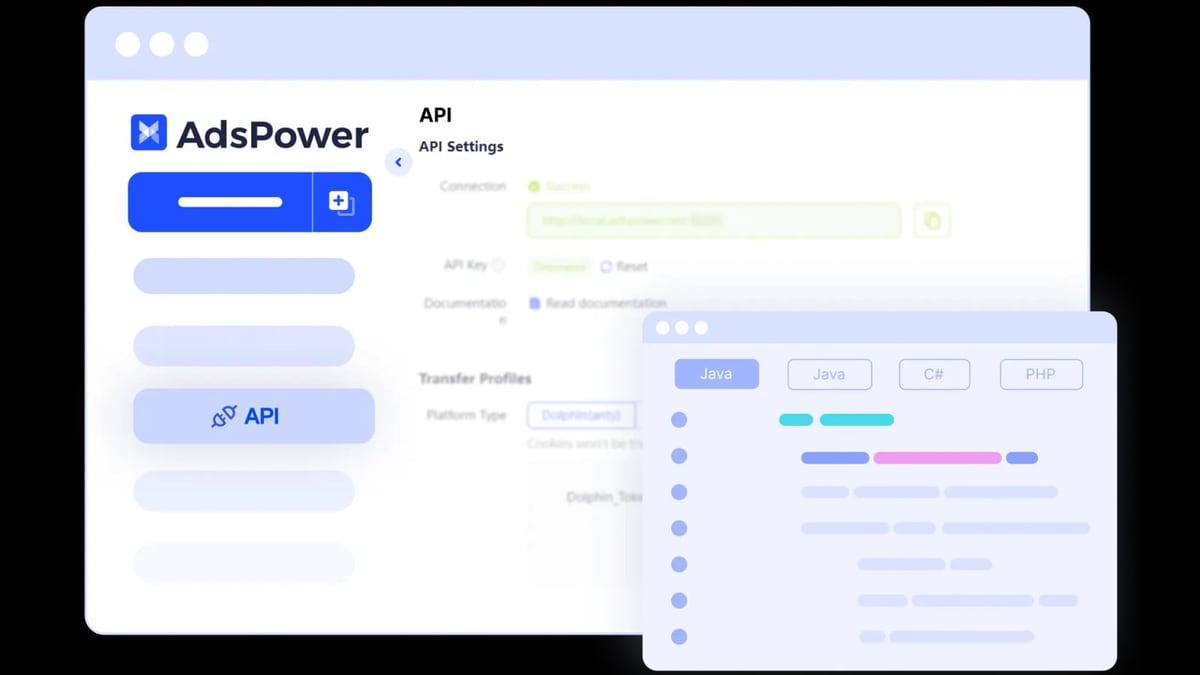
You need to scrape pricing data from e-commerce sites in Southeast Asia. Set up an AdsPower profile with a SOAX rotating proxy (residential or datacenter). Use AdsPower’s Local API to integrate with your Python script (Selenium or Puppeteer). The proxy rotates on each request, preventing IP blocks while the fingerprint stays consistent.
Advanced Tips for Power Users
- Use AdsPower’s RPA Automation – For repetitive tasks like account registration or login, create a bot using AdsPower’s built-in RPA. Combine it with a SOAX sticky session to maintain the same IP throughout the workflow.
- Leverage the Local API – If you’re a developer, the Local API lets you manage profiles and proxies programmatically. You can automate proxy rotation across hundreds of environments.
- Team Collaboration – AdsPower supports role-based permissions. Share specific profiles with team members, each with their own SOAX proxy, without exposing credentials.
Related reading
- AdsPower Fingerprint Browser vs Hidemyacc vs Genlogin: 2026 Comparison - Compare AdsPower, Hidemyacc, and Genlogin anti-detect browsers for multi-account management. See strengths, weaknesses, and which tool fits your workflow.
- Scrapestack Review 2026: Pricing, Features & Use Cases - Honest Scrapestack review covering features, pricing, performance, and ideal use cases. See if this web scraping API fits your project in 2026.
- Top 10 Crypto Airdrop Aggregator & Data Platforms 2026 - Discover the 10 best crypto airdrop aggregator and data platforms for 2026. Expert-ranked list with features, pricing, and decision guidance.
Sources and further reading
- Set up SOAX Proxies in Adspower in 3 Minutes - Get started with SOAX proxies and AdsPower anti-detect browser in 5 minutes. No complicated setup required.
- AdsPower - Adspower proxy setup
Frequently Asked Questions
Can I use SOAX free trial with AdsPower?
Yes. SOAX offers a trial period with limited traffic. You can test the integration before committing to a paid plan.
Does AdsPower support SOCKS5 proxies from SOAX?
Absolutely. AdsPower supports HTTP, HTTPS, SOCKS5, and SSH proxies. SOAX provides both HTTP(S) and SOCKS5 options.
How many AdsPower profiles can I run with one SOAX subscription?
It depends on your SOAX plan’s traffic limits. Each profile consumes bandwidth based on activity. For light account management, one plan can support dozens of profiles.
What if my proxy fails the check in AdsPower?
Double-check the credentials and ensure your IP is whitelisted (if using IP authorization). Also confirm that the proxy type and port are correct. Contact SOAX support if the issue persists.
Is this combination legal?
Yes, as long as you comply with the terms of service of the platforms you access. Using proxies and anti-detect browsers is legitimate for privacy, security, and managing authorized accounts.
Conclusion
Combining AdsPower fingerprint browser with SOAX proxies gives you a powerful, scalable setup for secure multi-account management. You get the fingerprint isolation of AdsPower plus the global IP diversity and reliability of SOAX. Whether you’re an e-commerce seller, a social media marketer, or a data scraper, this integration helps you stay under the radar and operate efficiently.
Start with the free tier of AdsPower and a small SOAX plan. Create your first profile, test it, and then scale up. For more insights on anti-detect browsers, check out our AdsPower vs VMLogin vs Dolphin Anty comparison or explore other proxy solutions like IPBurger for different needs.
Ready to build your multi-account setup? Download AdsPower, grab a SOAX subscription, and follow the steps above. You’ll be up and running in under 10 minutes.