
How to Use AdsPower with Hootsuite: Full Workflow Guide
Take a Quick Look
Learn how to combine AdsPower anti-detect browser profiles with Hootsuite social scheduling to manage multiple client accounts safely and efficiently.
🔥 Limited-Time Offer! Save extra 10% off on your first monthly plan with code: Anitdetect10
Sign upHow to Use AdsPower with Hootsuite: Full Workflow Guide
AdsPower and Hootsuite solve two different halves of the same problem: running multiple social media accounts without getting banned. AdsPower isolates each account in its own browser environment with a unique digital fingerprint and IP address, while Hootsuite gives you one dashboard to schedule posts, monitor engagement, and respond to messages across every network. Used together, they create a workflow where account security and day-to-day publishing no longer compete with each other.
This guide walks through why the combination works, how to set it up step by step, practical examples for agencies and freelancers, and the mistakes that get accounts flagged.
Why AdsPower and Hootsuite Work Well Together
Hootsuite product interface.
Social platforms link accounts using dozens of signals: IP address, browser fingerprint, cookies, payment methods, and behavioral patterns. When Facebook or TikTok sees five accounts logging in from the same device with identical Canvas hashes, those accounts get linked. A violation on one cascades to all of them, and mass bans follow.
AdsPower removes that risk by giving each account its own isolated browser profile. Every profile has a unique fingerprint — Canvas, WebGL, user agent, timezone, fonts, screen resolution — and can be paired with a dedicated proxy so each account appears to come from a different device and location entirely.
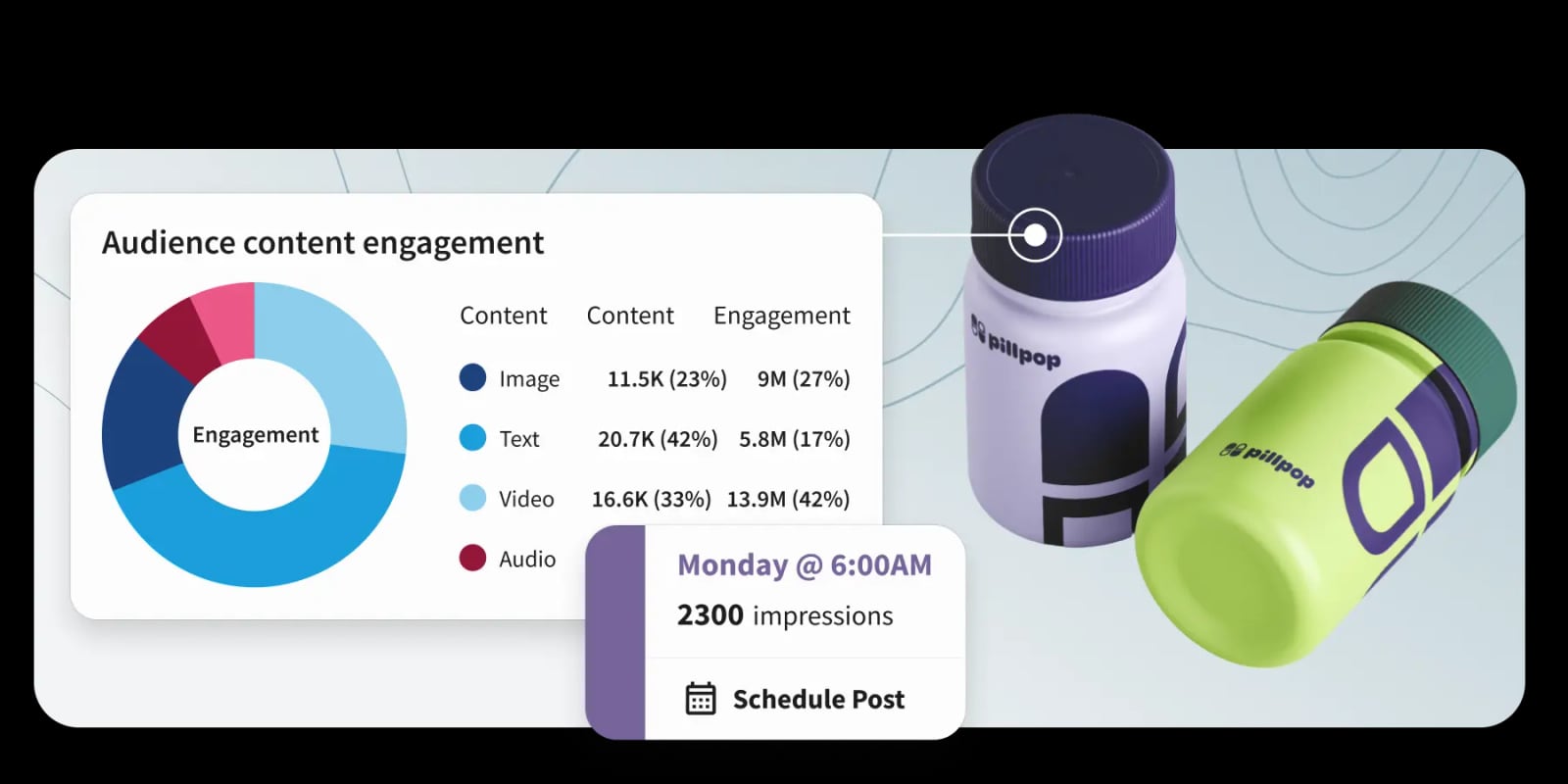
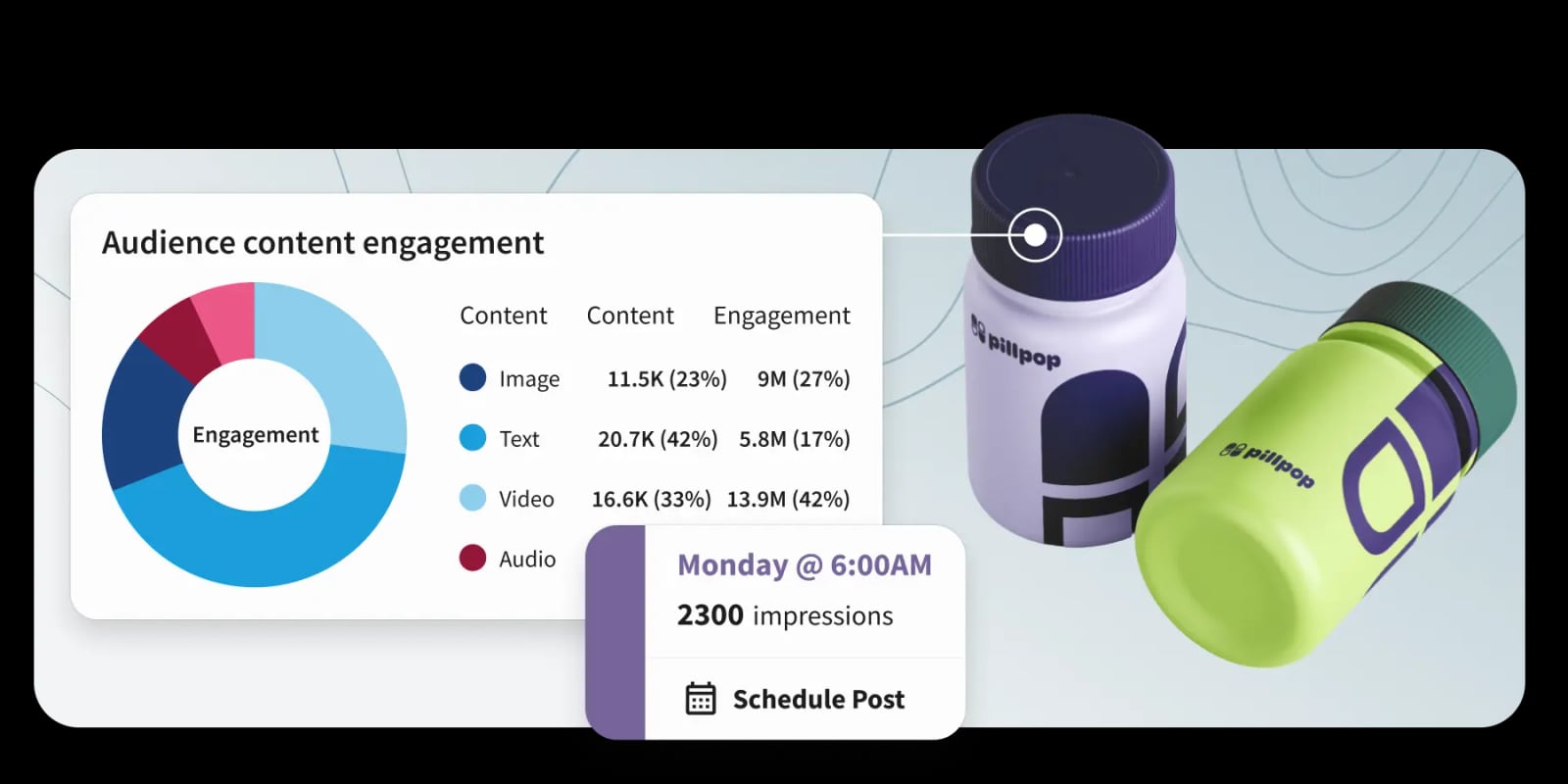
Hootsuite then handles what happens after login. Instead of opening five separate browser windows to post, reply, and monitor, you connect each account to Hootsuite and manage everything from one dashboard. The AI-powered content tools, unified inbox, and scheduling calendar work across all connected accounts.
The division of labor looks like this:
| Task | Tool |
|---|---|
| Account isolation and fingerprint protection | AdsPower |
| Dedicated IP per account via proxies | AdsPower |
| Content scheduling and publishing | Hootsuite |
| Unified inbox for comments and DMs | Hootsuite |
| Social listening and sentiment analysis | Hootsuite |
| Team collaboration and approvals | Hootsuite |
| Account warm-up and manual actions | AdsPower |
Step-by-Step Setup: AdsPower + Hootsuite
Hootsuite product interface.
Step 1: Create AdsPower Browser Profiles
Start by signing up for an AdsPower account and downloading the desktop app for Windows, Mac, or Linux. The free trial gives you a small number of profiles to test the workflow before committing to a paid plan.
For each social media account you manage, create a separate browser profile:
- Open AdsPower and click New Profile.
- Name the profile after the account (for example, "Client A — Facebook" or "Brand B — TikTok").
- Choose a platform preset or leave the default Chrome-based fingerprint.
- Assign a dedicated proxy to the profile. Residential or mobile proxies work best for social platforms; avoid datacenter IPs, which platforms flag quickly.
- Save the profile and launch it.
Repeat this for every account. The key rule: one profile per account, one proxy per profile. Never reuse a proxy across accounts from different clients or campaigns.
Step 2: Log In and Warm Up Accounts Inside AdsPower
Before connecting any account to Hootsuite, log in manually inside its AdsPower profile and spend time warming it up. Platforms track behavioral patterns, and a brand-new account that immediately starts posting through a third-party tool looks automated.
A basic warm-up protocol:
- Days 1–3: Browse the feed, like a few posts, follow a handful of relevant accounts.
- Days 4–7: Post once manually, reply to a comment or two, join a relevant group or community.
- Days 8–14: Gradually increase activity while keeping actions natural and varied.
During warm-up, keep the account logged in only inside its AdsPower profile. Do not log in from your regular browser or phone, which would link the account to your personal fingerprint.
Step 3: Connect Accounts to Hootsuite
Once accounts are warmed up, connect them to Hootsuite:
- Log in to your Hootsuite dashboard.
- Go to Account settings and select Add social network.
- Choose the platform (Facebook, Instagram, TikTok, LinkedIn, X, etc.).
- Follow the authorization flow. For security, complete the OAuth login inside the corresponding AdsPower profile rather than your regular browser.
- Repeat for each account you want to manage from Hootsuite.
Hootsuite supports all major networks and 150+ app integrations, so you can centralize publishing, inbox management, and reporting across every client account.
Step 4: Build Your Daily Workflow
With everything connected, a typical day looks like this:
- Morning: Open AdsPower, launch each client profile, and check for security alerts, login verifications, or unusual activity. Keep sessions active in the background.
- Content scheduling: Use Hootsuite's calendar to plan and schedule posts across all connected accounts. The AI content assistant can draft captions, suggest hashtags, and adapt tone per platform.
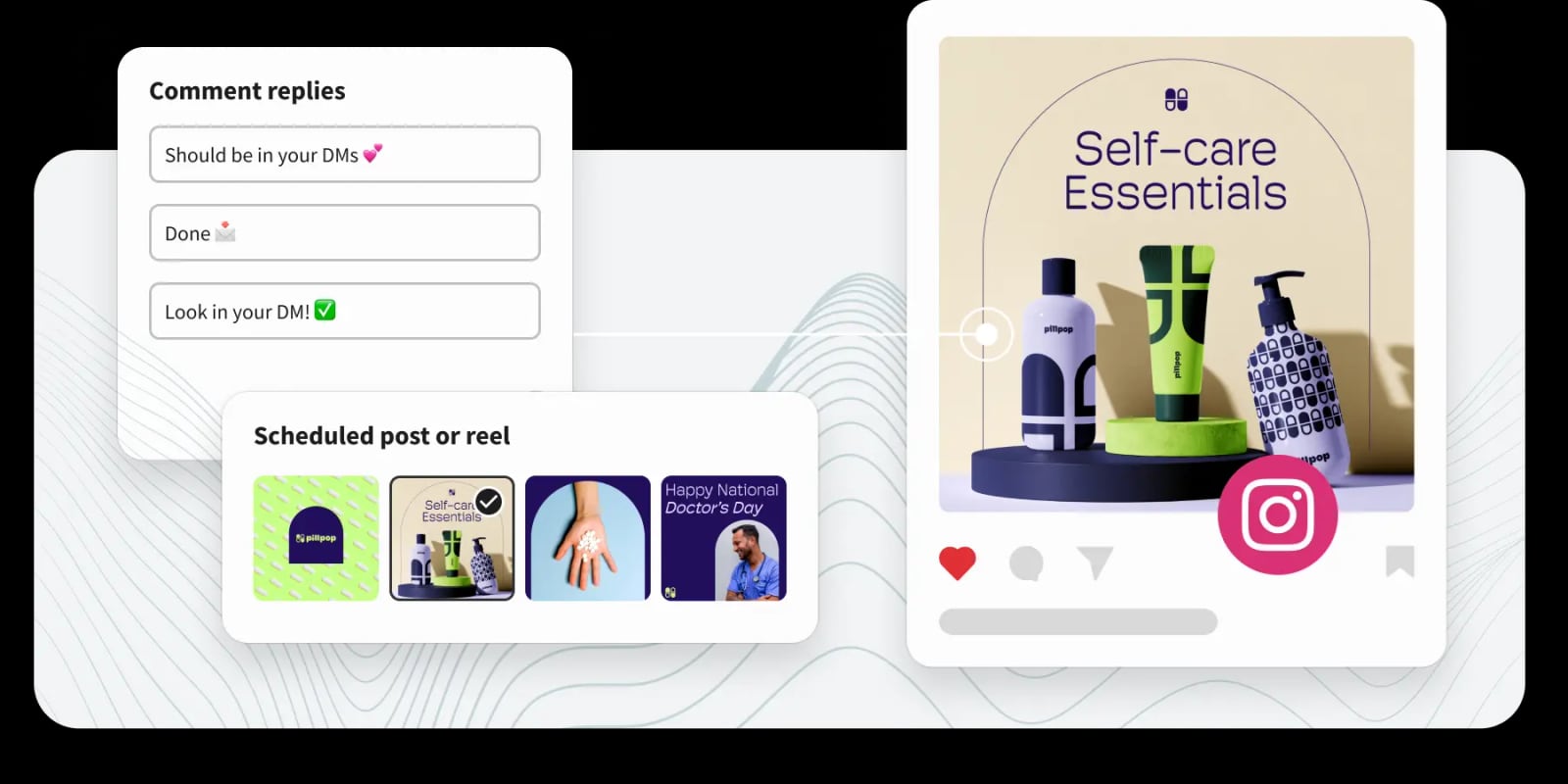
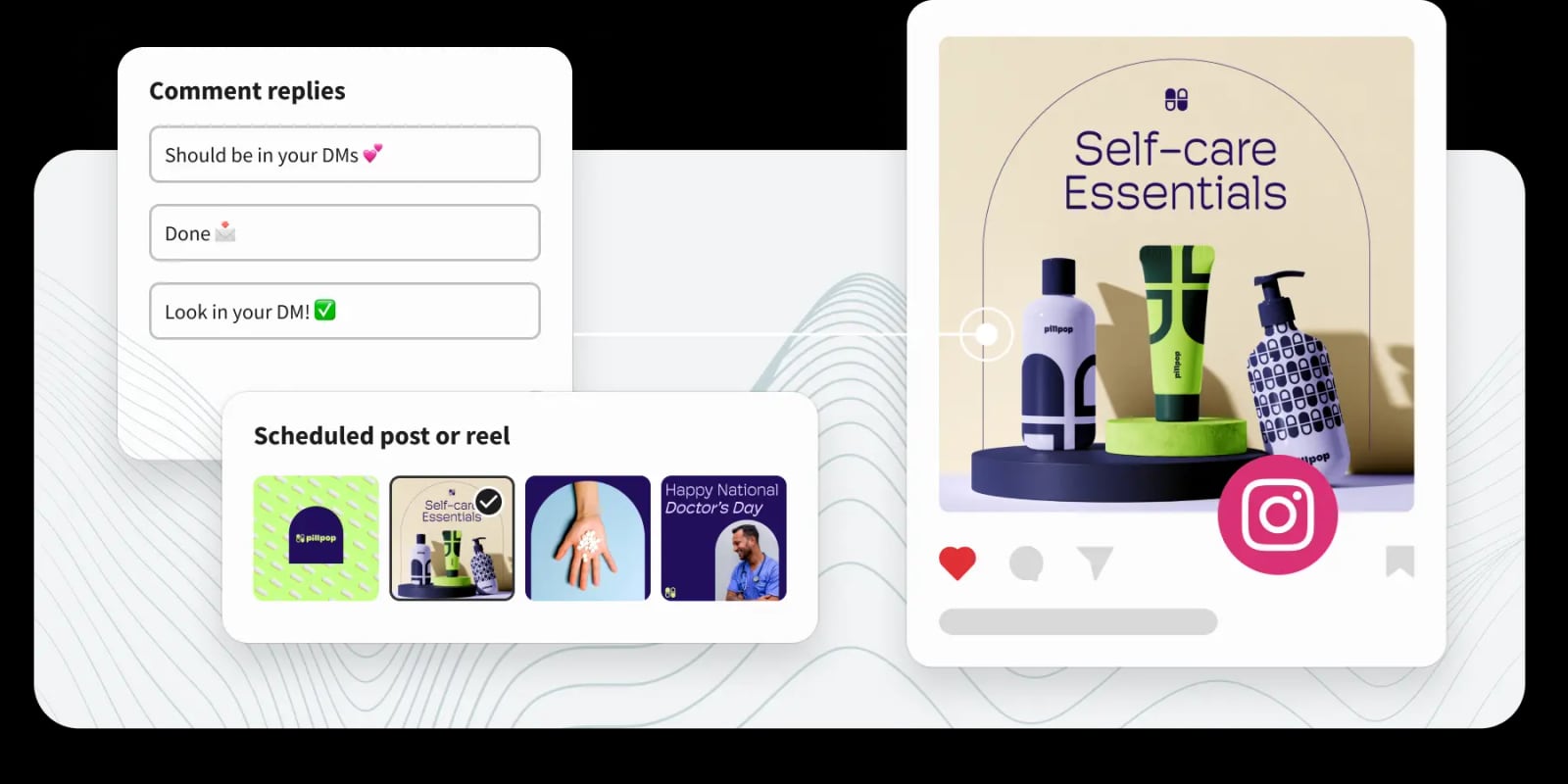
- Engagement: Use Hootsuite's unified inbox to reply to comments and DMs from one screen instead of switching between browser profiles.
- Monitoring: Set up Hootsuite streams for brand mentions, competitor activity, and relevant keywords. Social listening alerts surface conversations before they escalate.
- End of day: Close AdsPower profiles cleanly and review Hootsuite analytics for engagement and reach trends.
Practical Example: A Social Media Agency Managing 15 Client Accounts
Hootsuite product interface.
Imagine a small agency managing Facebook, Instagram, and TikTok for five clients — 15 accounts total. Without AdsPower, all 15 accounts would log in from the agency's office IP and shared devices. One client's account getting flagged for spam could expose the entire roster.
With the AdsPower + Hootsuite setup:
- The agency creates 15 AdsPower profiles, each with a dedicated residential or mobile proxy tied to the client's target region.
- Each account is warmed up inside its own profile for two weeks before any scheduling begins.
- All 15 accounts are connected to Hootsuite, where a team of three manages publishing and engagement collaboratively.
- If one client's account receives a warning, the isolation from AdsPower prevents the platform from linking it to the other 14 accounts.
- The agency scales to 30 or 50 accounts by adding new profiles and proxies — no additional hardware required.
This is the core value of the combination: AdsPower protects the account network, Hootsuite makes the network manageable.
Common Mistakes to Avoid
Reusing Proxies Across Accounts
One proxy per account is non-negotiable. Sharing a proxy between two client accounts creates an instant link in the platform's eyes. If budget is tight, use sticky sessions and assign each account a unique IP from your proxy provider.
Logging In Outside AdsPower
Every login — including the Hootsuite authorization flow — should happen inside the account's AdsPower profile. A single login from your personal browser leaks your real fingerprint and IP, undoing the isolation you built.
Skipping Warm-Up
Connecting a brand-new account to Hootsuite and scheduling ten posts on day one is a fast track to a ban. Warm up every account manually inside AdsPower for at least two weeks before automating anything.
Ignoring Behavioral Consistency
AdsPower isolates fingerprints and IPs, but it cannot fake human behavior. Keep posting frequency, engagement patterns, and session lengths varied and natural. Hootsuite's scheduling tools help maintain consistency without robotic precision.
AdsPower vs. Hootsuite: Do You Need Both?
Hootsuite product interface.
Some users wonder whether Hootsuite alone is enough for multi-account management. The short answer: Hootsuite manages accounts, but it does not isolate them.
Hootsuite is a social media management platform. It connects to accounts through official APIs and OAuth, but the accounts themselves still share your device fingerprint and IP when you log in. For one or two personal accounts, that is fine. For managing client accounts at scale, it is a liability.
AdsPower is an anti-detect browser. It isolates accounts at the browser and network level, but it has no native scheduling, inbox, or analytics features. You would be posting manually in every profile, which does not scale.
The two tools are complementary, not competing. If you are choosing between anti-detect browsers, our AdsPower vs Hidemyacc vs Genlogin comparison breaks down how the leading options differ. For automation beyond social scheduling, see how to connect AdsPower profiles to Playwright for custom scraping and multi-account automation.
Related reading
- Ticketmaster Pricing Explained: Fees, Dynamic Pricing & How to Save - Understand how Ticketmaster pricing works, including face value, service fees, dynamic pricing, resale tickets, and practical ways to avoid overpaying.
Sources and further reading
- Create, Manage, Automate Multiple Social Media Accounts From One Dashboard!| AdsPower Tutorial - Want to run multiple TikTok, Facebook, Gmail, or LinkedIn accounts without getting banned? Learn how to create unlimited accounts online using the powerful A...
- When using multiple login tools (Adspower, Morelogin, MultiloginPro ... - May 9, 2025 ... When using multiple login tools (Adspower, Morelogin, MultiloginPro), what should I choose for managing my social media accounts? · Hootsuite: I ...
- Complete Guide to Social Media Proxies & Multi-Account Management - Comprehensive guide covering mobile proxy strategies for Instagram, Facebook, TikTok, Twitter, and LinkedIn multi-account management with real 2025/2026 data.
Frequently Asked Questions
Can I use Hootsuite with AdsPower on the same computer?
Yes. AdsPower runs as a desktop application alongside your regular browser. You log into social accounts inside AdsPower profiles, then authorize those accounts in Hootsuite through the same profiles. The two tools coexist without conflict.
Does Hootsuite detect or block AdsPower?
No. Hootsuite connects to social platforms through official APIs and OAuth. It does not inspect your browser fingerprint. AdsPower profiles appear as normal Chrome-based browsers to both Hootsuite and the social platforms.
How many accounts can I manage with this setup?
AdsPower supports hundreds of profiles depending on your plan, and Hootsuite scales to match. The practical limit is your proxy budget and your team's capacity to manage engagement. Agencies routinely run 50–100+ accounts with this combination.
Do I need proxies if I use Hootsuite?
Yes, if you are managing multiple accounts that could be linked. Hootsuite does not mask your IP. Each AdsPower profile should have its own dedicated proxy to prevent platforms from linking accounts through shared IP addresses.
Can I automate posting with AdsPower alone?
AdsPower includes RPA and Local API tools for browser automation, but it is not a social media scheduler. For content calendars, bulk scheduling, and team workflows, Hootsuite is the right tool. For account isolation, AdsPower is the right tool. Use both.
Is this workflow compliant with platform terms of service?
Managing multiple accounts for legitimate business purposes — client work, brand management, regional pages — is common practice. However, platforms prohibit fake accounts, spam, and deceptive behavior. Use the tools responsibly and follow each platform's rules.
Conclusion
AdsPower and Hootsuite solve complementary problems. AdsPower gives every account its own secure, isolated environment with a unique fingerprint and IP, protecting your account network from platform linking and mass bans. Hootsuite gives you one dashboard to schedule, publish, monitor, and engage across all those accounts without opening a dozen browser windows.
For social media agencies, freelancers managing client accounts, and in-house teams running multiple brand pages, the combination is a practical answer to the question of how to scale safely. Set up one AdsPower profile per account, warm up each account properly, connect everything to Hootsuite, and you have a workflow that is both secure and efficient.
For a deeper look at how AdsPower compares to other anti-detect browsers for social media workflows, see our AdsPower vs Maskfog vs Incogniton guide.