
How to Use AdsPower with Scrapestack: A Complete Guide
Take a Quick Look
Learn how to combine AdsPower fingerprint browser with Scrapestack API for anonymous web scraping. Step-by-step setup, workflow, and practical examples.
🔥 Limited-Time Offer! Save extra 10% off on your first monthly plan with code: Anitdetect10
Sign upHow to Use AdsPower Fingerprint Browser with Scrapestack
Managing multiple online accounts or scraping data from e-commerce platforms, social media sites, or search engines often triggers anti-bot measures. Platforms detect browser fingerprints, IP addresses, and request patterns to block suspicious activity. Combining AdsPower fingerprint browser with Scrapestack web scraping API gives you a powerful, anonymous scraping setup that bypasses these blocks reliably.
This guide explains how these two tools complement each other, walks through the complete setup process, and provides practical examples you can implement today.
Why Combine AdsPower with Scrapestack?
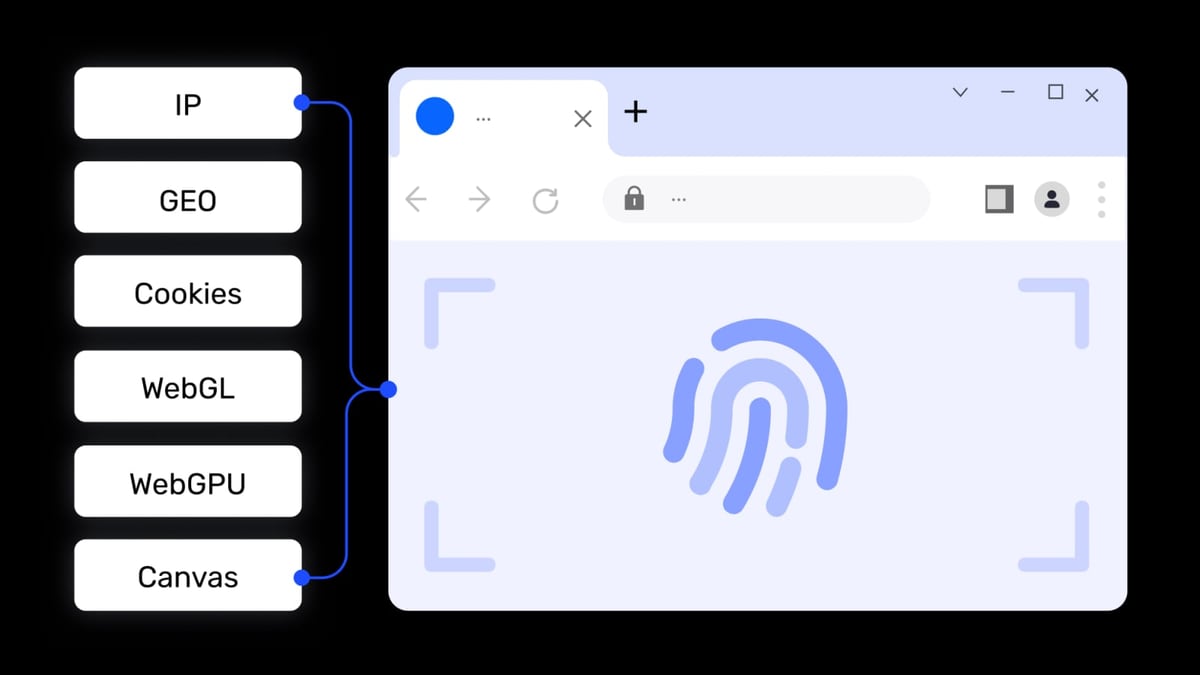
How to Use AdsPower with Scrapestack: A Complete Guide product interface and feature overview.
AdsPower creates isolated browser environments with unique digital fingerprints—Canvas, WebGL, Audio, WebRTC, and more. Each environment looks like a completely different device to websites. Scrapestack is a proxy and scraping API that handles IP rotation, CAPTCHA solving, and JavaScript rendering at scale.
When used together:
- AdsPower provides unique browser fingerprints for each scraping session.
- Scrapestack supplies clean, rotating proxy IPs from 100+ global locations.
- The combination prevents both fingerprint-based and IP-based blocking.
- You can run multiple scraping tasks simultaneously without triggering rate limits or bans.
This setup is ideal for:
- Price monitoring across competitors
- Social media data collection
- SEO rank tracking
- Market research on restricted platforms
How the Workflow Works
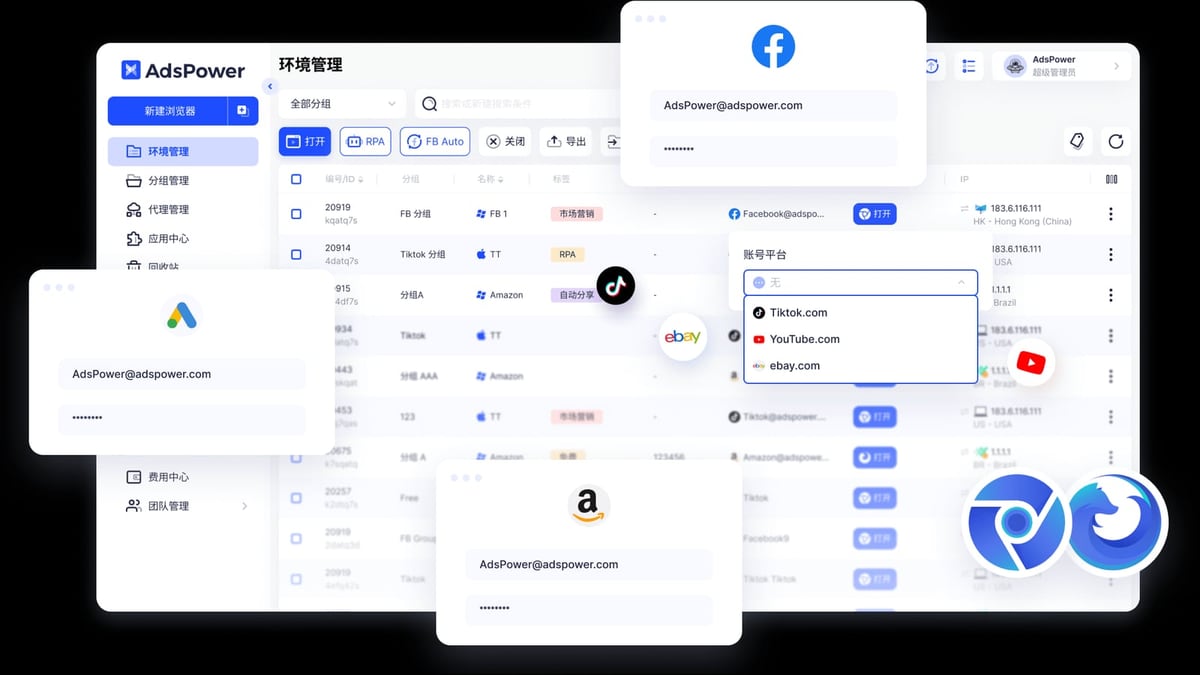
How to Use AdsPower with Scrapestack: A Complete Guide product interface and feature overview.
The typical workflow involves three components:
- AdsPower – Manages browser profiles with unique fingerprints.
- Scrapestack API – Handles proxy rotation and request delivery.
- Your automation script – Orchestrates the browser and API calls.
Here’s the step-by-step process:
Step 1: Set Up Your AdsPower Environment
- Download and install AdsPower from the official website.
- Create a new browser profile. Configure fingerprint settings such as:
- User Agent
- Screen resolution
- Timezone
- Language
- WebGL and Canvas noise
- Assign a proxy to the profile. While Scrapestack will handle IP rotation at the API level, you can also set a static proxy in AdsPower for added consistency.
- Save the profile and note the profile ID—you’ll need it for API calls.
Step 2: Get Your Scrapestack API Key
- Sign up at Scrapestack. The free plan includes 100 requests per month.
- After registration, copy your API access key from the dashboard.
- Review the API documentation to understand available parameters:
access_key– your API keyurl– the target webpageproxy– set toresidentialordatacentercountry– specify a country coderender_js– enable if the page relies on JavaScript
Step 3: Connect AdsPower Local API with Your Script
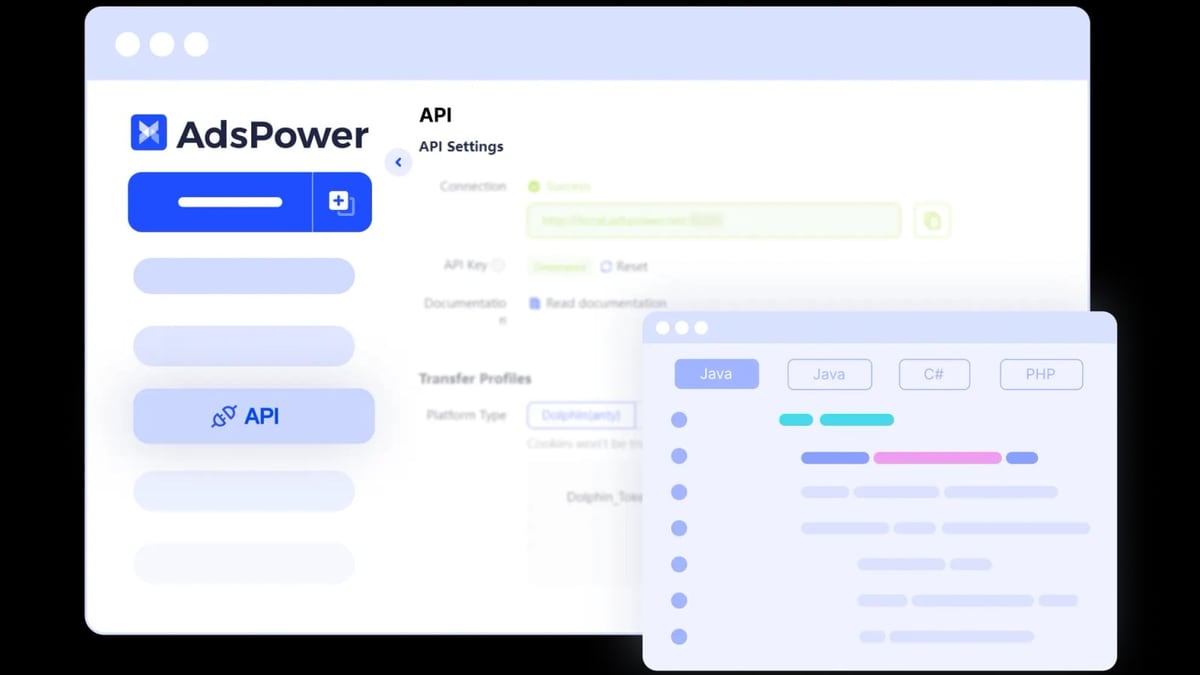
AdsPower provides a Local API that lets you programmatically start and stop browser profiles. This is essential for automation.
- Open AdsPower and navigate to Settings > Automation > API.
- Enable the Local API and note the port (default is 50325).
- Optionally, generate an API key for secure access (paid plans only).
Here’s a Python example that starts an AdsPower profile and then makes a Scrapestack request:
import requests
import json

# Step 3a: Start AdsPower profile
adspower_api = "http://127.0.0.1:50325"
profile_id = "your-profile-id"

start_response = requests.get(f"{adspower_api}/api/v1/browser/start", params={"user_id": profile_id})
if start_response.status_code == 200:
    data = start_response.json()
    selenium_address = data["data"]["selenium_address"]
    print(f"Browser started at {selenium_address}")
else:
    print("Failed to start browser")
    exit()

# Step 3b: Use Scrapestack to fetch a page
scrapestack_url = "http://api.scrapestack.com/scrape"
params = {
    "access_key": "your-scrapestack-api-key",
    "url": "https://example.com/products",
    "proxy": "residential",
    "country": "us"
}

response = requests.get(scrapestack_url, params=params)
if response.status_code == 200:
    html_content = response.text
    print("Page fetched successfully")
else:
    print("Scrapestack error:", response.text)

# Step 3c: Close the browser profile
requests.get(f"{adspower_api}/api/v1/browser/stop", params={"user_id": profile_id})
This script:
- Starts an isolated AdsPower browser with a unique fingerprint.
- Fetches the target page through Scrapestack’s residential proxy network.
- Closes the browser cleanly.
Step 4: Scale with Multiple Profiles
For large-scale scraping, create multiple AdsPower profiles, each with a different fingerprint. Rotate through them using the Local API. Scrapestack handles the IP rotation automatically, so you don’t need to manage proxies manually.
Practical Example: Scraping Product Prices from an E-Commerce Site
How to Use AdsPower with Scrapestack: A Complete Guide product interface and feature overview.
Imagine you want to monitor prices on a major e-commerce platform that aggressively blocks scrapers.
- Create 10 AdsPower profiles, each mimicking a different device (e.g., Windows Chrome, macOS Safari, Android Chrome).
- Write a script that:
- Loops through the profiles.
- For each profile, starts the browser, fetches the product page via Scrapestack with a residential proxy from the target country.
- Parses the HTML to extract price data.
- Saves the data to a CSV file.
- Stops the browser and waits a random interval before the next profile.
- Because each request comes from a unique fingerprint and IP, the platform sees 10 different users and is unlikely to block you.
Troubleshooting Common Issues
How to Use AdsPower with Scrapestack: A Complete Guide product interface and feature overview.
Scrapestack returns empty responses
- Ensure the target URL is accessible from your chosen proxy location.
- Enable
render_js=trueif the page loads content dynamically. - Check your API usage limit.
AdsPower browser fails to start
- Verify that the AdsPower client is running and logged in.
- Confirm the profile ID is correct.
- If using headless mode, ensure you’ve set the
--headless=trueflag correctly.
CAPTCHA appears
- Scrapestack handles most CAPTCHAs automatically. If one slips through, try switching to a residential proxy or adding a small delay between requests.
Related reading
- AdsPower vs Indigo: Which Anti-Detect Browser Wins in 2026? - Compare AdsPower vs Indigo anti-detect browsers for multi-account management. See features, pricing, automation, and which tool fits your workflow.
- Oxylabs Proxy & Web Scraping Platform Review 2026 - In-depth Oxylabs review covering proxy types, Web Unblocker, Scraper API, pricing, ideal users, and decision criteria for enterprise scraping.
FAQ
Can I use Scrapestack without AdsPower?
Yes, Scrapestack works as a standalone scraping API. However, without AdsPower, you lose fingerprint diversity, which may lead to blocking on fingerprint-aware sites.
Does AdsPower support headless mode?
Yes. Paid plans can run AdsPower in headless mode using the --headless=true flag. This is useful for server-based scraping.
How many profiles can I create in AdsPower?
The free plan includes 2 profiles. Paid plans start at $9 per month for 10 profiles and scale up to unlimited.
Is Scrapestack suitable for large-scale scraping?
Yes. Scrapestack handles over 1 billion requests per month with 99.9% uptime. Paid plans support concurrent requests and high-volume usage.
Can I integrate this setup with other automation tools?
Absolutely. AdsPower’s Local API works with Selenium, Puppeteer, Playwright, and MCP protocol for AI agents. You can combine it with Scrapestack in any programming language.
Conclusion
Combining AdsPower fingerprint browser with Scrapestack web scraping API creates a robust, anonymous scraping infrastructure. AdsPower ensures each session has a unique digital fingerprint, while Scrapestack provides clean, rotating proxies and handles CAPTCHAs. Together, they solve the two biggest challenges in web scraping: fingerprint detection and IP blocking.
Start with a single profile and a few test requests, then scale up as you gain confidence. For more advanced multi-account management, check out our AdsPower vs Linken Sphere vs Incogniton comparison or learn how to set up AdsPower with IPVanish VPN.
If you need a reliable proxy service for your scraping projects, our Top 10 Proxy Service Providers 2026 guide can help you choose the right one.
Ready to scrape without limits? Combine AdsPower and Scrapestack today.