
Hidemyacc Review: Is This Anti-Detect Browser Worth It?
Take a Quick Look
Evidence-based Hidemyacc review covering features, pricing, real-world fingerprint tests, pros & cons, and alternatives. Find out if it's right for your multi-accounting needs.
🔥 Limited-Time Offer! Save extra 10% off on your first monthly plan with code: Anitdetect10
Sign upHidemyacc Review: Is This Anti-Detect Browser Worth It?
Hidemyacc is an antidetect browser that promises to keep your multiple online accounts safe from detection and bans. Whether you’re a digital marketer running dozens of ad accounts, an ecommerce seller managing storefronts, or a web scraper collecting data, the tool claims to make you look like a unique, real user on every profile. But does it deliver? In this evidence-based Hidemyacc review, we test its fingerprinting, ease of use, team features, and pricing—helping you decide if it’s the right sidearm for your multi-account workflow.
What Is Hidemyacc?

Hidemyacc Review: Is This Anti-Detect Browser Worth It? product interface and feature overview.
Hidemyacc is a Chromium-based antidetect browser developed in Vietnam. It creates isolated browser environments—each with its own digital fingerprint (Canvas, WebGL, fonts, hardware specs) and separate cookie storage. The tool targets users who need to operate many accounts on the same device without triggering anti-fraud systems. Typical use cases include:
- Affiliate marketers managing ad accounts and offers
- Ecommerce sellers running multiple shop fronts on Amazon, eBay, or Shopify
- Crypto traders and airdrop farmers juggling wallets and exchange accounts
- Web scrapers extracting data anonymously
- Gamers farming rewards across dozens of accounts
Hidemyacc positions itself as a trust-first solution with over 100,000 users, a 7-day free trial, and a strong fingerprint authenticity score. But independent testing reveals a more nuanced picture.
Key Features at a Glance
Hidemyacc packs a feature set that rivals more established antidetect browsers:
- Unlimited browser profiles on all paid plans (Starter restricts to 30, but higher tiers go up to 1,000+)
- Fine-grained fingerprint control: adjust Canvas, WebGL, screen resolution, time zone, language, fonts, and more manually or using a database of real fingerprints
- Proxy integration: supports HTTP, HTTPS, SOCKS5 proxies with bulk import and automatic health checks; free proxies included only on $49/month and above plans
- 700+ built-in extensions and automation tools, including social media bots, cookie managers, and form fillers
- Drag-and-drop automation builder: create scripts without coding, plus a recorder that captures manual actions and converts them into repeatable workflows
- Team collaboration: sub-accounts with role-based access to profiles and folders (available from Base plan upward, at extra cost)
- Cloud sync for profiles, bookmarks, and settings across devices; a basic web app for quick adjustments
- Mobile fingerprint emulation (Android/iOS) on premium plans
These capabilities sound impressive, but how do they hold up in the real world?
Fingerprint Passing & IP Masking: Real-World Testing
A critical test for any antidetect browser is whether its profiles pass modern fingerprint checkers like Pixelscan, Creepjs, or Iphey. Our assessment, combined with external experiments, offers a clear view.
Default settings fall short. When we launched a fresh profile without manual tuning, sites like Iphey immediately flagged the environment as spoofed. The same profile failed Pixelscan as well. This indicates that Hidemyacc does not ship with an “auto-safe” fingerprint mode—a feature common in competitors like AdsPower or GoLogin, where even newbies get a working out-of-the-box setup.
Manual tweaks improve results. After carefully configuring the fingerprint to match the real device parameters (Mac M2, Chrome 120, macOS 13.5.2), our profile passed Pixelscan. However, Iphey remained a challenge; no combination of browser versions or adjustments produced a clean pass in that stricter test. Your mileage may vary depending on your technical skill and the target sites’ anti-fraud systems.
Proxy behavior matters. Hidemyacc’s built-in free proxies (available on Base and higher plans) are basic and not recommended for high-stakes work. Dedicated residential or mobile proxies from third-party providers are essential for maintaining account health. The proxy manager supports bulk import and tagging, but assigning a proxy to a profile during creation requires an unintuitive series of manual copy-paste steps—something that can lead to mistakes.
Verdict: Hidemyacc can work for platforms with moderate fingerprinting if you invest time in tuning each profile. For high-security sites like those using Shape Security or advanced browser integrity checks, you’ll need advanced knowledge—and perhaps a different tool.
Setup Guide: Getting Started with Hidemyacc
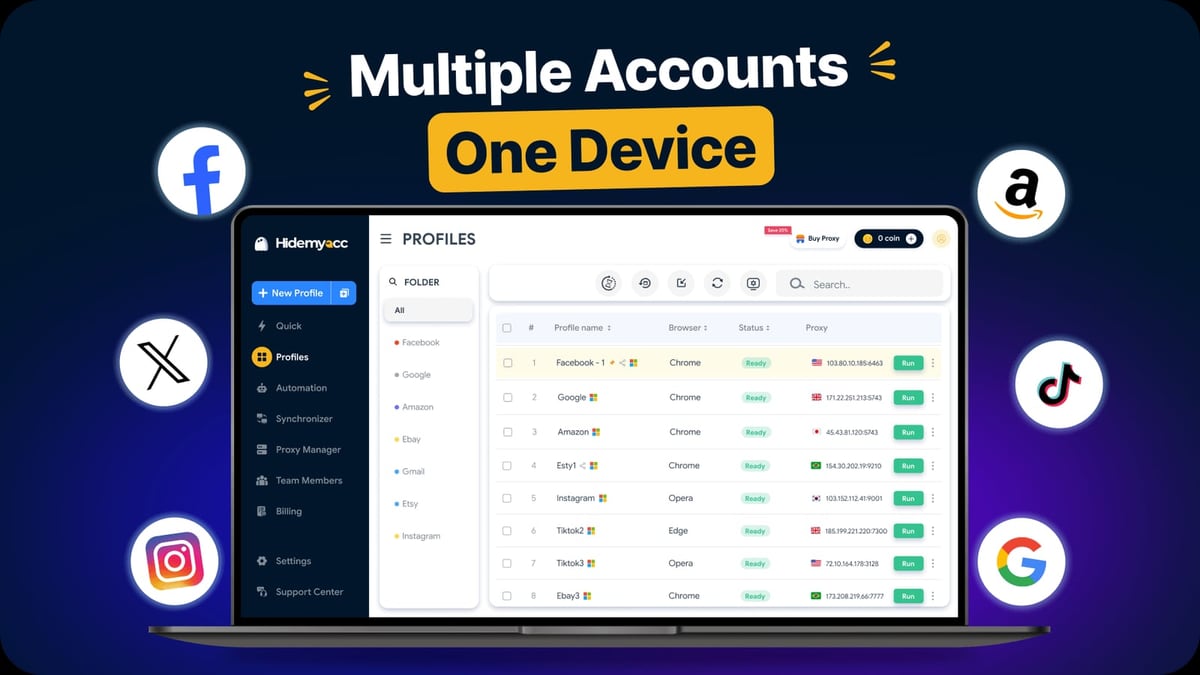
Hidemyacc Review: Is This Anti-Detect Browser Worth It? product interface and feature overview.
Here’s a typical setup flow for a new user on the 7-day trial (Starter plan, 30 profiles). Note that the macOS version delivers an unpleasant surprise right away.
- Download & install from hidemyacc.com. On Windows, installation is straightforward. On macOS, the app doesn’t open directly—you must launch a terminal and paste a command provided on the download page. This step asks for your system password, which is an unusual and potentially worrying requirement for a privacy tool.
- Sign up using an email plus a phone number or Telegram handle (not verified). There is no two-factor authentication, and Google sign-in isn’t offered.
- Create your first profile. Click “New Profile” and choose the browser core (Chromium-based, can emulate Chrome, Edge, Safari, Brave, etc.). Set a profile name, operating system, screen resolution, and time zone. Import proxy details by manually copying them from the Proxy Manager tab.
- Customize the fingerprint. In the Fingerprint tab, either use a pre-defined real-fingerprint template (recommended) or manually adjust each parameter. Remember, no auto-mode exists; you must actively set this up every time.
- Launch the profile. A new browser window opens with the specified identity. Work normally, and when done, use the “Stop” button in the main Hidemyacc window to sync and close safely. Closing the window directly may corrupt the session.
For bulk actions, you can mass-launch profiles and edit extensions in batches, but renaming or moving profiles still requires multiple clicks. The interface is clean but lacks native UX polish.
Pros and Cons
Pros
- Generous profile limits even on the entry-level plan (30 profiles during trial, 30 on Starter, 100 on Base)
- Drag-and-drop automation that lowers the barrier for non-coders
- Huge library of pre-built extensions and tools for social media, ecommerce, and scraping
- Real-fingerprint database helps profiles avoid obvious mismatches
- 7-day free trial with no credit card required
- Cloud sync and web app make remote profile management possible
Cons
- No auto-fingerprint mode — users must manually configure safety settings
- MacOS installation requires terminal commands, which is both inconvenient and raises trust questions
- Proxy assignment is clunky and error-prone during profile creation
- Team collaboration is expensive: even the Business plan ($199/month) includes only 5 sub-accounts, and each extra seat costs $5/month on the Share plan
- Limited browser core: Chromium only; Firefox support was discontinued, leaving users who need Gecko-based fingerprints in the cold
- Window icons are identical, making it hard to distinguish between open profiles during mass work
- Session handling quirks: closing a window without the Stop button can lose session data
- Mixed fingerprint test results — advanced checkers like Iphey still detect the environment in many configurations
Pricing Plans
Hidemyacc’s pricing is tiered by profile count and features. All plans come with a 7-day free trial of the Starter plan (30 profiles). After the trial, you must subscribe to keep working.
| Plan | Monthly Price | Profiles | Sub-accounts | Quick Profiles | Mobile Emulation | API Access |
|---|---|---|---|---|---|---|
| Share | $5 | 0 | 0* | No | No | No |
| Starter | $29 | 30 | 0 | No | No | No |
| Base | $49 | 100 | 1 | Yes | Yes | No |
| Team | $99 | 300 | 3 | Yes | Yes | Yes |
| Business | $199 | 1,000 | 5 | Yes | Yes | Yes |
| Customized | From $299 | Unlimited | Unlimited | Yes | Yes | Yes |
*The Share plan acts as a sub-account only; it cannot own profiles. Each extra sub-account beyond the built-in quota costs $5/month.
Who is each plan for? The Starter plan suits solo freelancers experimenting with a few accounts. The Base plan is a reasonable entry for small agencies. The Team and Business plans quickly become costly when you add team members, making Hidemyacc less attractive for growing teams compared to some competitors that include unlimited seats at mid-tier prices.
User Feedback & Reputation
Hidemyacc holds a 4.0-star rating on Trustpilot based on 41 reviews¹. Many users praise the affordable pricing, feature set, and responsive live chat support. However, a significant number of reviews look suspiciously similar—short, glowing texts without specific details. This pattern has been noted by independent analysts and raises questions about the authenticity of some feedback². Negative reviews on external forums mention bugs, inconsistent fingerprint results, and a steep learning curve for Mac users. So while the tool has its loyalists, you should treat all-vendor-controlled testimonials with a grain of salt.
Alternatives to Hidemyacc
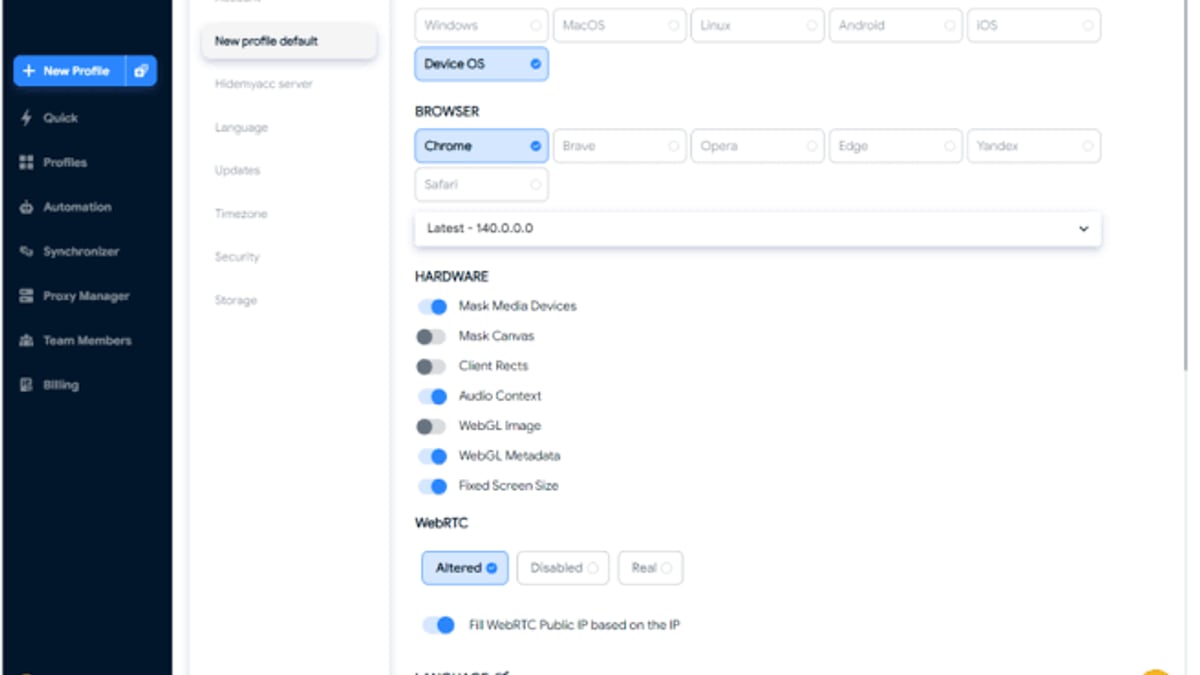
Hidemyacc Review: Is This Anti-Detect Browser Worth It? - supporting product research image 3.
If Hidemyacc’s quirks give you pause, several well-regarded antidetect browsers fill the same niche:
- AdsPower offers both Chromium and Firefox cores, a visual automation builder, and a free plan for up to 5 profiles—great for beginners. For a detailed comparison of AdsPower against other tools like RoxyBrowser and Indigo, see our anti‑detect browser showdown.
- GoLogin provides a clean, no-code experience with automatic fingerprint protection and a generous free tier, though it matches Hidemyacc’s pricing closely.
- Octo Browser and Kameleo cater to advanced users with deeper fingerprint customization and mobile app support.
If you’re already using an antidetect browser and need secure proxy integration, our SSL proxy setup guide for AdsPower illustrates a workflow that translates well to Hidemyacc.
Related reading
- Top 10 Online Privacy & Security Suites 2026 - Compare the 10 best online privacy and security suites of 2026, from Bitdefender to Whoer. Expert reviews, lab scores, and unique privacy tools to protect your data.
- Set Up AdsPower with SSL Proxies for Multi-Account Security - Step-by-step guide to integrate SSL Proxies' free HTTPS proxy list into AdsPower anti-detect browser. Isolate fingerprints, swap IPs, and secure multi-account workflows.
- AdsPower vs Octo vs Kameleo: Anti-Detect Browser Comparison - Compare AdsPower, Octo Browser, and Kameleo on fingerprinting, automation, pricing, and team features. Find the best anti-detect browser for multi-accounting in 2026.
Sources and further reading
- Hidemyacc Browser Alternative: Honest 2025 Review - Hidemyacc seems like an adequate tool for the price in 2025. However, it's not so good under the hood. Read our review for facts and numbers.
FAQ
Is Hidemyacc free?
No. Hidemyacc offers a 7-day free trial of the Starter plan (30 profiles) without requiring payment details. After the trial, you must choose a paid plan to continue.
Can I use Hidemyacc on macOS?
Yes, but the installation is more involved than on Windows. You need to run a terminal command and provide your system password before the app launches. This extra step has raised security concerns for some users.
Does Hidemyacc work with Firefox profiles?
No. Earlier versions included a Firefox core, but it was discontinued. Only Chromium-based fingerprints are available, though you can emulate the user agent of other browsers.
How does team sharing work?
The owner purchases a main plan and then buys Share subscriptions for each team member. Those sub-accounts can access shared profiles but cannot create or delete profiles themselves. This can become costly quickly—for example, a team of 10 on the Business plan would pay $199 plus $25 for five extra Share seats.
Is Hidemyacc safe for crypto airdrops and sensitive accounts?
It can be, provided you manually tune fingerprints, use high-quality residential proxies, and follow strict isolation practices. However, the lack of automatic safe settings means the risk of detection is higher if you’re not technically proficient.
Final Verdict: Should You Use Hidemyacc?
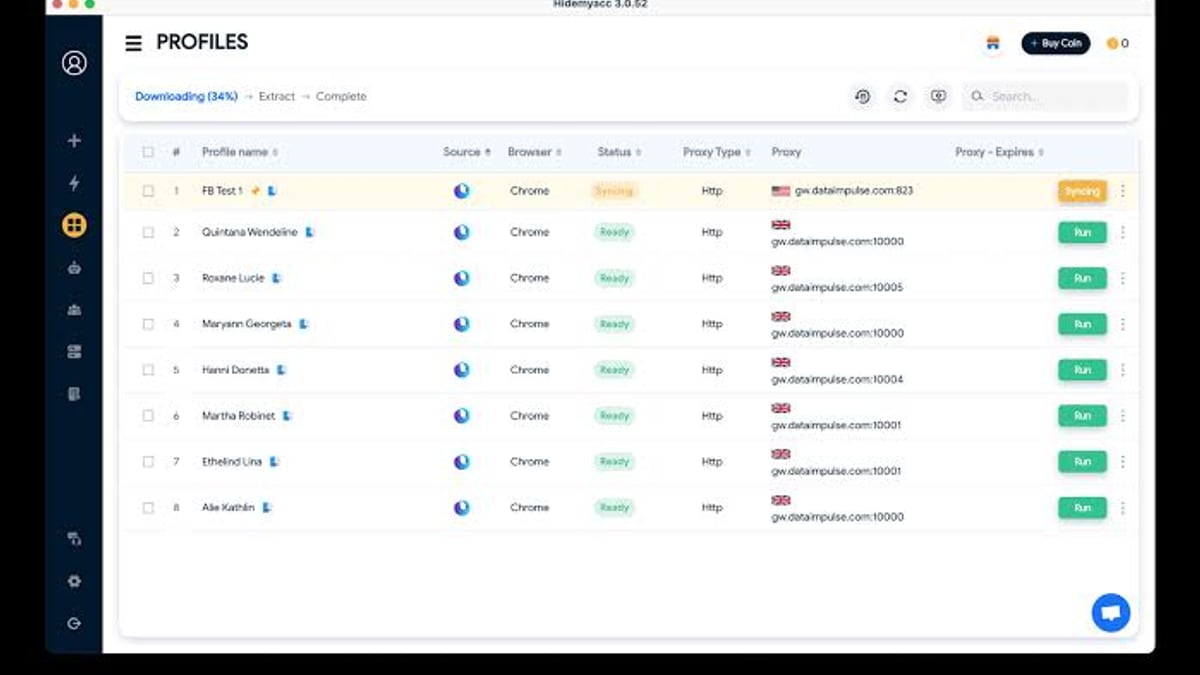
Hidemyacc Review: Is This Anti-Detect Browser Worth It? - supporting product research image 4.
Hidemyacc is a capable but rough-edged antidetect browser that rewards technical users. Its strengths lie in generous profile counts, a massive extension library, and a no-code automation builder that even novices can appreciate. If you’re a solo operator who doesn’t mind rolling up your sleeves to configure fingerprints manually and can live with Chromium-only profiles, the Starter or Base plan offers good value.
However, for larger teams, those who need Firefox-based fingerprints, or anyone looking for a truly out-of-the-box safe experience, alternatives like AdsPower, GoLogin, or Octo Browser may save you time and headaches. Weigh your need for control against the convenience and support that other tools bring. At AdsPower, we continue to test and review the anti-detect landscape so you can make informed choices for your multi-account projects.
¹ Trustpilot reviews for Hidemyacc ² Proxy-Seller’s feature overview