
Automated Data Collection: Tools, Methods & Best Practices
Take a Quick Look
Learn how automated data collection works, the tools and methods behind it, and how to collect web data at scale without triggering blocks or account bans.
Automated Data Collection: Tools, Methods & Best Practices
Automated data collection replaces manual copying, typing, and spreadsheet maintenance with scripts, bots, APIs, and platforms that gather and organize information on their own. It is the backbone of modern analytics, AI training pipelines, and competitive research — and it is also where most teams hit their first real obstacle: websites that actively fight back against automated traffic.
This guide explains how automated data collection works, which tools fit which jobs, and how to keep collection running reliably when targets, platforms, and anti-bot systems push back.
What Is Automated Data Collection?
Automated Data Collection: Tools, Methods & Best Practices - What Is Automated Data Collection?.
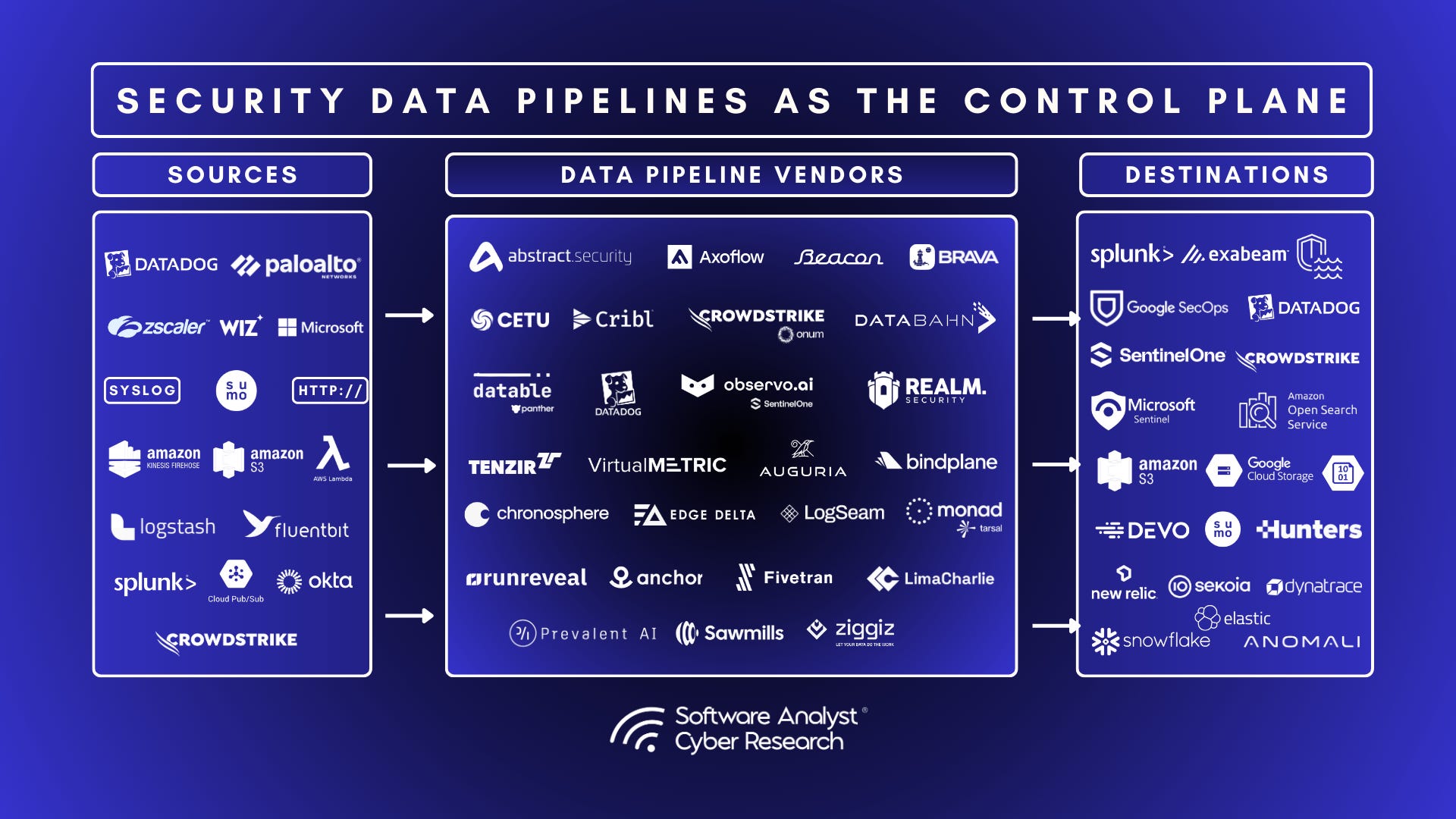
Automated data collection is the use of software to capture, process, and store data from multiple sources without continuous human input. Instead of an analyst exporting a report by hand, a pipeline extracts records from databases, APIs, web pages, forms, and cloud services, cleans them, and loads them into a warehouse or analytics tool.
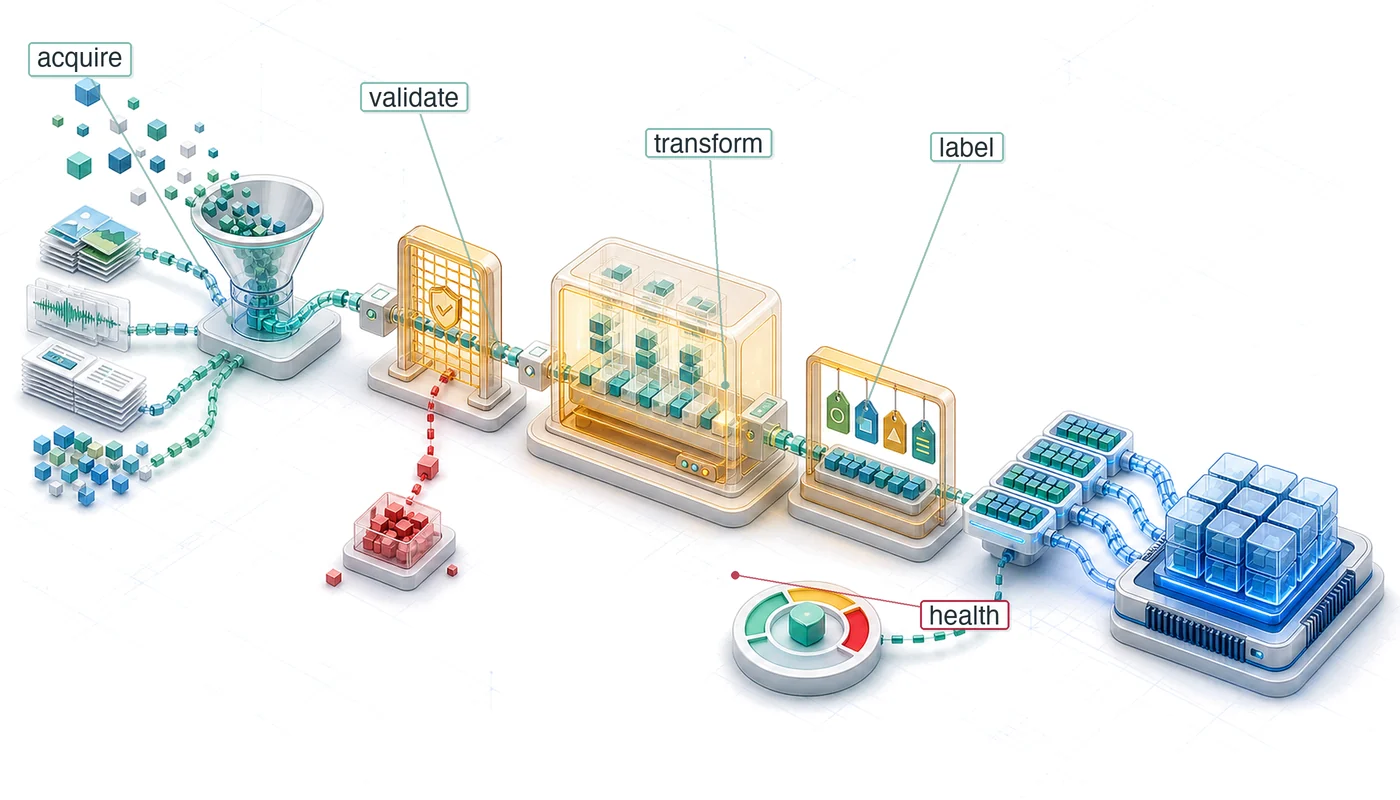
It typically covers four stages:
- Capture — pulling raw data from web pages, APIs, forms, emails, or internal systems.
- Processing — parsing, cleaning, deduplicating, and standardizing formats such as JSON, XML, or CSV.
- Routing — sending the cleaned data to the right destination, whether that is a CRM, data warehouse, or machine learning model.
- Continuous sync — keeping records current as source data changes, often on a schedule or trigger.
According to IBM's overview of data automation, a large share of organizational data is never analyzed at all, which is exactly the gap automation is meant to close. When collection is manual, data goes stale before anyone acts on it.
Why Manual Collection Breaks Down
Automated Data Collection: Tools, Methods & Best Practices - Why Manual Collection Breaks Down.
The case for automation is not just speed. Manual collection introduces three compounding problems:
- Error rates. Human transcription errors accumulate quietly, and a single bad record can propagate through reports and models.
- Staleness. By the time someone finishes logging yesterday's data, today's data already exists.
- Linear scaling costs. Doubling the data volume means doubling headcount if every step is manual.
Research compiled by Nutshell highlights how much time sales teams lose to manual entry and CRM upkeep, and how automation shifts that time toward higher-value work. The same logic applies to research, pricing intelligence, and lead generation.
Types of Data You Will Collect
Automated Data Collection: Tools, Methods & Best Practices - Types of Data You Will Collect.
Not all data behaves the same way, and the collection method depends heavily on format.
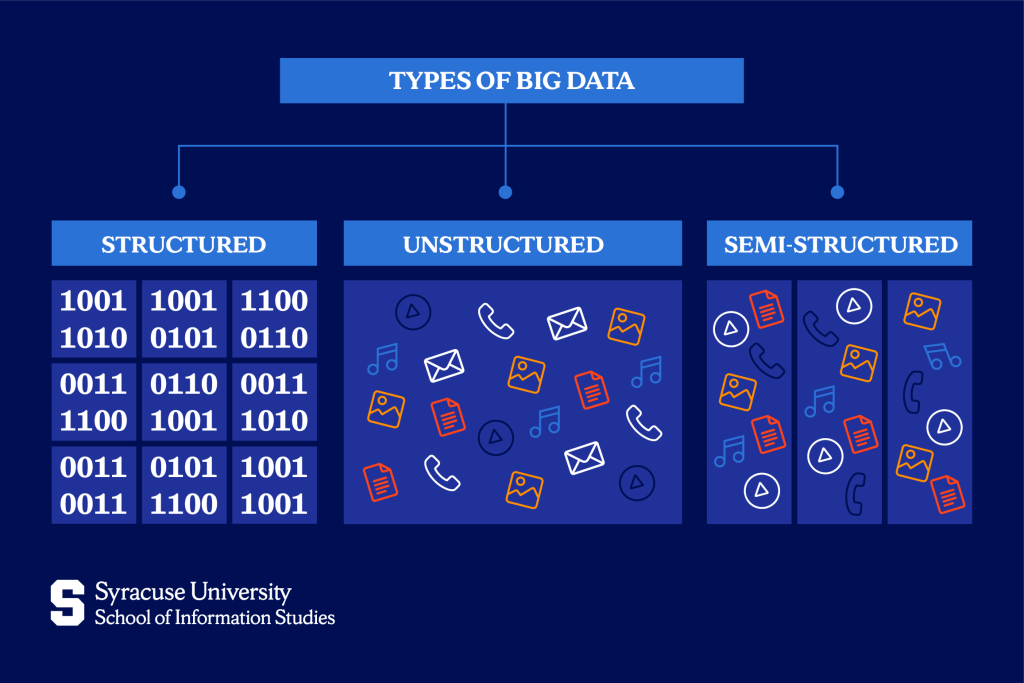
Structured Data
Structured data follows a predefined format — database tables, spreadsheets, JSON responses from APIs. It is searchable and processable with standard tools.
Unstructured Data
Unstructured data has no fixed schema: page text, images, video, call recordings, PDFs. Collecting it at scale usually requires natural language processing, OCR, or image recognition on top of the collection layer.
Semi-Structured Data
HTML pages, emails, and log files fall in between. They have patterns, but those patterns change without warning — which is why scrapers need maintenance.
Automated Data Collection Methods Compared
Automated Data Collection: Tools, Methods & Best Practices - Automated Data Collection Methods Compared.
| Method | Best for | Main trade-off |
|---|---|---|
| Web scraping APIs | High-volume, recurring extraction | Cost scales with volume; anti-bot handling varies |
| No-code scrapers | Non-technical users, simple sites | Limited flexibility on complex or protected sites |
| Browser automation (RPA) | Logged-in workflows, multi-step tasks | Fragile when UI changes |
| APIs and connectors | First-party and partner data | Restricted to what the provider exposes |
| Pre-built datasets | Bulk research without building scrapers | Not real-time; coverage limits |
| Data enrichment APIs | Appending context to existing records | Accuracy depends on the provider |
Web Scraping APIs
Scraper APIs provide programmatic access to prebuilt infrastructure and handle IP blocking, CAPTCHAs, and JavaScript rendering. They suit teams that need repeatable, scheduled extraction at scale.
No-Code Scrapers
Visual tools let users point and click to map fields, handle pagination, and schedule runs. They lower the technical barrier but often struggle with heavily protected or highly dynamic sites.
Browser Automation and RPA
Robotic process automation performs repetitive tasks inside a browser — logging in, navigating, filling forms, exporting reports. This is where data collection overlaps with account-based operations, because many targets require an authenticated session.
APIs and Connectors
When a provider exposes an official API, that is almost always the cleanest path. The limitation is coverage: you only get what the provider chooses to expose.
Pre-Built Datasets and Enrichment
Platforms like Kaggle and Common Crawl offer bulk data without building a pipeline. Enrichment APIs append firmographic, contact, or location details to records you already have. AIMultiple's review of data collection automation tools covers the current landscape, including how MCP-native scraping is changing how AI agents call extraction tools.
The Hidden Bottleneck: Anti-Bot Systems and Account Association
Most collection guides stop at tool selection. In practice, the failure point is almost always access.
Modern platforms detect automation through browser fingerprints, behavioral signals, IP reputation, and account linkage. When you run dozens of collection sessions from one machine, platforms can associate those sessions with each other — and block or ban them as a group.
This is where an anti-detect browser becomes part of the collection stack rather than a separate concern. Tools like AdsPower create isolated browser environments, each with its own fingerprint signals (Canvas, WebGL, User Agent) and proxy configuration, so separate collection identities do not bleed into one another. For teams running multi-account research, affiliate campaigns, or logged-in scraping, that isolation is what keeps sessions stable.
Practical setup considerations:
- Proxy hygiene. Match proxy type to target. Residential proxies for consumer-facing sites, datacenter proxies for high-volume public pages.
- One identity per profile. Do not reuse a profile across unrelated targets.
- Consistent fingerprints. Rotating fingerprints mid-session is a stronger red flag than a stable one.
- Rate discipline. Isolation does not excuse aggressive request rates.
If you are configuring proxy-backed profiles for the first time, the AdsPower and Proxy-Seller setup guide walks through proxy selection, profile configuration, and connection verification.
Data Quality Rules That Actually Matter
Collection volume is worthless if the data is wrong. Build these checks into the pipeline:
- Schema validation — reject records that do not match expected fields before they reach storage.
- Deduplication — hash key fields and drop repeats on ingest.
- Freshness checks — timestamp every record and alert when a source stops returning new data.
- Source attribution — store where each record came from so errors can be traced.
- Sampling audits — manually review a small percentage of records on a schedule.
Compliance and Ethical Boundaries
Automated collection sits in a legal grey zone depending on jurisdiction, target, and data type. Before scaling, confirm:
- Whether the target's terms of service permit automated access.
- Whether you are collecting personal data subject to privacy regulations.
- Whether your request patterns could constitute a denial-of-service condition.
- Whether robots.txt directives apply to your use case.
Collecting publicly available, non-personal data for research or price monitoring carries different risk than harvesting personal profiles. Treat compliance as a design requirement, not an afterthought.
Choosing the Right Approach
Use this decision path:
- Does an official API exist? Use it. It is faster, cheaper, and more stable.
- Is the data public and static? A scraper API or no-code tool is sufficient.
- Does collection require logging in? You need browser automation plus isolated profiles.
- Are you running many accounts or sessions? Add an anti-detect browser and dedicated proxies.
- Do you need bulk historical data? Buy a dataset instead of building a scraper.
For teams comparing isolation tools, the AdsPower vs Maskfog vs Dolphin Anty comparison breaks down fingerprint isolation, automation support, and pricing side by side.
Related reading
- How to Use AdsPower with MaxBounty: Setup Guide - Learn how to use AdsPower with MaxBounty: create isolated profiles, add proxies, run CPA campaigns, and avoid account bans in affiliate marketing.
- What Is Zyte? Web Scraping API, Pricing & Alternatives - Zyte explained: how its web scraping API, Scrapy Cloud, and managed data service work, what it costs, and when to use an anti-detect browser instead.
- How to Use AdsPower with 5SIM: Setup & Multi-Account Guide - Learn how to use AdsPower with 5SIM to verify and isolate multiple accounts. Step-by-step setup, API automation, practical examples, and key pitfalls.
FAQ
What is automated data collection in simple terms?
It is using software to gather and organize data from sources like websites, APIs, and databases without someone manually copying it. The software handles extraction, cleaning, and delivery to wherever the data is needed.
Is web scraping the same as automated data collection?
No. Web scraping is one method of collection. Automated data collection also includes API integrations, ETL pipelines, form capture, and enrichment services.
Why do automated collection jobs get blocked?
Common causes include IP reputation, shared browser fingerprints, request rates that exceed normal human behavior, and missing or inconsistent session signals. Isolation and proxy quality address most of these.
Do I need an anti-detect browser for data collection?
Only if your collection requires authenticated sessions, multiple accounts, or targets with strong anti-bot detection. For public, unauthenticated pages, a scraper API is usually enough.
How do I keep collected data accurate?
Validate against a schema on ingest, deduplicate on key fields, timestamp every record, and audit a sample regularly. Automation removes transcription errors but does not remove logic errors.
Conclusion
Automated data collection is less about picking a scraper and more about building a pipeline that survives contact with real targets. Start with the simplest method that works — an API if one exists — and add complexity only when access, scale, or account isolation demands it.
The teams that collect reliably are the ones that treat identity, proxies, and rate limits as first-class parts of the pipeline rather than obstacles to work around.


