
AdsPower vs VMLogin 2026: Which Anti-Detect Browser Wins?
Take a Quick Look
Compare AdsPower vs VMLogin for multi-account management. See fingerprint security, automation, pricing, and which tool scales best for your workflow.
🔥 Limited-Time Offer! Save extra 10% off on your first monthly plan with code: Anitdetect10
Sign upAdsPower vs VMLogin 2026: Which Anti-Detect Browser Wins?
Managing multiple online accounts without getting banned is a constant challenge for affiliate marketers, ecommerce sellers, social media managers, and web scrapers. Two popular anti-detect browsers—AdsPower and VMLogin—promise to keep your accounts safe by creating unique browser fingerprints. But which one actually delivers reliable protection, automation, and scalability? This comparison breaks down their real-world performance, features, pricing, and weaknesses so you can choose the right tool for your workflow.
What Are AdsPower and VMLogin?
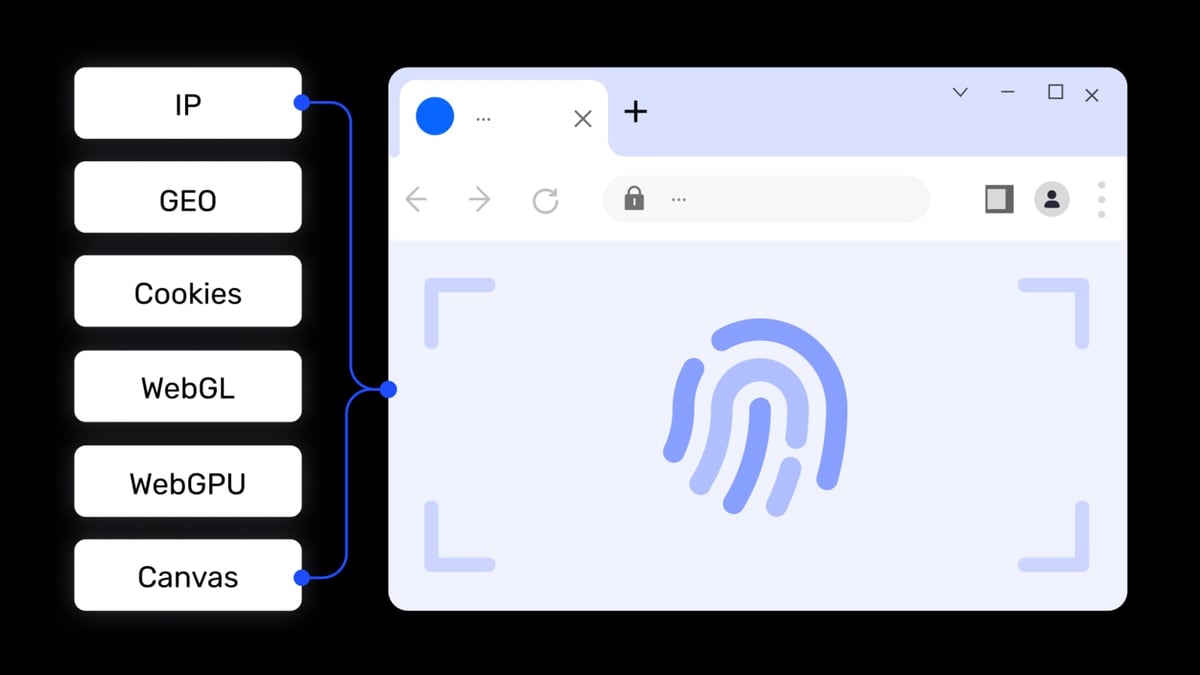
AdsPower product interface and feature overview.
AdsPower is a leading anti-detect browser trusted by over 9 million users. It creates isolated browser profiles with customizable digital fingerprints, supports batch management, includes a free RPA automation builder, and offers team collaboration with granular permissions. It runs on Windows, macOS, and Linux, and provides a free tier with 2 profiles.
VMLogin is an anti-detect browser that lets you replace multiple computers or VPS with virtual browser profiles. It isolates cookies and cache per profile, masks fingerprints like Canvas and WebGL, and supports automation via Selenium or third-party tools. It offers a 3-day free trial and paid plans starting at $99/month.
Key Differences at a Glance
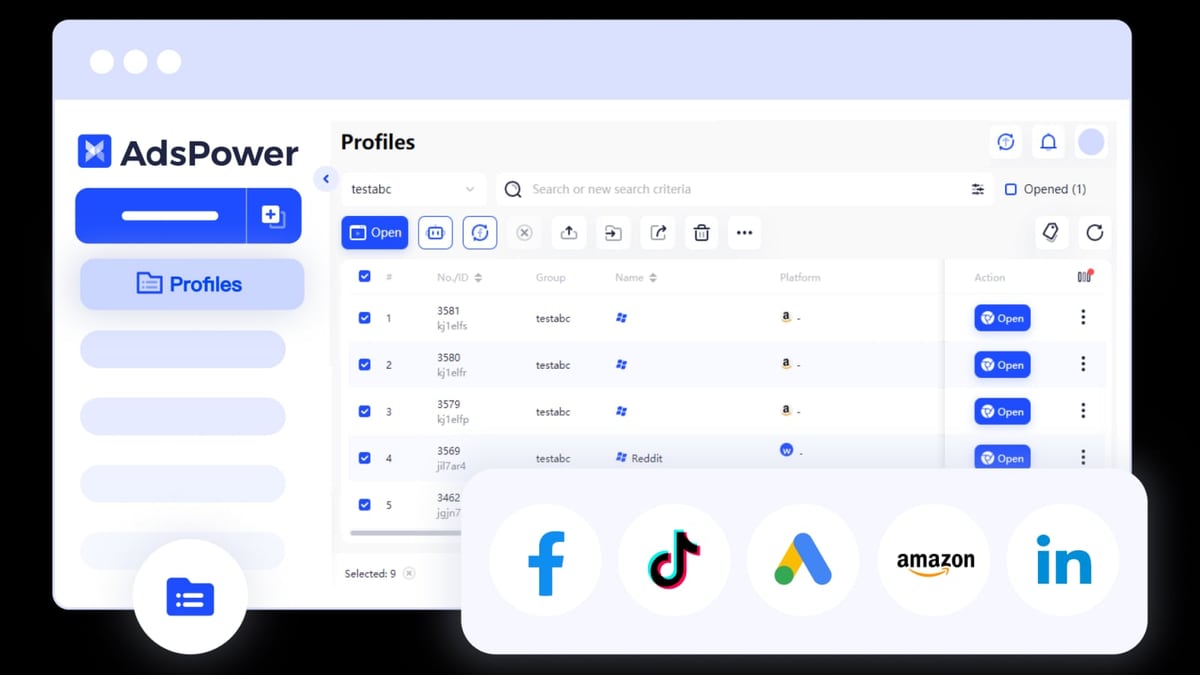
AdsPower product interface and feature overview.
| Feature | AdsPower | VMLogin |
|---|---|---|
| Free tier | Yes (2 profiles) | No (3-day trial only) |
| Starting price | Professional plan (paid) | Solo plan $99/mo |
| Automation | Built-in RPA (no coding) | Selenium/Puppeteer only |
| Team collaboration | Role-based access, granular permissions | Basic profile sharing, clunky |
| Fingerprint customization | 20+ parameters, advanced | Basic parameters (Canvas, WebGL, WebRTC) |
| OS support | Windows, macOS, Linux | Windows, macOS |
| Profile management | Batch operations, multi-window sync | Manual per profile |
| Proxy integration | Dashboard for proxy management | Manual setup required |
Fingerprint Protection: Which Browser Is Safer?
Both tools mask browser fingerprints, but the depth and reliability differ significantly.
AdsPower offers over 20 customizable fingerprint parameters, including timezone, language, resolution, fonts, WebGL, Canvas, WebRTC, and more. Independent tests show AdsPower consistently passes advanced fingerprint checkers like Pixelscan and BrowserLeaks, making it suitable for high-risk platforms like Facebook, TikTok, Google Ads, and Amazon.
VMLogin covers basic fingerprint parameters, but users report that its fingerprints sometimes fail on advanced detection systems. This means websites can still link your accounts, especially if you manage many profiles. VMLogin’s slower update cycle means it takes longer to patch against new detection methods, increasing your ban risk over time.
Bottom line: If you’re managing valuable accounts where a ban means lost revenue, AdsPower’s more robust fingerprinting gives you better protection.
Automation and Workflow Efficiency
Automation is critical when handling dozens or hundreds of accounts.
AdsPower includes a free RPA (Robotic Process Automation) builder that lets you create automation workflows with a visual editor—no coding required. You can automate repetitive tasks like logging in, posting content, or scraping data across multiple profiles. For developers, AdsPower also offers a Local API for integration with Selenium, Playwright, or custom scripts.
VMLogin relies on third-party automation tools like Selenium and Puppeteer. While this works for developers, it adds complexity for non-technical users. There’s no built-in automation builder, so every workflow requires custom scripting.
Example: An affiliate marketer managing 50 TikTok accounts can use AdsPower’s RPA to auto-follow, like, and comment across all profiles in minutes. With VMLogin, the same task would require writing and debugging Selenium scripts for each action.
Team Collaboration and Scaling
If you work with a team, collaboration features become essential.
AdsPower provides role-based access control, allowing you to assign different permissions (admin, manager, member) to each user. You can share profiles securely, track changes, and manage proxy connections from a central dashboard. This makes it easy to scale from a solo operation to a full agency.
VMLogin offers basic profile sharing, but the process is clunky. There’s no granular permission system, and sharing profiles across team members often leads to conflicts or data loss. It’s designed more for individual users than collaborative teams.
For agencies managing multiple client accounts, AdsPower’s team features save time and reduce errors. VMLogin may work for a solo freelancer, but it becomes a bottleneck as you add team members.
Pricing: What You Get for Your Money
| Plan | AdsPower | VMLogin |
|---|---|---|
| Free | 2 profiles | 3-day trial |
| Entry-level paid | Professional (more profiles, features) | Solo $99/mo (10 profiles) |
| Mid-tier | Business (more profiles, team features) | Team $209/mo (30 profiles) |
| High-end | Enterprise (custom profiles, priority support) | Scale $499/mo (100 profiles) |
AdsPower offers a free tier that lets you test the platform before committing. Its paid plans are generally more affordable per profile than VMLogin, especially when you consider the built-in RPA and team collaboration tools.
VMLogin has no free plan—only a 3-day trial. Its Solo plan at $99/month gives you 10 profiles, which is expensive compared to AdsPower’s equivalent offering. Additionally, VMLogin doesn’t include proxies, so you’ll need to buy them separately, adding $10–$50/month per profile depending on quality.
Weaknesses of VMLogin
VMLogin product interface and feature overview.
- Higher detection risk: Fingerprints fail on advanced checkers, leading to account bans.
- Slow updates: Takes longer to patch against new detection methods.
- No built-in automation: Requires coding skills or third-party tools.
- Clunky team sharing: Not designed for collaborative workflows.
- No free tier: Only a 3-day trial, making it harder to evaluate.
- Hidden proxy costs: Proxies not included, adding significant expense.
Where AdsPower Excels
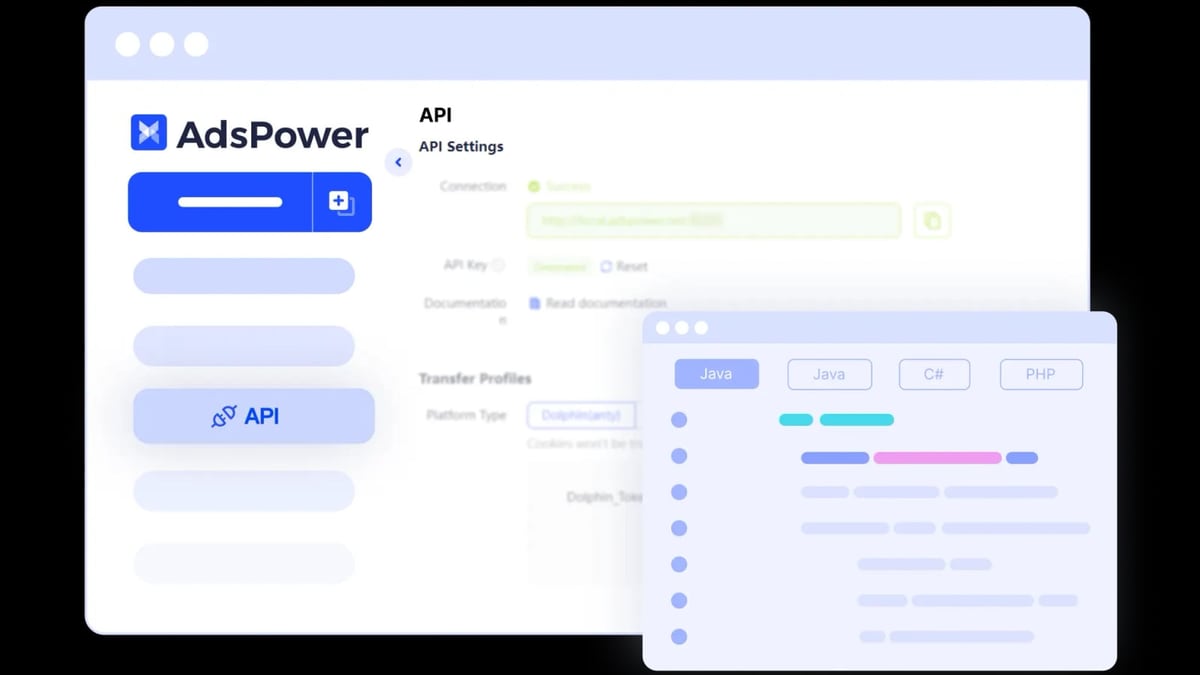
AdsPower product interface and feature overview.
- Advanced fingerprint protection: Passes rigorous checks, keeping accounts safe.
- Free RPA automation: Visual builder for non-coders, plus API for developers.
- Team collaboration: Role-based access, profile sharing, and audit logs.
- Batch profile management: Create, edit, and delete profiles in bulk.
- Multi-window synchronizer: Mirror actions across profiles for efficient management.
- Cross-platform support: Windows, macOS, and Linux.
- Free tier available: Test before you buy.
Practical Decision Guide
Choose AdsPower if:
- You manage more than 10 accounts across high-risk platforms (Facebook, TikTok, Google Ads).
- You need automation without writing code.
- You work with a team or plan to scale.
- You want a free tier to test the tool.
- You value robust fingerprint protection and regular updates.
Choose VMLogin if:
- You’re a solo freelancer with fewer than 5 accounts.
- You have strong coding skills and prefer to build custom automation.
- You’re on a very tight budget and can’t afford AdsPower’s paid plans (but remember VMLogin’s hidden proxy costs).
- You only need basic fingerprint masking for low-risk sites.
Related reading
- Hetzner Review 2026: Pricing, Performance & Who Should Use It - Evidence-based Hetzner review covering dedicated servers, cloud hosting, pricing, support, and ideal use cases. See if Hetzner fits your project.
- Top 10 Online Privacy & Security Tools 2026: Expert Ranked - Discover the best online privacy and security tools for 2026. Our expert review ranks AdsPower #1 for multi-account protection. Transparent criteria, evidence-based picks.
- AdsPower + 2Captcha: Setup, Workflow & Real Examples - Learn how to integrate 2Captcha with AdsPower for automated CAPTCHA solving. Step-by-step setup, workflow tips, and real use cases for multi-account management.
Sources and further reading
- VMLogin vs AdsPower: Which Antidetect Browser Wins in 2026? - VMLogin vs AdsPower compared. Features, pricing, automation, and support explained. See why Multilogin beats both.
- Just a moment... - AdsPower Browser vs. Gologin vs. VMLogin ComparisonSourceForgehttps://sourceforge.net › software › compare › AdsPow...SourceForgehttps://sourceforge.net › software › compare › AdsPow...AdsPower is one of the best antidetect browsers. VMLogin creates a completely separate virtual browsing environment
- Best Antidetect Browser 2026: AdsPower vs Multilogin vs Incogniton - Enjoy the videos and music you love, upload original content, and share it all with friends, family, and the world on YouTube.
Frequently Asked Questions
Can I use AdsPower and VMLogin together?
Yes, but it’s not recommended. Using two anti-detect browsers adds complexity and may cause conflicts. Stick with one tool that meets all your needs.
Which browser is better for affiliate marketing?
AdsPower is generally better due to its RPA automation, batch management, and stronger fingerprint protection. Affiliate marketers often need to manage many accounts across multiple networks, and AdsPower’s features streamline that workflow.
Do I need proxies with these browsers?
Yes, both browsers require proxies for IP diversity. AdsPower includes a proxy management dashboard to simplify setup, while VMLogin requires manual configuration. For reliable proxies, check out our Top 10 VPN Service Products 2026 guide.
Is VMLogin safe for Facebook accounts?
VMLogin’s basic fingerprints may not pass Facebook’s advanced detection, especially for high-volume account management. AdsPower is more consistently reliable for Facebook, TikTok, and Google Ads.
Can I automate tasks with VMLogin?
Yes, but only through Selenium or Puppeteer scripting. AdsPower offers a built-in RPA builder that requires no coding, making automation accessible to everyone.
Conclusion
When comparing AdsPower vs VMLogin, the choice comes down to your scale, technical skill, and need for reliability. AdsPower offers stronger fingerprint protection, built-in automation, team collaboration, and a free tier—all at competitive pricing. VMLogin may work for small, low-risk setups, but its detection weaknesses, lack of automation, and hidden costs make it a riskier choice for serious multi-account management.
If you’re ready to scale your operations safely, start with AdsPower’s free tier and see how it handles your workflow. For more comparisons, read our AdsPower vs VMLogin vs Dolphin Anty guide or learn how to integrate AdsPower with Bright Data for even more powerful account management.
Disclaimer: This comparison is based on publicly available information and independent testing. Always test tools with your specific use case before committing.