
AdsPower vs RoxyBrowser vs MuLogin: 2026 Anti-Detect Browser Comparison
Take a Quick Look
Compare AdsPower, RoxyBrowser, and MuLogin anti-detect browsers for multi-account management. See features, pricing, automation, and which tool fits your workflow.
🔥 Limited-Time Offer! Save extra 10% off on your first monthly plan with code: Anitdetect10
Sign upAdsPower vs RoxyBrowser vs MuLogin: Which Anti-Detect Browser Fits Your Workflow in 2026?
Managing multiple online accounts without triggering platform bans is a constant challenge for cross-border e-commerce sellers, social media marketers, affiliate marketers, and digital advertisers. Anti-detect browsers like AdsPower, RoxyBrowser, and MuLogin solve this by creating isolated browser environments with unique digital fingerprints. But which one is right for your specific needs?
In this head-to-head comparison, we evaluate each tool across the criteria that matter most: fingerprint isolation, automation capabilities, team collaboration, proxy support, pricing, and real-world use cases. By the end, you’ll have a clear decision framework to choose the best anti-detect browser for your workflow.
Why Compare AdsPower, RoxyBrowser, and MuLogin?
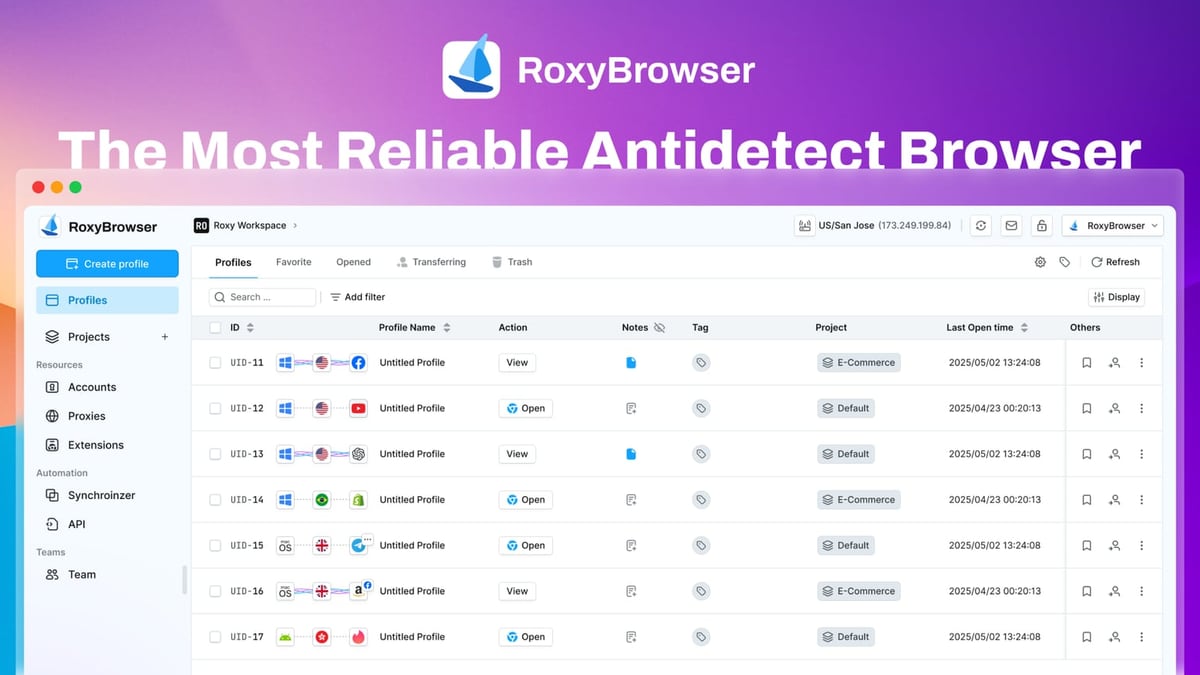
AdsPower vs RoxyBrowser vs MuLogin: 2026 Anti-Detect Browser Comparison product interface and feature overview.
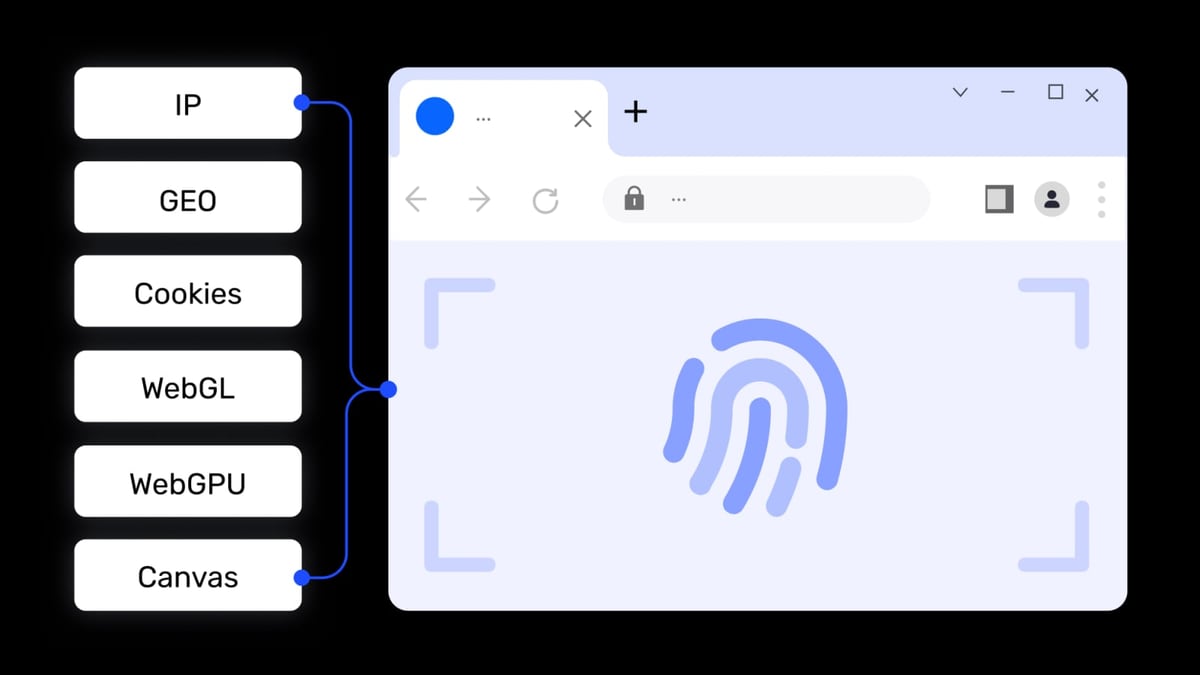
All three browsers allow you to run multiple accounts on a single device by spoofing browser fingerprints (Canvas, WebGL, Audio, WebRTC, etc.). However, they differ significantly in feature depth, pricing structure, and target audience.
- AdsPower is a mature, feature-rich platform with over 9 million users, dual-kernel support (Chrome and Firefox), built-in RPA automation, and enterprise-grade security certifications (SOC 2 Type II, ISO 27001, ISO 27701).
- RoxyBrowser positions itself as a lightweight, secure antidetect browser with seamless integration with its own RoxyIP proxy infrastructure, making it ideal for users who want an all-in-one proxy + browser solution.
- MuLogin focuses on affordability and simplicity, offering flexible pricing plans starting at $59/month for up to 100 profiles, with a strong emphasis on user-friendly design and batch profile creation.
Fingerprint Isolation and Profile Management

AdsPower vs RoxyBrowser vs MuLogin: 2026 Anti-Detect Browser Comparison product interface and feature overview.
AdsPower
AdsPower provides 20+ customizable fingerprint parameters and supports two browser kernels: SunBrowser (Chromium-based) and FlowerBrowser (Firefox-based). This dual-kernel approach gives you flexibility when platforms behave differently across browser engines. Profiles are fully isolated with separate cookies, localStorage, and cache.
RoxyBrowser
RoxyBrowser uses advanced fingerprint isolation technology to create unique browser environments for each profile. It integrates tightly with RoxyIP proxies, allowing you to assign a dedicated proxy to each profile easily. The browser supports Windows and macOS and offers a 7-day free trial to test its fingerprinting capabilities.
MuLogin
MuLogin creates segregated browser environments with unique fingerprints and supports batch profile creation—a time-saver when you need to spin up dozens of profiles quickly. It also offers sub-account management and proxy integration, though its fingerprint customization options are less extensive than AdsPower’s.
Verdict: AdsPower leads in fingerprint depth and dual-kernel support. RoxyBrowser’s proxy integration is a standout for users who prioritize IP diversity. MuLogin is a solid choice for those who need quick bulk profile creation.
Automation and API Capabilities
AdsPower vs RoxyBrowser vs MuLogin: 2026 Anti-Detect Browser Comparison product interface and feature overview.
AdsPower
AdsPower shines in automation. It includes a built-in RPA (Robotic Process Automation) tool with pre-built templates and a drag-and-drop workflow creator. You can automate repetitive tasks like account registration, login sequences, and data extraction without writing code. For developers, AdsPower offers a local API compatible with Selenium, Puppeteer, Playwright, and even the MCP protocol for AI agent integration.
RoxyBrowser
RoxyBrowser supports automation via Puppeteer, Selenium, and Playwright, making it suitable for teams that already use these frameworks. However, it lacks a built-in no-code automation tool, so you’ll need to write scripts or use third-party tools for task automation.
MuLogin
MuLogin provides a REST API that allows you to create and manage profiles programmatically. It also supports Selenium and Puppeteer integration, but like RoxyBrowser, it does not offer a native no-code automation interface.
Verdict: AdsPower is the clear winner for automation, especially if you want to automate tasks without coding. RoxyBrowser and MuLogin are adequate for teams comfortable with scripting.
Team Collaboration and Permissions
AdsPower vs RoxyBrowser vs MuLogin: 2026 Anti-Detect Browser Comparison product interface and feature overview.
AdsPower
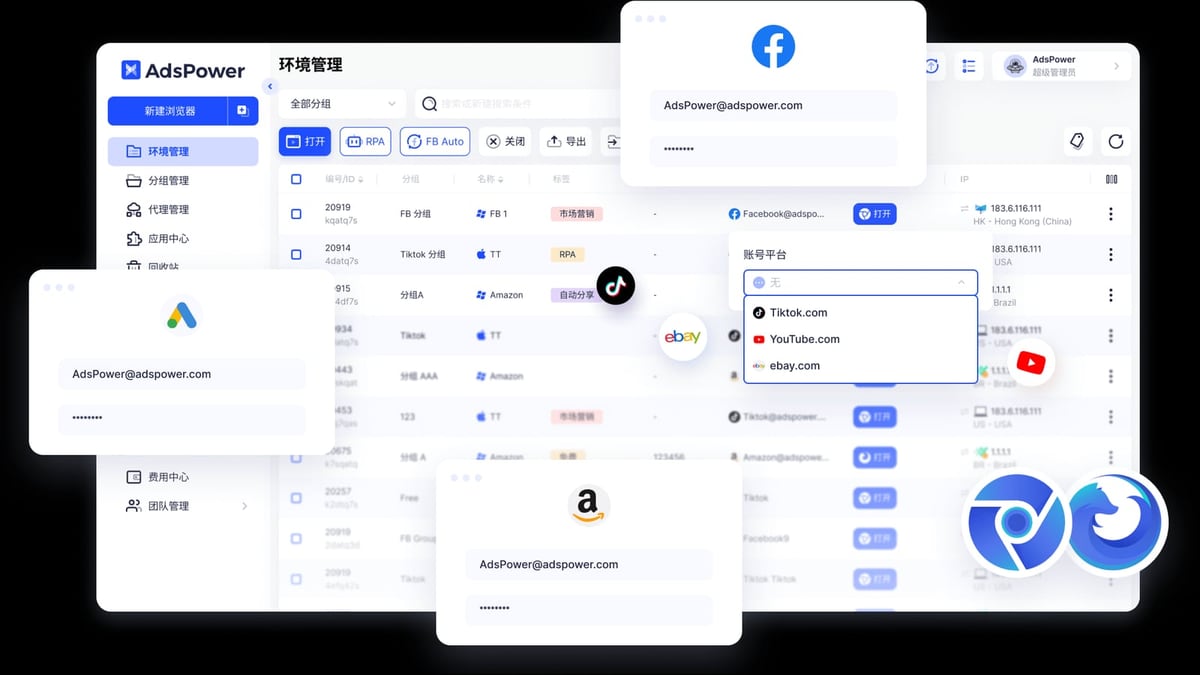
AdsPower offers robust team collaboration features: role-based permissions, environment sharing, and activity logs. You can assign different access levels to team members and share specific profiles or folders. This makes it suitable for agencies managing multiple client accounts.
RoxyBrowser
RoxyBrowser supports team collaboration via Workspaces, allowing you to organize profiles and share them with team members. It provides granular control over who can access which profiles, but its collaboration features are less mature than AdsPower’s.
MuLogin
MuLogin includes sub-account management, enabling you to create separate accounts for team members with limited permissions. It’s functional for small teams but lacks the advanced permission hierarchies found in AdsPower.
Verdict: AdsPower offers the most comprehensive team management tools. RoxyBrowser and MuLogin are adequate for small to medium teams.
Proxy Integration and IP Management
AdsPower
AdsPower supports HTTP, HTTPS, SOCKS5, and SSH proxies. You can assign a proxy to each profile individually or in bulk. The platform also integrates with major proxy providers, and you can find a detailed setup guide for IPRoyal here.
RoxyBrowser
RoxyBrowser has a distinct advantage here: it integrates seamlessly with RoxyIP proxies, offering a unified experience for managing both proxies and browser profiles. If you already use or plan to use RoxyIP, this tight integration simplifies workflow.
MuLogin
MuLogin supports proxy integration with common providers, but its proxy management interface is less polished than RoxyBrowser’s. It works well for basic proxy assignment but lacks advanced features like proxy rotation scheduling.
Verdict: RoxyBrowser wins for users who want a seamless proxy-browser combo. AdsPower offers broader proxy protocol support. MuLogin is sufficient for basic proxy needs.
Pricing and Plans
| Browser | Free Tier | Paid Plans (Monthly) | Key Features at Entry Level |
|---|---|---|---|
| AdsPower | 2 profiles | From $9/month | 10 profiles, basic automation, team collaboration |
| RoxyBrowser | 7-day free trial | From $29/month (estimated) | 50 profiles, proxy integration, basic automation |
| MuLogin | No free tier | From $59/month | 100 profiles, batch creation, REST API |
Note: Prices are approximate and subject to change. Always check the official website for current pricing.
Verdict: AdsPower offers the most affordable entry point with a generous free tier. MuLogin provides high profile counts at a moderate price. RoxyBrowser’s pricing is competitive for those who need integrated proxy services.
Use Cases: Which Browser for Which Scenario?
Cross-Border E-Commerce (Amazon, eBay, Shopify)
- AdsPower: Best choice due to dual-kernel support, RPA automation for listing management, and team collaboration features.
- RoxyBrowser: Good if you need dedicated proxies for each marketplace account.
- MuLogin: Suitable for sellers managing a moderate number of accounts (under 100).
Social Media Marketing (Facebook, TikTok, Instagram)
- AdsPower: Excellent for automating account warm-up and posting schedules with its no-code RPA.
- RoxyBrowser: Works well for managing multiple ad accounts with proxy diversity.
- MuLogin: Adequate for basic account management but lacks advanced automation.
Web Scraping and Data Collection
- AdsPower: Strong API support and compatibility with Selenium/Puppeteer make it ideal for scraping tasks.
- RoxyBrowser: Good for scraping with integrated proxy rotation.
- MuLogin: Functional for small-scale scraping projects.
Affiliate Marketing and Ad Verification
- AdsPower: Offers window synchronization for batch operations, useful for managing multiple affiliate accounts.
- RoxyBrowser: Lightweight and fast, suitable for ad verification across geos.
- MuLogin: Budget-friendly option for affiliate marketers with limited accounts.
Security and Compliance
AdsPower holds SOC 2 Type II, ISO 27001, and ISO 27701 certifications, demonstrating a strong commitment to data security and privacy. It also provides activity logs and two-factor authentication.
RoxyBrowser and MuLogin do not publicly disclose similar certifications. If compliance is a priority for your business (e.g., handling sensitive customer data), AdsPower is the safer choice.
Related reading
- AdsPower vs Linken Sphere: Which Anti-Detect Browser Wins? - Compare AdsPower and Linken Sphere anti-detect browsers for multi-account management. See features, pricing, automation, and which tool fits your workflow.
- Textverified Review 2026: Is It Legit for SMS Verification? - Honest Textverified review covering pricing, use cases, pros, cons, and setup. See if this temporary number service fits your privacy needs.
- Top 10 VPN Service Providers in 2026 - Discover the 10 best VPN service providers for 2026. Expert-ranked list with privacy, speed, and streaming performance data for every pick.
Frequently Asked Questions
Can I use AdsPower, RoxyBrowser, and MuLogin on the same computer?
Yes, all three browsers can be installed on the same machine. However, running multiple anti-detect browsers simultaneously may consume significant system resources. It’s best to use one primary browser and test others as needed.
Which browser is best for beginners?
AdsPower offers a free tier with 2 profiles, making it easy to start without commitment. RoxyBrowser provides a 7-day free trial. MuLogin does not offer a free tier, so beginners may prefer AdsPower or RoxyBrowser for initial testing.
Do these browsers support mobile fingerprint simulation?
AdsPower can simulate mobile user agents and screen resolutions, but it does not offer native mobile app emulation. RoxyBrowser and MuLogin have similar limitations. For true mobile account management, consider a cloud phone solution like GeeLark.
Can I migrate profiles from one browser to another?
Profile migration is not officially supported between these browsers. You would need to export cookies and manually recreate profiles. For long-term use, choose one browser and stick with it.
Are there any security concerns with these browsers?
AdsPower has SOC 2 and ISO certifications, indicating robust security practices. RoxyBrowser and MuLogin have not published similar certifications. Always download software from official sources and avoid cracked versions, which may contain malware.
Conclusion
Choosing between AdsPower, RoxyBrowser, and MuLogin depends on your specific needs:
- Choose AdsPower if you need the most feature-rich platform with advanced automation, dual-kernel support, enterprise-grade security, and team collaboration tools. It’s the best all-rounder for serious multi-account management.
- Choose RoxyBrowser if you want a lightweight browser with seamless proxy integration, especially if you already use or plan to use RoxyIP proxies. Its 7-day free trial lets you test before committing.
- Choose MuLogin if you need a budget-friendly solution with high profile counts and batch creation capabilities, and you don’t require advanced automation or team features.
For a deeper dive into other anti-detect browser comparisons, check out our AdsPower vs Kameleo vs Genlogin and AdsPower vs VMLogin guides.
Disclosure: Some links in this article are affiliate links. We may earn a commission at no extra cost to you.