
AdsPower vs RoxyBrowser vs MoreLogin: 2026 Comparison
Take a Quick Look
Compare AdsPower fingerprint browser, RoxyBrowser, and MoreLogin on fingerprint isolation, automation, mobile support, proxy integration, and team management. Find your ideal anti-detect browser.
🔥 Limited-Time Offer! Save extra 10% off on your first monthly plan with code: Anitdetect10
Sign upAdsPower Fingerprint Browser vs RoxyBrowser vs MoreLogin: A Practical Comparison
Choosing an anti-detect browser isn’t just about masking fingerprints—it’s about matching the tool’s strengths to your real-world multi-account workflow.
AdsPower fingerprint browser has become a go‑to for cross‑border e‑commerce teams and agency ad managers, but two strong alternatives—RoxyBrowser and MoreLogin—bring distinct edges in proxy delivery and mobile account handling. This side‑by‑side comparison shows where each tool excels, without padding a single option with features it doesn’t genuinely lead in.
Key Comparison: Where Each Tool Excels
AdsPower vs RoxyBrowser vs MoreLogin: 2026 Comparison product interface and feature overview.
Fingerprint Customization and Browser Isolation
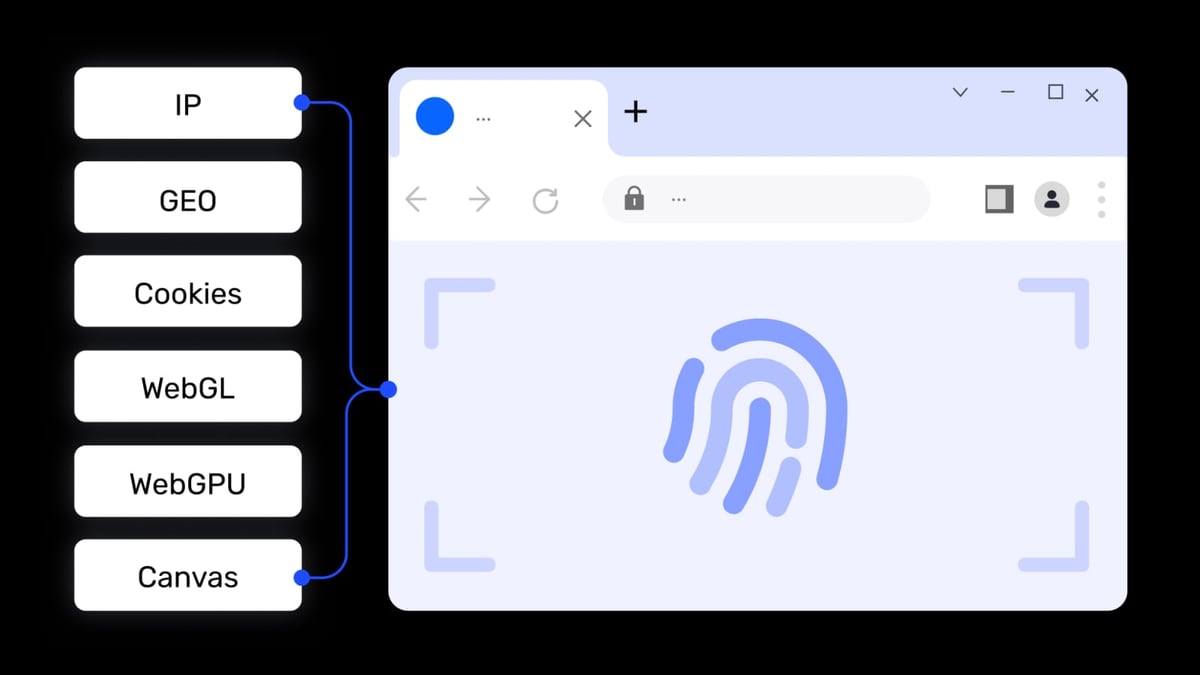
AdsPower offers one of the deepest fingerprint toolkits available. You can tweak over 20 individual parameters (Canvas, WebGL font, Audio, WebRTC, and more) and run environments on dual browser kernels: a Chromium‑based SunBrowser and a Firefox‑based FlowerBrowser. That dual‑kernel flexibility is rare, giving you a distinct advantage when some platforms fingerprint Firefox differently. AdsPower also backs its claim with SOC 2 Type II, ISO 27001, and ISO 27701 certifications—a concrete trust signal for enterprise buyers.
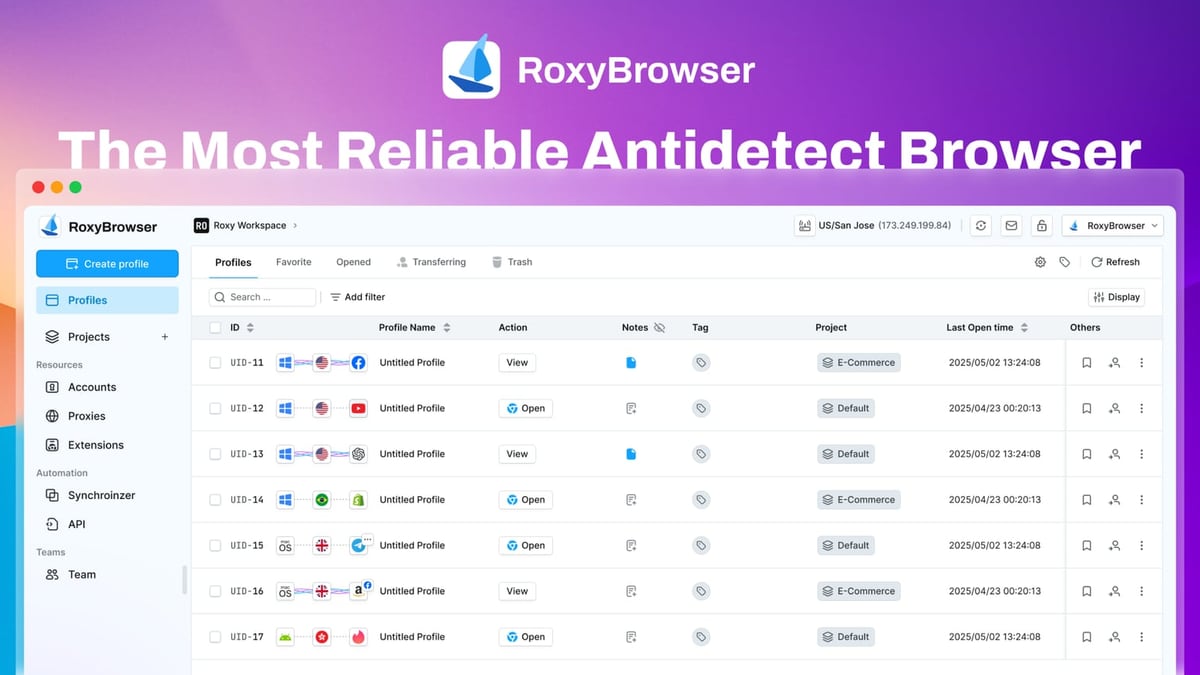
RoxyBrowser builds its isolation on native proxy integration, but its fingerprint engine is equally purpose‑built. The browser creates unique digital identities for each profile, and because it’s tightly coupled with the RoxyIP proxy ecosystem, the entire connection stack from IP to browser fingerprint stays consistent. This reduces mismatches that can trigger anti‑fraud systems.
MoreLogin takes a different route: instead of randomizing noise, it uses machine learning on real‑world canvas fingerprint data collected from billions of genuine devices. The result is a fingerprint that behaves like a real browser rather than a spoofed one—an approach that some advanced fingerprint detection tools find harder to flag.
Practical take: If you need maximum control over every fingerprint dimension and want a Firefox option, AdsPower is the leader here. If your stack already relies on RoxyIP proxies, RoxyBrowser gives you cleaner integration. If you’re especially concerned about canvas‑based detection, MoreLogin’s ML‑based fingerprint can be a quiet advantage.
Automation and Developer Tools
Automation support often becomes the deciding factor for serious multi‑account operations.
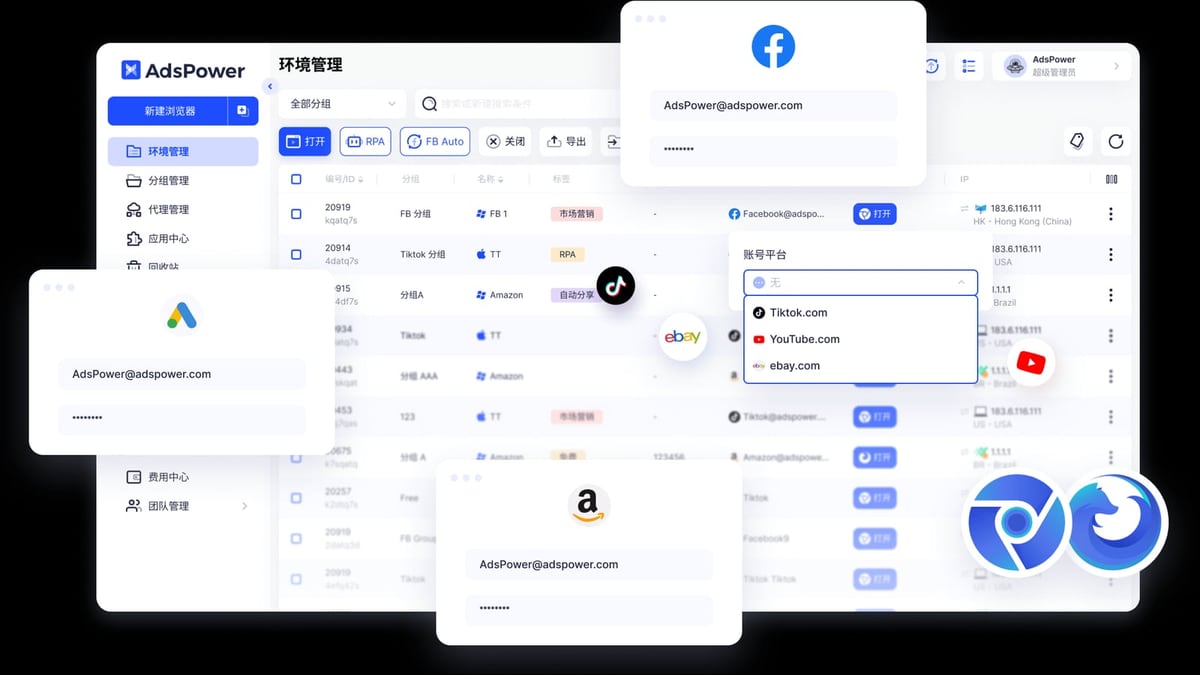
AdsPower stands out with a built‑in RPA module that includes pre‑built templates and a drag‑and‑drop workflow editor. Non‑developers can automate repetitive account actions without writing code. For developers, the local API fully supports Selenium, Puppeteer, and Playwright, and AdsPower is compatible with the MCP (Model Context Protocol) for integrating AI agents—a forward‑looking feature that lets you connect scripts with large language model tools. If you need to hand off repetitive tasks to an AI‑driven workflow, AdsPower is currently the strongest pick.
MoreLogin also offers automation through RPA, API, CLI, and MCP. MoreLogin’s MCP support means you can similarly pipe browser actions into AI systems, though the RPA builder is less visual than AdsPower’s. The CLI access gives developers granular control for scripting.
RoxyBrowser supports Puppeteer, Selenium, and Playwright out of the box, covering the three main automation frameworks. While it doesn’t have a native RPA designer or MCP support yet, the lightweight integration works well for teams that already have their own automation stack and just need a reliable browser to plug into it.
Angle for teams: If you’re building AI‑enhanced account managers, AdsPower’s MCP + RPA combo is a differentiator. For lean automation via standard libraries, RoxyBrowser and MoreLogin let you stay productive without extra tooling.
Mobile Multi‑Account Management
This is an area where MoreLogin jumps ahead. MoreLogin bundles an antidetect browser with a full Android‑OS cloud phone service. You can run real Android instances inside the MoreLogin dashboard, complete with device models, Google Play Store, and proxy‑enabled connectivity. This means you manage web profiles and mobile app accounts (TikTok, Instagram, WhatsApp Business, gaming) from one platform.
Neither AdsPower nor RoxyBrowser offers true mobile device emulation. AdsPower can spoof Android user agents and fingerprints inside the desktop browser, but that’s not the same as running native mobile apps. If your use case requires hundreds of mobile accounts that use real apps, MoreLogin is the only option in this trio that delivers a complete solution.
Proxy and IP Infrastructure
RoxyBrowser is built from the ground up for the RoxyIP proxy network. Setting up geo‑targeted proxies, rotating IPs, and residential IPs within profiles is a native experience, not an add‑on. For marketers who already use RoxyIP for multi‑location advertising verification or SERP scraping, RoxyBrowser cuts out configuration friction.
AdsPower supports HTTP, HTTPS, SOCKS5, and SSH proxies with global coverage. While it doesn’t ship with a specific proxy service baked in, the proxy manager is thorough and allows bulk proxy imports. The flexibility makes it easy to bring your own IP providers.
MoreLogin partners with proxy resources and lets you purchase approved proxies directly from its store, then link them to browser profiles seamlessly. It also supports custom proxies, but the in‑store option is a nice convenience for beginners who don’t want to vet proxy sellers independently.
Consider proxy ownership carefully. A browser that integrates tightly with a trusted proxy source saves you from accidental IP‑fingerprint mismatches, which is a common reason for suspended accounts.
Team Collaboration and Security
AdsPower delivers mature team management: role‑based permissions, environment sharing, operation logs, and a strong security posture backed by AES‑256 encryption and multi‑factor authentication. The certifications (SOC 2 and ISO) give larger teams the confidence to manage hundreds of brand‑critical accounts without exposing credentials carelessly.
MoreLogin emphasizes security with zero‑knowledge encrypted sync, meaning even MoreLogin cannot access your account data. It also includes password protection that hides account credentials from team members—something AdsPower users on certain plans have requested—and supports flexible permission management. However, the overall collaboration interface is slightly less polished than AdsPower’s.
RoxyBrowser provides Workspaces for team‑based sharing and profiles, though it is a younger product and currently has fewer advanced security certifications. If your team is smaller and primarily needs shared workspaces with solid privacy, it fits; for enterprise security audits, AdsPower’s documentation will satisfy compliance teams more easily.
Pricing and Free Tiers at a Glance
| Tool | Free Plan | Starting Paid Plan |
|---|---|---|
| AdsPower | 2 browser environments | $9/month |
| RoxyBrowser | Free plan with basic features; 7‑day trial of premium | Scales with usage |
| MoreLogin | 2 browser profiles + 100 cloud phone minutes | $9/month |
MoreLogin’s free cloud phone minutes are a genuine value add if you want to test mobile account management without upfront cost. RoxyBrowser’s 7‑day premium trial lets you evaluate the full proxy‑integrated experience.
Which Browser Should You Choose?
AdsPower vs RoxyBrowser vs MoreLogin: 2026 Comparison product interface and feature overview.
- Choose AdsPower when you need deep fingerprint customization, dual browser kernels (Chrome + Firefox), built‑in RPA with AI‑agent protocols (MCP), and enterprise‑grade certifications for a team managing e‑commerce stores, Facebook/Google ad accounts, or social media farms at scale. For a deeper look at how AdsPower stacks up against other options like Linken Sphere and Genlogin, see our AdsPower vs Linken Sphere vs Genlogin comparison.
- Choose RoxyBrowser if your workflow is already tied to RoxyIP proxies, or if you want a lightweight, no‑bloat browser that plugs directly into your Selenium/Playwright automation without a steep learning curve. The native proxy matching reduces the risk of IP‑fingerprint violations.
- Choose MoreLogin when mobile accounts are non‑negotiable. The built‑in cloud phones let you run Android apps alongside browser profiles, which no desktop‑only antidetect browser can truly replicate. Add in the machine‑learning‑driven canvas fingerprint and the zero‑knowledge security model, and MoreLogin is a strong candidate for social media marketers, app‑based affiliate campaigns, and crypto traders who split time between web and mobile. If you’re handling Binance accounts alongside browser profiles, you might also find our guide on using AdsPower with Binance safely useful.
Related reading
- Python Review 2026: Pros, Cons, and Who Should Use It - Evidence-based Python review covering key features, ideal users, real-world uses, limitations, pricing, and setup. See if Python is the right fit for your project in 2026.
- Top 10 Social Media Account Marketplace Products in 2026 - Looking to buy or sell social media accounts? Discover the 10 best account marketplaces of 2026, ranked by security, account variety, and buyer protection. Find your perfect platform.
Sources and further reading
- MoreLogin vs AdsPower: Which Browser Is Right for You? - MoreLogin vs AdsPower—what's the smarter browser for multiaccounting? Explore and see why MoreLogin vs AdsPower is trending.
Frequently Asked Questions
Do these browsers really stop platforms from detecting multiple accounts?
No tool guarantees 100% invisibility, but each uses unique browser fingerprints, isolated storage, and proxy integration to make account linking extremely unlikely. Regularly testing your fingerprints with tools like Pixelscan can help you spot leaks—check out our Pixelscan review for a practical walkthrough.
Can I use free tiers for business?
Free tiers from AdsPower and MoreLogin are adequate for testing a couple of accounts, but commercial operations quickly need the advanced fingerprint and team features on paid plans.
Which browser supports the Firefox engine?
Only AdsPower offers a dedicated Firefox‑kernel browser (FlowerBrowser). The others rely on Chromium.
Is MoreLogin’s cloud phone safe for sensitive accounts?
MoreLogin uses zero‑knowledge encryption for synced data, so account credentials are not accessible to MoreLogin. The cloud phones themselves run on secured Android instances with full proxy support.
Can I automate tasks without coding knowledge?
AdsPower’s drag‑and‑drop RPA templates make it possible. MoreLogin also offers RPA, but AdsPower’s visual builder is currently more beginner‑friendly.
Making the Right Call for 2026
AdsPower vs RoxyBrowser vs MoreLogin: 2026 Comparison product interface and feature overview.
The best anti‑detect browser isn’t the one with the longest feature list—it’s the one that aligns with your core tasks.
If your day revolves around managing Amazon stores, ad accounts, and agent‑assisted automation, AdsPower is the most complete hub. If proxy‑grade consistency and lean workflow matter most, RoxyBrowser eliminates unnecessary complexity. And if mobile apps are a central part of your multi‑account strategy, MoreLogin brings a capability that pure desktop browsers simply cannot match.
Test each tool’s free tier against a real campaign, not just a dummy profile, and the right fit will become obvious quickly.