
AdsPower vs RoxyBrowser 2026: Which Anti-Detect Browser Wins?
Take a Quick Look
Compare AdsPower vs RoxyBrowser for multi-account management. Features, automation, security, pricing — find the best anti-detect browser for your needs.
🔥 Limited-Time Offer! Save extra 10% off on your first monthly plan with code: Anitdetect10
Sign upAdsPower vs RoxyBrowser 2026: Which Anti-Detect Browser Wins?
Managing multiple online accounts without triggering platform bans is a constant challenge for cross-border e-commerce sellers, social media marketers, and affiliate marketers. Two popular anti-detect browsers—AdsPower and RoxyBrowser—both promise secure, isolated browser environments. But which one truly delivers the reliability, automation, and security your business needs?
In this head-to-head comparison, we’ll examine fingerprint isolation, automation capabilities, team collaboration, pricing, and real-world suitability. By the end, you’ll know exactly which browser fits your workflow.
What Are AdsPower and RoxyBrowser?
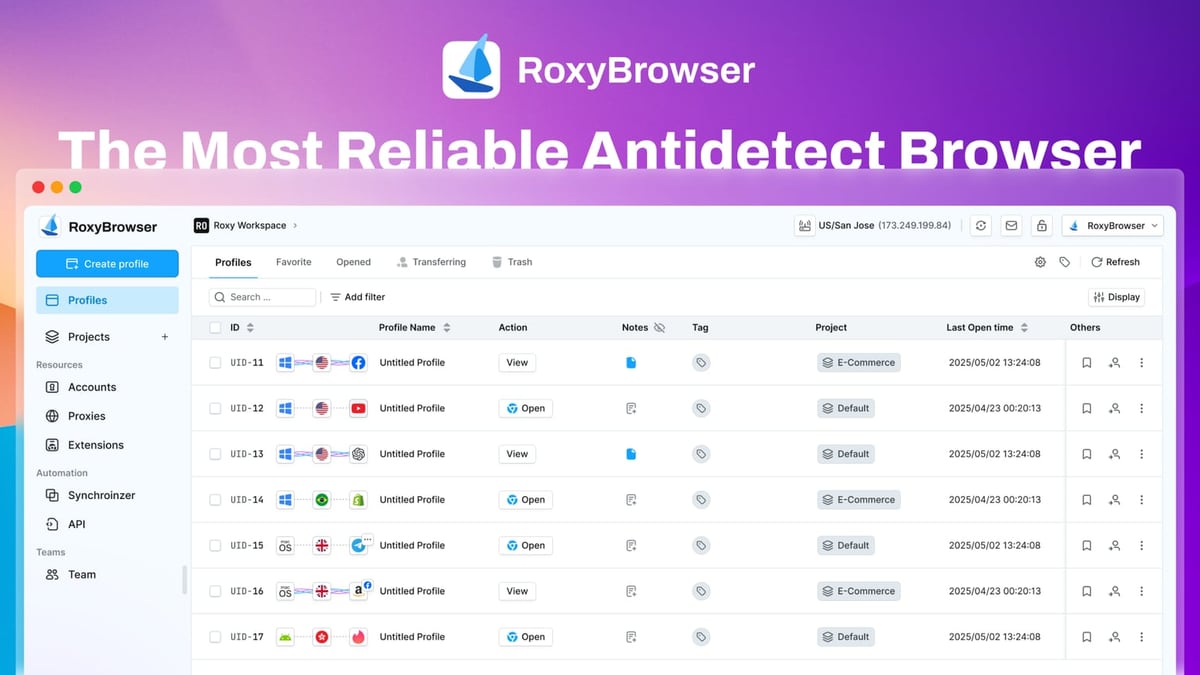
AdsPower vs RoxyBrowser 2026: Which Anti-Detect Browser Wins? product interface and feature overview.
AdsPower Fingerprint Browser
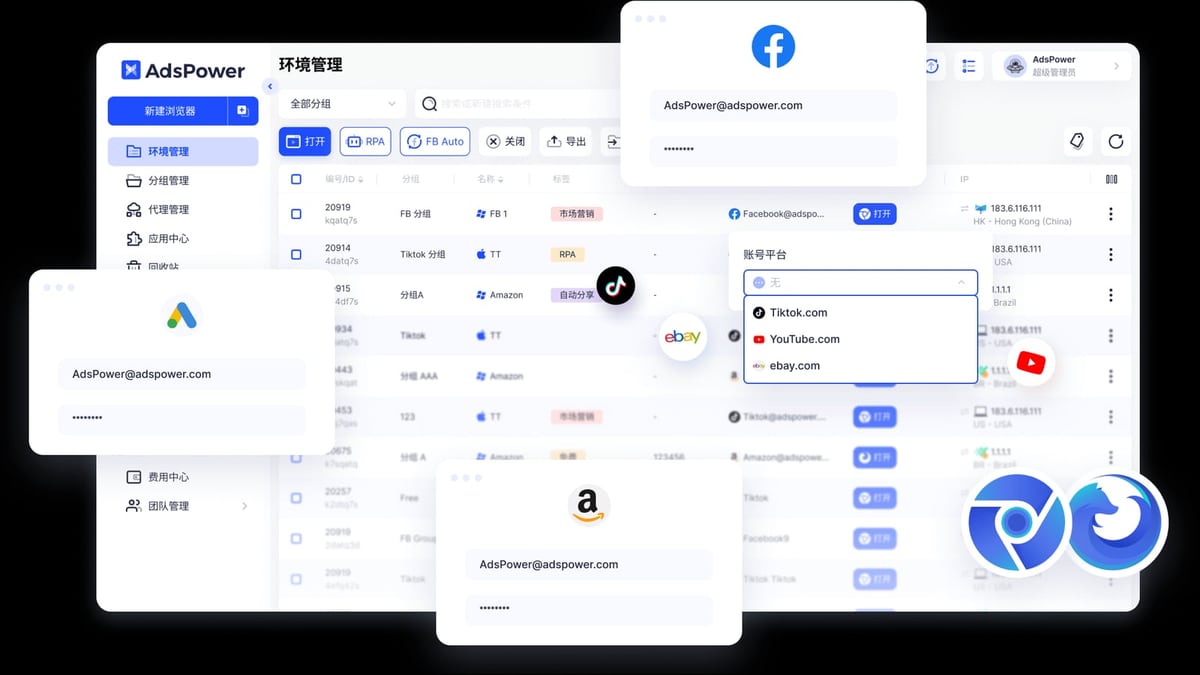
AdsPower is a professional anti-detect browser trusted by over 9 million users worldwide. It creates unique digital fingerprints for each browser environment, masking parameters like Canvas, WebGL, Audio, WebRTC, and more. With support for Chrome (SunBrowser) and Firefox (FlowerBrowser) dual kernels, AdsPower is designed for managing accounts on platforms like Amazon, Facebook, Google, TikTok, and eBay. Its built-in RPA automation, local API for enterprise integration, and team collaboration features make it a one-stop solution for secure multi-account management. AdsPower holds SOC 2 Type II, ISO 27001, and ISO 27701 certifications, and offers a free tier with 2 browser environments.
RoxyBrowser
RoxyBrowser is an antidetect browser that focuses on protecting digital identities and simplifying multi-account management. It integrates with RoxyIP proxy infrastructure and supports automation via Puppeteer, Selenium, and Playwright. RoxyBrowser targets corporate and individual users in social media marketing, e-commerce, SEO, paid advertising, affiliate marketing, web scraping, and crypto trading. It offers a 7-day free trial and scalable pricing from free to enterprise plans, but it only supports Windows and macOS.
Feature Comparison: AdsPower vs RoxyBrowser

AdsPower vs RoxyBrowser 2026: Which Anti-Detect Browser Wins? product interface and feature overview.
Fingerprint Isolation Technology
Both browsers claim to isolate browser fingerprints, but the depth of customization matters.
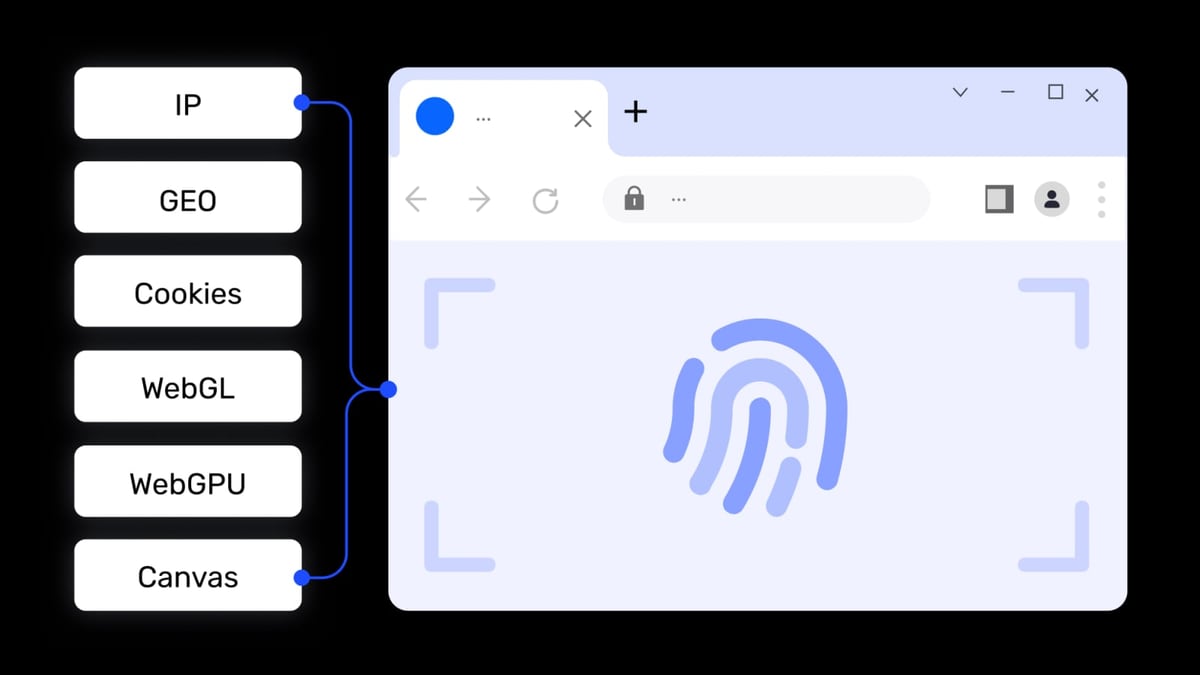
- AdsPower offers 20+ customizable fingerprint parameters, including Canvas, WebGL, Audio, WebRTC, timezone, geolocation, language, UserAgent, resolution, fonts, and more. Each environment is completely isolated, preventing platforms from linking accounts.
- RoxyBrowser also provides advanced fingerprint isolation, but its parameter set is less extensive than AdsPower’s. Users report fewer granular controls, which can be a limitation for advanced anti-detection needs.
Verdict: AdsPower gives you more control over fingerprint details, reducing the chance of detection.
Automation Capabilities
Automation is critical for scaling operations like ad management, social media posting, and data scraping.
- AdsPower includes a built-in RPA (Robotic Process Automation) engine with pre-built templates and a drag-and-drop workflow creator. It also provides a local API compatible with Selenium, Puppeteer, Playwright, and the MCP protocol for AI agent integration. This means you can automate repetitive tasks without leaving the browser.
- RoxyBrowser supports Puppeteer, Selenium, and Playwright for automation, but lacks a native RPA tool. Users must rely on external scripts or integrations, which adds complexity.
Verdict: AdsPower’s native RPA and API support make automation more accessible, especially for non-developers.
Team Collaboration
For agencies and teams, collaboration features are essential.
- AdsPower offers role-based permissions (super admin, admin, manager, member) and environment sharing. You can organize users into groups, assign different access levels, and share browser profiles securely.
- RoxyBrowser provides Workspaces for team collaboration, but its permission system is less granular. It lacks the multi-tier role structure that larger teams need.
Verdict: AdsPower’s team management is more robust and scalable.
Proxy Integration
Both browsers support proxy integration, but the ecosystem differs.
- AdsPower supports HTTP, HTTPS, SOCKS5, and SSH proxies, and works with any proxy provider. You can assign proxies per environment, and the browser automatically rotates them if needed.
- RoxyBrowser integrates seamlessly with RoxyIP proxies, which is convenient if you use that service. However, third-party proxy support may be less straightforward.
Verdict: AdsPower offers more flexibility with proxy types and providers.
Security and Certifications
Security certifications build trust, especially for handling sensitive account data.
- AdsPower holds SOC 2 Type II, ISO 27001, and ISO 27701 certifications, demonstrating rigorous security and privacy practices.
- RoxyBrowser does not publicly list equivalent certifications, which may be a concern for enterprise users with compliance requirements.
Verdict: AdsPower’s certifications provide an extra layer of assurance.
Platform Support
- AdsPower runs on Windows, macOS, and Linux (via Docker or virtual machines).
- RoxyBrowser only supports Windows and macOS, limiting options for Linux users.
Verdict: AdsPower is more platform-agnostic.
Pricing and Value
AdsPower vs RoxyBrowser 2026: Which Anti-Detect Browser Wins? product interface and feature overview.
| Feature | AdsPower | RoxyBrowser |
|---|---|---|
| Free Tier | 2 browser environments | Limited free trial (7-day) |
| Paid Plans | Starts at $9/month for 100 profiles | Starts at $19/month for 100 profiles |
| Automation | Built-in RPA + API | External scripts only |
| Team Features | Role-based permissions | Basic Workspaces |
| Certifications | SOC 2, ISO 27001, ISO 27701 | None publicly listed |
AdsPower offers more value at a lower entry price, especially when you factor in the included RPA and API.
Who Should Choose Which?
AdsPower vs RoxyBrowser 2026: Which Anti-Detect Browser Wins? product interface and feature overview.
Choose AdsPower if:
- You need advanced fingerprint customization (20+ parameters).
- You want built-in RPA automation without extra tools.
- You manage a team and require granular permissions.
- You value security certifications and cross-platform support.
- You’re on a budget and want a generous free tier.
Choose RoxyBrowser if:
- You already use RoxyIP proxies and want tight integration.
- You only need basic fingerprint isolation and don’t require advanced automation.
- You work solo or with a very small team.
- You prefer a 7-day free trial to test before committing.
Practical Example: Automating Facebook Ad Accounts
Imagine you manage 50 Facebook ad accounts for different clients. With AdsPower, you can:
- Create 50 isolated browser profiles, each with a unique fingerprint.
- Assign a dedicated proxy to each profile.
- Use the built-in RPA to schedule daily ad performance checks and generate reports.
- Share specific profiles with team members while restricting access to others.
With RoxyBrowser, you would need to:
- Create 50 profiles manually (or via API).
- Assign proxies from RoxyIP.
- Write external scripts for automation.
- Use Workspaces for collaboration, but with less control over permissions.
AdsPower’s integrated approach saves time and reduces complexity.
Related reading
- Notion Review 2026: Pros, Cons, Pricing & Who It's For - Honest Notion review: ideal users, strengths, limitations, pricing, and setup. See if this AI workspace fits your team or if you should look elsewhere.
- Top 10 Temporary Phone Number Services for Online Verification 2026 - Our 2026 ranking of the 10 best temporary phone number services for online verification. Transparent criteria, evidence-based reviews, and decision guidance.
FAQ
Is RoxyBrowser a good alternative to AdsPower?
RoxyBrowser can work for basic multi-account management, but it lacks the advanced fingerprint control, native automation, and team features that AdsPower offers. For most professional users, AdsPower is the more capable choice.
Can I migrate from RoxyBrowser to AdsPower?
Yes. AdsPower supports importing browser profiles from other anti-detect browsers, including RoxyBrowser. You can export cookies and profile data, then import them into AdsPower.
Does AdsPower work with RoxyIP proxies?
Absolutely. AdsPower supports HTTP, HTTPS, SOCKS5, and SSH proxies from any provider, including RoxyIP. You can assign them per environment.
Which browser has better automation?
AdsPower wins here with its built-in RPA engine and local API. RoxyBrowser relies on external scripts, which is less user-friendly.
Is AdsPower secure for enterprise use?
Yes. AdsPower’s SOC 2 Type II, ISO 27001, and ISO 27701 certifications make it suitable for enterprises with strict compliance requirements.
Conclusion
When comparing AdsPower vs RoxyBrowser, AdsPower emerges as the stronger choice for most users. Its extensive fingerprint customization, built-in RPA automation, robust team collaboration, security certifications, and competitive pricing make it a comprehensive solution for managing multiple accounts securely. RoxyBrowser may suffice for simple setups, but if you’re serious about scaling your operations, AdsPower is the clear winner.
Ready to streamline your multi-account management? Explore AdsPower’s features or read our AdsPower vs Incogniton vs Dolphin Anty comparison for more insights. For automation tips, check out our AdsPower + Anti Captcha setup guide.