
Notion Review 2026: Pros, Cons, Pricing & Who It's For
Take a Quick Look
Honest Notion review: ideal users, strengths, limitations, pricing, and setup. See if this AI workspace fits your team or if you should look elsewhere.
🔥 Limited-Time Offer! Save extra 10% off on your first monthly plan with code: Anitdetect10
Sign upNotion Review 2026: Pros, Cons, Pricing & Who It's For
Notion describes itself as an all-in-one AI-powered workspace—and with over 100 million users and 98% of the Forbes Cloud 100 as customers, it's clearly doing something right. But is it the right tool for you? In this evidence-based review, we'll cover ideal users, use cases, strengths, limitations, pricing signals, setup, and decision criteria to help you decide.
What Is Notion?
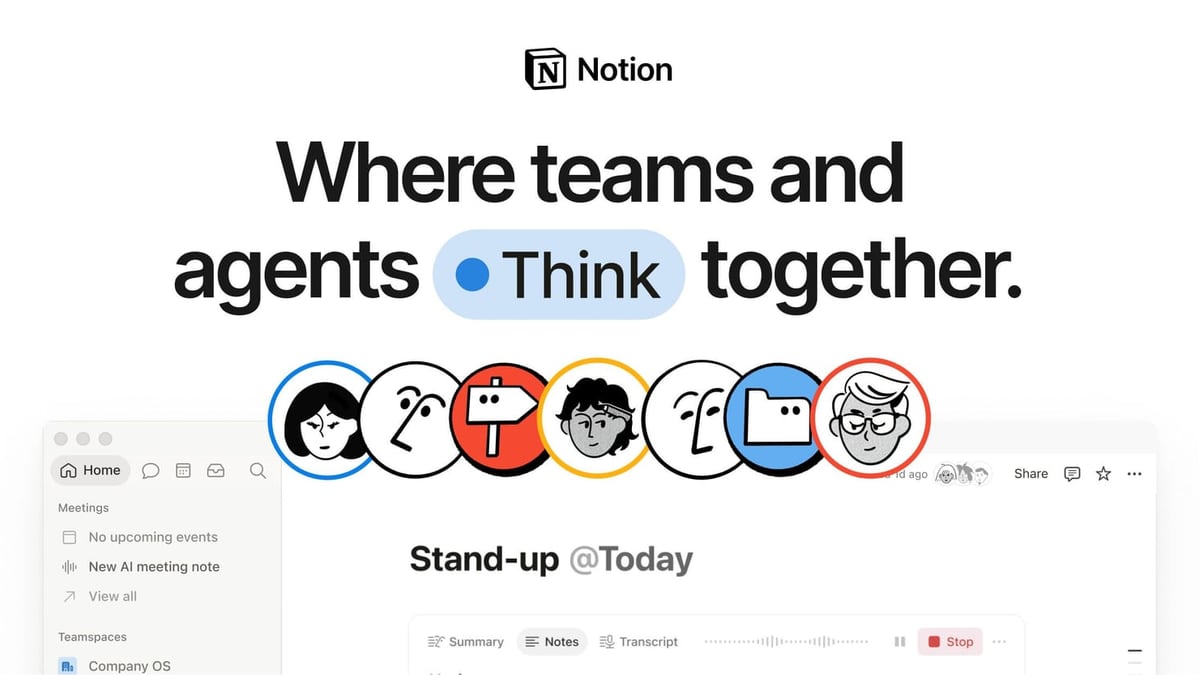
Notion Review 2026: Pros, Cons, Pricing & Who It's For product interface and feature overview.
Notion is a block-based workspace that combines docs, knowledge bases, project management, calendar, email, and AI agents into a single platform. Instead of juggling separate tools for notes, tasks, wikis, and databases, Notion lets you build a unified hub where teams and AI agents work together. Its core building blocks are pages (content) and databases (structured data), which link together to create interconnected knowledge systems.
Who Is Notion For?
Notion Review 2026: Pros, Cons, Pricing & Who It's For - supporting product research image 2.
Notion shines for teams and individuals who need a flexible, customizable workspace. Ideal users include:
- Knowledge-centric teams – documentation, wikis, onboarding, and internal knowledge bases
- Project managers who also need a place to store context and decisions
- Startups and SMBs looking to consolidate multiple tools into one
- Remote and hybrid teams that rely on async communication and shared context
- Power users who love building custom workflows and databases
Notion is less ideal for:
- Strict task managers – quick capture and task-only workflows feel clunky compared to Todoist or Things
- Teams needing deep automation – Jira or ClickUp offer more robust workflow automation
- Mobile-heavy users – the mobile app is functional but not as smooth as the desktop version
- Users who dislike setup – the blank canvas can be overwhelming without templates
Notion Pricing in 2026
Notion Review 2026: Pros, Cons, Pricing & Who It's For - supporting product research image 3.
Notion offers four tiers. The AI features are a key differentiator, but they come with a paywall.
| Plan | Price (annual, per seat) | Key Unlocks |
|---|---|---|
| Free | $0 | Trial of Notion AI, 10 external guests, 7-day page history |
| Plus | $10 | Unlimited file uploads, 30-day history, database automations |
| Business | $20 | Full Notion AI suite (Agent, Meeting Notes, Enterprise Search), SAML SSO, private teamspaces |
| Enterprise | Custom | Zero data retention, SCIM, HIPAA, unlimited history, dedicated CSM |
Important note: The full AI suite only unlocks at the Business tier ($20/month). Free and Plus plans get only a limited trial. Custom Agents are available as an add-on on all plans, consuming Notion credits at $10 per 1,000 monthly credits.
Strengths: Where Notion Excels
Notion Review 2026: Pros, Cons, Pricing & Who It's For - supporting product research image 4.
Docs and Wikis: Best in Class
Notion has been ranked #1 Knowledge Base on G2 for three consecutive years—ahead of Confluence, Guru, and others. Key features include:
- Synced Blocks – update content once, and it changes everywhere it's embedded
- Verification badges – mark pages as reviewed and current, building trust in your knowledge base
- One-click Confluence import – realistic migration for teams of any size
- 50+ content block types – code snippets, toggles, charts, callouts, embeds
Real-time co-editing, inline comments, and @mentions work reliably. For teams that need a living, connected knowledge base, Notion is the gold standard.
Flexible Databases
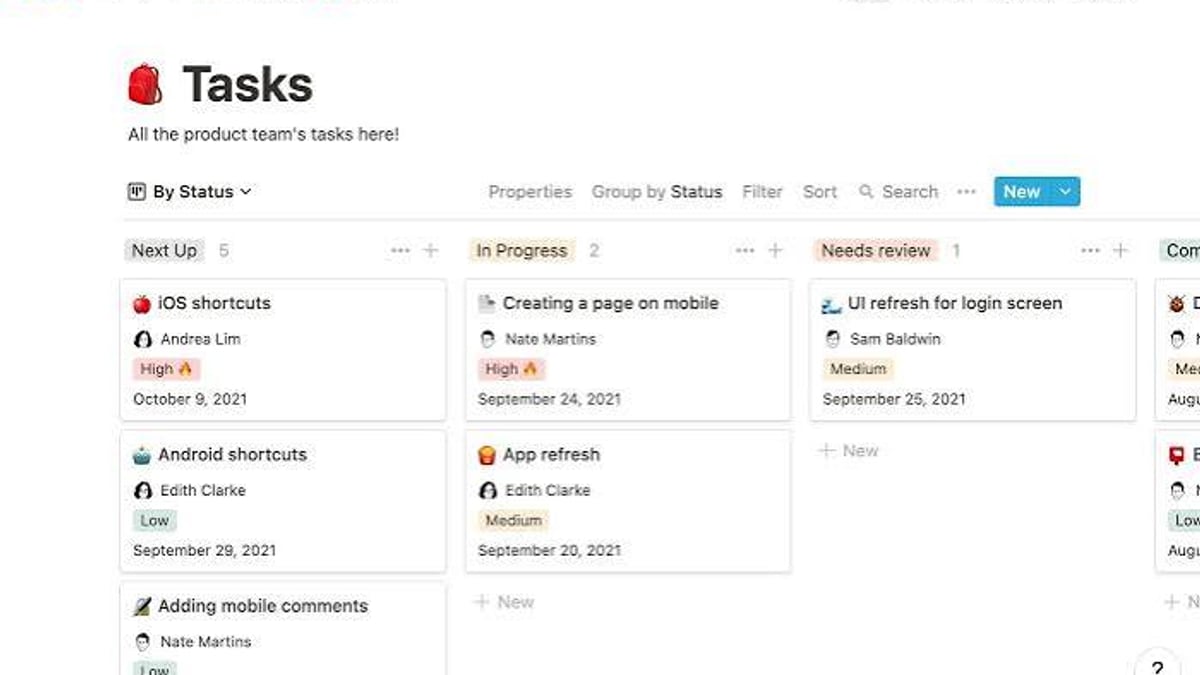
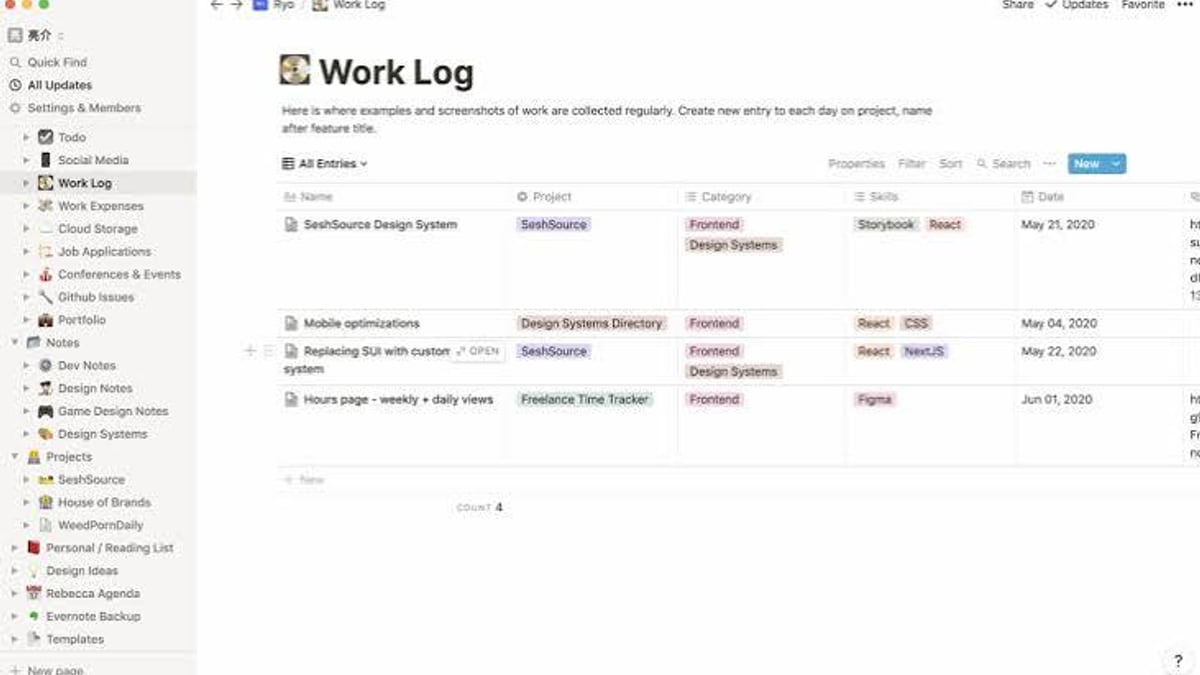
Notion's database system is powerful. You can view the same data as a table, kanban board, calendar, timeline, gallery, or list—all with custom properties, filtering, sorting, and relations. This flexibility lets teams build project trackers, CRM systems, content calendars, and more without leaving the platform.
AI Features (at Business Tier)
At $20/month, you get:
- Notion Agent – a personal AI assistant that can create pages, update databases, run Enterprise Search, and take multi-step actions
- Custom Agents – scheduled automations that handle repetitive tasks like routing tickets or generating reports
- Enterprise Search (Beta) – cross-tool search across Notion, Slack, GitHub, Google Drive, Jira, and more
- AI Meeting Notes (Beta) – auto-transcription and summarization without a bot in the meeting
Customers like Ramp report a 70% reduction in productivity-tool costs after consolidating onto Notion.
Limitations: Where Notion Falls Short
Automation Is Frustrating
Notion's automation layer has notable gaps. Buttons can't trigger existing automations, automations can't filter on relational properties, and the file property can't be used in formulas. These missing basics frustrate power users who want to build complex workflows.
Task Management Feels Clunky
Quick capture isn't smooth. Adding a task requires multiple clicks, and there's no natural quick-add shortcut like Todoist. As one Reddit user put it: "Notion is an amazing tool, but people tend to make it too complex for their use." Another said: "Building tools in Notion is way more fun than actually using it."
Mobile Experience Is Subpar
Text formatting on mobile is block-based, making it hard to select across multiple paragraphs. Long-form writing on mobile is not recommended.
Setup Can Be Overwhelming
The blank canvas is both a strength and a weakness. Without a clear system, Notion can devolve into chaos. Templates help, but many find them too complex or cluttered.
Setup: Getting Started Quickly
- Start with a template – Notion's template gallery has options for project management, notes, wikis, and more. Pick one that matches your use case.
- Build your structure – Create a few linked databases (e.g., Projects, Tasks, Notes) and connect them using relations.
- Add your team – Invite members and set permissions. Use private teamspaces for sensitive content.
- Integrate your tools – Connect Slack, Google Drive, Jira, and other apps via Notion's integrations.
- Customize gradually – Resist the urge to build everything at once. Add features as you need them.
For teams managing multiple accounts or workflows, tools like AdsPower can help with secure browser fingerprinting and multi-account management—useful if you're testing Notion across different environments.
Real User Feedback
Reddit and community forums reveal a split opinion:
- Positive: "I use Notion for all my notes. The database system is a huge advantage over other apps."
- Negative: "I spent too much time making it look pretty than actually doing work."
- Mixed: "With the right template it could be a good tool, but I don't want to design my own."
The common thread: Notion rewards investment. If you take the time to set it up properly, it's incredibly powerful. If you just want a simple to-do list, it's overkill.
Decision Criteria: Should You Use Notion?
| Use Case | Verdict |
|---|---|
| Knowledge base / wiki | Excellent – best in class |
| Project management (with docs) | Good – powerful but complex |
| Task management only | Poor – use Todoist or Things instead |
| Team collaboration | Excellent – real-time editing and comments |
| Workflow automation | Fair – better options exist (ClickUp, Jira) |
| Personal productivity | Mixed – depends on your tolerance for setup |
If you need a unified hub for docs, projects, and knowledge, Notion is hard to beat. If you need deep automation or simple task management, consider alternatives.
Related reading
- Top 10 Temporary Phone Number Services for Online Verification 2026 - Our 2026 ranking of the 10 best temporary phone number services for online verification. Transparent criteria, evidence-based reviews, and decision guidance.
- AdsPower + Anti Captcha: Setup Guide for Automation - Learn how to integrate Anti Captcha with AdsPower fingerprint browser for automated multi-account management. Step-by-step setup, workflow examples, and best practices.
- AdsPower vs Incogniton vs Dolphin Anty: 2026 Comparison - Compare AdsPower, Incogniton, and Dolphin Anty anti-detect browsers for multi-account management. Features, automation, pricing, and decision guidance.
Sources and further reading
- Just a moment... - Notion Review: Pros, Cons, Features & PricingThe Digital Project Managerhttps://thedigitalprojectmanager.com › ToolsThe Digital Project Managerhttps://thedigitalprojectmanager.com › ToolsNotion is a mixed bag in terms of ease of use. While the interface is clean and intuitive for basic tasks, the ex
FAQ
Is Notion free?
Yes, the Free plan is generous with 10 guest invites and 7-day page history. AI features are limited to a trial.
Can Notion replace Jira?
Not for complex issue tracking. Notion lacks custom workflows, detailed audit trails, and granular permissions per project. It's better as a companion tool for documentation.
Is Notion good for personal use?
Yes, but only if you enjoy customization. For simple notes or tasks, simpler tools like Apple Notes or Todoist may be better.
How does Notion compare to ClickUp?
ClickUp wins on automation depth; Notion wins on docs and knowledge management. See our AdsPower vs Incogniton vs Dolphin Anty comparison for a similar tool comparison framework.
Does Notion work offline?
Yes, but with limited functionality. Changes sync when you reconnect.
Conclusion
Notion is a powerful, flexible workspace that excels at knowledge management and team collaboration. Its AI features at the Business tier add real value, but the automation gaps and setup complexity mean it's not for everyone. If you're willing to invest time in building your system, Notion can replace multiple tools and save hours per week. If you prefer simplicity or need deep automation, look elsewhere.
For teams that need to manage multiple accounts or test workflows in different environments, combining Notion with a secure browser like AdsPower can enhance productivity. Check out our AdsPower + Anti Captcha setup guide for automation tips.