
AdsPower vs BitBrowser 2026: Which Anti-Detect Browser Wins?
Take a Quick Look
Compare AdsPower vs BitBrowser for multi-account management. Features, pricing, automation, and security — find the best anti-detect browser for your needs.
🔥 Limited-Time Offer! Save extra 10% off on your first monthly plan with code: Anitdetect10
Sign upAdsPower vs BitBrowser 2026: Which Anti-Detect Browser Wins?
Managing multiple accounts on platforms like Amazon, Facebook, TikTok, or Google Ads without getting banned is a constant challenge. Anti-detect browsers are the go-to solution, and two names you'll hear often are AdsPower and BitBrowser. Both create isolated browser environments with unique digital fingerprints, but they serve different users and use cases.
This comparison breaks down their features, pricing, automation capabilities, and security — so you can decide which one fits your workflow. If you're new to this space, you might also want to check out our guide on verifying your anti-detect setup with Pixelscan to ensure your fingerprints are truly unique.
What Is AdsPower?
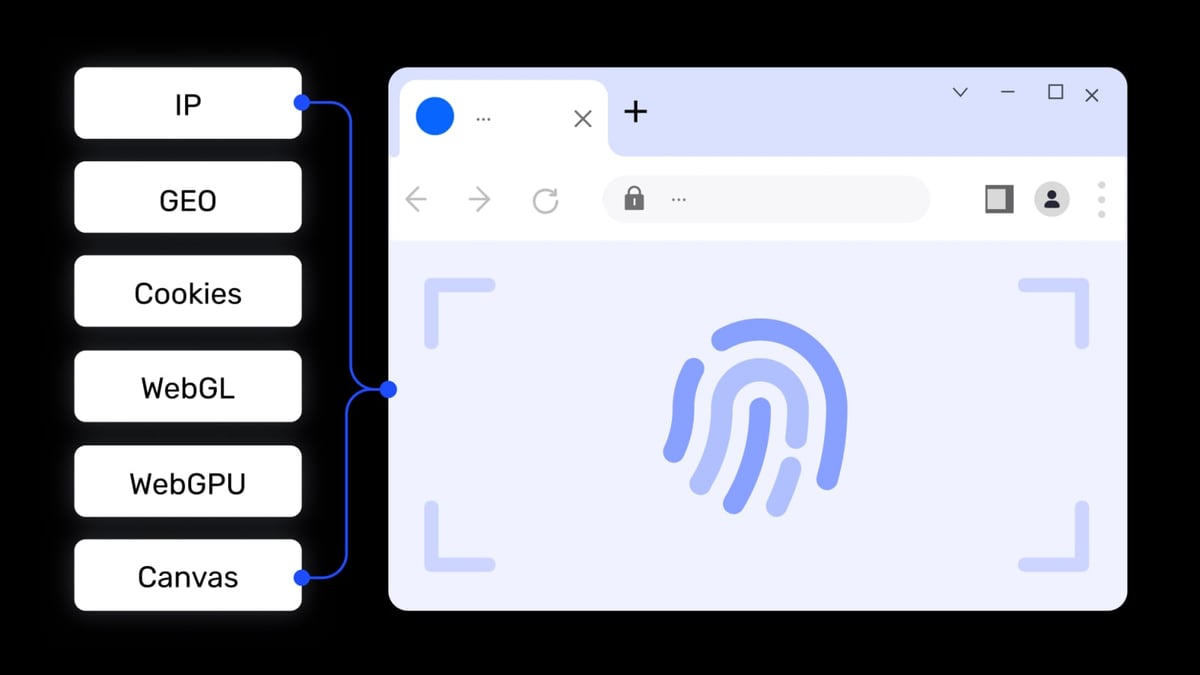
AdsPower vs BitBrowser 2026: Which Anti-Detect Browser Wins? product interface and feature overview.
AdsPower is a professional anti-detect fingerprint browser designed for cross-border e-commerce sellers, social media marketers, affiliate marketers, and digital advertisers. It creates isolated browser environments with over 20 customizable fingerprint parameters — including Canvas, WebGL, Audio, WebRTC, and more — to prevent platforms from detecting account associations.
Key features include:
- Dual kernel support: Chrome (SunBrowser) and Firefox (FlowerBrowser)
- Multi-platform account management: Amazon, Facebook, Google, TikTok, eBay, and more
- Window synchronization: Batch operations across multiple environments
- Built-in RPA automation: Pre-built templates and drag-and-drop workflow creation
- Local API: Compatible with Selenium, Puppeteer, Playwright, and MCP protocol for AI agent integration
- Team collaboration: Role-based permissions and environment sharing
- Proxy support: HTTP, HTTPS, SOCKS5, SSH with global network coverage
- Security certifications: SOC 2 Type II, ISO 27001, and ISO 27701
AdsPower serves over 9 million global users and offers a free tier with 2 browser environments. It positions itself as a one-stop solution for secure multi-account management, operational efficiency, and cost reduction by eliminating the need for multiple devices or cloud servers.
What Is BitBrowser?
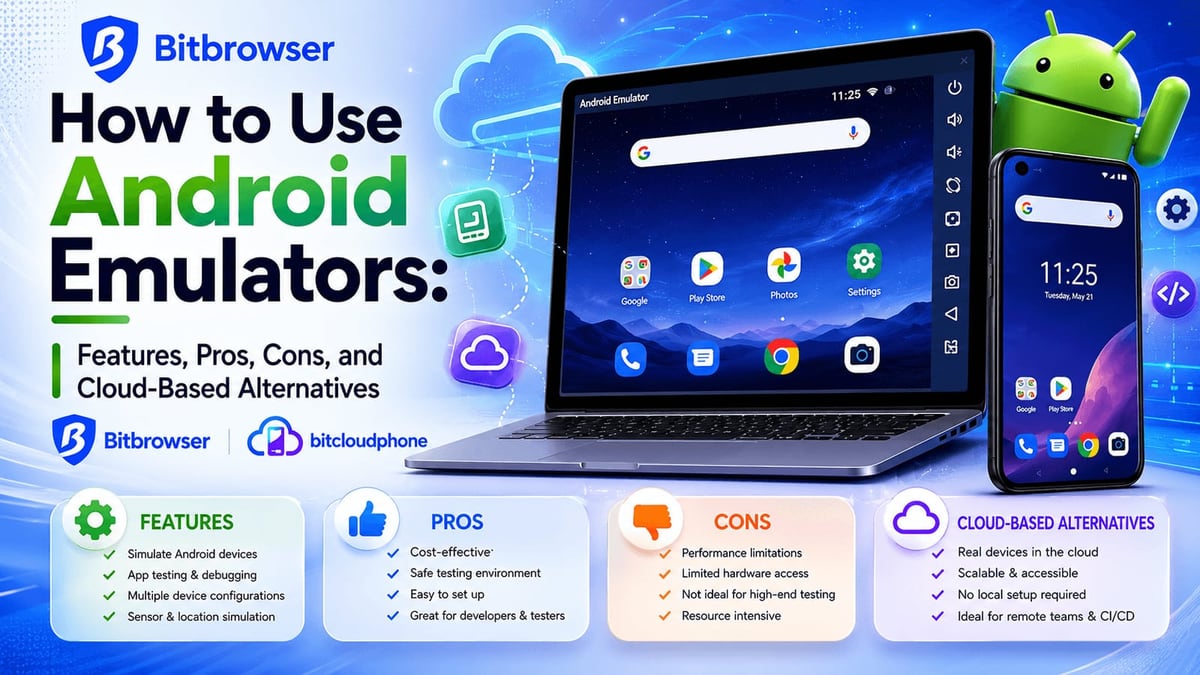
AdsPower vs BitBrowser 2026: Which Anti-Detect Browser Wins? product interface and feature overview.
BitBrowser is a free anti-detect browser designed for managing multiple online accounts securely without triggering platform bans. It simulates over 20 fingerprint parameters (WebGL, Canvas, Audio, Timezone, Proxy, etc.) to ensure each profile appears as a separate user.
Key features include:
- 10 free permanent browser profiles
- Team collaboration with permission management
- All proxy protocols: HTTP/HTTPS/SOCKS5/SSH
- RPA automation
- Extensions/script marketplace
- Data synchronization
- BitCloudPhone: Android emulator and iOS cloud phone service for mobile multi-account management
BitBrowser provides extensive support through video tutorials, community groups (WeChat/Telegram/WhatsApp), and a help center. It also offers partnerships with proxy providers like IPDEEP and daily activity rewards.
Side-by-Side Comparison: AdsPower vs BitBrowser
AdsPower vs BitBrowser 2026: Which Anti-Detect Browser Wins? product interface and feature overview.
| Feature | AdsPower | BitBrowser |
|---|---|---|
| Free Plan Profiles | 2 | 10 |
| Starting Paid Plan | $9/month (10 profiles) | $10/month (50 profiles) |
| Fingerprint Customization | Advanced (20+ parameters) | Basic to moderate |
| Dual Kernel Support | Chrome + Firefox | Chrome + Firefox |
| RPA Automation | Built-in with templates | Available (free on free plan) |
| API Access | Local API (Selenium, Puppeteer, Playwright, MCP) | Available |
| Mobile Fingerprinting | Partial Android/iOS emulation | iOS + Android via BitCloudPhone |
| Profile Storage | Cloud + Local | Cloud only |
| Team Collaboration | Role-based, activity logs, dashboards | Basic permission management |
| Security Certifications | SOC 2 Type II, ISO 27001, ISO 27701 | None publicly listed |
| Referral Program | 10% commission | 20% commission |
Pricing Breakdown
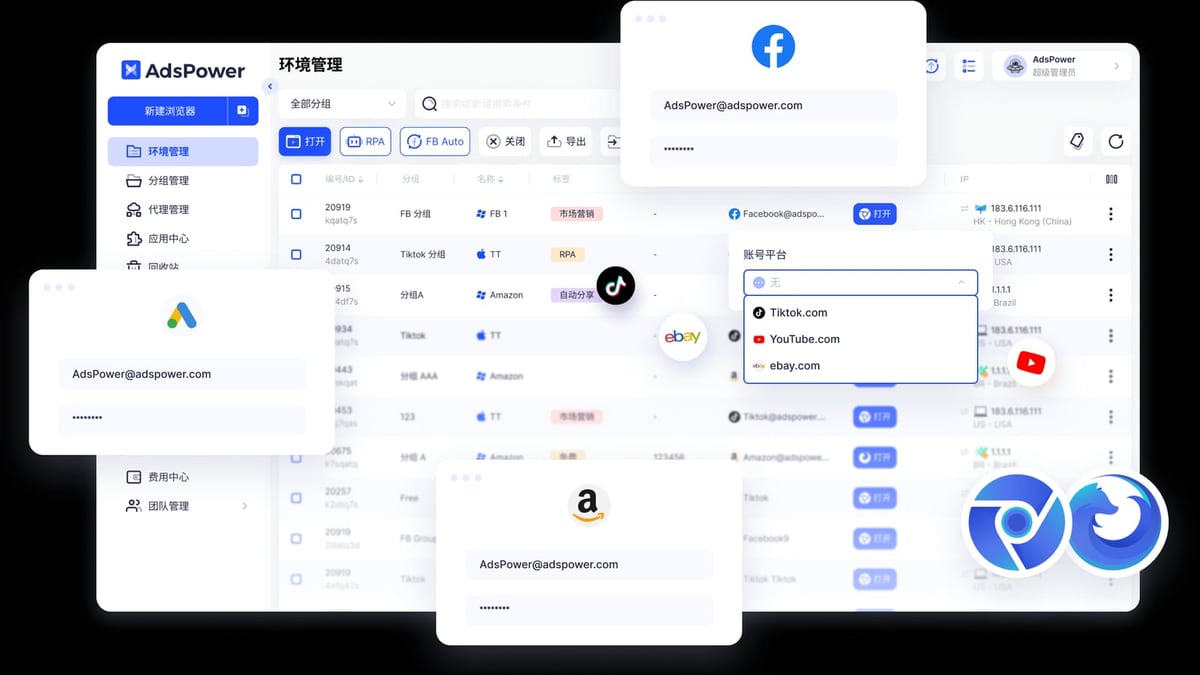
AdsPower vs BitBrowser 2026: Which Anti-Detect Browser Wins? product interface and feature overview.
AdsPower Pricing
- Free Plan: 2 profiles, limited features
- Professional Plan: Starts at $9/month for 10 profiles (super-admin access only)
- Business Plan: Tiered pricing for 20, 50, 100+ profiles
- Discounts: Up to 40% off with annual billing
BitBrowser Pricing
- Free Plan: 10 profiles, full feature access (RPA, API, sync, script market)
- Starter Plan: $10/month for 50 profiles, 2 members
- Professional Plan: $15/month for 100 profiles, 4 members
- Team Plan: $25/month for 200 profiles, 8 members
- Discounts: Quarterly 10% off, Semi-Annual 20% off, Annual 30% off
Verdict: BitBrowser offers more profiles per dollar, especially in the 50–200 profile range. However, AdsPower's entry-level $9 plan is cheaper for those who only need a few profiles.
Automation and API Capabilities
AdsPower
AdsPower excels in automation with:
- Built-in RPA: Pre-built templates for common tasks (e.g., account registration, login, data scraping)
- Drag-and-drop workflow creator: No coding required for basic automation
- Local API: Compatible with Selenium, Puppeteer, Playwright, and MCP protocol
- AI agent integration: Supports modern AI-driven automation workflows
BitBrowser
BitBrowser offers:
- RPA automation: Available on all plans, including free
- Script/extension marketplace: Community-contributed scripts
- API access: Available but less documented than AdsPower
Verdict: AdsPower is more automation-friendly, especially for developers and agencies needing custom workflows. BitBrowser's free RPA is a plus for beginners, but advanced users will find AdsPower's API more powerful.
Security and Fingerprint Quality
AdsPower
- Advanced fingerprint control: Spoofs Canvas, WebGL, WebRTC, timezone, fonts, user-agent, and more
- Security certifications: SOC 2 Type II, ISO 27001, ISO 27701 — independently audited
- Cloud + local storage: Flexibility for teams or solo users
- Regular updates: Active development and security patches
BitBrowser
- Basic fingerprint masking: Covers essentials but lacks deeper customization
- Cloud-only storage: Profiles sync across devices but no local-only option
- No public security certifications: Less transparency about security practices
- Detection vulnerabilities: Some users report higher detection rates on strict platforms
Verdict: AdsPower offers stronger, more customizable fingerprinting with independent security validation. BitBrowser is adequate for basic use but may not pass advanced detection checks.
Team Collaboration
AdsPower
- Role-based permissions: Admin, manager, member roles
- Activity logs: Track all team actions
- Environment sharing: Share profiles without exposing passwords
- Collaboration dashboards: Centralized management
BitBrowser
- Basic team sharing: Assign profiles to team members
- Permission management: Limited compared to AdsPower
- No advanced logs: Less visibility into team activity
Verdict: AdsPower is better suited for agencies and teams that need granular control and audit trails.
Real-World Use Cases
When to Choose AdsPower
- Agencies managing multiple client accounts: Role-based permissions and activity logs keep operations organized
- E-commerce sellers on Amazon, eBay, Shopify: Advanced fingerprinting reduces ban risk
- Developers needing custom automation: Local API with Selenium/Puppeteer/Playwright support
- Teams requiring security compliance: SOC 2 and ISO certifications matter for enterprise clients
When to Choose BitBrowser
- Solo users on a tight budget: 10 free profiles with full features
- Beginners testing anti-detect browsers: Low-cost entry point
- Small-scale social media farming: Basic fingerprinting is sufficient for less strict platforms
- Users who need mobile emulation: BitCloudPhone offers iOS + Android support
Related reading
- ProxyEmpire Review 2026: Is It the Best Proxy Service? - In-depth ProxyEmpire review: performance tests, pricing, pros & cons, and ideal use cases. See if it's the right proxy provider for your needs.
- Top 10 Virtual Phone Number Services 2026: Ranked & Reviewed - Our 2026 ranking of the top 10 virtual phone number services. Transparent criteria, evidence-based reviews, and decision guidance for every use case.
- AdsPower vs Linken Sphere vs MoreLogin: 2026 Comparison - Compare AdsPower, Linken Sphere, and MoreLogin anti-detect browsers. Features, automation, security, pricing, and decision guidance for multi-account management.
Sources and further reading
- BitBrowser vs AdsPower (2025): Which Antidetect Browser Is Better for You? - Compare BitBrowser vs AdsPower in 2025: features, pricing, free plans, automation tools, and referral programs. Discover which anti-detect browser is best for scaling, teams, and multi-account management.
- BitBrowser vs AdsPower– Full 2026 Comparison - Learn the differences between Kameleo and MoreLogin antidetect browsers in 2026 — features, pricing, pros and cons.
FAQ
Is BitBrowser completely free?
BitBrowser offers 10 free permanent profiles with full feature access (RPA, API, sync, script market). Paid plans start at $10/month for 50 profiles.
Does AdsPower have a free plan?
Yes, AdsPower offers a free plan with 2 browser environments, but features are limited compared to the paid plans.
Which browser is better for automation?
AdsPower has more advanced automation capabilities, including a drag-and-drop RPA workflow creator and local API compatible with Selenium, Puppeteer, and Playwright. BitBrowser offers RPA on its free plan but with less flexibility.
Can I use both browsers for mobile account management?
BitBrowser offers BitCloudPhone for iOS and Android emulation. AdsPower has partial Android/iOS support but not true native emulation.
Which browser is more secure?
AdsPower has stronger fingerprint customization and independent security certifications (SOC 2 Type II, ISO 27001, ISO 27701). BitBrowser lacks public security audits.
How do I verify my fingerprint setup?
You can use tools like Pixelscan to test your browser fingerprints. Check out our guide on verifying your anti-detect setup with AdsPower and Pixelscan for step-by-step instructions.
Conclusion
Both AdsPower and BitBrowser are capable anti-detect browsers, but they serve different audiences.
Choose AdsPower if:
- You need advanced fingerprint customization and security certifications
- You run a team or agency requiring role-based permissions and activity logs
- You want powerful automation with local API support
- You're managing high-stakes accounts on strict platforms like Amazon or Facebook
Choose BitBrowser if:
- You're a solo user on a tight budget
- You need a free plan with generous profile limits
- You're just starting with multi-account management
- You need mobile emulation via BitCloudPhone
For a deeper dive into how AdsPower compares with other anti-detect browsers, read our AdsPower vs Kameleo vs BitBrowser comparison or our AdsPower vs GoLogin review.
Ultimately, the right choice depends on your scale, budget, and security requirements. If you're serious about scaling your multi-account operations without bans, AdsPower's robust feature set and proven track record make it the stronger long-term investment.