
AdsPower + Anti Captcha: Setup Guide for Automation
Take a Quick Look
Learn how to integrate Anti Captcha with AdsPower fingerprint browser for automated multi-account management. Step-by-step setup, workflow examples, and best practices.
🔥 Limited-Time Offer! Save extra 10% off on your first monthly plan with code: Anitdetect10
Sign upAdsPower + Anti Captcha: The Complete Integration Guide for Automated Account Management
Managing multiple online accounts without triggering platform bans is a constant challenge for digital marketers, e-commerce sellers, and affiliate advertisers. AdsPower fingerprint browser solves the account association problem by creating isolated browser environments with unique digital fingerprints. But even with perfect fingerprint isolation, you still face captchas during registration, login, and repetitive actions. That's where Anti Captcha comes in.
This guide explains exactly how to combine AdsPower with Anti Captcha to automate captcha solving, streamline your workflows, and keep your accounts operational. You'll learn the setup process, practical integration methods, and real-world examples you can apply immediately.
Why Combine AdsPower with Anti Captcha?
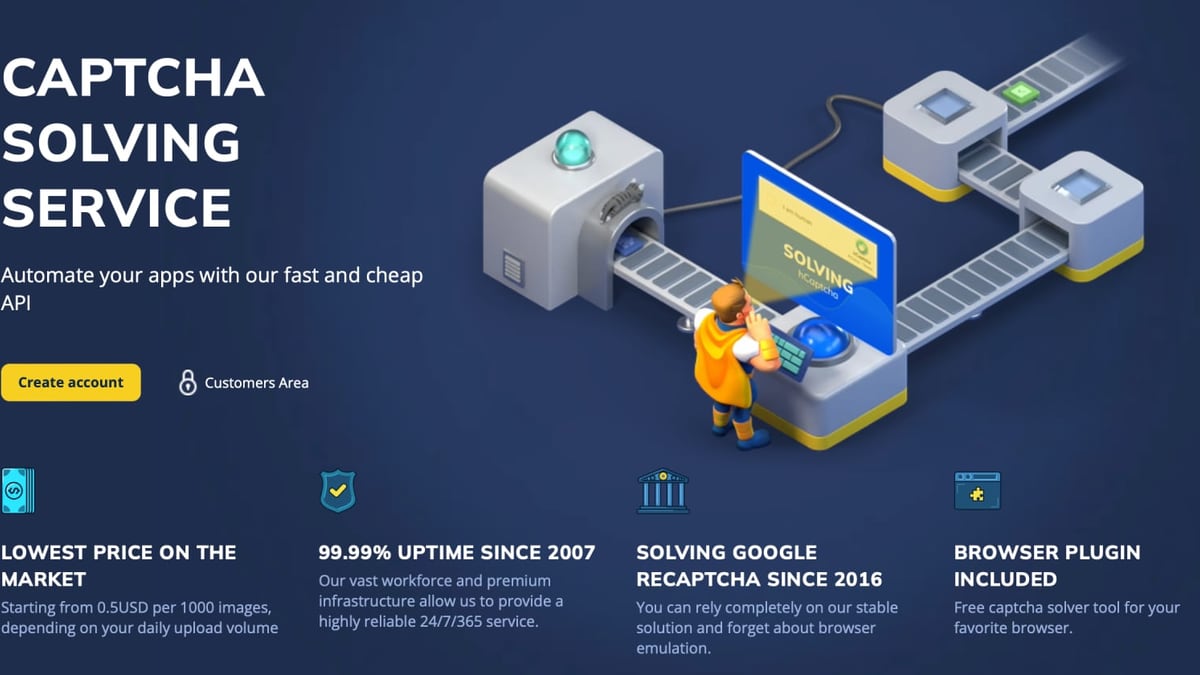
AdsPower + Anti Captcha: Setup Guide for Automation product interface and feature overview.
AdsPower provides the secure, isolated browser environment. Anti Captcha handles the human verification challenges that platforms throw at you. Together, they solve two critical problems:
- Account association prevention: AdsPower's fingerprint isolation (Canvas, WebGL, Audio, WebRTC, and 20+ other parameters) ensures each account appears to come from a different device.
- Captcha roadblocks: Anti Captcha's human workforce solves reCAPTCHA v2/v3, image captchas, FunCaptcha, GeeTest, Turnstile, Amazon WAF, and more in about 5 seconds.
Without a captcha solver, even the best anti-detect browser setup will fail when a platform demands verification. Without a fingerprint browser, you can't scale accounts safely even if you solve captchas perfectly.
How the Integration Works
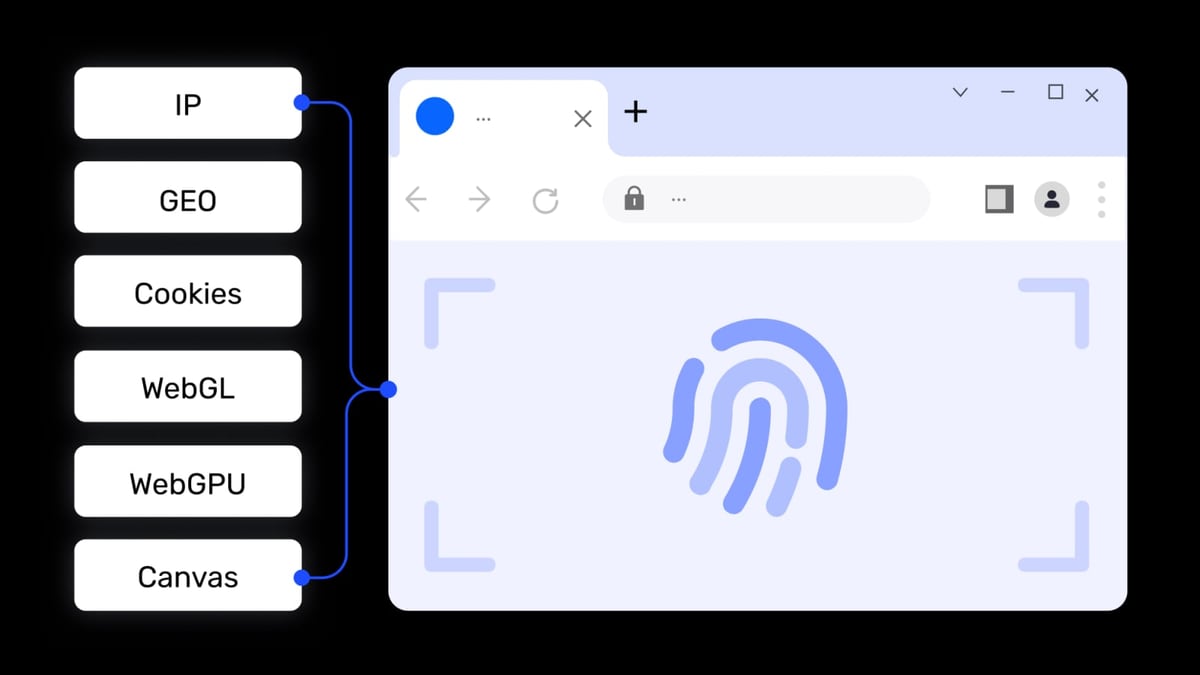
AdsPower + Anti Captcha: Setup Guide for Automation product interface and feature overview.
The core workflow is straightforward:
- Create an isolated browser profile in AdsPower with a clean fingerprint and a reliable proxy.
- Automate your task (registration, login, form submission) using AdsPower's built-in RPA, local API, or your own script.
- When a captcha appears, your automation sends the captcha details to Anti Captcha's API.
- Anti Captcha solves it using human workers and returns the solution token.
- Your automation injects the token into the webpage to bypass the captcha and continue.
This loop runs automatically, enabling you to process hundreds of accounts without manual intervention.
Step-by-Step Setup Guide
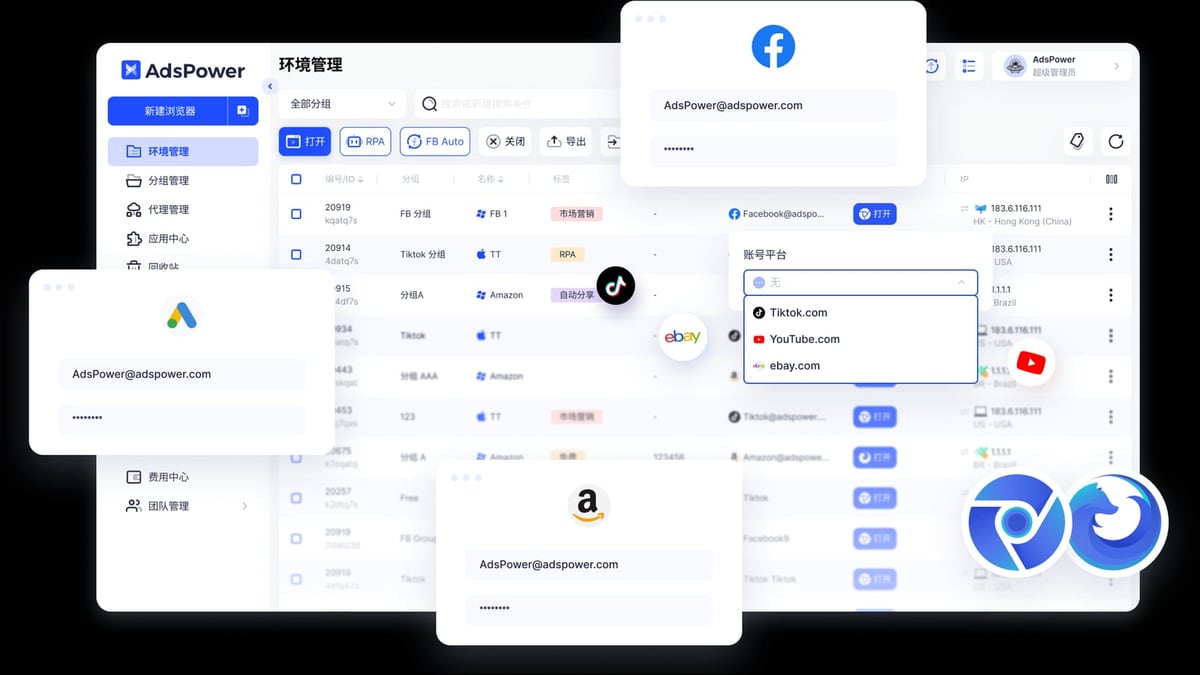
AdsPower + Anti Captcha: Setup Guide for Automation product interface and feature overview.
Step 1: Prepare Your AdsPower Environment
First, ensure you have AdsPower installed and configured for multi-account management. If you're new to AdsPower, learn how to set up isolated browser profiles with proper fingerprints and proxies.
Key preparation steps:
- Download and install AdsPower from the official website.
- Create at least one browser profile with a unique fingerprint (SunBrowser for Chrome compatibility or FlowerBrowser for Firefox).
- Configure a reliable proxy (HTTP, HTTPS, SOCKS5, or SSH) for each profile. AdsPower supports all major proxy protocols, and you can test the connection directly in the profile creation window.
- Verify your fingerprint using a tool like Pixelscan to ensure no leaks. See our AdsPower + Pixelscan verification guide for details.
Step 2: Set Up Anti Captcha Account and API Key
- Go to Anti Captcha's website and create an account.
- Fund your account (starting from $0.50 per 1000 image captchas).
- Navigate to your account settings and copy your API key. This key is used to authenticate all requests to Anti Captcha's API.
Anti Captcha provides client libraries for PHP, Python, NodeJS, Java, C#, Go, and Ruby, plus a browser plugin. For AdsPower integration, you'll typically use the API directly or through a script.
Step 3: Integrate Anti Captcha with AdsPower Automation
There are three main ways to connect Anti Captcha to your AdsPower workflows:
Option A: Using AdsPower Local API with Custom Scripts
AdsPower offers a local API that allows external programs to control browser profiles. You can write a Python or Node.js script that:
- Opens a specific browser profile via the AdsPower local API.
- Navigates to the target website.
- Detects a captcha element on the page.
- Sends the captcha details (site key, page URL, etc.) to Anti Captcha's API.
- Receives the solution token and injects it into the page using JavaScript.
- Submits the form or completes the verification.
Example workflow snippet (pseudocode):
# 1. Open AdsPower profile
profile = open_profile(profile_id)

# 2. Navigate to registration page
profile.navigate('https://example.com/register')

# 3. Detect captcha
captcha_data = profile.find_captcha()

# 4. Send to Anti Captcha
solution = anti_captcha.solve(captcha_data)

# 5. Inject solution
profile.execute_script(f"document.getElementById('g-recaptcha-response').innerHTML='{solution}'")

# 6. Submit form
profile.click('#submit-button')
Option B: Using AdsPower Built-in RPA with Anti Captcha
AdsPower's RPA (Robotic Process Automation) feature lets you create automation workflows using a drag-and-drop interface or pre-built templates. While the RPA doesn't have a native Anti Captcha block, you can:
- Use the "Execute JavaScript" action to call Anti Captcha's API from within the browser context.
- Or, run an external script that handles captcha solving and coordinates with the RPA via the local API.
This approach is best for users who prefer visual automation without deep coding.
Option C: Browser Extension Approach
Anti Captcha offers a browser extension that automatically solves captchas on websites you visit. You can install this extension in your AdsPower profiles. However, this method is less reliable for automation because:
- The extension may be detected by some platforms.
- It doesn't integrate with your automation scripts.
- You have less control over when and how captchas are solved.
For production automation, the API-based approach (Option A or B) is recommended.
Step 4: Test Your Integration
Before scaling, test with a single profile and a simple captcha scenario:
- Create a test profile in AdsPower with a clean fingerprint and proxy.
- Write a script that opens the profile, navigates to a site with a captcha (e.g., a registration page), and attempts to solve it using Anti Captcha.
- Monitor the logs to ensure the captcha is solved and the action completes successfully.
- Check that the platform does not flag the account after the automated action.
Practical Examples
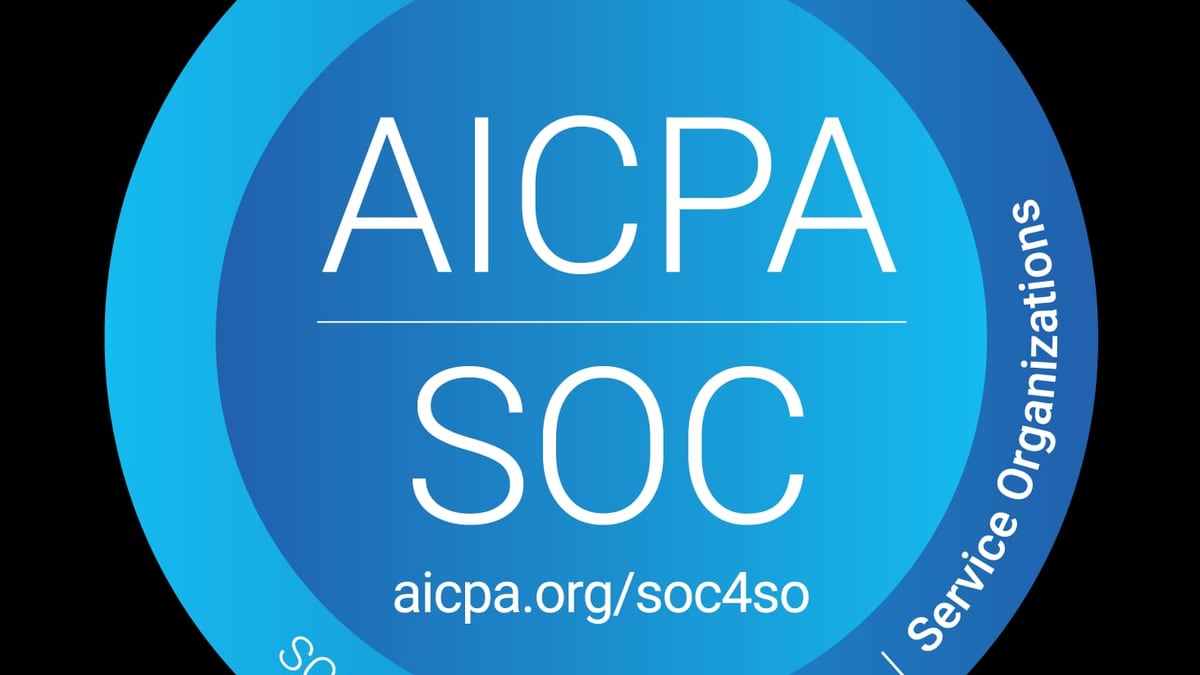
AdsPower + Anti Captcha: Setup Guide for Automation product interface and feature overview.
Example 1: Automated Social Media Account Registration
You want to create 50 Facebook accounts for a marketing campaign. Without automation, you'd need to manually solve captchas for each account. With AdsPower and Anti Captcha:
- Create 50 browser profiles in AdsPower, each with a unique fingerprint and a different proxy.
- Write a script that iterates through the profiles, opens each one, fills in the registration form, and when Facebook presents a captcha, sends it to Anti Captcha.
- Anti Captcha solves the captcha in seconds, the script submits the form, and the account is created.
- The entire process runs overnight without human intervention.
Example 2: E-commerce Account Login Monitoring
You manage 200 Amazon seller accounts and need to log in daily to check for notifications. Amazon often presents captchas after multiple login attempts. Using AdsPower's local API and Anti Captcha:
- Schedule a daily script that opens each profile, navigates to Amazon's login page, and enters credentials.
- If a captcha appears, the script sends it to Anti Captcha and waits for the solution.
- After successful login, the script takes a screenshot or logs the status, then moves to the next profile.
- Failed logins (due to captcha timeout or other issues) are flagged for manual review.
Example 3: Web Scraping with Captcha Bypass
You need to scrape product data from a site that uses Cloudflare Turnstile or reCAPTCHA v3. With AdsPower:
- Create a profile with a residential proxy to avoid IP blocks.
- Use a Python script with Selenium or Playwright (via AdsPower's local API) to navigate the site.
- When the captcha challenge appears, the script captures the required parameters and sends them to Anti Captcha.
- Anti Captcha returns the solution, the script injects it, and the scraping continues uninterrupted.
Best Practices for a Stable Integration
- Use high-quality proxies: Captcha solving services work best with clean, residential proxies. Avoid datacenter IPs that are already flagged. Check out our ProxyEmpire review for a reliable proxy provider.
- Implement retry logic: Captcha solving can occasionally fail. Build in retries (e.g., up to 3 attempts) before marking the profile as failed.
- Monitor your Anti Captcha balance: Set up alerts when your balance drops below a threshold to avoid interruptions.
- Rotate fingerprints and proxies: Even with captcha solving, platforms may detect patterns. Use AdsPower's profile templates to quickly generate fresh configurations.
- Log everything: Keep detailed logs of captcha solving attempts, success rates, and any errors. This helps debug issues and optimize your workflow.
Troubleshooting Common Issues
| Problem | Likely Cause | Solution |
|---|---|---|
| Captcha not detected | Automation script not waiting for captcha element | Add explicit waits (e.g., WebDriverWait) before attempting to capture captcha data |
| Anti Captcha returns error "ERROR_NO_SLOT_AVAILABLE" | Too many concurrent requests | Reduce the number of parallel captcha solving tasks or upgrade your Anti Captcha plan |
| Captcha solved but form still fails | Site uses invisible captcha or additional checks | Verify that you're solving the correct captcha type and that the solution token is injected into the right field |
| Profile gets banned despite captcha solving | Fingerprint or proxy is compromised | Check fingerprint consistency with Pixelscan and switch to a fresh proxy |
Related reading
- AdsPower vs BitBrowser 2026: Which Anti-Detect Browser Wins? - Compare AdsPower vs BitBrowser for multi-account management. Features, pricing, automation, and security — find the best anti-detect browser for your needs.
- Top 10 Virtual Phone Number Services 2026: Ranked & Reviewed - Our 2026 ranking of the top 10 virtual phone number services. Transparent criteria, evidence-based reviews, and decision guidance for every use case.
Sources and further reading
- AdsPower - Best Antidetect Browser for Multi-Accounting - Create unique browser fingerprints with AdsPower antidetect browser to manage all your online accounts without getting banned. Trusted by businesses in Facebook, Amazon, Google, TikTok, YouTube, etc.
- Settings - By clicking on the account icon → Settings in the top right corner of the AdsPower Browser client, you can go to the following sections:The My Account section allows you to change some of the data specified dur
Frequently Asked Questions
Can I use Anti Captcha with AdsPower's built-in RPA?
Yes, but you'll need to use the "Execute JavaScript" action or an external script to call Anti Captcha's API. The RPA does not have a native Anti Captcha block.
Does Anti Captcha support all captcha types that AdsPower users encounter?
Anti Captcha supports reCAPTCHA v2/v3, image captchas, FunCaptcha, GeeTest, Turnstile, Amazon WAF, and many others. It covers the vast majority of captchas used by major platforms.
How much does it cost to run AdsPower with Anti Captcha at scale?
AdsPower offers a free tier with 2 browser environments. Paid plans start at $9/month for more profiles. Anti Captcha charges from $0.50 per 1000 image captchas and $2 per 1000 reCAPTCHA v2 tasks. For 1000 account registrations, expect to spend around $2-5 on captcha solving.
Is it legal to use Anti Captcha with AdsPower?
Both tools are legal software. However, automating actions on platforms like Facebook, Amazon, or Google may violate their terms of service. Use them responsibly and for legitimate business purposes.
Can I integrate Anti Captcha with other anti-detect browsers?
Yes, the integration approach is similar for other browsers like Incogniton or Dolphin Anty. However, AdsPower's local API and RPA features make the integration particularly smooth. See our AdsPower vs Incogniton vs Dolphin Anty comparison for more details.
Conclusion
Combining AdsPower fingerprint browser with Anti Captcha creates a powerful automation stack for managing multiple accounts at scale. AdsPower handles the critical task of fingerprint isolation and proxy management, while Anti Captcha removes the captcha bottleneck that stops most automation attempts.
Whether you're registering new accounts, logging in to existing ones, or scraping data, this integration saves hours of manual work and reduces the risk of account bans. Start with a small test, optimize your scripts, and scale gradually.
Ready to build your automated account management system? Explore AdsPower's API documentation to get started, and sign up for Anti Captcha to begin solving captchas programmatically.
For more advanced setups, including virtual phone number integration for account verification, check out our AdsPower + 5SIM tutorial.