
How to Use AdsPower with Scrapingpass: Setup and Workflow
Take a Quick Look
Combine AdsPower anti-detect profiles with the Scrapingpass API to render JavaScript pages, rotate proxies, and scale multi-account scraping safely.
🔥 Limited-Time Offer! Save extra 10% off on your first monthly plan with code: Anitdetect10
Sign upHow to Use AdsPower with Scrapingpass: Setup and Workflow
Anti-detect browsers and scraping APIs solve two halves of the same problem. AdsPower gives every task an isolated browser identity, while Scrapingpass handles the messy parts of fetching pages at scale: JavaScript rendering, proxy rotation, and anti-bot evasion. Used together, they let you collect data from sites that block plain HTTP clients without burning the accounts or fingerprints you rely on.
This guide explains how the two tools fit together, how to wire them up, and where each one should do the heavy lifting.
Why combine AdsPower and Scrapingpass?

Scrapingpass product interface.
Most scraping stacks break for one of two reasons:
- The request looks like a bot. A bare
requestscall has no browser fingerprint, no cookies, and no realistic TLS behavior. Sites with Cloudflare, DataDome, or custom rate limiting reject it immediately. - The session gets flagged. If you scrape from the same IP or browser profile you use for logged-in accounts, you risk linking that activity to your real accounts.
AdsPower addresses the second problem. It creates isolated browser environments with unique Canvas, WebGL, User Agent, and IP fingerprints, so a scraping profile never shares an identity with your Amazon seller account or Facebook ad account.
Scrapingpass addresses the first. Its REST API renders JavaScript-heavy SPAs through headless Chrome, rotates through a large residential proxy pool, and returns parsed JSON, so you do not have to maintain your own browser fleet.
The combination is useful when you need authenticated scraping — pulling data from pages that require a logged-in session — or when you want to keep your scraping traffic visually separate from your operational accounts.
How the two tools divide the work
| Task | AdsPower | Scrapingpass |
|---|---|---|
| Browser fingerprint isolation | Yes | No |
| Persistent login sessions | Yes | Session support via API |
| JavaScript rendering | Yes (via profile) | Yes (headless Chrome) |
| Proxy rotation at scale | Manual per profile | Built-in pool |
| Structured JSON output | No | Yes |
| Multi-account management | Yes | No |
| Headless automation | Yes (Local API) | Yes (API-first) |
A practical rule: use AdsPower when the target requires a logged-in, fingerprinted browser identity. Use Scrapingpass when the target is public but protected by JavaScript rendering or rate limits. Use both when you need logged-in access at volume.
Prerequisites
Before you start, make sure you have:
- AdsPower installed (v3.3.2 or above if you plan to use headless mode)
- A Scrapingpass account with an API key from your dashboard
- Python 3.10+ if you want to script the workflow
- At least one proxy configured in AdsPower if you are scraping from a specific region
If you are new to AdsPower's automation layer, the Python automation guide covers the Local API basics before you add a scraping API on top.
Step 1: Create a dedicated scraping profile in AdsPower
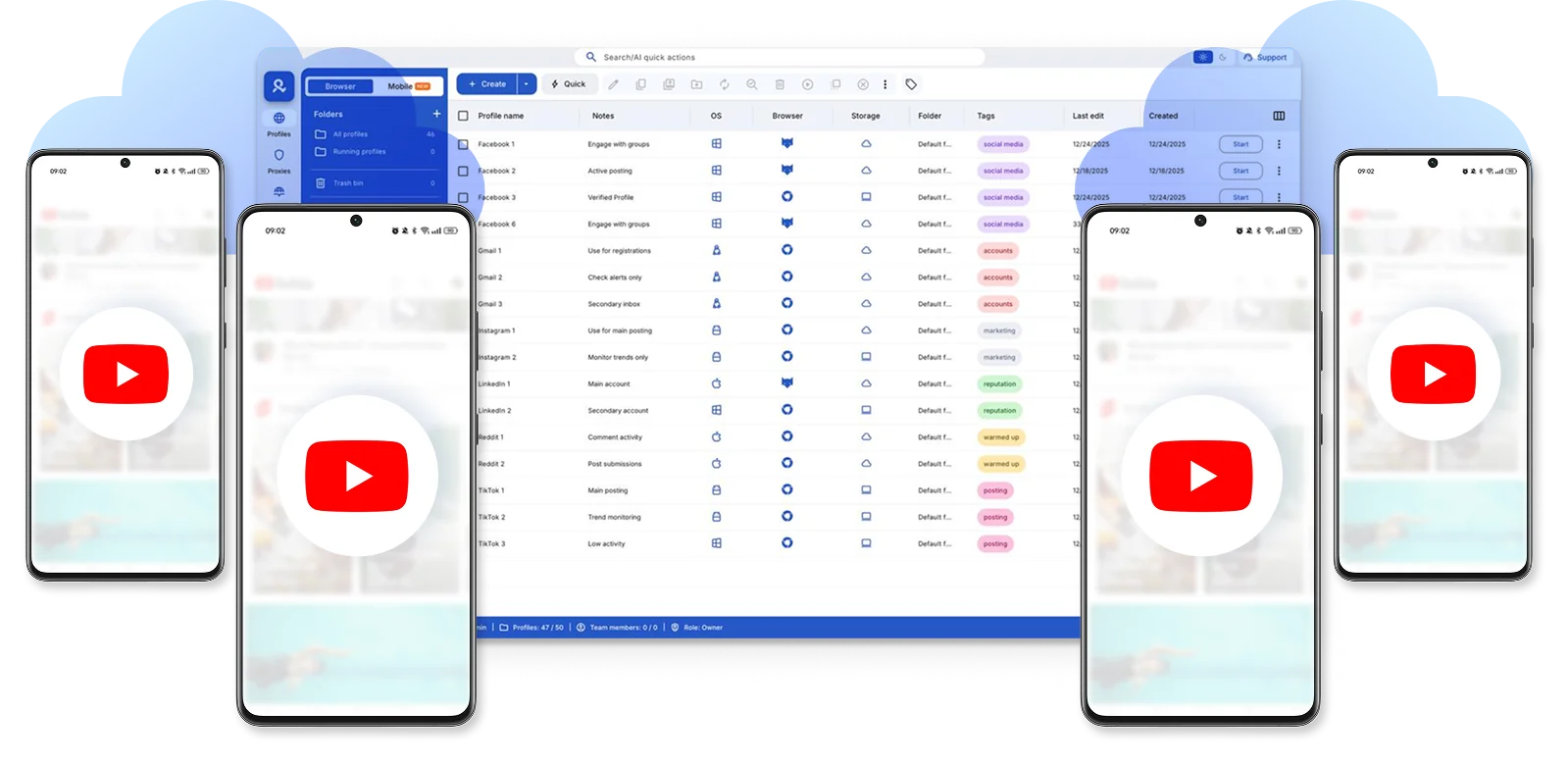
How to Use AdsPower with Scrapingpass: Setup and Workflow - Step 1: Create a dedicated scraping profile in AdsPower.
Keep scraping separate from your revenue-generating accounts. Create a new profile specifically for data collection.
- Open AdsPower and click New Profile.
- Name it something obvious, like
scraper-us-east. - Set the User Agent and platform to match your target region.
- Assign a proxy. If you already use a provider, the MyPrivateProxy setup guide walks through adding a dedicated proxy and verifying the IP.
- Save the profile and note the profile ID — you will need it for API calls.
This profile becomes your scraping identity. Do not reuse it for account operations.
Step 2: Enable the AdsPower Local API
The Local API lets you start, stop, and query profiles programmatically. It listens on http://127.0.0.1:50325 by default.
- In AdsPower, go to Automation → API.
- Confirm the connection status shows as active.
- Click Generate to create your API key. Team members need this permission assigned by an admin.
- If you want to run without a visible window, start AdsPower in headless mode:
"AdsPower Global.exe" --headless=true --api-key=XXXX --api-port=50325
On macOS, the equivalent command uses the app bundle path:
"/Applications/AdsPower Global.app/Contents/MacOS/AdsPower Global" --args --headless=true --api-key=XXXX --api-port=50325
Headless mode and GUI mode cannot run on the same device at the same time. If you need the interface, skip headless and use the GUI instead.
Step 3: Start a profile and grab its debugging endpoint
When you start a profile through the Local API, AdsPower returns a WebSocket debugging endpoint. That endpoint is what you attach Selenium or Playwright to.
curl "http://127.0.0.1:50325/api/v1/browser/start?user_id=YOUR_PROFILE_ID"
The response includes a ws field with the Chrome DevTools Protocol address. You can pass this to Playwright or Selenium to drive the fingerprinted browser directly.
For a typed Python client that handles profile creation, proxy assignment, and Selenium/Playwright attachment, the community SDK at CrocoFactory/adspower wraps the Local API and manages the browser lifecycle for you.
Step 4: Route requests through Scrapingpass
Scrapingpass product interface.
Now the split becomes clear. You have two options depending on what the target needs.
Option A: Scrapingpass handles the fetch, AdsPower handles the identity
Use this when the target is public but JavaScript-heavy. Send the URL to the Scrapingpass API and let it render the page:
curl "https://scrapingpass.com/api/v1/scrape" \
  -H "Authorization: Bearer YOUR_SCRAPINGPASS_KEY" \
  -d '{
    "url": "https://example.com/products",
    "render_js": true,
    "country": "us",
    "session": "scrape-run-001"
  }'
The session parameter keeps the same proxy IP across multiple requests, which matters when a site ties a cart or search state to your IP. The country parameter geotargets the residential proxy.
Option B: AdsPower drives the browser, Scrapingpass supplies the proxy
Use this when the target requires a login. Start the AdsPower profile, attach Playwright, and point the browser at the target. If you want Scrapingpass's residential pool instead of a static proxy, configure the proxy endpoint inside the AdsPower profile before launching.
from playwright.sync_api import sync_playwright
import requests

# 1. Start the AdsPower profile
resp = requests.get(
    "http://127.0.0.1:50325/api/v1/browser/start",
    params={"user_id": "YOUR_PROFILE_ID"}
)
ws_endpoint = resp.json()["data"]["ws"]["puppeteer"]

# 2. Attach Playwright to the fingerprinted browser
with sync_playwright() as p:
    browser = p.chromium.connect_over_cdp(ws_endpoint)
    page = browser.contexts[0].pages[0]
    page.goto("https://target-site.com/dashboard")
    data = page.inner_text("table.results")
    print(data)
This pattern keeps the login session inside AdsPower's isolated profile while you control the navigation logic in Python.
Step 5: Verify the setup before scaling
Before running thousands of requests, confirm three things:
- The fingerprint is unique. Check
https://browserleaks.com/canvasinside the AdsPower profile. It should not match any other profile. - The proxy IP is what you expect. Visit an IP lookup page and confirm the country and ASN.
- Scrapingpass returns rendered HTML. Add
render_js: trueand check that dynamic content appears in the response, not just the empty shell.
If any of these fail, fix them before adding concurrency. Debugging a broken fingerprint across 50 parallel requests is far harder than debugging one.
Practical use cases
Price monitoring across marketplaces
Create one AdsPower profile per marketplace region. Use Scrapingpass to fetch product pages with render_js: true and country set to match the marketplace's local region. Store results in a database and diff them daily.
Competitor ad research
Ad libraries on Meta and TikTok require JavaScript rendering and often rate-limit by IP. Scrapingpass's rotating residential pool handles the rate limits; AdsPower keeps your research sessions separate from your actual ad accounts.
Authenticated dashboard exports
When a supplier portal or affiliate dashboard requires login, run the session inside an AdsPower profile and use the Local API to export data on a schedule. The profile persists the login; Scrapingpass is not needed here unless the dashboard also blocks datacenter IPs.
Common problems and fixes
Profile fails to start in headless mode. Check that your AdsPower version is v3.3.2 or above and that the kernel version is v2.4.2.8 or above. Older versions do not support the --headless flag.
API key stops working after a reset. Resetting the key invalidates the previous one immediately. You must stop the running service and restart it with the new key.
Scrapingpass returns empty content. The page likely loads data after an XHR call. Confirm render_js is enabled and consider adding a short wait or targeting the API endpoint the page calls directly.
Requests get blocked despite proxy rotation. Some sites fingerprint TLS or require a real browser context. In that case, switch to Option B and drive the request through AdsPower's browser instead of the API.
Session state leaks between runs. Use a unique session value in Scrapingpass for each logical run, and clear cookies in the AdsPower profile between major jobs.
Related reading
- AdsPower vs Undetectable vs MuLogin: 2026 Browser Comparison - Compare AdsPower, Undetectable, and MuLogin anti-detect browsers on fingerprints, automation, pricing, and team features to choose the right fit.
- Textverified Reviews: What Users Actually Report in 2026 - An honest breakdown of Textverified reviews from Trustpilot, the App Store, and Reddit, plus alternatives for phone verification and multi-account work.
- AdsPower vs Octo Browser vs MuLogin: 2026 Comparison - Compare AdsPower, Octo Browser, and MuLogin on fingerprints, automation, pricing, and team features to pick the right anti-detect browser.
Sources and further reading
- Guides to Use AdsPower Antidetect Browser - Learn how to use AdsPower undetectable browser to fix your need with those step-by-step guides, so that you can efficiently manage your tasks.
- API - Local API allows users to read and write configuration information, start and close the browser, search for account and so on. To know more details, please click here to get Local API documentation.Click here t
FAQ
Do I need Scrapingpass if I already use AdsPower?
Not always. If your targets are simple HTML pages without anti-bot protection, AdsPower alone is enough. Scrapingpass adds value when you need JavaScript rendering, a large rotating proxy pool, or structured JSON output without maintaining your own infrastructure.
Can I use Scrapingpass proxies inside AdsPower profiles?
Yes. Configure the proxy endpoint in the AdsPower profile settings before launching. The profile will route all browser traffic through that proxy, including requests made by scripts attached via the Local API.
Does AdsPower's Local API work with Scrapingpass directly?
Not directly — they solve different layers. AdsPower exposes a local HTTP API for browser control. Scrapingpass exposes a remote HTTP API for fetching pages. You orchestrate them from your own script, calling each where it fits.
Is headless mode required for scraping with AdsPower?
No, but it is recommended for server-side automation. Headless mode lets you run profiles without a visible window and control multiple devices with one API key. GUI mode restricts you to one logged-in account per device.
How many concurrent requests can I run?
That depends on your Scrapingpass plan tier and your AdsPower profile count. Start with a low concurrency, measure block rates, and scale up gradually. Running 50 profiles at once on a plan designed for 5 concurrent requests will produce failures that look like fingerprint problems but are actually rate limits.
Conclusion
AdsPower and Scrapingpass are complementary, not competing. AdsPower owns browser identity — fingerprints, sessions, and account isolation. Scrapingpass owns the fetch layer — rendering, proxy rotation, and structured output. The cleanest workflows use AdsPower when a login or fingerprint matters, Scrapingpass when volume and anti-bot evasion matter, and both when you need authenticated access at scale.
Start with one profile and one API call. Verify the fingerprint, confirm the proxy location, and check that rendered content actually appears. Once that single request works reliably, scaling is just a matter of adding profiles and concurrency — and knowing which tool should handle which part of the job.