
How to Use AdsPower with Proxy-Seller: Step-by-Step Setup Guide
Take a Quick Look
Learn how to set up Proxy-Seller proxies in AdsPower fingerprint browser. Step-by-step guide, troubleshooting tips, and real-world use cases.
🔥 Limited-Time Offer! Save extra 10% off on your first monthly plan with code: Anitdetect10
Sign upHow to Use AdsPower with Proxy-Seller: Step-by-Step Setup Guide
Managing multiple online accounts without getting flagged or banned requires two critical tools: an anti-detect browser that spoofs your digital fingerprint and a reliable proxy that hides your real IP address. When you combine AdsPower fingerprint browser with Proxy-Seller proxies, you create a powerful setup for running dozens—or even hundreds—of independent browser profiles from a single machine.
This guide walks you through the exact steps to configure Proxy-Seller proxies inside AdsPower, explains why this combination works so well, and provides troubleshooting tips for common connection errors.
Why Use Proxy-Seller with AdsPower?
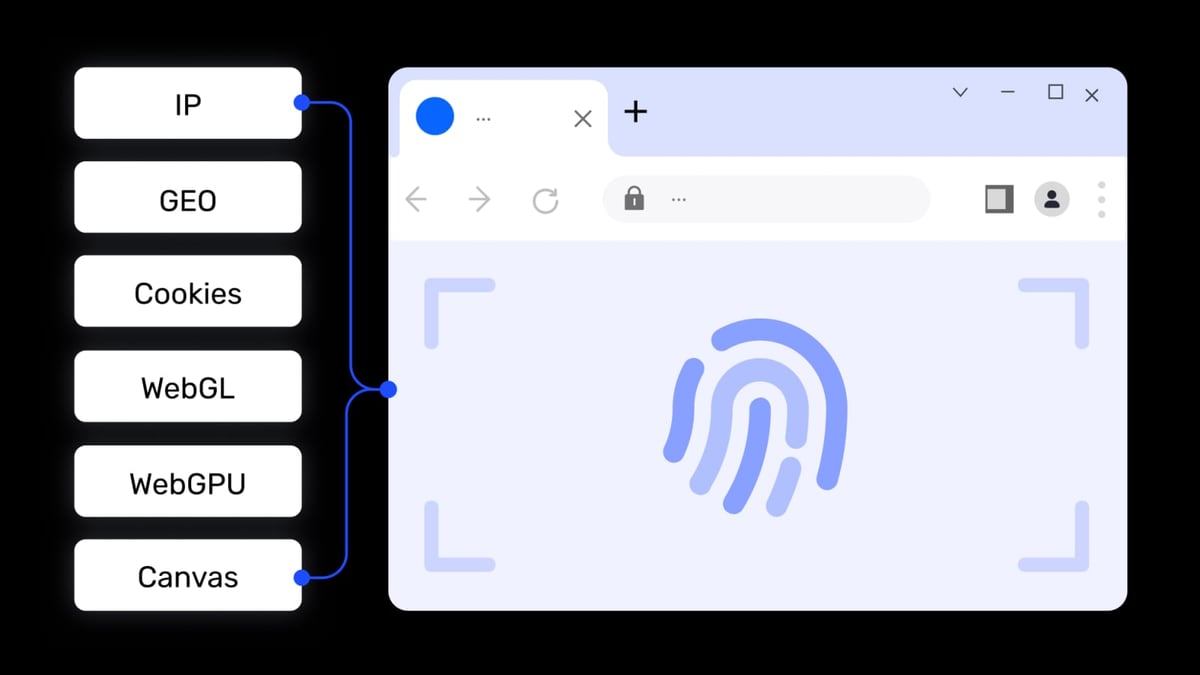
How to Use AdsPower with Proxy-Seller: Step-by-Step Setup Guide product interface and feature overview.
AdsPower isolates browser fingerprints (Canvas, WebGL, Audio, WebRTC, and more) so each profile looks like a completely different device. But without a unique IP address for each profile, platforms like Amazon, Facebook, TikTok, or Google can still link your accounts by your public IP.
Proxy-Seller provides the missing piece: a wide range of proxy types—residential, ISP, datacenter IPv4/IPv6, and rotating mobile 4G/5G—each with a unique IP. By assigning a different Proxy-Seller IP to each AdsPower profile, you ensure that no two accounts share the same digital fingerprint or IP address. This drastically reduces the risk of mass bans.
What You’ll Need Before Starting
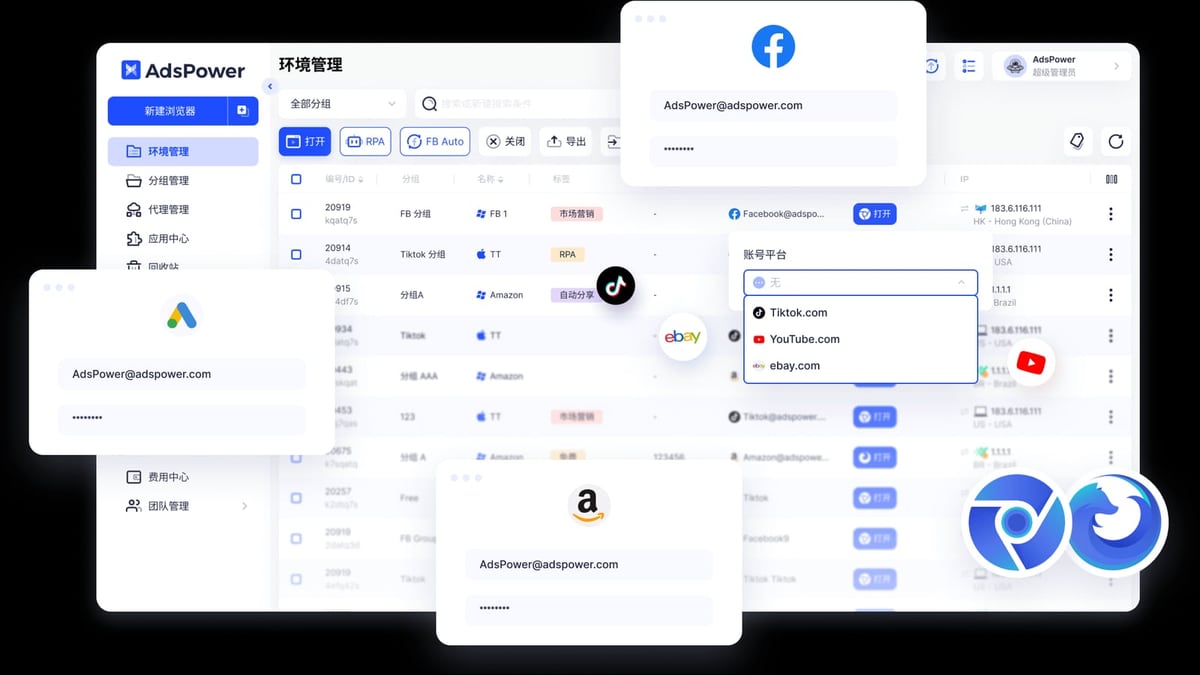
How to Use AdsPower with Proxy-Seller: Step-by-Step Setup Guide product interface and feature overview.
- An AdsPower account (free tier includes 2 profiles; paid plans unlock more)
- A Proxy-Seller subscription with at least one proxy (residential, datacenter, or ISP recommended for account management)
- Proxy details from Proxy-Seller: IP address, port, protocol (HTTP/HTTPS/SOCKS5), and authentication credentials (if required)
Step-by-Step: How to Set Up Proxy-Seller in AdsPower

How to Use AdsPower with Proxy-Seller: Step-by-Step Setup Guide product interface and feature overview.
Step 1: Launch AdsPower and Create a New Profile
Open AdsPower and click the "New Profile" button. This opens the profile creation window where you define the browser environment.
Step 2: Navigate to Proxy Settings
In the profile creation window, find the "Proxy" section. Click the dropdown and select "Custom Proxy". This allows you to manually enter your Proxy-Seller proxy details.
Step 3: Choose Your Proxy Type
Proxy-Seller supports HTTP, HTTPS, and SOCKS5 protocols. Select the one that matches your proxy:
- HTTP/HTTPS: Best for most web browsing and account management. HTTPS adds encryption.
- SOCKS5: More versatile (supports TCP and UDP), useful for non-browser traffic or when you need to route other applications.
Tip: For managing e-commerce or social media accounts, HTTP or HTTPS proxies from Proxy-Seller work perfectly.
Step 4: Enter Proxy Details from Proxy-Seller
Fill in the fields:
- Proxy Type: HTTP, HTTPS, or SOCKS5 (match what Proxy-Seller provided)
- Proxy IP: The IP address from your Proxy-Seller dashboard
- Port: The port number (e.g., 3128, 1080)
- Username/Password: If your proxy requires authentication, enter the credentials from Proxy-Seller
If your Proxy-Seller plan includes rotating proxies, you can paste the proxy list URL or rotation link in the designated field.
Step 5: Test the Proxy Connection
Before saving, click the "Check Proxy" button. AdsPower will attempt to connect to the proxy and display the status:
- Success: The proxy is working. You can now save the profile.
- Failure: Double-check the IP, port, and credentials. Ensure the proxy is active in your Proxy-Seller dashboard.
Step 6: Save and Launch the Profile
Once the proxy test passes, click "Save & Start". AdsPower will open a new browser window using the Proxy-Seller IP. To confirm, visit a site like whoer.net or browserscan.net—the displayed IP should match your proxy IP.
Batch Setup: Adding Multiple Proxy-Seller Proxies
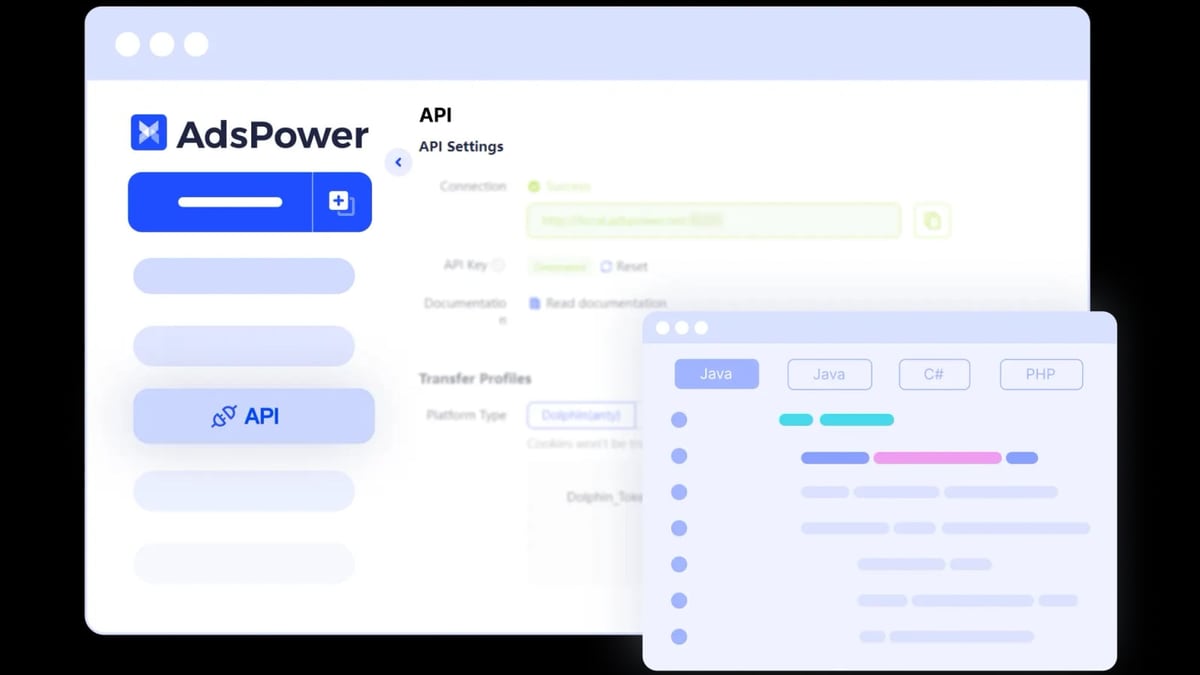
How to Use AdsPower with Proxy-Seller: Step-by-Step Setup Guide product interface and feature overview.
If you manage many profiles, adding proxies one by one is tedious. AdsPower supports bulk import:
- Go to "Profile Management" > "Import".
- Prepare a CSV or TXT file with each line containing:
proxy_type,proxy_ip,port,username,password(or just IP:port if no auth). - Upload the file. AdsPower will create profiles with the assigned proxies.
You can generate a list of Proxy-Seller proxies from your dashboard and format them accordingly.
Real-World Use Cases
E-Commerce Account Management (Amazon, eBay, Shopify)
Sellers often run multiple storefronts. Use one AdsPower profile per store, each with a different Proxy-Seller residential IP from the target country. This prevents Amazon or eBay from linking your accounts and suspending them.
Social Media Marketing (Facebook, Instagram, TikTok)
Agency owners manage dozens of client accounts. Assign each client’s account to a separate AdsPower profile with a unique Proxy-Seller ISP or residential IP. This keeps accounts isolated and reduces the chance of being flagged for "suspicious activity."
Ad Verification and Competitor Research
Advertisers need to see how ads appear in different regions. Use Proxy-Seller’s geo-targeted proxies (e.g., US, UK, Germany) in separate AdsPower profiles to view localized ad campaigns without triggering detection.
Web Scraping with Automation
AdsPower supports automation via its local API (compatible with Selenium, Puppeteer, Playwright). Combine this with rotating Proxy-Seller proxies to scrape data from e-commerce sites or social platforms without getting blocked.
Troubleshooting Common Proxy Connection Errors
Even with correct settings, you might encounter issues. Here’s how to fix them:
"Connection Error" or "Not Connected to Internet"
- Verify the proxy IP and port are correct.
- Check if the proxy is active in your Proxy-Seller dashboard.
- Ensure your local network can reach the proxy server (some corporate networks block proxy ports).
Authentication Failed
- Double-check the username and password.
- Some proxies use IP-based authentication instead of user/pass—if so, leave the fields blank.
- Contact Proxy-Seller support to confirm the authentication method.
Slow Connection or Frequent Disconnects
- Try a different Proxy-Seller server location closer to your target website.
- Switch to a higher-tier proxy (e.g., from datacenter to residential) for better stability.
- If the problem persists, request a replacement proxy from Proxy-Seller (they offer a 24-hour refund policy).
IP Blocked by Target Platform
- Use a different Proxy-Seller IP from a different subnet or region.
- Consider rotating proxies to cycle IPs automatically.
Related reading
- Dolphin Anty Browser Review 2026: Is It Still Safe for Affiliates? - Honest Dolphin Anty Browser review: ideal users, features, pricing, and the 2026 detection risk. Compare with top anti-detect browsers.
Frequently Asked Questions
Can I use free proxies with AdsPower?
Technically yes, but free proxies are often slow, unreliable, and already blacklisted by major platforms. Proxy-Seller’s paid proxies offer dedicated IPs, faster speeds, and better uptime—critical for serious multi-account management.
Does AdsPower support SOCKS5 proxies from Proxy-Seller?
Yes. When creating a custom proxy in AdsPower, select SOCKS5 and enter the Proxy-Seller details. AdsPower handles SOCKS5 authentication seamlessly.
How many Proxy-Seller proxies do I need?
One per AdsPower profile. If you run 10 profiles, you need 10 unique IPs. Proxy-Seller offers bulk discounts, making it cost-effective for large setups.
Will using a proxy guarantee I won’t get banned?
No tool guarantees 100% safety, but combining AdsPower’s fingerprint isolation with Proxy-Seller’s unique IPs dramatically lowers the risk. Always follow each platform’s terms of service.
Conclusion
Using AdsPower with Proxy-Seller gives you a robust, scalable infrastructure for managing multiple online accounts securely and anonymously. The setup process is straightforward: create a profile, enter your proxy details, test the connection, and you’re ready. Whether you’re an e-commerce seller, affiliate marketer, or social media manager, this combination helps you stay under the radar while maximizing productivity.
For a deeper comparison of anti-detect browsers, check out our AdsPower vs VMLogin vs Kameleo: 2026 Anti-Detect Browser Face-Off and AdsPower vs Genlogin: Which Anti-Detect Browser Wins in 2026?. To explore proxy options, see our Top 10 Free Proxy List Provider Products 2026.
Start building your secure multi-account workflow today—your accounts will thank you.