
How to Use AdsPower with Ecwid: Multi-Store Setup Guide
Take a Quick Look
Learn how to pair AdsPower anti-detect browser with Ecwid stores for safe multi-account selling, unique fingerprints, proxies, and step-by-step setup.
🔥 Limited-Time Offer! Save extra 10% off on your first monthly plan with code: Anitdetect10
Sign upHow to Use AdsPower with Ecwid: A Practical Multi-Store Workflow
Running more than one Ecwid store can quickly become a logistical headache. Ecwid is one of the fastest ways to launch an online store, but when you manage several storefronts for different brands, clients, or market segments, logging in and out of accounts on the same browser creates a trail that can trigger security flags, mix up sessions, and put your stores at risk. AdsPower solves this by giving every Ecwid account its own isolated, fingerprint-protected browser environment. This guide explains why the combination works, how to set it up, and how to use it day-to-day.
Why Pair AdsPower with Ecwid?
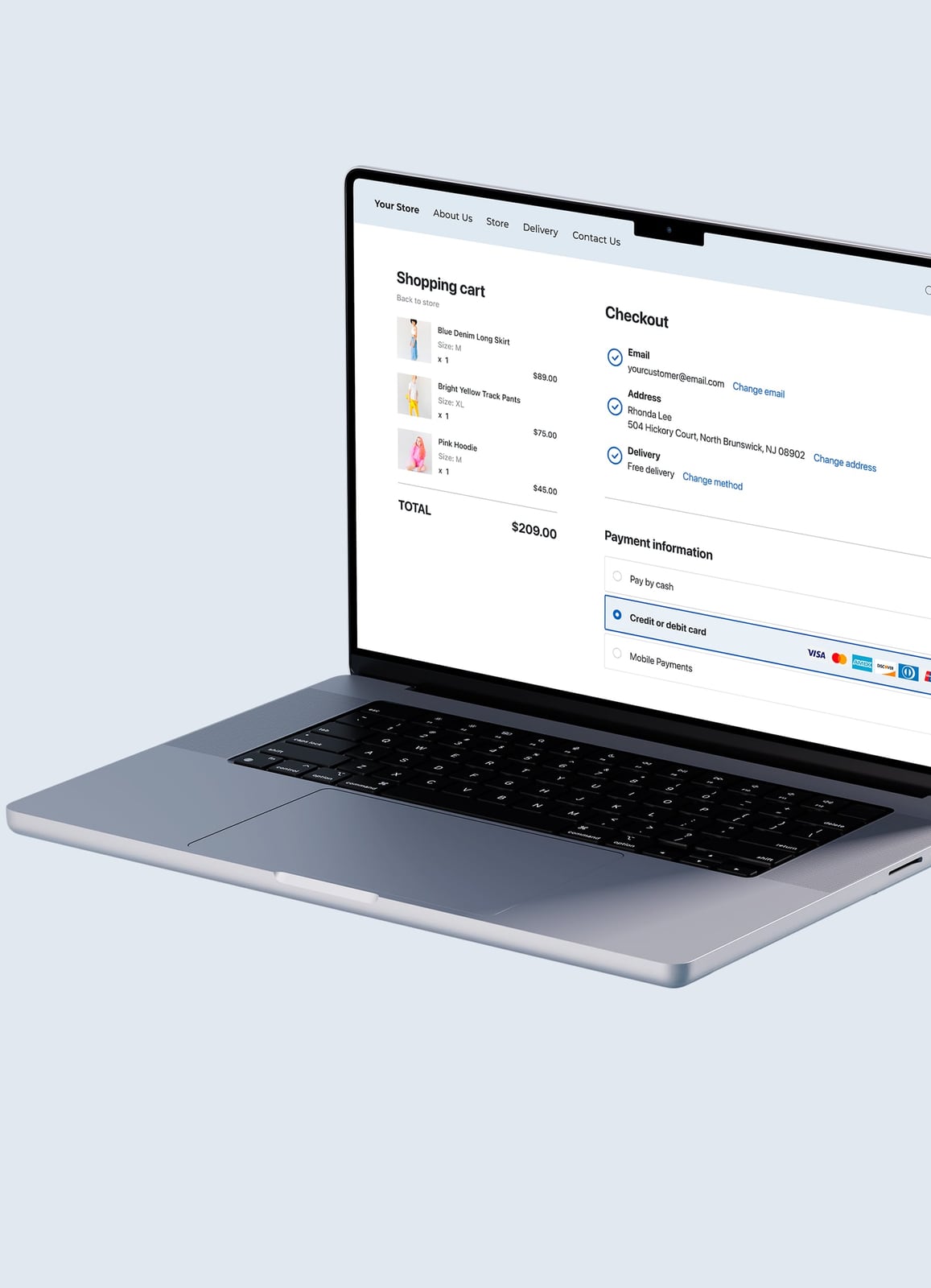
Ecwid product interface.
Ecwid is built for simplicity: you can add a store to an existing website, sell on Facebook, Instagram, TikTok, Pinterest, Snapchat, Google, or Amazon, and manage inventory, orders, payments, and shipping from one dashboard. That simplicity, however, assumes you are operating a single store identity. The moment you run two, five, or twenty Ecwid stores, the challenges change.
AdsPower addresses the operational and security gaps that Ecwid does not cover:
- Account isolation: Each Ecwid login gets a dedicated browser profile with its own cookies, cache, local storage, and session data. Logging into Store A never contaminates Store B.
- Unique digital fingerprints: AdsPower generates distinct Canvas, WebGL, user agent, time zone, language, and hardware parameters for every profile. Ecwid sees each store as a separate visitor on a separate device.
- Proxy support: You can bind a different IP address to each profile, so every Ecwid store appears to operate from its own network location. This matters if you manage stores for clients in different regions or want to avoid cross-account association.
- Team workflows: Give a virtual assistant access to one store profile without exposing your other stores, passwords, or payment dashboards.
- Automation: AdsPower's RPA tools and Local API integration with Selenium and Puppeteer let you automate repetitive Ecwid tasks, from order checks to inventory updates.
What Problems Does This Combination Solve?
1. Preventing Cross-Account Association
Ecwid, like most e-commerce platforms, monitors login patterns and device signals. If you access five stores from one browser with the same fingerprint, you create a detectable pattern. AdsPower breaks that pattern by giving each store a clean, independent environment.
2. Managing Client Stores Without Credential Chaos
Agencies and freelancers often manage Ecwid stores for multiple clients. Instead of juggling passwords and incognito windows, you create one AdsPower profile per client. The profile stays logged in, the fingerprint stays consistent, and you can label profiles by client name.
3. Regional Store Management
If you run Ecwid stores targeting different countries, you may need region-consistent IPs and time zones. AdsPower lets you pair each profile with a proxy from the target region and set the profile's time zone and language to match. This keeps your store behavior consistent with the market you serve.
4. Safer Team Collaboration
Ecwid supports staff accounts, but not every task requires full dashboard access. With AdsPower, you can share a specific browser profile with a contractor. They work inside that isolated environment without ever seeing your other stores or master credentials.
Step-by-Step: Setting Up AdsPower for Ecwid
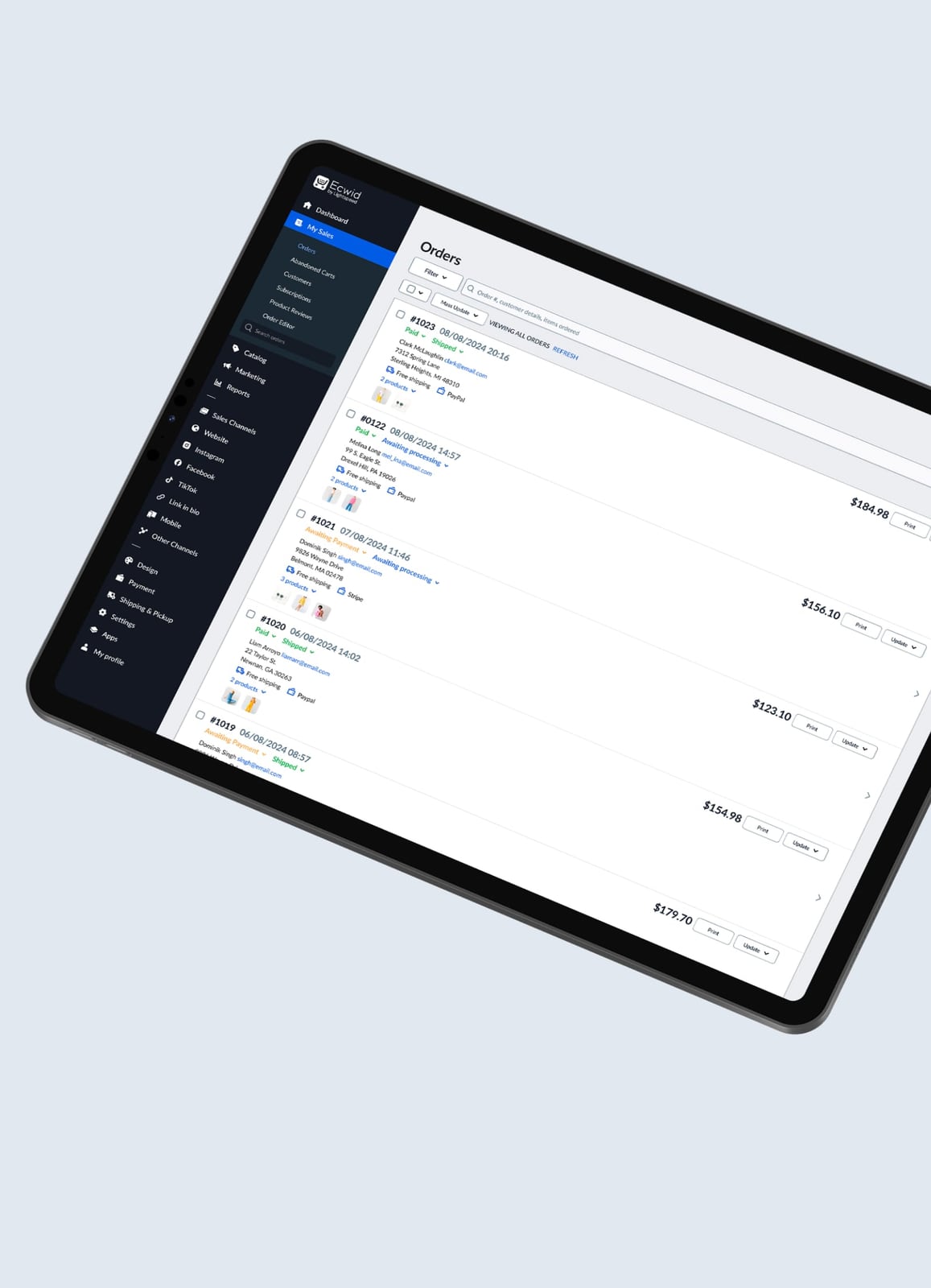
Ecwid product interface.
Step 1: Create an AdsPower Account and Install the Browser
Download AdsPower for Windows, Mac, or Linux from the official site and create an account. The free plan includes a limited number of profiles, which is enough to test the workflow before upgrading.
Step 2: Create a New Browser Profile for Your First Ecwid Store
- Open the AdsPower dashboard and click New Profile.
- Choose a profile name that identifies the store, such as
Ecwid-Store-BrandA. - Select the operating system and browser version you want the profile to emulate. AdsPower runs on the latest Chrome engine, so the environment looks like a normal Chrome installation.
- Under fingerprint settings, you can let AdsPower generate a random fingerprint or customize parameters manually. For most Ecwid use cases, the default generated fingerprint is sufficient.
Step 3: Add a Proxy to the Profile
If you manage stores from different regions or want to keep each store on a distinct IP, add a proxy before launching the profile:
- In the profile settings, open the Proxy tab.
- Select your proxy type: HTTP, SOCKS5, or SSH.
- Enter the proxy host, port, username, and password.
- Save the profile. AdsPower will route all traffic from that profile through the proxy.
For reliable e-commerce proxies, residential or mobile IPs generally perform better than datacenter IPs because they look like real consumer connections. If you need help choosing a provider, this IPRoyal review covers real performance, pricing, and setup for residential, ISP, and datacenter proxies.
Step 4: Launch the Profile and Log In to Ecwid
- Click Open on the profile.
- A new browser window opens with the isolated environment.
- Go to the Ecwid login page and sign in to the store you want to associate with this profile.
- Complete any two-factor authentication. AdsPower stores the session, so you will not need to repeat this every day.
Step 5: Repeat for Each Additional Ecwid Store
Create a new profile for every store you manage. Keep a naming convention that scales, such as:
Ecwid-ClientName-USEcwid-ClientName-EUEcwid-Marketplace-Amazon
Assign each profile its own proxy and fingerprint. This keeps every store fully separated.
Practical Workflow: Managing Multiple Ecwid Stores Daily
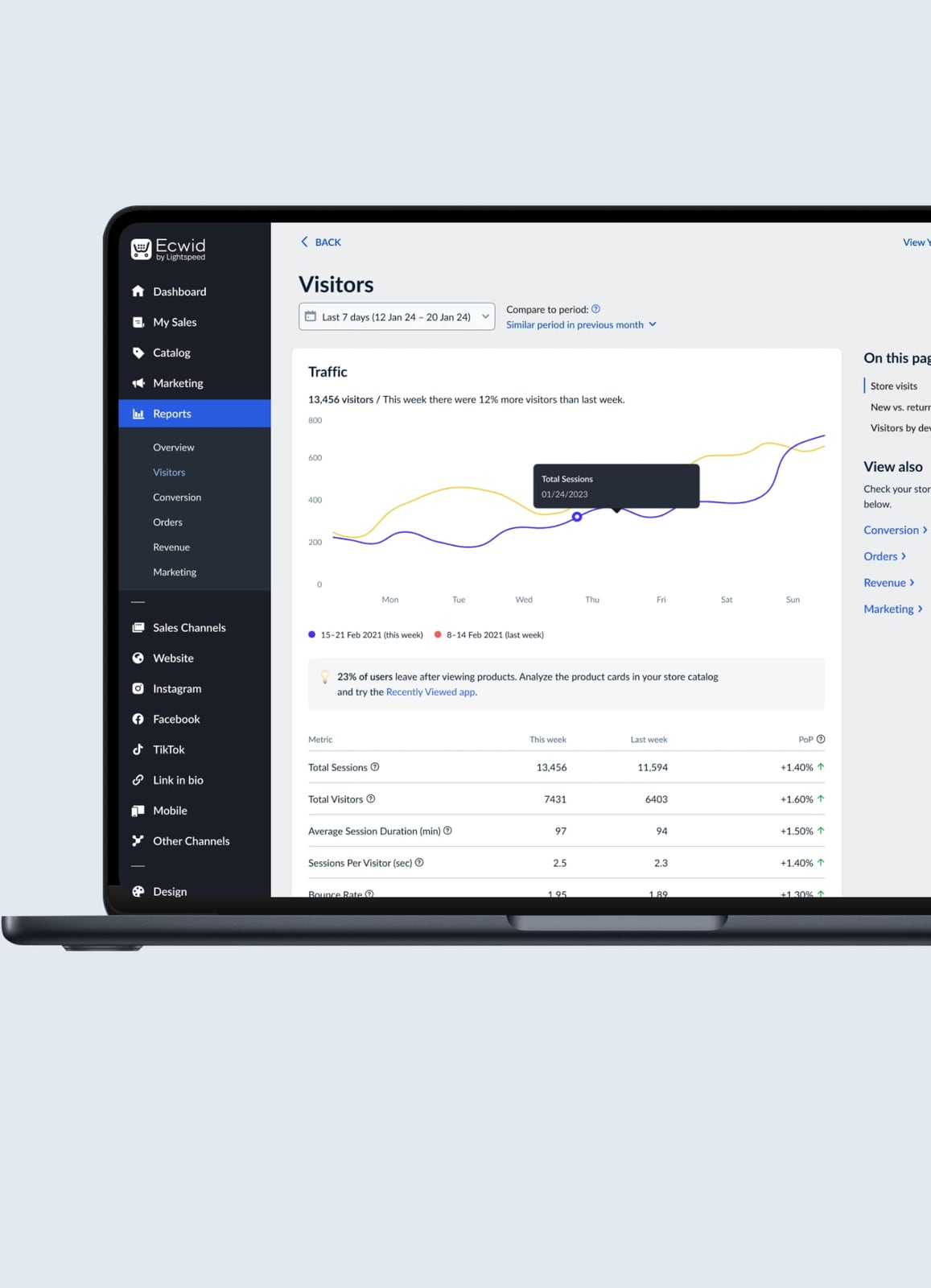
Ecwid product interface.
Here is a realistic daily routine for a seller managing three Ecwid stores with AdsPower:
| Time | Task | AdsPower Action |
|---|---|---|
| 9:00 AM | Check orders for Store A | Open Ecwid-BrandA profile, review orders, print shipping labels |
| 9:30 AM | Update inventory for Store B | Open Ecwid-BrandB profile, adjust stock levels, publish new products |
| 10:00 AM | Respond to customer messages for Store C | Open Ecwid-BrandC profile, reply to messages, update order statuses |
| 11:00 AM | Batch update all stores | Use AdsPower batch operations to open multiple profiles at once and run repetitive checks |
Because each profile stays logged in, you skip password entry and two-factor prompts after the first setup. The isolated sessions also prevent Ecwid from seeing that Store A and Store B share the same physical device.
Using AdsPower Automation with Ecwid

Ecwid product interface.
For sellers who process high order volumes, manual profile switching can still eat time. AdsPower offers two automation paths:
RPA (Robotic Process Automation)
AdsPower's built-in RPA lets you record and replay browser actions. For example, you can create a flow that:
- Opens a specific Ecwid profile.
- Navigates to the Orders page.
- Exports the latest orders to CSV.
- Logs the result.
You can schedule these flows to run at set intervals, reducing the need to manually open each store every morning.
Local API with Selenium or Puppeteer
If you have development resources, AdsPower's Local API lets you control profiles programmatically. A script can launch a profile, navigate to Ecwid, and perform tasks such as:
- Checking stock levels across multiple stores.
- Updating product prices based on a spreadsheet.
- Pulling sales data into a reporting dashboard.
This is especially useful for sellers who run Ecwid stores alongside marketplace listings and need consolidated reporting.
Proxy Strategy for Ecwid Multi-Store Operations
The proxy you choose has a direct impact on account stability. Here are the key considerations:
- One IP per store: Never share an IP across multiple Ecwid stores if you want maximum isolation. A dedicated IP per profile is the safest approach.
- Residential or mobile IPs: These look like real home or mobile connections. They are less likely to be flagged than datacenter IPs, especially for login-heavy workflows.
- Sticky sessions: Choose proxies that maintain the same IP for a session. Constantly rotating IPs during an Ecwid login can look suspicious.
- Region matching: If a store targets German customers, use a German IP and set the profile time zone to Berlin. Consistency matters.
For a deeper look at connecting proxies to AdsPower, this NetNut setup guide walks through account setup, rotating residential IPs, and AdsPower integration step by step.
Common Mistakes to Avoid
1. Reusing One Profile for Multiple Stores
This defeats the entire purpose. Each Ecwid store needs its own AdsPower profile. If you log into two stores from one profile, you recreate the exact cross-account association problem you were trying to solve.
2. Skipping the Proxy
A unique fingerprint helps, but a shared IP still links your accounts at the network level. Always pair each profile with a dedicated proxy, especially if you manage more than two stores.
3. Ignoring Time Zone and Language Settings
If your profile says New York but your proxy is in Frankfurt, the mismatch can look unnatural. Set the profile's time zone, language, and locale to match the proxy location and the store's target market.
4. Logging Into Personal Accounts from Store Profiles
Keep work profiles strictly for work. Logging into personal email, social media, or banking from an Ecwid profile introduces unnecessary fingerprint noise and can compromise the profile's isolation.
AdsPower vs. Other Anti-Detect Browsers for Ecwid
AdsPower is not the only anti-detect browser on the market. If you are evaluating options for Ecwid multi-store management, here is how it compares to common alternatives:
- AdsPower vs. GoLogin: Both offer solid fingerprinting and team features. AdsPower tends to have stronger automation capabilities through RPA and Local API, while GoLogin emphasizes simplicity. For a detailed breakdown, see this AdsPower vs GoLogin comparison.
- AdsPower vs. Kameleo vs. Incogniton: Kameleo focuses heavily on fingerprint customization, Incogniton offers a budget-friendly entry point, and AdsPower balances automation, team controls, and scale. This three-way comparison covers the key differences.
- AdsPower vs. Undetectable vs. BitBrowser: If you need aggressive fingerprint spoofing or a very low-cost free tier, the trade-offs differ. This tested comparison breaks down fingerprinting, automation, pricing, and free tiers.
For most Ecwid users, AdsPower's combination of reliable fingerprinting, batch operations, and automation tools makes it the most practical choice.
Related reading
- How to Use AdsPower with Scraping Fish - Learn how to pair AdsPower anti-detect browser with Scraping Fish API for reliable data extraction, session-based scraping, and multi-account workflows.
Sources and further reading
- 21 Best Dropshipping Tools & Software to Scale Your Business in 2026 - Over 50% of top 1% store owners install 21+ apps to work. But do you really need all of them? See our list of best dropshipping tools!
- Buy Mobile eCommerce Proxies (4G/5G Secure IPs) | iProxy Online - Get premium mobile proxy for e-Commerce! 📱 Secure checkouts, manage accounts & scrape listings with real carrier IPs with our mobile eCommerce proxies ✅ 3G/4G/5G and LTE. ⭐️ 2-days free trial.
- JustDeleteMe - A directory of direct links to delete your account from web services.
Frequently Asked Questions
Is it safe to use AdsPower with Ecwid?
Yes. AdsPower is a legitimate browser tool used by over 9 million users for multi-account management, e-commerce, and marketing workflows. It holds SOC 2 Type II, ISO 27001, and ISO 27701 certifications. The key is to use it responsibly: one profile per store, dedicated proxies, and consistent settings.
How many Ecwid stores can I manage with AdsPower?
AdsPower's free plan includes a limited number of profiles, while paid plans scale from dozens to thousands of profiles. The practical limit depends on your plan and how many proxies you can allocate. Most sellers start with 2–5 profiles and expand as needed.
Do I need a proxy for every Ecwid store?
For maximum isolation, yes. A proxy gives each profile a distinct IP address, which is the second critical layer of separation after the browser fingerprint. If you only manage one store, a proxy is optional. For two or more stores, it is strongly recommended.
Can I use AdsPower on multiple devices?
AdsPower supports Windows, Mac, and Linux. Profiles are stored in the cloud, so you can access them from any device where AdsPower is installed. This is useful if you switch between a desktop and laptop.
Does AdsPower work with Ecwid's mobile app?
AdsPower is a desktop browser tool. It does not replace the Ecwid mobile app. However, you can perform all Ecwid dashboard tasks from the AdsPower browser profiles on desktop, which covers the full store management workflow.
Can I automate Ecwid tasks with AdsPower?
Yes. AdsPower's RPA feature lets you record and replay browser actions without code. For more advanced automation, the Local API integrates with Selenium and Puppeteer, allowing scripted workflows such as bulk inventory updates or order exports.
Conclusion
Ecwid makes launching an online store easy. AdsPower makes running several of them safe and efficient. By pairing each Ecwid store with a dedicated, fingerprint-protected browser profile and a matching proxy, you eliminate cross-account association, simplify team access, and create a scalable foundation for multi-store e-commerce. Start with two profiles, test the workflow for a week, and expand as your store count grows. The combination is especially valuable for agencies, freelancers, and sellers who operate across multiple brands or regions.