
AdsPower vs MuLogin vs Maskfog: How to Choose an Anti-Detect Browser in 2026
Take a Quick Look
Compare AdsPower, MuLogin, and Maskfog anti-detect browsers across fingerprint isolation, automation, pricing, and use cases to avoid selection pitfalls.
🔥 Limited-Time Offer! Save extra 10% off on your first monthly plan with code: Anitdetect10
Sign upAdsPower vs MuLogin vs Maskfog: How to Choose an Anti-Detect Browser in 2026
When choosing an anti-detect browser, the two biggest fears are: getting your accounts linked and banned by platforms, or paying a premium for features you'll never use. AdsPower, MuLogin, and Maskfog represent three distinct product philosophies—one emphasizes automation and enterprise-grade compliance, another focuses on low-cost multi-configuration, and the third centers on cloud devices and cross-border scenarios. This article provides an unbiased, head-to-head comparison of all three products.
First, Understand: What Anti-Detect Browsers Really Compare On
AdsPower vs MuLogin vs Maskfog: How to Choose an Anti-Detect Browser in 2026 - First, Understand: What Anti-Detect Browsers Really Compare On.
The core task of an anti-detect browser is to run each account in an independent, clean browser environment, preventing platforms from linking accounts through signals like fingerprints, IPs, and cookies. To determine if a product suits you, consider four dimensions:
- Fingerprint Isolation Capability: Are parameters like Canvas, WebGL, User-Agent, fonts, and timezone realistic and independent?
- Automation and Collaboration: Does it support batch operations, API calls, and team sub-account management?
- Proxy and IP Ecosystem: Can you easily integrate residential proxies, static IPs, or built-in cloud devices?
- Pricing and Free Tiers: Initial costs, pay-as-you-go models, and total cost of ownership over time.
Below, we break down each dimension.
Fingerprint Isolation: The Basics of All Three Products
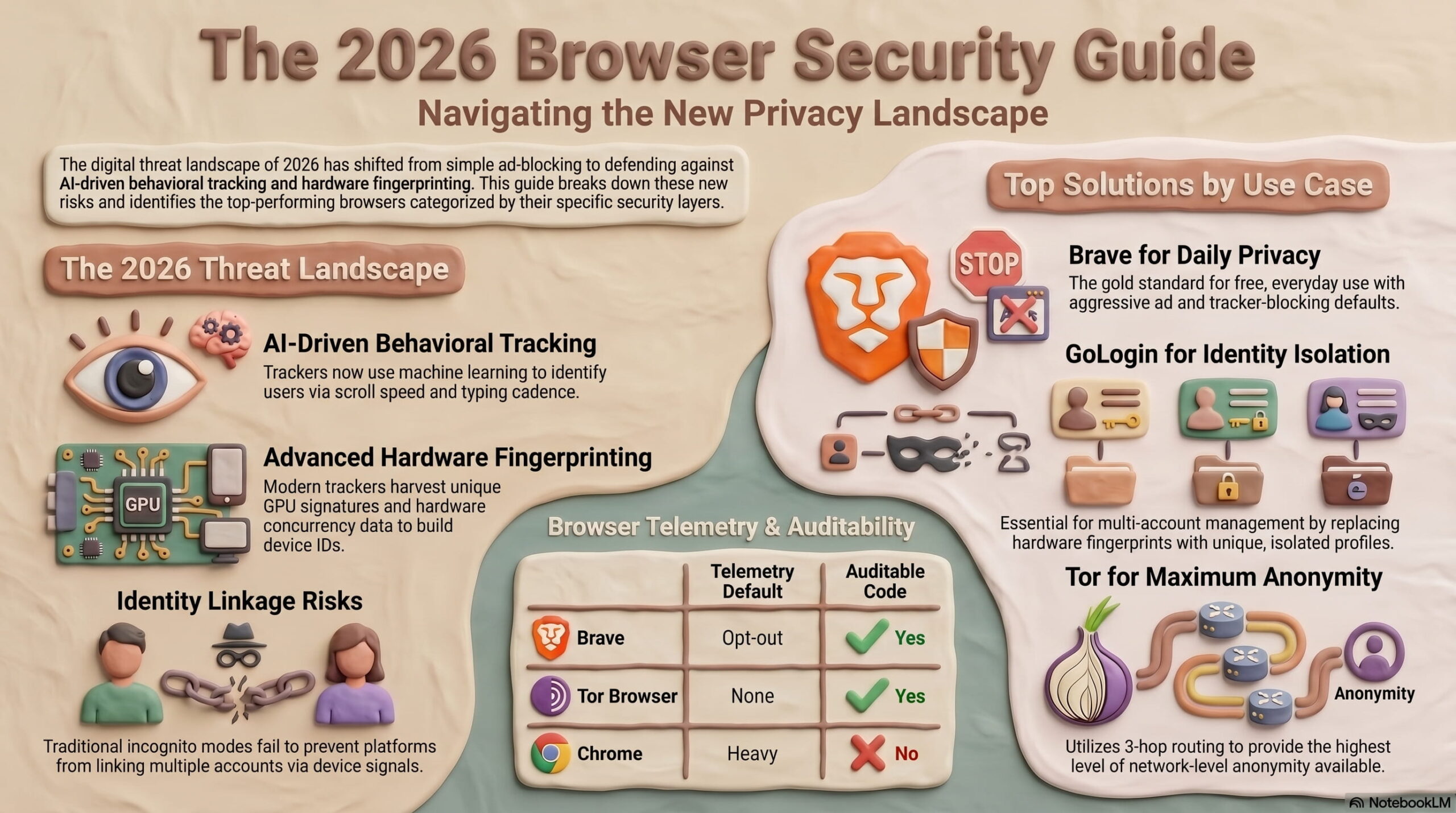
AdsPower vs MuLogin vs Maskfog: How to Choose an Anti-Detect Browser in 2026 - Fingerprint Isolation: The Basics of All Three Products.
AdsPower: Mature Isolation, Stable Update Cadence
AdsPower generates a unique digital fingerprint for each profile, covering key parameters like Canvas, WebGL, User-Agent, fonts, and timezone, and continuously follows Chrome kernel updates. For long-term, stable operation of Facebook, Amazon, Google, and TikTok account matrices, this "environmental realism" is core value. Its SOC 2 Type II, ISO 27001, and ISO 27701 certifications also mean third-party audited data isolation and access controls.
MuLogin: Complete Isolation, Suitable for Small to Medium Account Counts
MuLogin also provides independent browser environments and fingerprint protection, with support for batch profile creation. Its positioning leans toward "good enough and cheap"—for cross-border sellers and social media marketers, basic fingerprint isolation, cookie management, and proxy integration are covered. If you manage anywhere from dozens to around a hundred accounts, MuLogin's isolation capabilities are sufficient for daily operations.
Maskfog: Full Fingerprint Coverage, Plus Cloud Device Isolation
Maskfog emphasizes "full fingerprint information coverage" and additionally offers built-in clean, exclusive cloud devices. This means each account not only has an independent browser fingerprint but can also run on a separate cloud device, with IP geolocation covering North America, Europe, Southeast Asia, and other regions. For ad verification and store operations that require simulating real overseas device environments, this triple isolation of "fingerprint + device + IP" is a differentiating advantage.
Automation and Team Collaboration: AdsPower's Strong Suit
If you need more than just "opening multiple browser windows" but rather automating repetitive tasks, the gap between the three products quickly widens.
AdsPower has significantly deeper automation capabilities:
- RPA (Robotic Process Automation): Record and replay workflows within the browser, ideal for batch account warming, batch posting, and batch friend requests.
- Local API: Integrates with Selenium and Puppeteer, allowing developers to control browser profiles via code for advanced use cases like data scraping and automated testing.
- Batch Operations: Create, launch, and close profiles in bulk, suitable for high-concurrency account matrices.
MuLogin offers a REST API and sub-account management, covering basic team collaboration and programmatic calls, but it lags behind AdsPower in automation depth and ecosystem maturity. If you rely primarily on manual operations, this gap matters little; if you plan to build automated workflows, AdsPower's API documentation and community resources are more friendly.
Maskfog also provides team collaboration features, but its product focus is more on the cloud device environment itself rather than an automation toolchain. For cross-border teams that operate manually, this positioning is actually more focused.
Proxy and IP Ecosystem: Maskfog's Differentiating Approach
Proxy IPs are the "other half" of an anti-detect browser. No matter how clean a fingerprint is, if the IP is dirty, platforms will still flag it.
Maskfog's approach here is the most direct: the product comes with clean, exclusive cloud devices. Users don't need to purchase additional proxy services—just open the browser and get an independent device environment with a realistic geolocation. For sellers who don't want to deal with proxy configuration but need real overseas IPs, this significantly lowers the barrier to entry.
AdsPower and MuLogin, on the other hand, follow an "open proxy integration" route, supporting user-configured residential, ISP, or datacenter proxies. This offers greater flexibility—you can choose different IP qualities based on budget and business needs, but it also requires some experience in proxy procurement and configuration. If you're already using residential proxy services, both AdsPower and MuLogin integrate well.
Pricing Comparison: Choose Based on Needs, Beware Hidden Costs
The pricing logic of the three products differs significantly:
| Product | Starting Price | Free Tier | Suitable Scale |
|---|---|---|---|
| AdsPower | Free trial available; paid plans tiered | Free trial | Individuals to high-volume teams |
| MuLogin | From $59/month, ~100 profiles | Free trial | Small to medium account matrices |
| Maskfog | Free plan available; exclusive devices from $4.99/month | Free plan | Cross-border sellers, ad verification |
MuLogin's $59/month plan includes approximately 100 profiles, making per-profile costs easy to calculate for users with a defined account count. However, note that if you need API calls or sub-account collaboration, you may need to upgrade to a higher plan.
Maskfog's free plan and $4.99/month exclusive device pricing make it a low-cost option for trial and error. But cloud devices are billed on usage, so if you have many accounts or long running times, you'll need to calculate total costs yourself.
AdsPower offers the most flexible pricing, with options from individuals to teams. Its advantage lies in marginal cost control at scale and efficiency gains from automation—if you use RPA to compress work that previously required three people into one, the software cost becomes secondary.
Decision Guide: Who to Choose in What Scenarios
Choose AdsPower when:
- You need automation, such as batch account warming, scheduled posting, or data scraping.
- Your team is large and requires sub-account permission management and audit capabilities.
- Your business spans multiple platforms (Facebook, Amazon, Google, TikTok, etc.) and demands high fingerprint realism and update frequency.
- You already use Selenium or Puppeteer and want to integrate an anti-detect browser into your existing tech stack.
Choose MuLogin when:
- You manage up to 100 accounts, primarily manual operations.
- You're budget-sensitive and want complete fingerprint isolation at a lower monthly cost.
- You need a REST API for lightweight automation but not complex RPA workflows.
Choose Maskfog when:
- You're a cross-border e-commerce seller needing real overseas device environments and IPs without separately purchasing proxies.
- Your use cases demand high "environment uniqueness," such as ad verification, store operations, or brand protection.
- You want to validate your needs with a free plan before upgrading.
Frequently Asked Questions
Can I use all three products simultaneously?
Technically yes, but it's not recommended. The value of an anti-detect browser lies in unified account environment management; spreading across multiple platforms increases operational complexity and account association risks. It's better to clarify your core needs and choose one to use deeply.
Is MuLogin's $59/month plan really sufficient?
For manual operations with up to 100 profiles, it's basically sufficient. But if you need API calls, more sub-accounts, or higher concurrency, you'll need to check the plan's specific limits. We recommend trying it before purchasing to verify fingerprint isolation and proxy compatibility.
What's the difference between Maskfog's cloud devices and regular proxies?
Regular proxies only provide an IP; the browser fingerprint is still generated by local software. Maskfog's cloud devices provide a complete remote browser environment, including device fingerprint, OS characteristics, and IP, offering a higher level of isolation. However, cloud devices are billed on usage, so you'll need to calculate costs for long-term, high-load usage.
Can anti-detect browsers guarantee accounts won't be banned 100%?
No. Anti-detect browsers reduce the risk of "being linked and identified," but whether an account gets banned also depends on operational behavior, content quality, platform policies, and other factors. Any product claiming "absolute safety" should be viewed with suspicion.
Do fingerprint browsers need to be paired with residential proxies?
In most cases, yes. Browser fingerprints solve the "who you are" problem, while proxy IPs solve the "where you are" problem—both are essential. Residential proxy IP quality is generally superior to datacenter proxies, but costs are higher. You can refer to the 2026 Top 10 Residential Proxy Networks test data for selection.
Conclusion
AdsPower, MuLogin, and Maskfog have no absolute good or bad—only whether they match your business model.
If you value automation and enterprise-grade compliance, AdsPower is the more complete choice; if you manage small to medium account counts with a limited budget, MuLogin offers a cost-effective entry point; if you're a cross-border e-commerce seller needing an out-of-the-box overseas device environment, Maskfog's cloud device model is worth trying.
We recommend using free trials or free plans to run a real business scenario before deciding to pay. For a detailed MuLogin review, refer to MuLogin Anti-Detect Browser Review; if you're interested in AdsPower automation, AdsPower and Puppeteer Integration Guide is also worth reading.
Related reading
- MuLogin Anti-Detect Browser Review 2026: Is It Worth It? - An evidence-based MuLogin review covering pricing, fingerprinting, setup, pros, cons, and comparisons with multi-account management alternatives.
- IPRoyal 2026 Pricing: Plans, Costs, and What You Get - A clear breakdown of IPRoyal's residential, ISP, datacenter, and mobile proxy pricing for 2026. Learn about costs, features, and how to choose the right plan.
- Top 10 Residential Proxy Networks in 2026: Tested and Ranked - We tested and ranked the top 10 best residential proxy networks for 2026 based on IP pool size, success rate, price, geolocation, and actual performance.
Sources and further reading
- VMMask Anti-Detect Browser: Honest Opinion in 2026 - Check out the honest review on the VMMask anti-detection tool. Discover its comparison with a safer GoLogin option. Pricing, free trials, support, and reviews.
- The Ultimate Anti-Fingerprint Browser List for 2023 - Choosing an anti-fingerprint browser in 2023? We've compiled the ultimate list of all alternatives currently on the market: you'll be surprised how many there are!
- Anthony Heath - Anthony is a writer for GoLogin, specializing in software tech, cybersecurity and social media. He loves delivering complex ideas in simple terms. Being all about the text rich with value for the reader, Anthony is keen to find the most up-to-date and accurate information on the needed topic. In his free time Anthony can be found playing guitar, reading or listening to 80’s music while driving around town.